How to create models in XSI and other 3D applications and make them work in Battlefront 1 & 2. Post models, tips for application usage and share anything XSI, 3DMax, SketchUp, etc.
Moderator: Moderators
Nedarb7
Lieutenant General
Posts: 676Joined: Sat Sep 22, 2012 3:41 pm
Post
by Nedarb7 Thu Jan 16, 2014 9:38 pm
I'm using Blender 2.49b (occasionally 2.63a). I use the XSI Mod Tool to envelope and export the mesh.
-EDIT-
Time for an update...
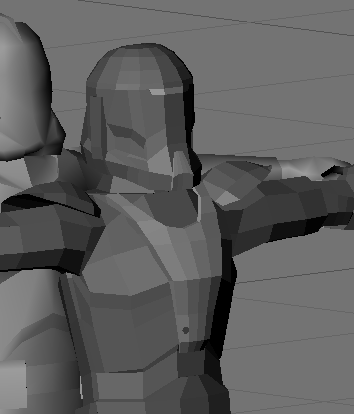
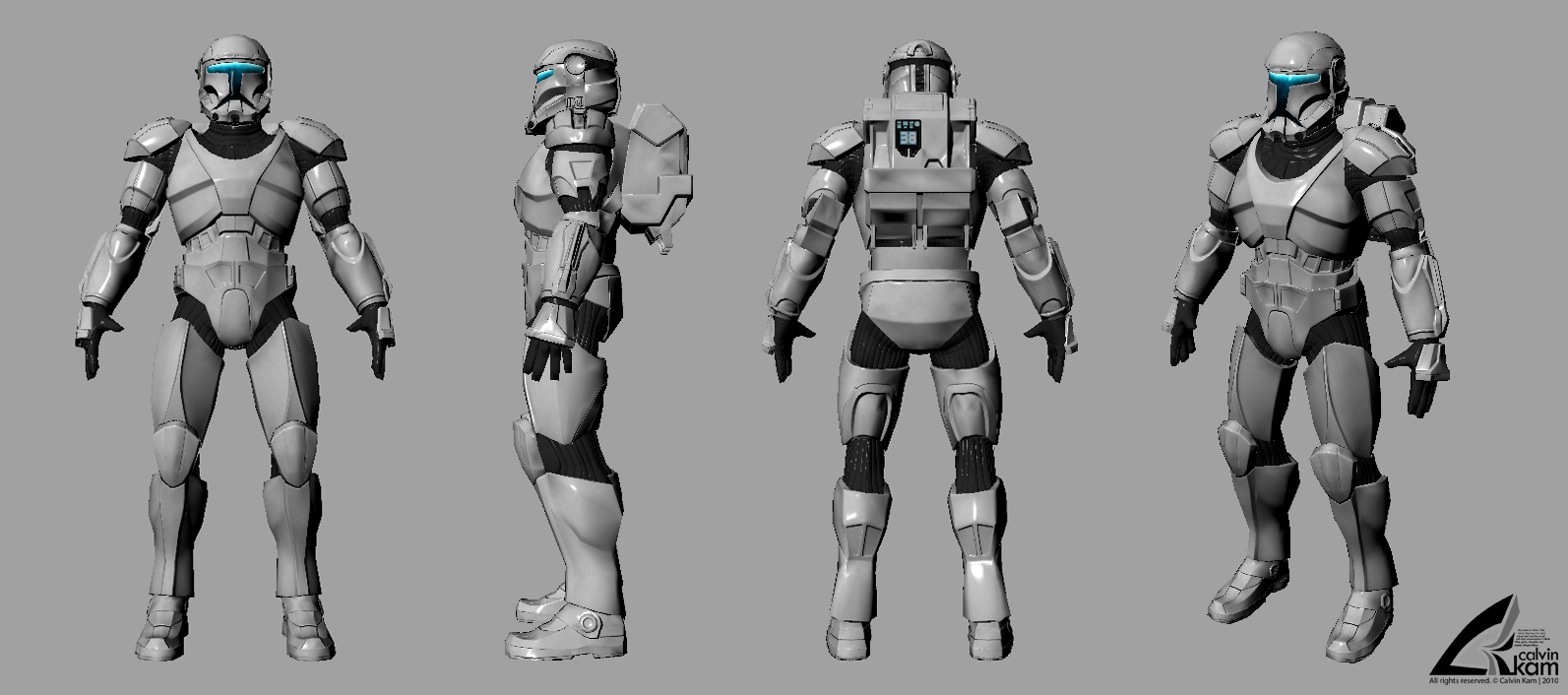
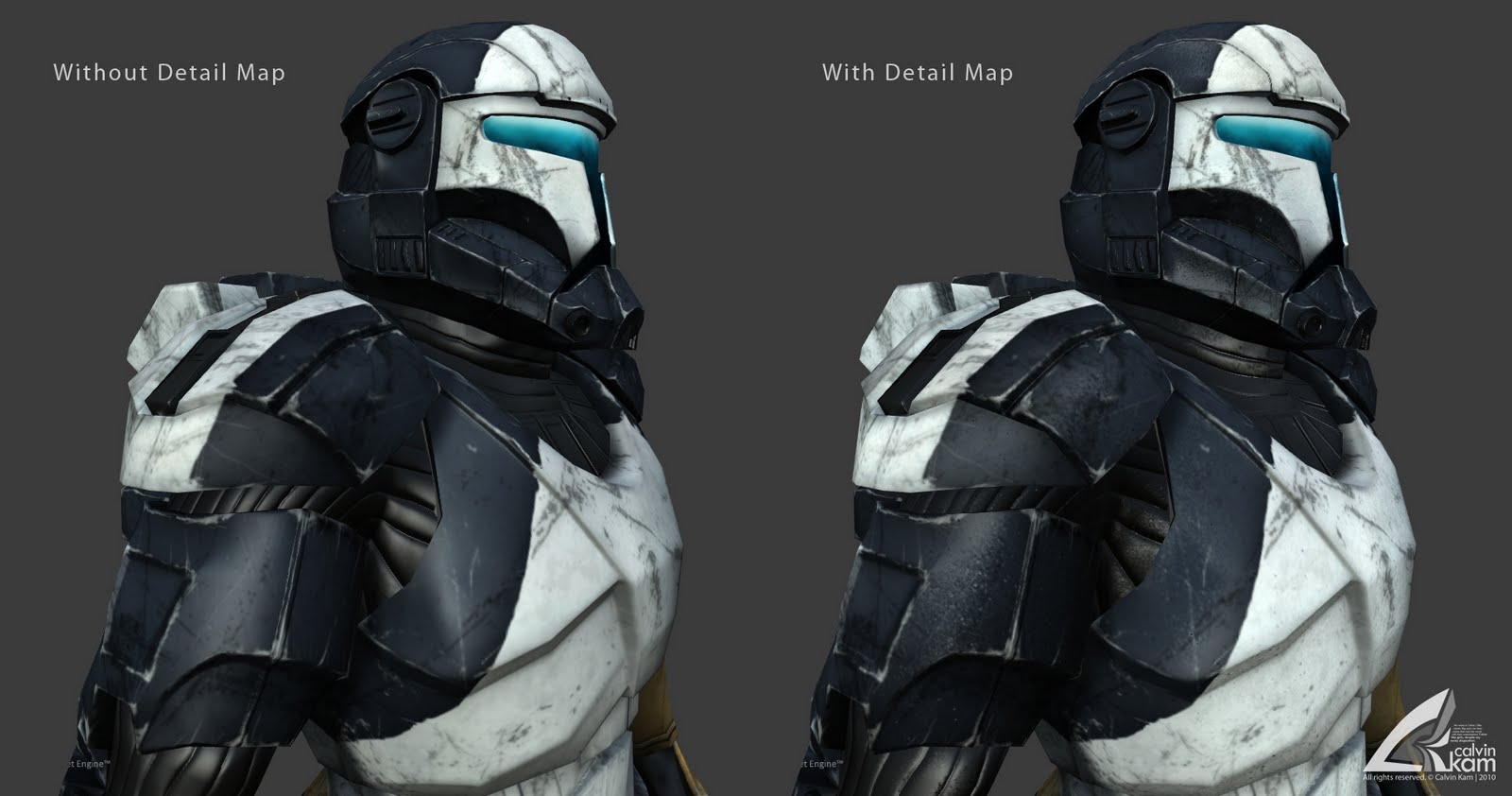
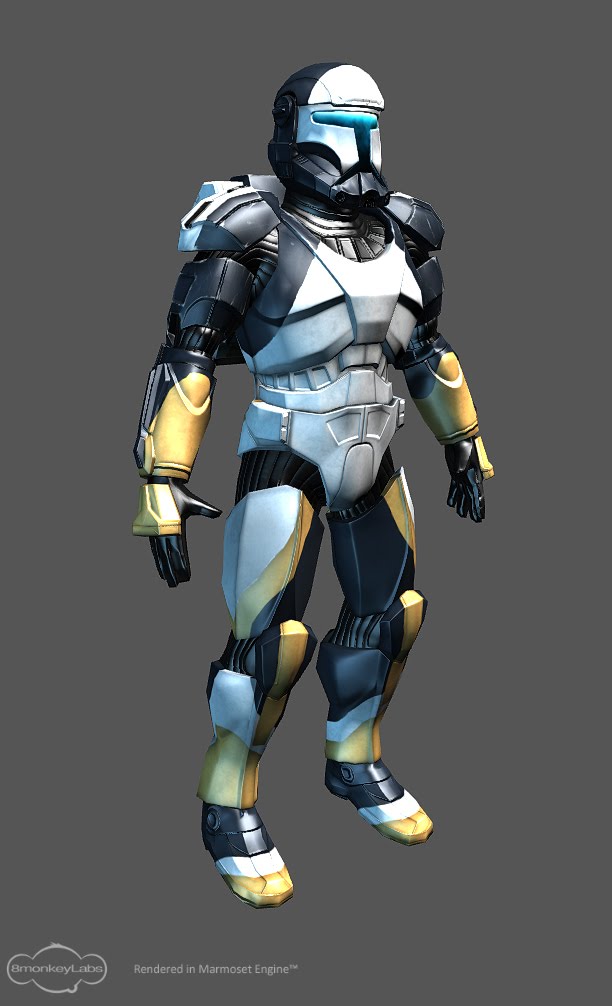
Here's my latest edit to the commando's chest:
Solid:
TWINKEYRUNAWAY
Lieutenant General
Posts: 730Joined: Fri Aug 17, 2012 3:13 pmProjects :: Empire RisingGames I'm Playing :: SWBF Doom FONVxbox live or psn: No gamertag setLocation: 411Remnant
Contact:
Post
by TWINKEYRUNAWAY Fri Jan 17, 2014 1:08 am
I like how the chest looks more defined now
. It has that depth ive come to expect from a RC chest plate. Great Job!
Anakin
Master of the Force
Posts: 4817Joined: Sat Sep 19, 2009 11:37 amProjects :: RC Side Mod - Remastered - SWBF3 LegacyLocation: Mos Espa (germany)
Post
by Anakin Fri Jan 17, 2014 4:57 am
Very nice. But if i see it right you removed the updates visor. Why that??
Nedarb7
Lieutenant General
Posts: 676Joined: Sat Sep 22, 2012 3:41 pm
Post
by Nedarb7 Fri Jan 17, 2014 4:21 pm
TWINKEYRUNAWAY wrote: I like how the chest looks more defined now
. It has that depth ive come to expect from a RC chest plate. Great Job!
Anakin wrote: Very nice. But if i see it right you removed the updates visor. Why that??
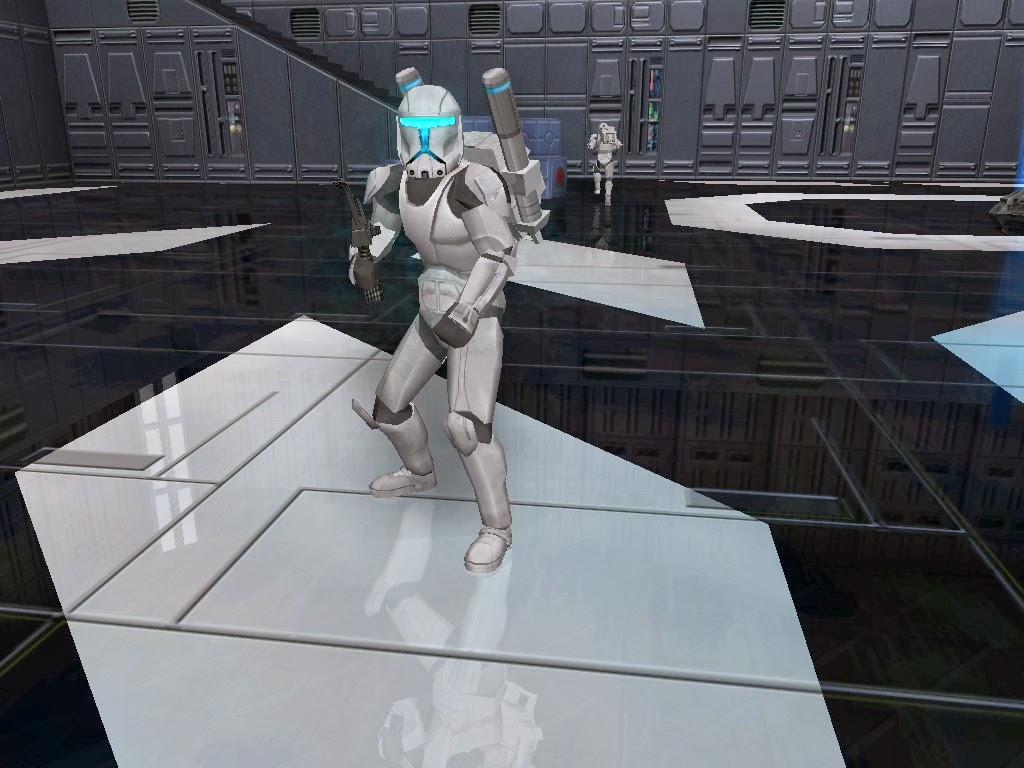
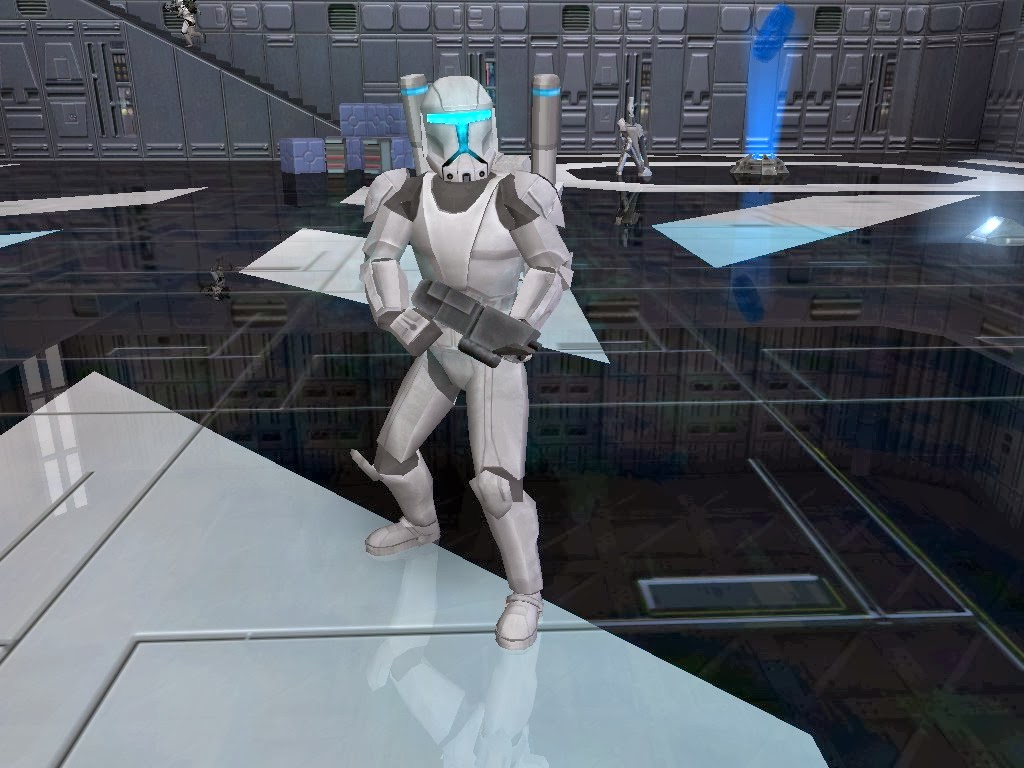
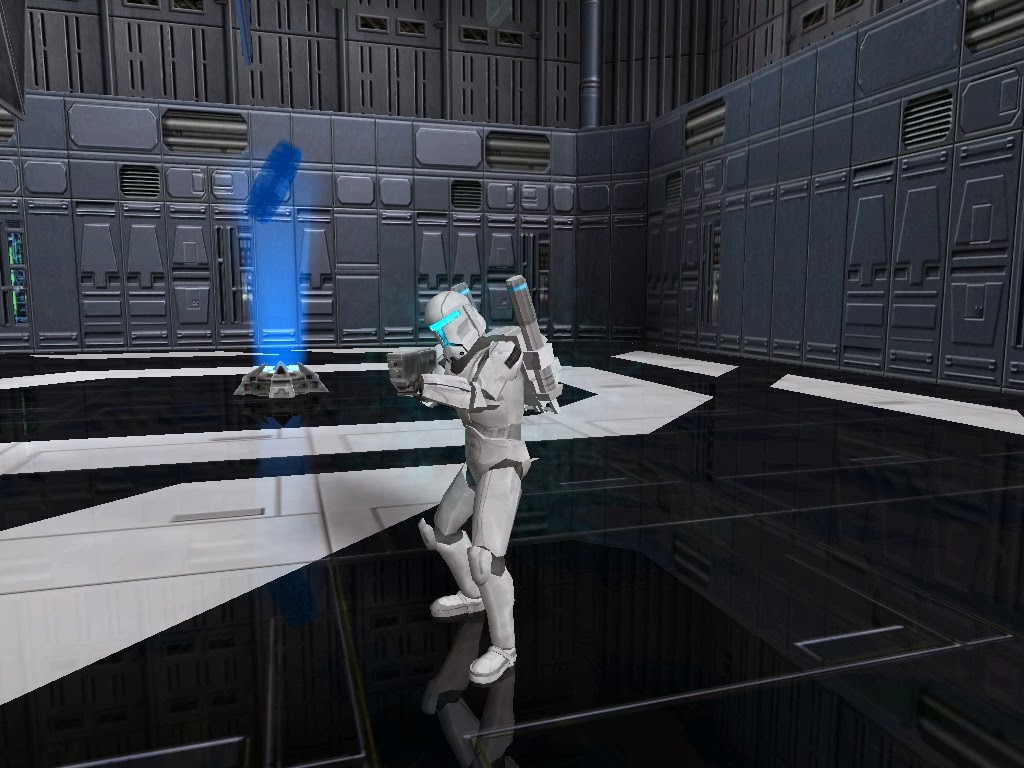
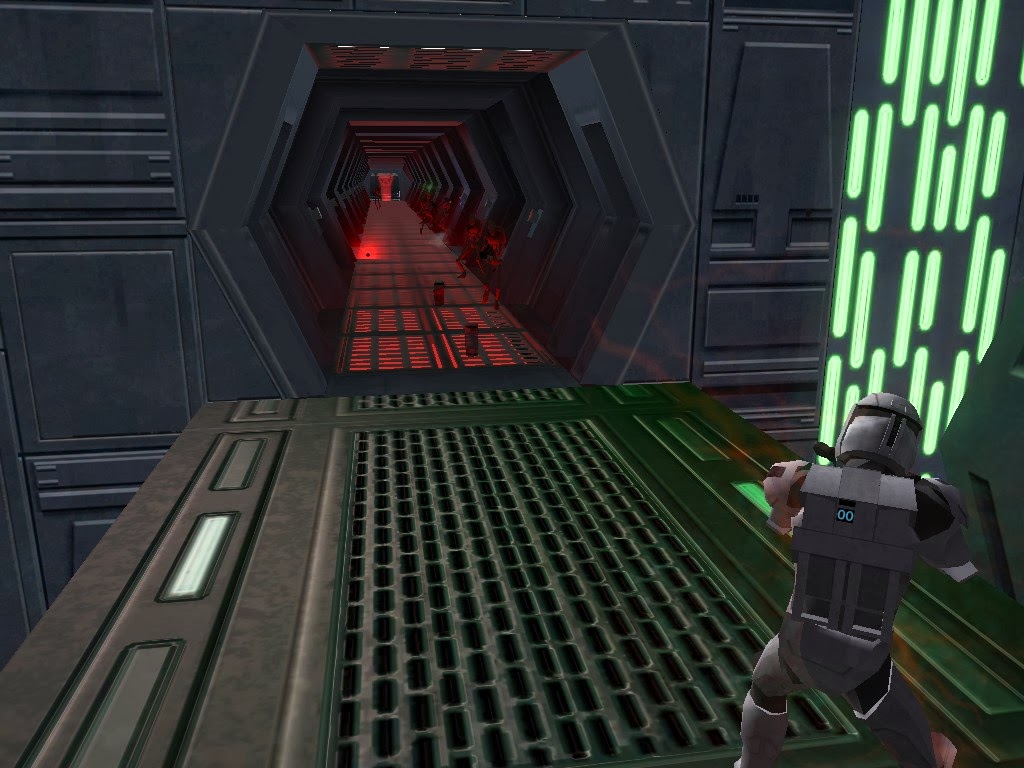
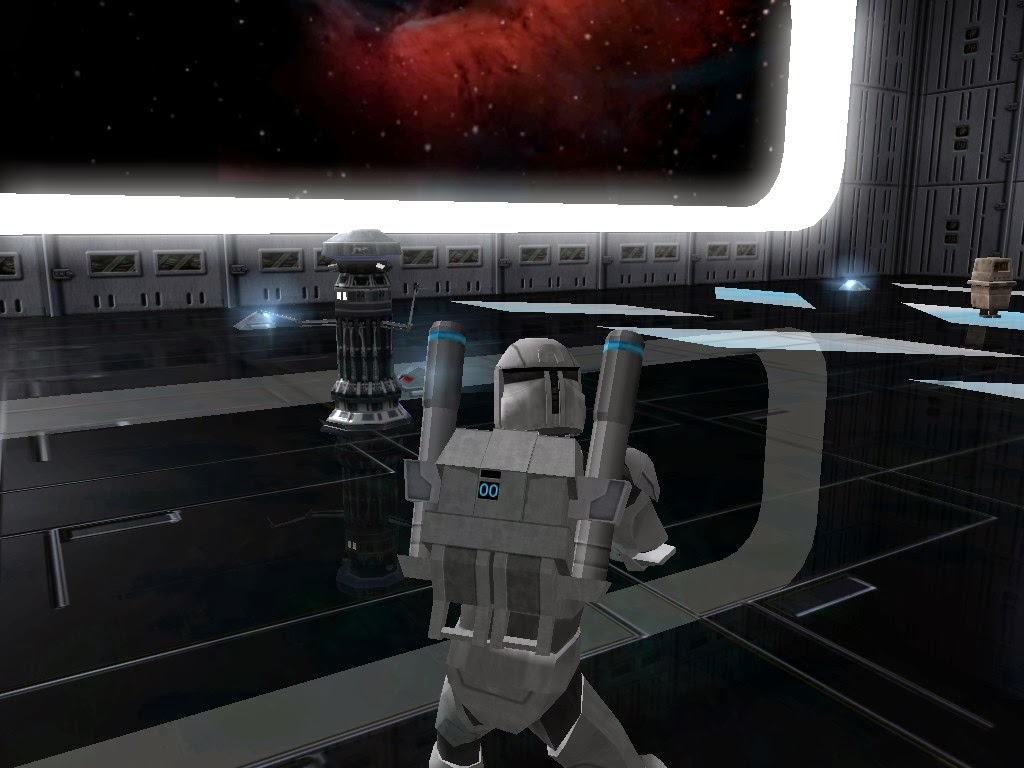
Thanks! I kept the visor changes, I just saved the latest version of the head separately. That being the reason why you aren't seeing it. Here are some in-games of the update:
JimmyAngler
High General
Posts: 837Joined: Mon Nov 04, 2013 10:37 amProjects :: Battlefront HalationGames I'm Playing :: SWBF 1-2-2015xbox live or psn: noneLocation: Area 51
Post
by JimmyAngler Fri Jan 17, 2014 4:34 pm
Those knee pads are bugging me. Are they finished?
Nedarb7
Lieutenant General
Posts: 676Joined: Sat Sep 22, 2012 3:41 pm
Post
by Nedarb7 Fri Jan 17, 2014 5:04 pm
I do plan on making some changes to the knee pads. So no I wouldn't say that they are finished.
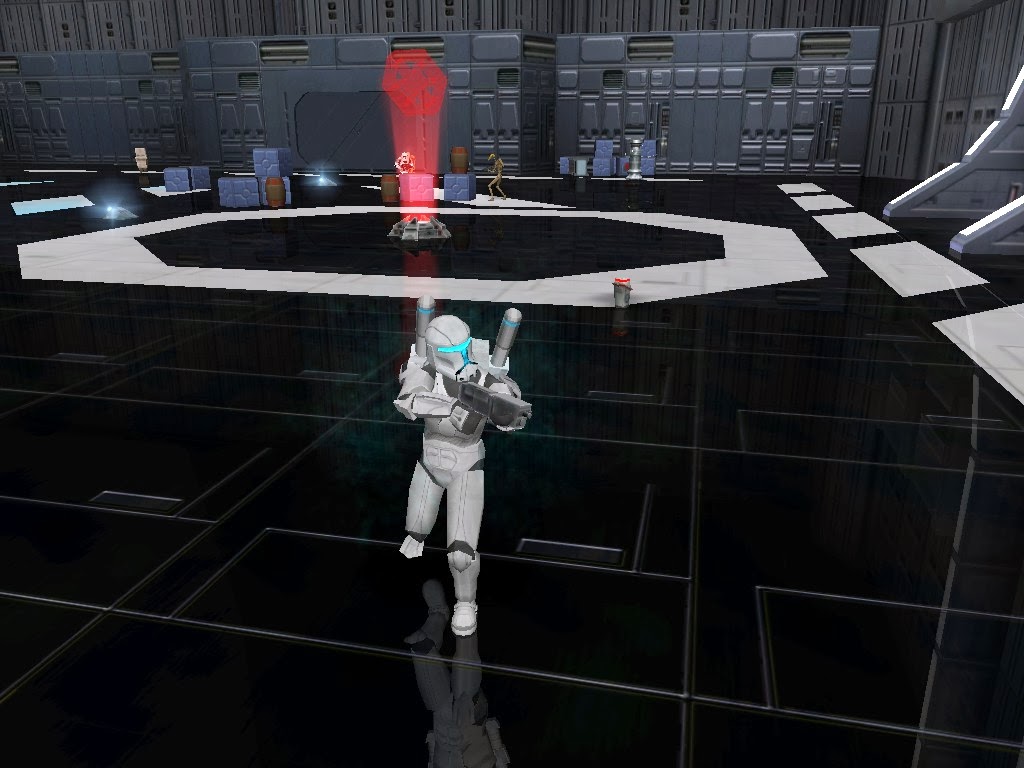
Here's an update I forgot about... The backpacks now have emissive numbers:
Anakin
Master of the Force
Posts: 4817Joined: Sat Sep 19, 2009 11:37 amProjects :: RC Side Mod - Remastered - SWBF3 LegacyLocation: Mos Espa (germany)
Post
by Anakin Fri Jan 17, 2014 6:57 pm
I can only repeat my selfe
i love it.
Can you have a look on the leather?? So the black overall. I gave you a ref a while ago. I'm not sure if it's necessary to do something on the model, but definitv with the texture. Mabe a bumb here, too. This will give the side a complete new look.
Kingpin
Jedi
Posts: 1096Joined: Fri Sep 13, 2013 7:09 pmProjects :: The Sith Wars IILocation: Denver, CO
Contact:
Post
by Kingpin Fri Jan 17, 2014 11:18 pm
For some reason, the shoulder pads do not seem right. Work on those some more, but everything is awesome! I went back to look at the original model and saw a large amount of improvement in the previous one.
Anakin
Master of the Force
Posts: 4817Joined: Sat Sep 19, 2009 11:37 amProjects :: RC Side Mod - Remastered - SWBF3 LegacyLocation: Mos Espa (germany)
Post
by Anakin Sun Jan 19, 2014 1:36 pm
Just an other ref for you. I found it when searching for Trandoshans vibros
you can see very good the left knee pad
Nedarb7
Lieutenant General
Posts: 676Joined: Sat Sep 22, 2012 3:41 pm
Post
by Nedarb7 Sat Feb 01, 2014 10:37 pm
Update:
Had some fun working with animations. Basing this set off Republic Commando:
CLICK FOR VIDEO
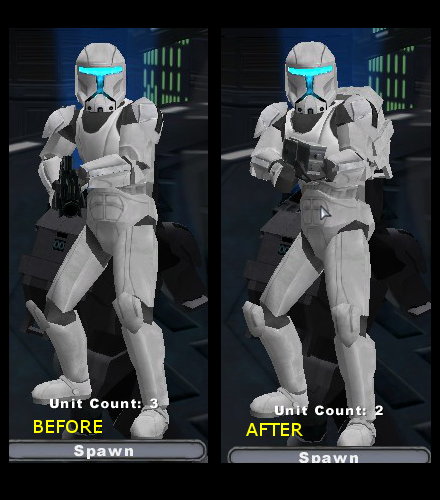
Also edited the knee pads:
Before and After:
MileHighGuy
Jedi
Posts: 1194Joined: Fri Dec 19, 2008 7:58 pm
Post
by MileHighGuy Sat Feb 01, 2014 10:45 pm
Looking really good! You have improved so much since the start.
Nedarb7
Lieutenant General
Posts: 676Joined: Sat Sep 22, 2012 3:41 pm
Post
by Nedarb7 Sun Feb 02, 2014 4:38 pm
Thanks!
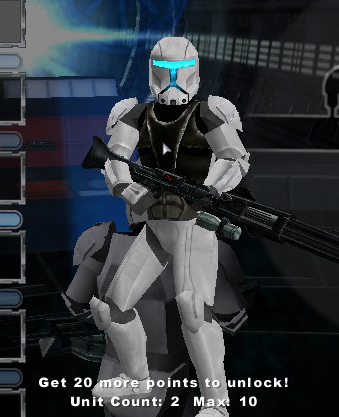
Here's what the skin looked like, Anakin:
TWINKEYRUNAWAY
Lieutenant General
Posts: 730Joined: Fri Aug 17, 2012 3:13 pmProjects :: Empire RisingGames I'm Playing :: SWBF Doom FONVxbox live or psn: No gamertag setLocation: 411Remnant
Contact:
Post
by TWINKEYRUNAWAY Sun Feb 02, 2014 5:04 pm
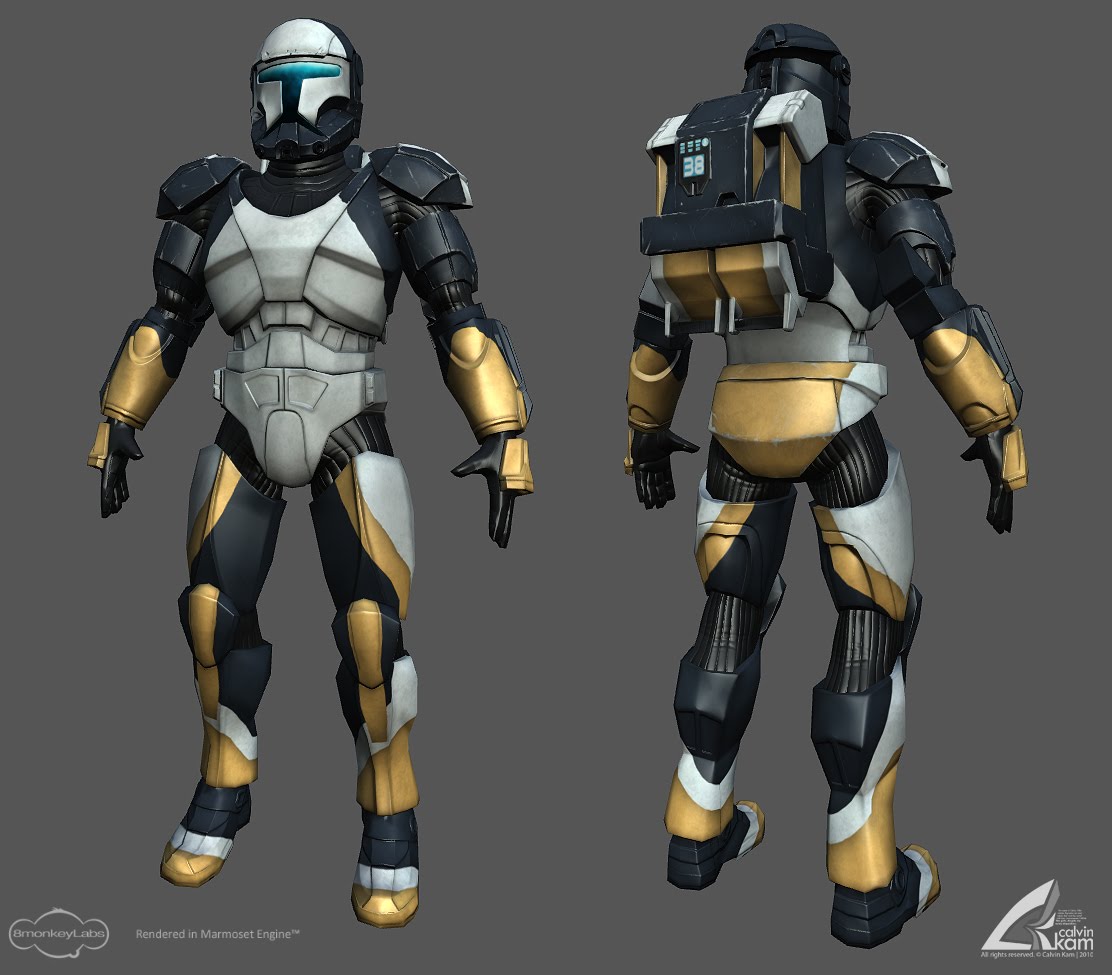
I can see anikan was going something of a nigh ops effect, it works quite well so far and I can definatley picture a full color scheme like that. Model wise, the lower torse area looks great and I would like to see video soon of how it looks in motion. The knew pad work is very well done, I praise how much more it seems to flow with the model. Something I think you still need to work on is the upper torso area. I like the depth increase you added to the chest plate, however I think maybe his shoulders need to be broader and the chest overall may need to be beefed up a little bit more. slightly maybe, since it looks a tad skinny for someone of his elite stature.
This area:
Needs to be a wee bit wider/beefed up outward
To make him look more like this.
Anakin
Master of the Force
Posts: 4817Joined: Sat Sep 19, 2009 11:37 amProjects :: RC Side Mod - Remastered - SWBF3 LegacyLocation: Mos Espa (germany)
Post
by Anakin Sun Feb 02, 2014 5:44 pm
Very nice update. I like the new animations.i would love to have an vibro attack animation
Nedarb7
Lieutenant General
Posts: 676Joined: Sat Sep 22, 2012 3:41 pm
Post
by Nedarb7 Mon Feb 03, 2014 8:38 pm
Thanks for the advice! Don't bother about the reference, Acaelus gave me some references.
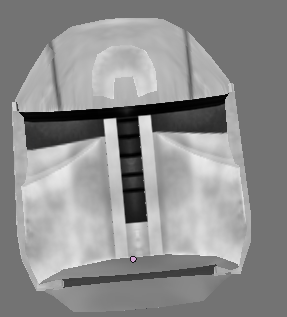
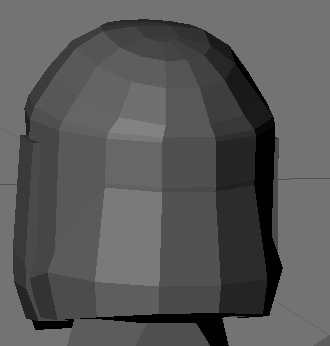
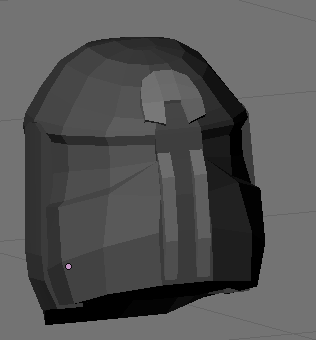
With the help of those references I've made some changes to the back of the helmet:
Before (left) After (right)
Anakin
Master of the Force
Posts: 4817Joined: Sat Sep 19, 2009 11:37 amProjects :: RC Side Mod - Remastered - SWBF3 LegacyLocation: Mos Espa (germany)
Post
by Anakin Tue Feb 04, 2014 7:16 am
Can't wait to see it ingame
and to play it ingame
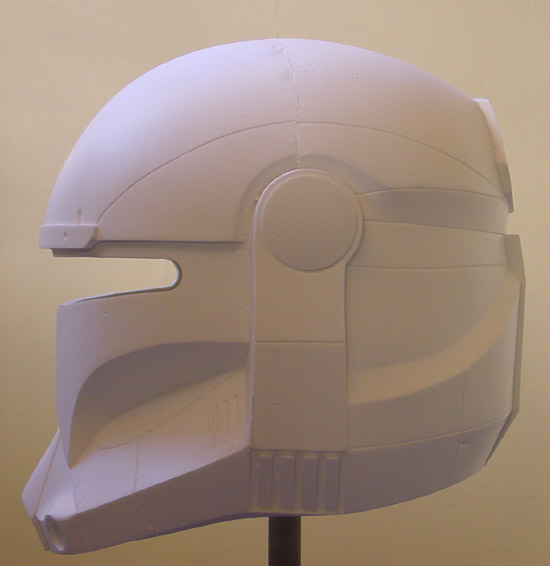
If you klick on the small blue pic next to the small pic of the helemt you see it rotating an i think it's a very good one.
http://www.shapeways.com/model/666777/r ... elmet.html
==EDIT==
here you see the images without rotating
====
Scroll down to the last pics. But don't paint your helemt that way !!!
http://protagonist4hire.blogspot.de/201 ... -part.html
this one is more like the imperial one
Nedarb7
Lieutenant General
Posts: 676Joined: Sat Sep 22, 2012 3:41 pm
Post
by Nedarb7 Mon Feb 17, 2014 3:11 pm
Wow! That is a lot of references, thanks.
Here's the updated helmet ingame finally (I had it ingame for a while):
Anakin
Master of the Force
Posts: 4817Joined: Sat Sep 19, 2009 11:37 amProjects :: RC Side Mod - Remastered - SWBF3 LegacyLocation: Mos Espa (germany)
Post
by Anakin Tue Feb 18, 2014 10:39 am
Wow O.O
You make me playing 3rd perspective again.
==EDIT==
Can you have a look at the red marked parts??
And i now see what's wrong with the helmet line (the dark one). Do you see the different??
And show us a pic fo the profile??
==EDIT2==
Some extra images. I always can't have enought ref
Nedarb7
Lieutenant General
Posts: 676Joined: Sat Sep 22, 2012 3:41 pm
Post
by Nedarb7 Thu Feb 20, 2014 5:27 pm
Thanks!
Anakin wrote: And show us a pic fo the profile??
What is the profile?
Anakin wrote: And i now see what's wrong with the helmet line (the dark one)
Which dark line? Could you circle it?
Anakin
Master of the Force
Posts: 4817Joined: Sat Sep 19, 2009 11:37 amProjects :: RC Side Mod - Remastered - SWBF3 LegacyLocation: Mos Espa (germany)
Post
by Anakin Sat Feb 22, 2014 7:19 am
Nedarb7 wrote: Thanks!
Anakin wrote: And show us a pic fo the profile??
What is the profile?
i think you say side-face in english. So how does he look from the side. Just like the first left small helmet i added to the picture.
Nedarb7 wrote:
Anakin wrote: And i now see what's wrong with the helmet line (the dark one)
Which dark line? Could you circle it?
i marked it green



 . It has that depth ive come to expect from a RC chest plate. Great Job!





 Can't wait to see it ingame and to play it ingame