This tutorial will show you a quick way to do just that. Using XSI's GATOR feature you can quickly "transfer" the weights of a model and have it enveloped appropriately with just a few clicks.
I wont be covering the bits about modeling the mesh or texture mapping it.
Also you will need to be relatively familiar with XSI's basic functions to get this right.
You'll need psychOfred's skeleton and weighted clone trooper to get this done properly. You can get that file from this link:
http://www.secretsociety.com/forum/down ... e_Beta.zip
Alright lets get started:
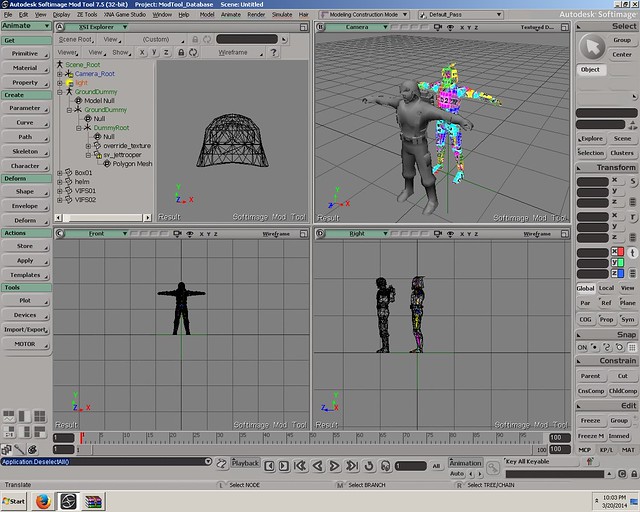
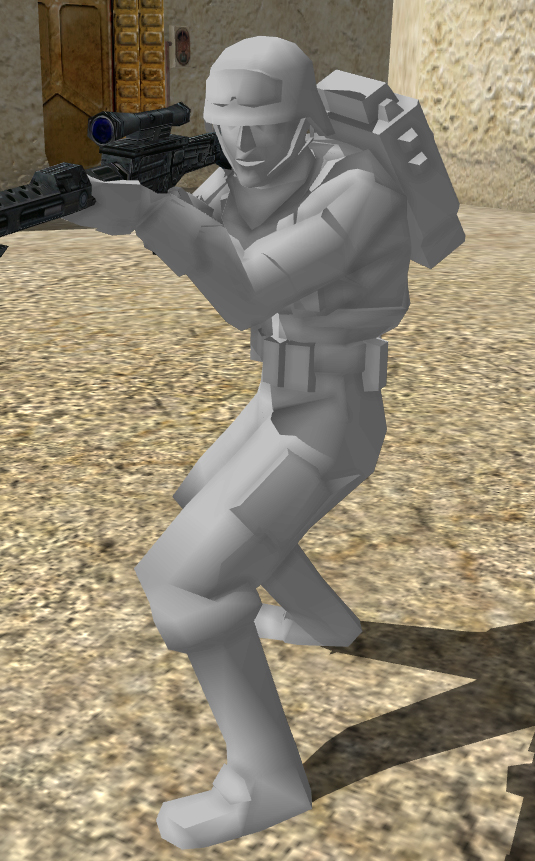
Import the .emdl file provided the zip into XSI. Once that's done you can either import/merge the mesh you want to envelope or build it with reference to the skeleton that came with the .emdl file. For this tutorial I used an edited version of the stock smuggler model that I had loaded into the scene:
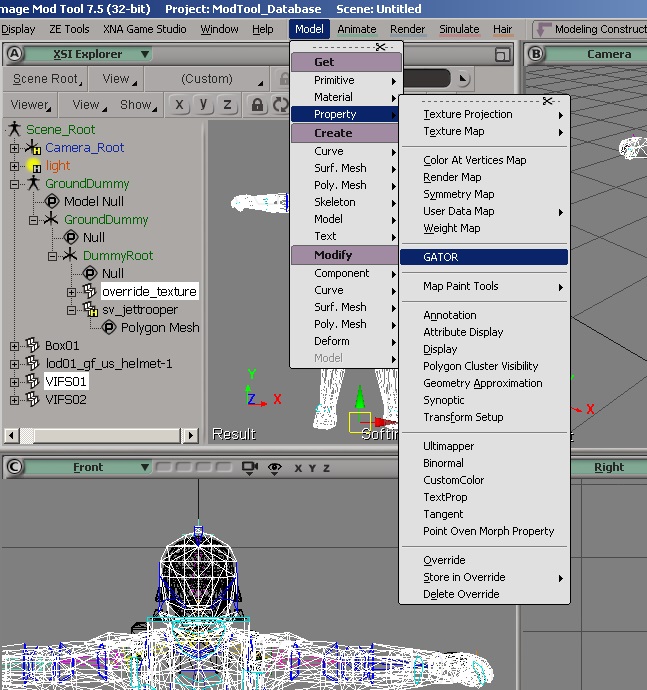
Now select the mesh that you need enveloped and the mesh for the clone in the scene (override_texture). Click on Model->Property (under "Get") ->GATOR.
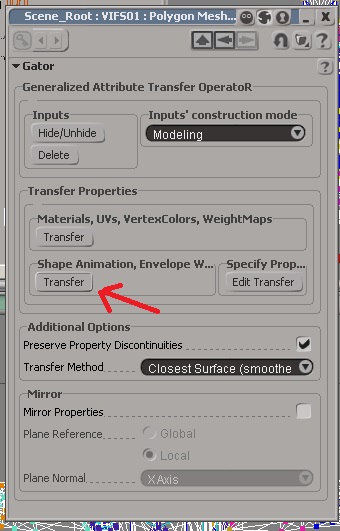
Now click on "Transfer" as indicated by the red arrow.
There! the mesh that you had selected alongside "override_texture" now has the weights copied onto it. How ever if the mesh has a different topology/shape then the weights may need to be tuned.
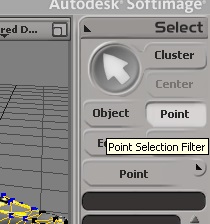
To tune them, set your selection mode to "point"
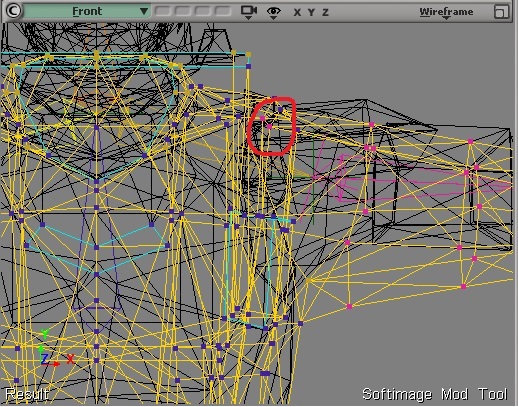
Select the vertices that may have been enveloped improperly:
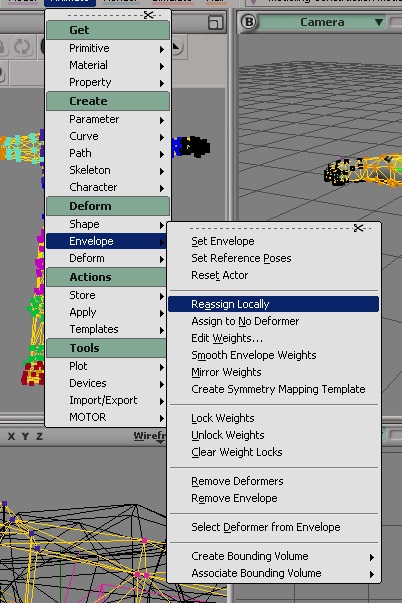
And reassign them to an appropriate bone:
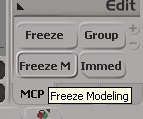
Now finally, freeze the mesh that had been enveloped (Select the meshes and then Click Freeze M at the bottom right) that you have enveloped and if necessary delete "override_texture" from the scene.
That's it, the model has been fully enveloped. Export it into the game and play around with it for a bit!