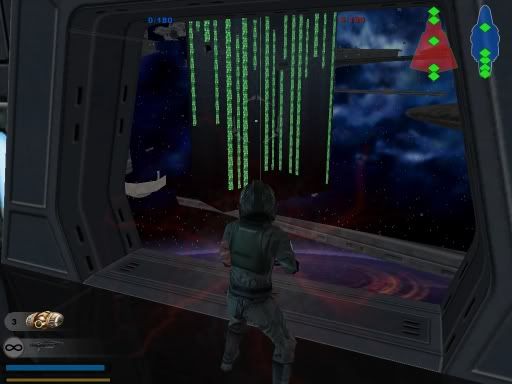
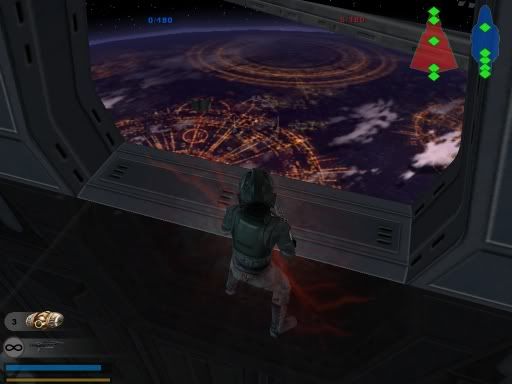
hold up, did you say death star?!?!?
Well, I have two verdicts about that: one is, oh my god that would be the greatest ever man!
The other is: Ther's this guy making a death star map, please don't overdo things maybe add it in a later version, after it's out, this might turn into a total lagfest.
Last edited by Tuskenjedi on Mon May 08, 2006 7:56 pm, edited 1 time in total.
wat i think he means by death star is that he is now able to use death star parts in his map, he was complaining about how the death star parts would crash the game or something, so i guess he got it to work!
good job x-wing!!
hmmm. It crashed again. Interesting though, because I think I'm finally figuring out why it happens. This is what I did to fix it earlier
1) munge a new space map
2) placed dea1_bldg_reactor_room and tan4_bldg_barracks both in there (I've known both to crash the map) and munged it.
3) Tested map with success
4) copied over my TST layers and respective paths, barriers, etc with my old map's layer
5) poured in the appropriate assets
6) added in dea1_bldg_reactor_room (not tan4_barracks) in zeroeditor (note the objects in the previous test have been overwritten)
7) munged and tested once again with success, although at this point bf_modtools.exe would now crash to the desktop but not in the real game
8 ) I went back and added tan4_bldg_barracks and munged
9) tested and the game froze upon loading the map
So they could coexist earlier but not now. What I believe this means is that what I have is a memory problem. These 2 objects must require a heck load of memory. So a possibility is that by simply sectoring off these objects, the game may run again. Nonetheless, interesting.


 looks great x-wingguy hope this forum is more updated on your progress