A couple things I noticed about the model I was sent (castle.xsi):
1) Probably too many tris to be exported by MshEx (it crashes when I try - there are 8000+ tris).
2) Why so many primitives? Merge your primitives into a single polymesh unless there is a good reason not to.
3) There is an incredible amount of tiling used with the texture - I know you're having problems getting models working 100%, but when you do, and you see textures used like this, you will recognize that this is a bit excessive.
Here is what I would have done if I were making this (see above). Since the castle is just the same thing repeated four times, I cut down the model to one of four parts. All you need to do to make this model look correct in ZE/ingame is place the model four times on the exact same spot (use ctrl-p to bring up position editor) and then rotate one piece to 90 degrees, one to 180, and another to 270. I also split the model (and would export it as two separate models) into an interior (castlestairs) and exterior (castlewalls), because when you use a MshEx model, you'll be using auto-generated VisualMunge collision. Having your smaller bits as one model and your bigger bits as another will make the collision easier to manage.
That aside, I am wondering if perhaps you are not making your scenematerial "local" before you export? Are you familiar with this step in using MshEx?
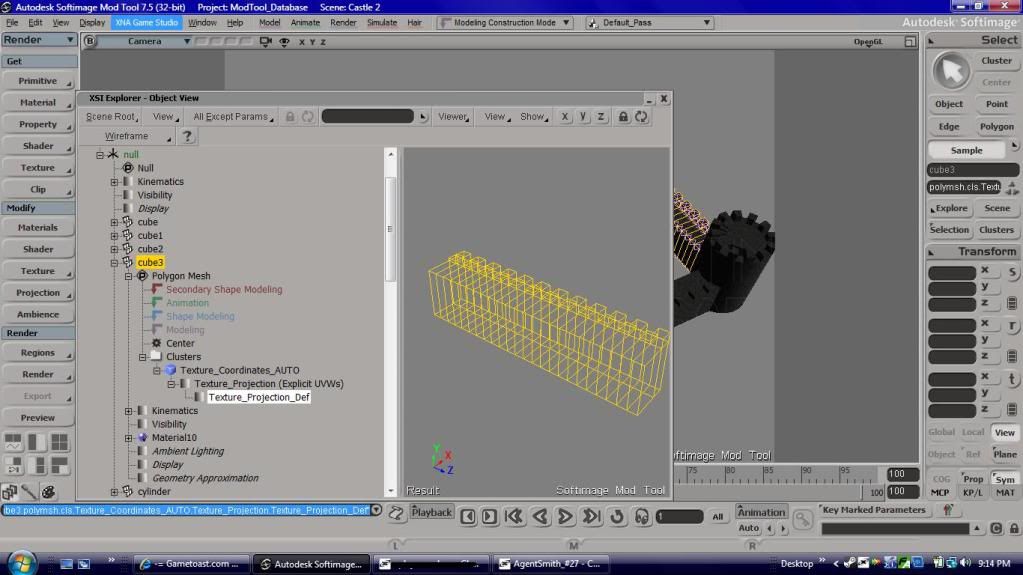
In any case, the problem with this model was (I assume) what you mentioned above (using "Repeats" to scale the texture). When you want to scale texture transforms on a model, select your polygons/object and use the texture editor (alt-7). You can use the scale button (S) to scale uniformly (leftclick) or along the X-axis (rightclick), and of course you can manually adjust position of points by moving individual/groupings of points. After merging individual pieces into a single polymesh (as mentioned above), I browsed to "clusters" and selected each individual cluster and reapplied the texture (select cluster, add image, alt-7), this time scaling the texture projection in the texture editor.
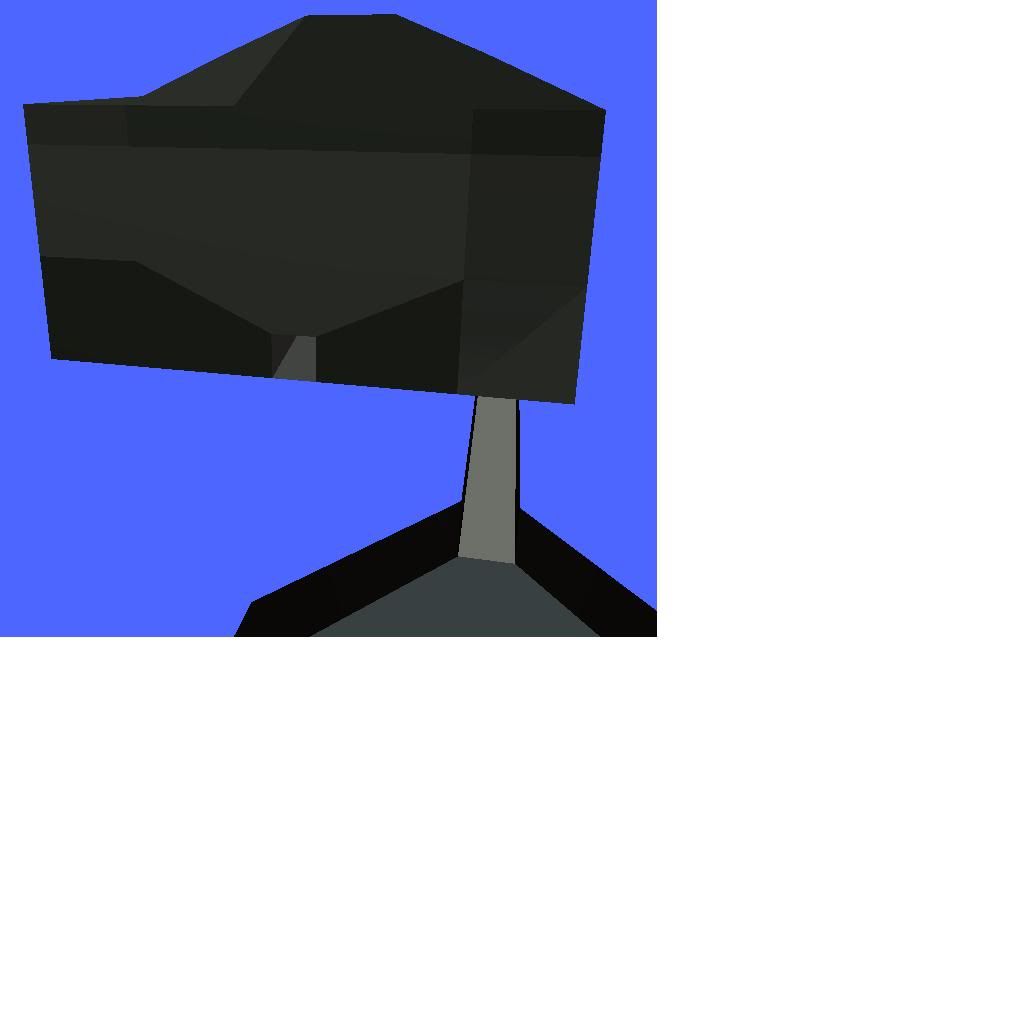
I obviously used a little different scaling on the texture (just for this example, but as I mentioned above I do think the tiling was a bit too much), but you can see that the end result in MeshViewer is also what I saw in my XSI window:
And one final note, just to preempt questions that may arise if you (or anyone) uses tiling extensively and sees texture mis-placement ingame: if your texture projection extends too much in the -X or -Y dimensions:
-you may find texture stretching or misplacement on the final model. This is a quirk of VisualMunge, so you shouldn't see it pop up in MeshViewer, 3DOC, Unwrap3D, ZE, etc. (this is one reason why you should check in-game!). It won't happen to most people provided your texture is reasonably scaled (for example, it wasn't a problem in the above picture); I mention it here because it may happen if the scaling is off (i.e. if this model had been scaled in Texture Editor as it was scaled through the other means) by a lot.









 A thousand, nay, A million thanks!