How to create models in XSI and other 3D applications and make them work in Battlefront 1 & 2. Post models, tips for application usage and share anything XSI, 3DMax, SketchUp, etc.
redgroupclan wrote:Thanks for telling me about that, ANDEWEGET.
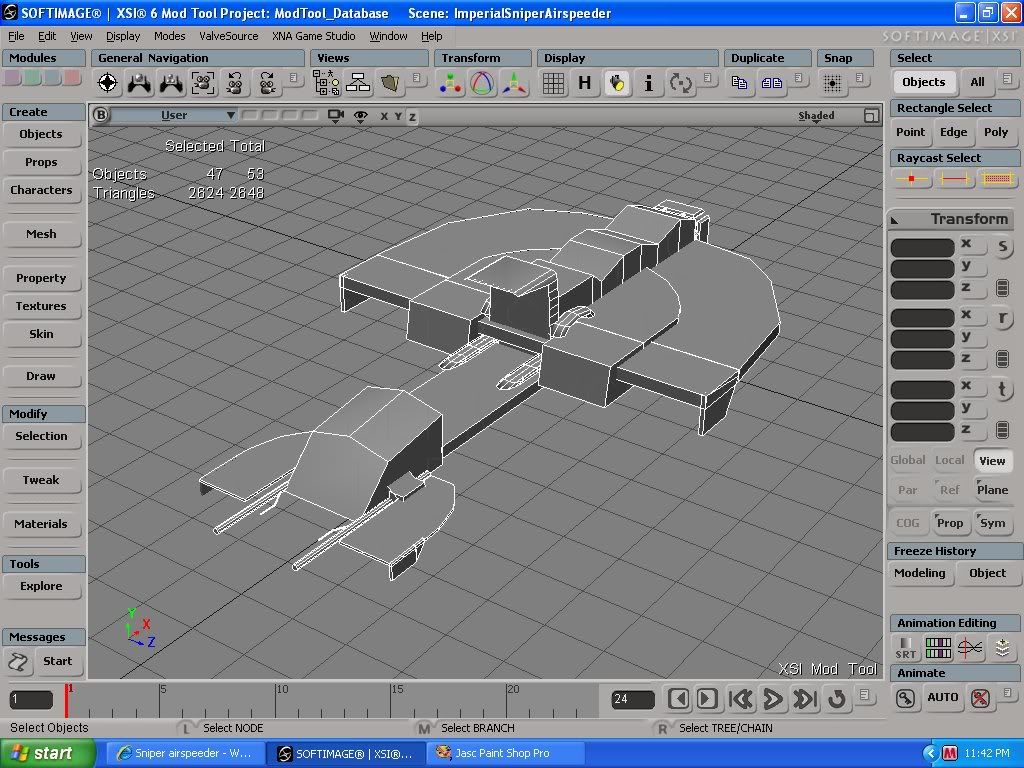
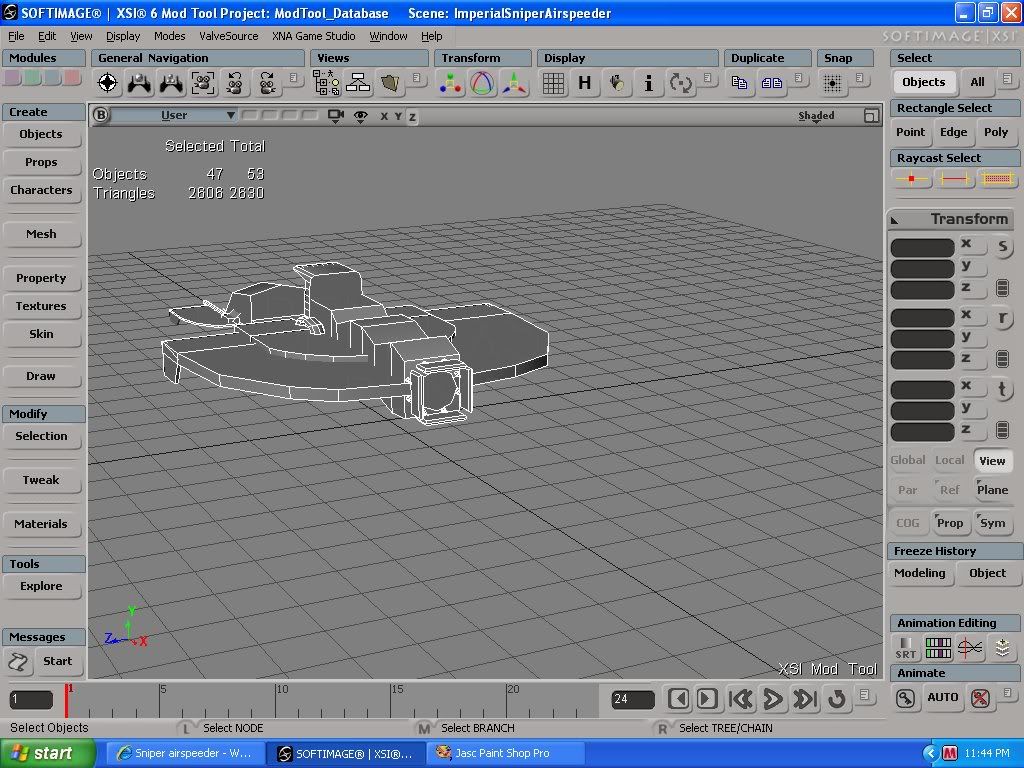
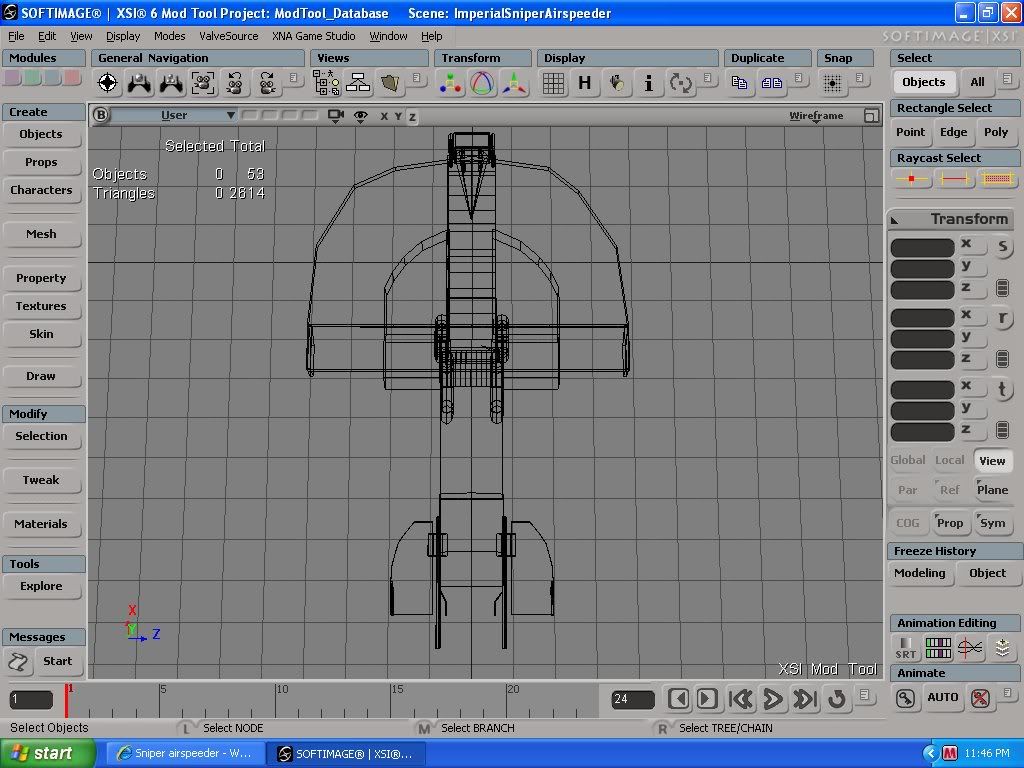
I wanted to test out my newly acquired knowledge, and this is what I came up with:
Hidden/Spoiler:
As far as I know, there are no longer any "unnecessary polygons" in this Sniper Airspeeder except for on the small cylinders which I figured didn't matter that much. (I was lazy. )
But maybe you "O' Professionals" would like to say otherwise.
just a little tip. if you build half to the ship along an axis where the object can be mirrored, you can duplicate the object symetricly creating a whole object from a half. it appears as though the ship is a little un even in parts. ive used this in almost every model i make to ensure that it is symetrical.
What I do is i build HALF of what im doing then select all the polygons and right click and go to symmetrizing polygons which should be more toward the bottom.
Looks great, but I think I can see one place where an edge-split would really aid the overall look. (when you've got an "upper part where the thingy that the lasers comes out of, you also have that slightly rounded lower part and I think that when splitting the edges between those points, you'll get a cleaner result)
EDIT:
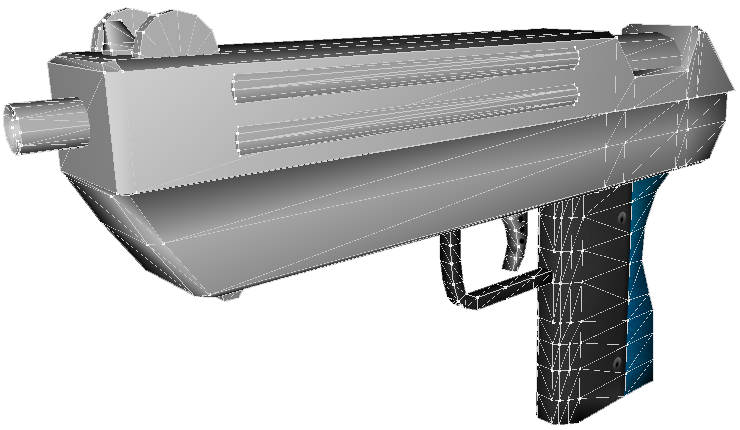
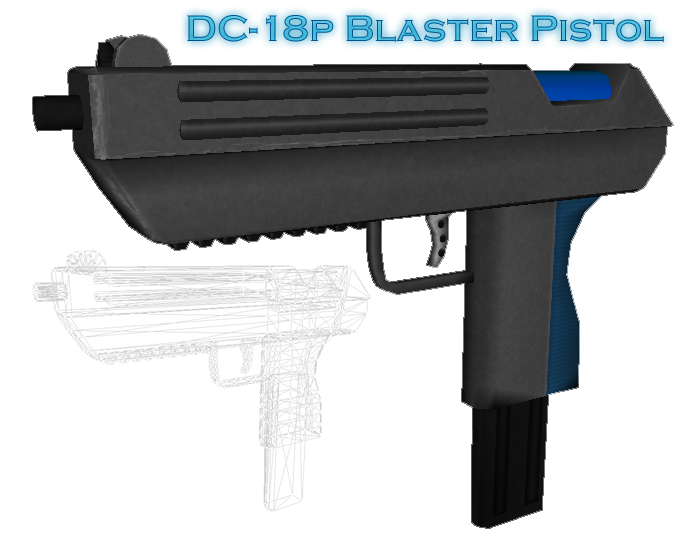
Because I wanted to practice what I preach (that's the saying, right?) I went ahead and updated the model which I used as an avatar and used some newfound knowledge in invisible render skies.
I've only found out that this thing existed and how to use it last week, I'm not claiming to be a real know-how, but I do think that everyone will agree that the effects that these non-destructive changes have a great impact. You won't immediately notice these kinds of things when a model is fully textured, especially when you've got a dark texture, but people will still point out that something doesn't look quite the way it should.



)


 Look good anyway, and good idea.