SketchUp Models

How to create models in XSI and other 3D applications and make them work in Battlefront 1 & 2. Post models, tips for application usage and share anything XSI, 3DMax, SketchUp, etc.

Moderator: Moderators

Post Reply
Null_1138
Jedi
Jedi
Posts: 1192
Joined: Thu Oct 16, 2008 4:05 pm

Re: SketchUp Models

Post by Null_1138 »

Nice. :thumbs: Some of the unneeded lines can be removed, though, like the pin at the end. That way there are fewer faces, smaller file size (I think...)

I made more tunnels, all based off the same shape. I now have a 3-way, 4-way, 20 ft, 10 ft, 90 degree angle, 45 degree angle, 1-way chamber, 2-way chamber, 3-way chamber, and 4-way chamber.
Hidden/Spoiler:
ImageImage
I kind of meant them to replace Hoth tunnels in maps. If I can get them converted to .msh, I'll release them.

Offtopic: I love the FollowMe tool.
User avatar
(RAPTOR)BENSTWO{SGT}
Command Sergeant Major
Posts: 280
Joined: Tue Jul 22, 2008 3:47 pm
Projects :: No Mod project currently.
Games I'm Playing :: I have not listed any games yet
xbox live or psn: No gamertag set
Contact:

Re: SketchUp Models

Post by (RAPTOR)BENSTWO{SGT} »

Null_1138 wrote:Nice. :thumbs: Some of the unneeded lines can be removed, though, like the pin at the end. That way there are fewer faces, smaller file size (I think...)

I made more tunnels, all based off the same shape. I now have a 3-way, 4-way, 20 ft, 10 ft, 90 degree angle, 45 degree angle, 1-way chamber, 2-way chamber, 3-way chamber, and 4-way chamber.
Hidden/Spoiler:
ImageImage
I kind of meant them to replace Hoth tunnels in maps. If I can get them converted to .msh, I'll release them.

Awsoem man, you could make a maze like map of tunnels with that. :D That would be cool. :thumbs:

Awsome man. :bowdown: This would make a good maze-like map with those tunnels. :thumbs:

Offtopic: I love the FollowMe tool.
Null_1138
Jedi
Jedi
Posts: 1192
Joined: Thu Oct 16, 2008 4:05 pm

Re: SketchUp Models

Post by Null_1138 »

(RAPTOR)BENSTWO{SGT} wrote:
Null_1138 wrote:Nice. :thumbs: Some of the unneeded lines can be removed, though, like the pin at the end. That way there are fewer faces, smaller file size (I think...)

I made more tunnels, all based off the same shape. I now have a 3-way, 4-way, 20 ft, 10 ft, 90 degree angle, 45 degree angle, 1-way chamber, 2-way chamber, 3-way chamber, and 4-way chamber.
Hidden/Spoiler:
ImageImage
I kind of meant them to replace Hoth tunnels in maps. If I can get them converted to .msh, I'll release them.

Offtopic: I love the FollowMe tool.
Awsoem man, you could make a maze like map of tunnels with that. :D That would be cool. :thumbs:
Fixed. :wink: Thanks, I mights just take a bunch, throw them together and make one big Sketchup model to convert to .msh
User avatar
(RAPTOR)BENSTWO{SGT}
Command Sergeant Major
Posts: 280
Joined: Tue Jul 22, 2008 3:47 pm
Projects :: No Mod project currently.
Games I'm Playing :: I have not listed any games yet
xbox live or psn: No gamertag set
Contact:

Re: SketchUp Models

Post by (RAPTOR)BENSTWO{SGT} »

Just remember, it needs to be under 12,000 triangles to fit into XSI. You might want to ship them piece by piece and put them together in Zero Edit.
User avatar
Fluffy_the_ic
Hoth Battle Chief
Hoth Battle Chief
Posts: 3223
Joined: Thu Jan 24, 2008 7:03 pm
xbox live or psn: fluffytherc
Location: she/her
Contact:

Re: SketchUp Models

Post by Fluffy_the_ic »

(RAPTOR)BENSTWO{SGT} wrote:Just remember, it needs to be under 12,000 triangles to fit into XSI. You might want to ship them piece by piece and put them together in Zero Edit.
There is no tri limit in XSI...
User avatar
(RAPTOR)BENSTWO{SGT}
Command Sergeant Major
Posts: 280
Joined: Tue Jul 22, 2008 3:47 pm
Projects :: No Mod project currently.
Games I'm Playing :: I have not listed any games yet
xbox live or psn: No gamertag set
Contact:

Re: SketchUp Models

Post by (RAPTOR)BENSTWO{SGT} »

Fluffy_the_ic wrote:
(RAPTOR)BENSTWO{SGT} wrote:Just remember, it needs to be under 12,000 triangles to fit into XSI. You might want to ship them piece by piece and put them together in Zero Edit.
There is no tri limit in XSI...
Polly limit? :?
User avatar
Fluffy_the_ic
Hoth Battle Chief
Hoth Battle Chief
Posts: 3223
Joined: Thu Jan 24, 2008 7:03 pm
xbox live or psn: fluffytherc
Location: she/her
Contact:

Re: SketchUp Models

Post by Fluffy_the_ic »

Not to XSI. To Battlefront. You could have a 3,000,000 tri object and nothing would happen to XSI if your comp can handle it.
Taivyx
2008 Best Games Related Avatar
Posts: 1706
Joined: Thu Jun 07, 2007 3:34 pm
Projects :: Terra Strife - discontinued
Games I'm Playing :: none
xbox live or psn: No gamertag set
Contact:

Re: SketchUp Models

Post by Taivyx »

Just FYI, what Fluffy is referring to as "tri" is triangle count, a more accurate method of seeing if a model is Battlefront-ready, since it is triangulated by default when exported to .msh
Null_1138
Jedi
Jedi
Posts: 1192
Joined: Thu Oct 16, 2008 4:05 pm

Re: SketchUp Models

Post by Null_1138 »

Well, I never said that I would convert them to XSI, I don't have it. I'm just saying it would be easier to piece together in Sketchup rather than ZE, as Grev so well puts it:
Grev wrote:(alignment... *shudder*)
I hope its okay to use that quote, Grev. :wink:

Plus, I think my new tunnel entrance would kill the tri count: :lol:
Hidden/Spoiler:
Image
Commander_Fett
High General
High General
Posts: 847
Joined: Fri Oct 17, 2008 9:59 pm
Projects :: No Mod project currently.

Re: SketchUp Models

Post by Commander_Fett »

How did you do that dome!?

And nice models, Null. I think the tri count on that would be okay. lol, When I was exporting some of the WW2 project models, the tri count was over 240,000!
Null_1138
Jedi
Jedi
Posts: 1192
Joined: Thu Oct 16, 2008 4:05 pm

Re: SketchUp Models

Post by Null_1138 »

The dome took some doing. I saw on a Sketchup tut that showed how to make a sphere.

You put one circle on one axis and one on another, preferably congruent. You have to move the circle (let's just say it was on the green face) and move it directly over the one on the blue face (flat on the ground). Use the FollowMe tool, select the green circle as a face and the blue circle as an edge, and hover the cursor around until you have a sphere.

The I used the line tool to cut around the equator, that took me the most time.

Took me a while to get it right.

EDIT: Nvm, that^^ is the best way to do it.

http://www.youtube.com/watch?v=GOxrFN7JbiQ, explains the FollowMe tool.
User avatar
destructo_bot
Chief Warrant Officer
Posts: 329
Joined: Sun Aug 10, 2008 3:14 pm
Projects :: No Mod project currently.
Games I'm Playing :: I have not listed any games yet
xbox live or psn: No gamertag set
Location: Orkney, a place of... well... farming. Scotland FTW!

Re: SketchUp Models

Post by destructo_bot »

Offtopic: I love the FollowMe tool.[/quote]

i can never get that to work... need to use sketchup more, havn't been on it in ages (me and my friend used to go on it at school when the teacher was in another room and make houses! we even had a competition! although it was limited by the useless computers... :cpu: )
Commander_Fett
High General
High General
Posts: 847
Joined: Fri Oct 17, 2008 9:59 pm
Projects :: No Mod project currently.

Re: SketchUp Models

Post by Commander_Fett »

Well here's a bunch of combined models I made on wednesday and thursday and textured today.
Image

now I just need to find someone whgo can add terain cutters and export to msh :)
User avatar
GangsterJawa
Sith
Sith
Posts: 1319
Joined: Tue Nov 18, 2008 7:37 pm
Projects :: No Mod project currently.
Games I'm Playing :: I have not listed any games yet
xbox live or psn: No gamertag set
Location: In the refrigerator, behind the mayonnaise, next to the ketchup, and to the left of the coleslaw

Re: SketchUp Models

Post by GangsterJawa »

Cool! That going to be in a map of some kind?
Null_1138
Jedi
Jedi
Posts: 1192
Joined: Thu Oct 16, 2008 4:05 pm

Re: SketchUp Models

Post by Null_1138 »

Dude!! That's [DDP] awesome! :runaway: :faint: :shock:
Commander_Fett wrote:Well here's a bunch of combined models I made on Wednesday and Thursday and textured today. Now I just need to find someone whgo can add terain cutters and export to msh :)
So does that mean it will be a part of a map? That will be sick!
Commander_Fett
High General
High General
Posts: 847
Joined: Fri Oct 17, 2008 9:59 pm
Projects :: No Mod project currently.

Re: SketchUp Models

Post by Commander_Fett »

Another model for the map, made today:
Hidden/Spoiler:
Image
Image
Image
Image
Image
Taivyx
2008 Best Games Related Avatar
Posts: 1706
Joined: Thu Jun 07, 2007 3:34 pm
Projects :: Terra Strife - discontinued
Games I'm Playing :: none
xbox live or psn: No gamertag set
Contact:

Re: SketchUp Models

Post by Taivyx »

Wow, very impressive :) , looks like it'll be a really fun map to play in
Null_1138
Jedi
Jedi
Posts: 1192
Joined: Thu Oct 16, 2008 4:05 pm

Re: SketchUp Models

Post by Null_1138 »

Hidden/Spoiler:
Image
Its an older picture, but still gives the scope of the project.

Nice work on those tunnels, Fett!
Commander_Fett
High General
High General
Posts: 847
Joined: Fri Oct 17, 2008 9:59 pm
Projects :: No Mod project currently.

Re: SketchUp Models

Post by Commander_Fett »

Wow! Nice city you got there, Null! Is that for SWBF2, or something else?

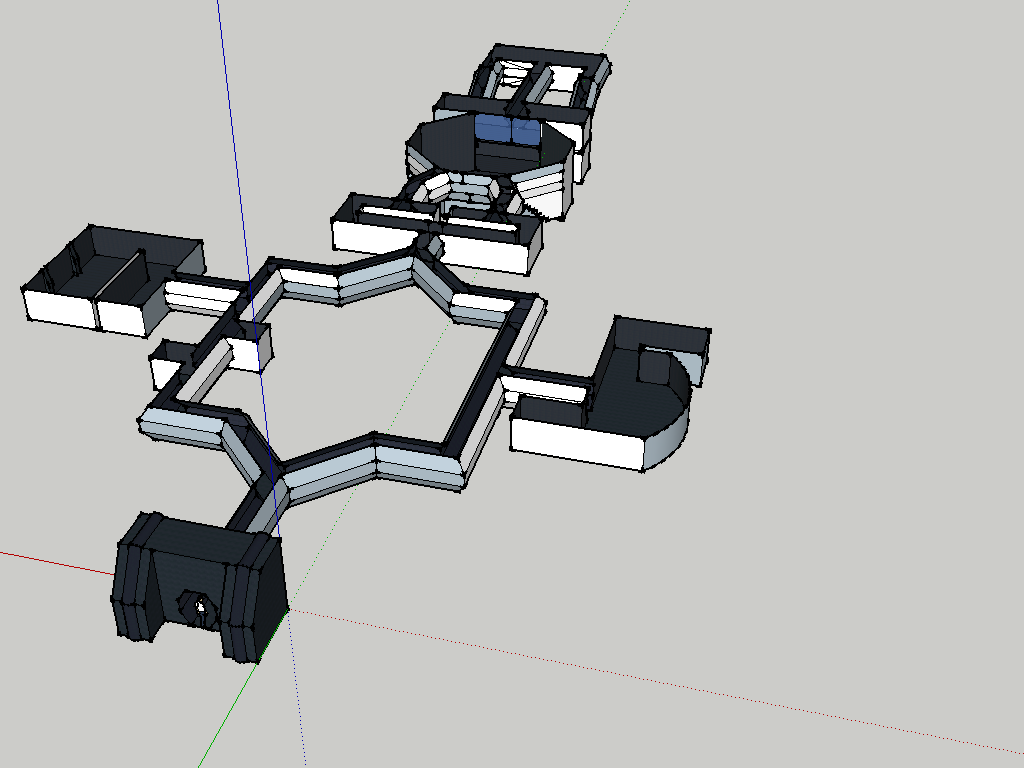
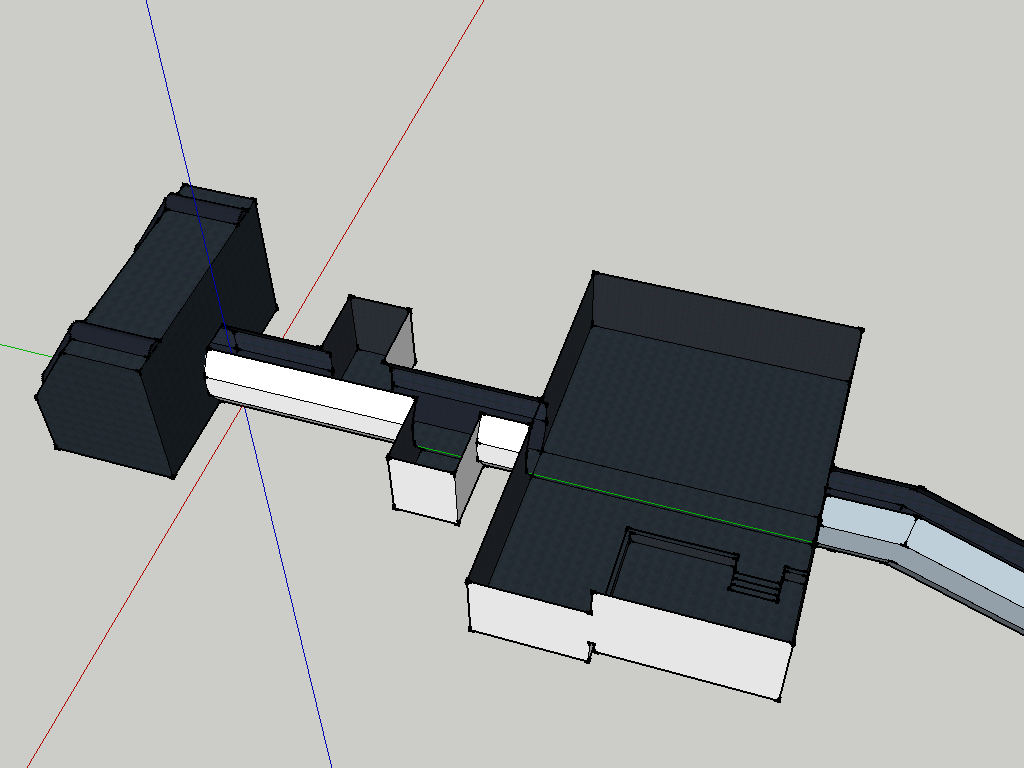
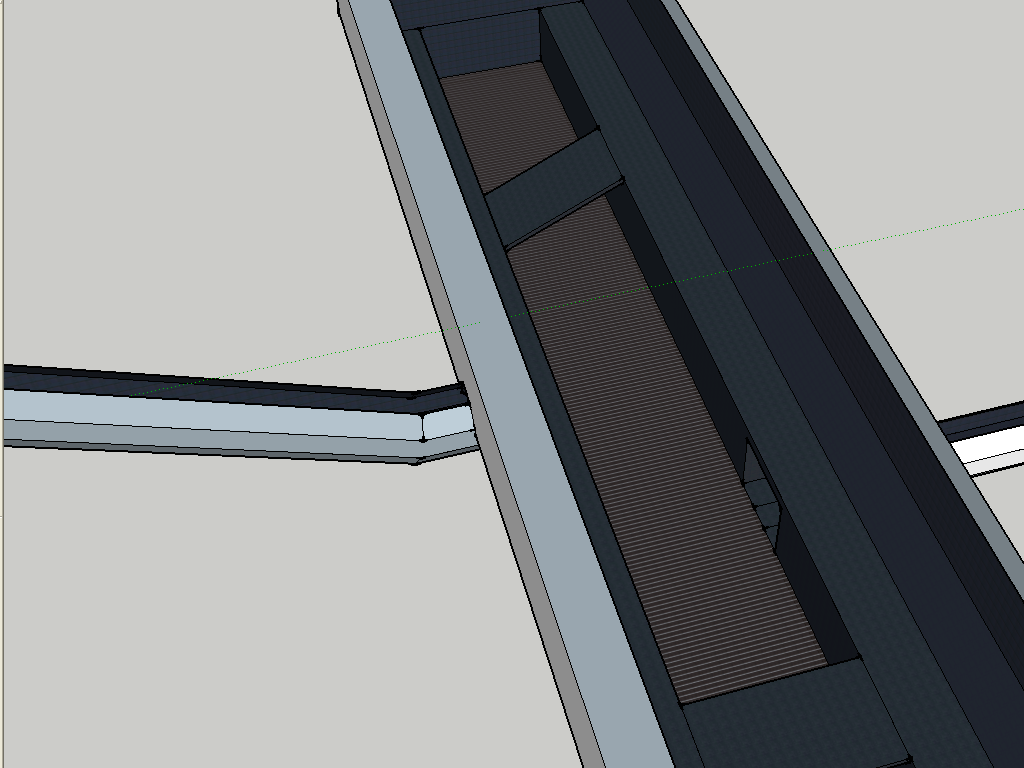
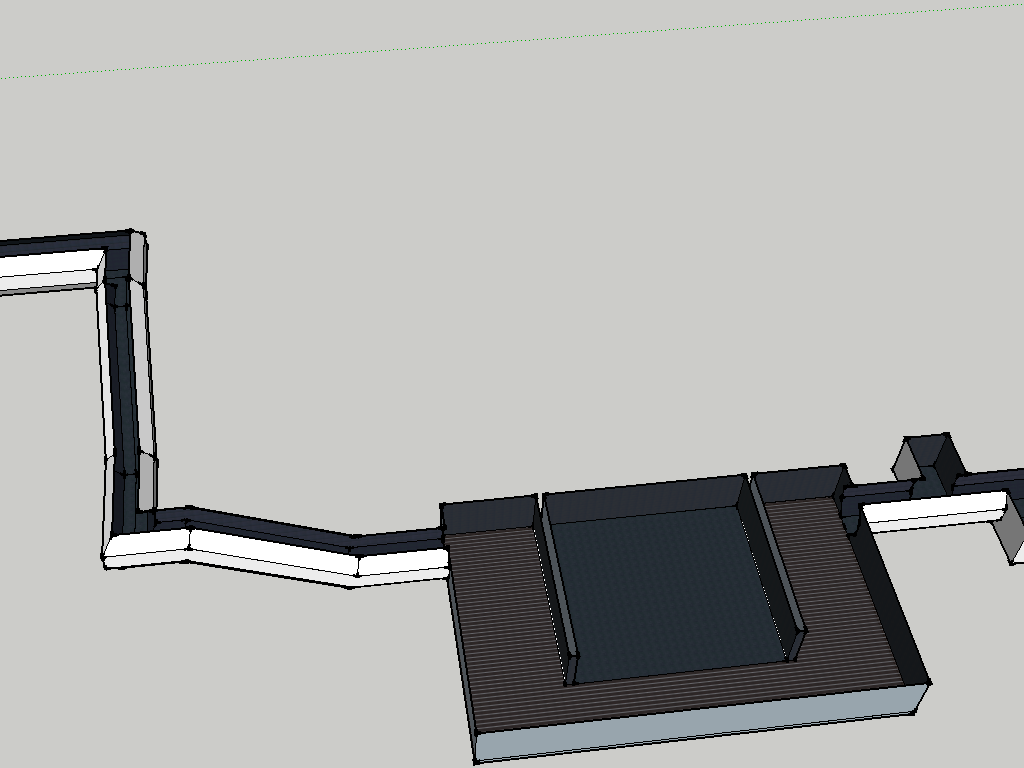
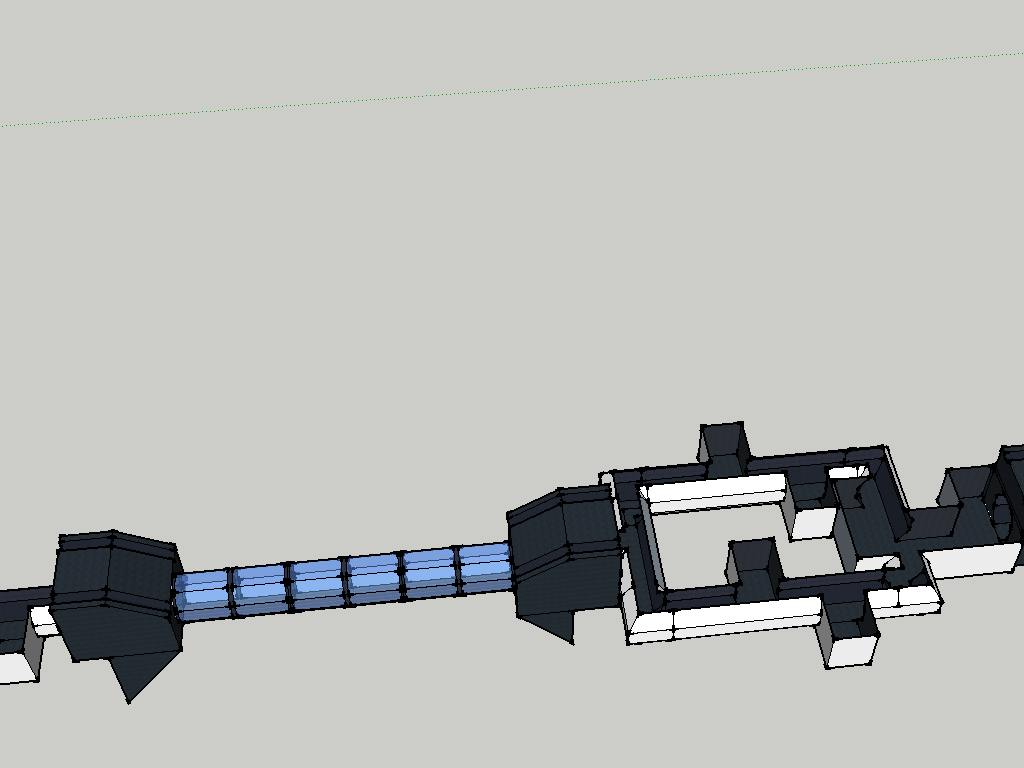
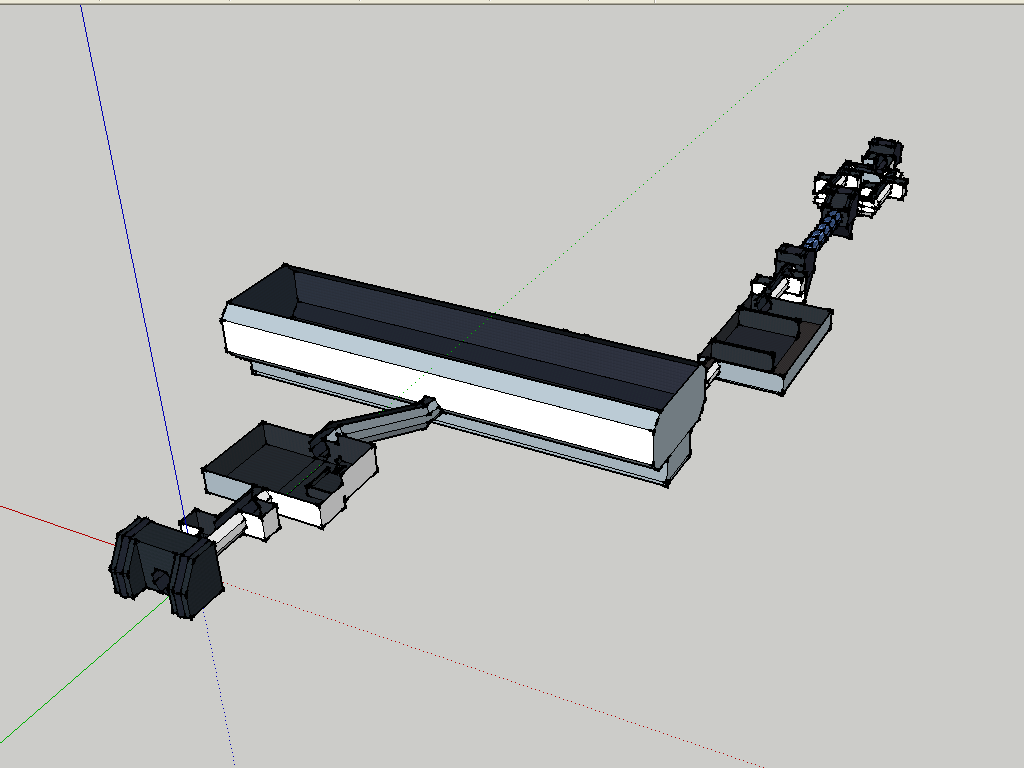
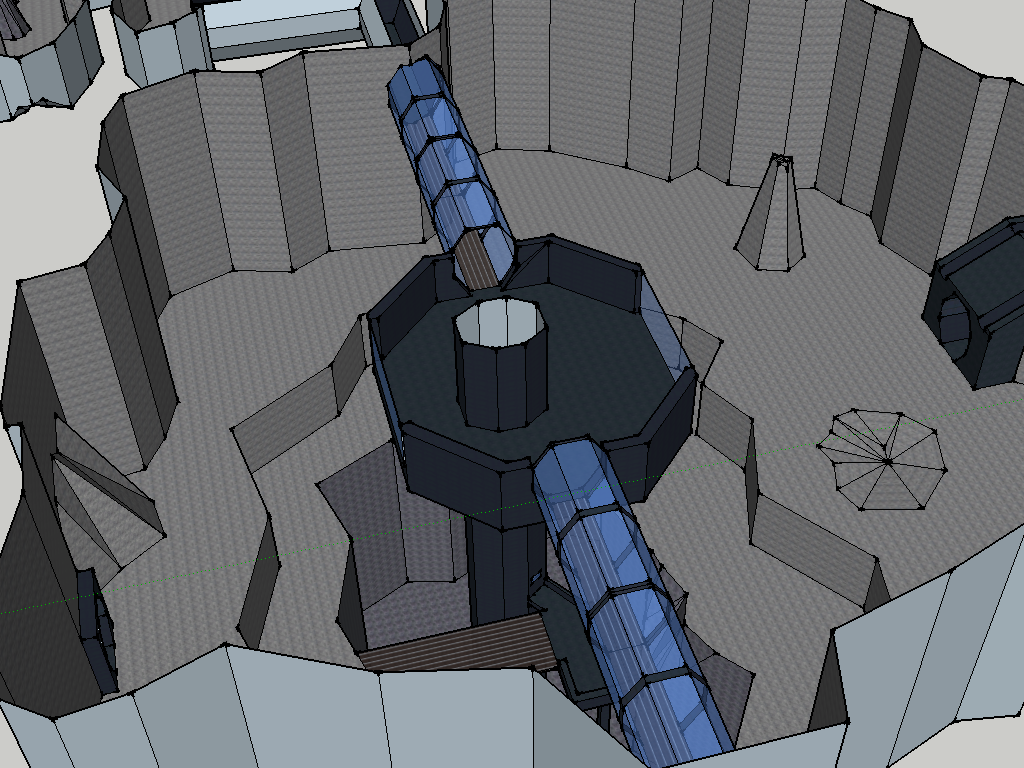
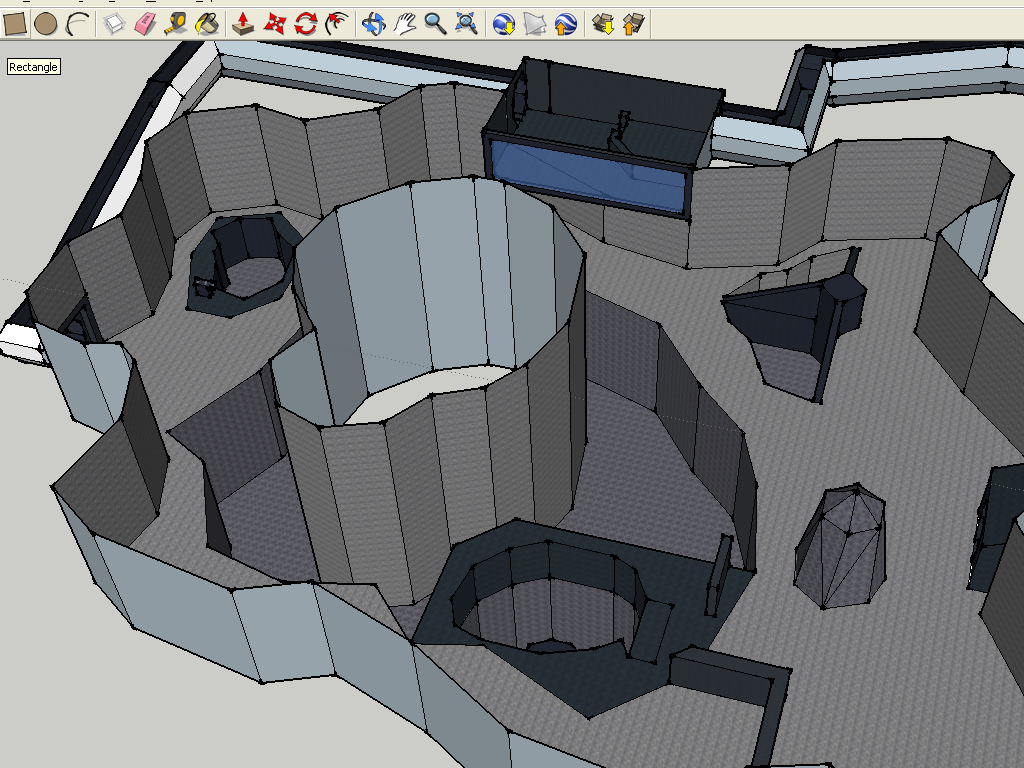
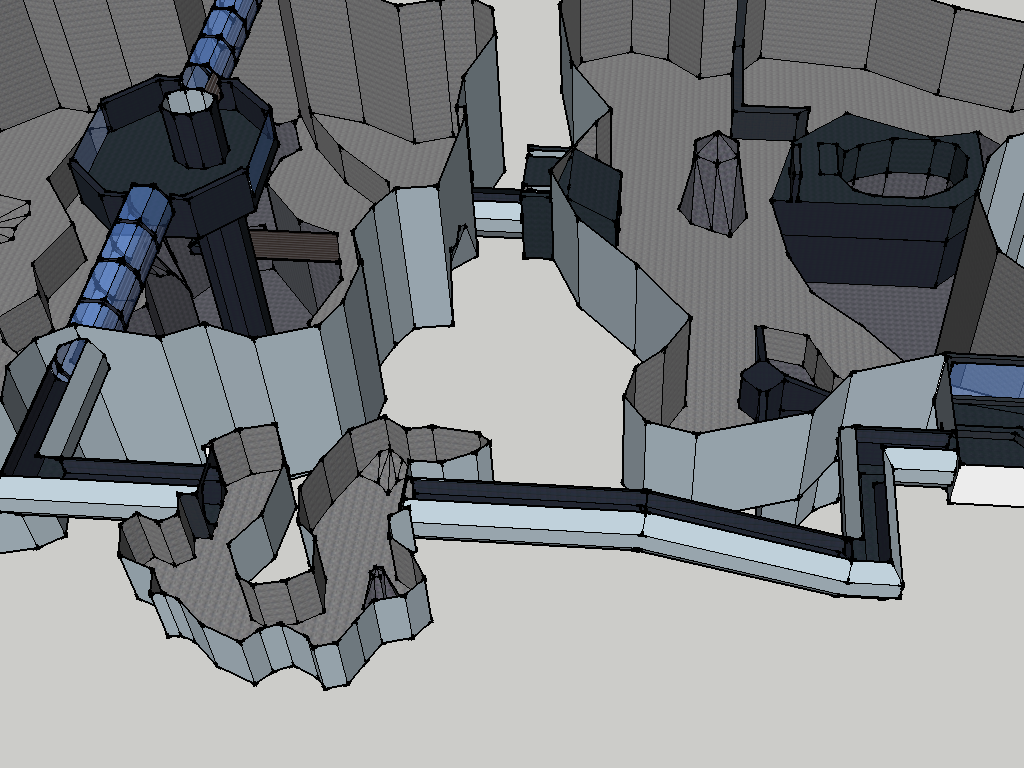
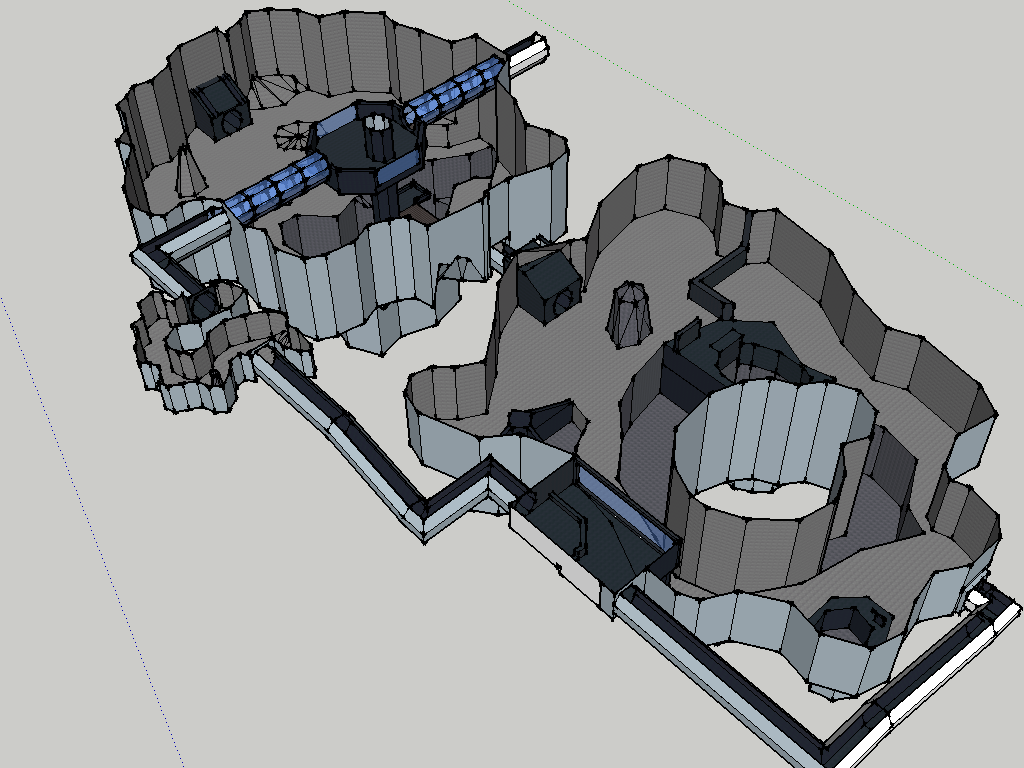
I made the beggining of the CIS mines today:
Hidden/Spoiler:
Image
Image
Image
Image
All I have to do is fix up one bug and that section's ready
obiboba3po
2008 Most Technically Challenging Avatar
Posts: 2376
Joined: Tue Feb 12, 2008 7:46 pm
Projects :: No Mod project currently.
Games I'm Playing :: League of Legends
xbox live or psn: No gamertag set
Location: NJ, USA

Re: SketchUp Models

Post by obiboba3po »

Commander_Fett wrote:Wow! Nice city you got there, Null! Is that for SWBF2, or something else?

I made the beggining of the CIS mines today:
Hidden/Spoiler:
Image
Image
Image
Image
All I have to do is fix up one bug and that section's ready
:eek: DANG! thats incredible fett id gladly export it now lol! :mrgreen:
Post Reply