

First, before you all start asking I would like to post a guide (Not mine) on how to skin..
Requirements:
You need the following programs to make custom textures:
* Adobe Photoshop (Free 30 day trial)
* NVIDIA's Photoshop .dds Plug-in
Or, I program that can open and edit .dds files.
Step By Step guide (editing a weapon for example):
1. Open Objects.pak
2. Unpack the texture that you want to use, the weapon textures are located in: \objects\weapons
3. Open the folder that you just unpacked and go to the Textures folder
4. Open weapon_name.dds with photoshop.
5. Now, you'll get the texture of the weapon. Edit this in whatever way you want.
6. Now choose File: Save As
7. First save it as a .psd so that you can continue working on the texture later on. Then choose File > Save As again and this time save as .DDS
8. Choose:
DXT5 ARGB 8 bpp | interpolated alpha
9. Now go back to the folder containing your edited texture, drag this into the correct folder in Objects.pak (Make sure you are not running SB2 or Crysis)
10. Now open up SB2 or Crysis and check out your own custom skin!
Warning: Please backup all skins so if you want the original back, you can just overwrite.
(Credits to Jasper and SuSELinux for the tutorial, over at Crymod)
Now then, onto some of my skins:
Red & White SCAR
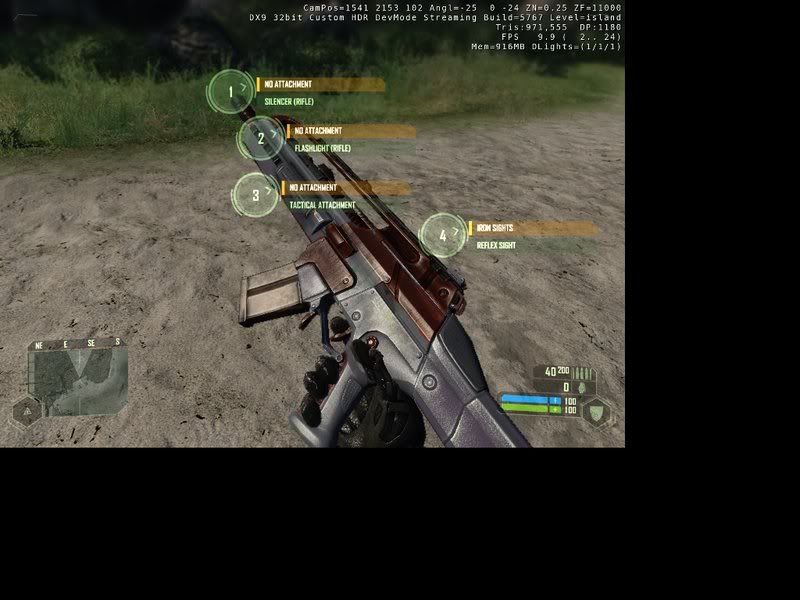
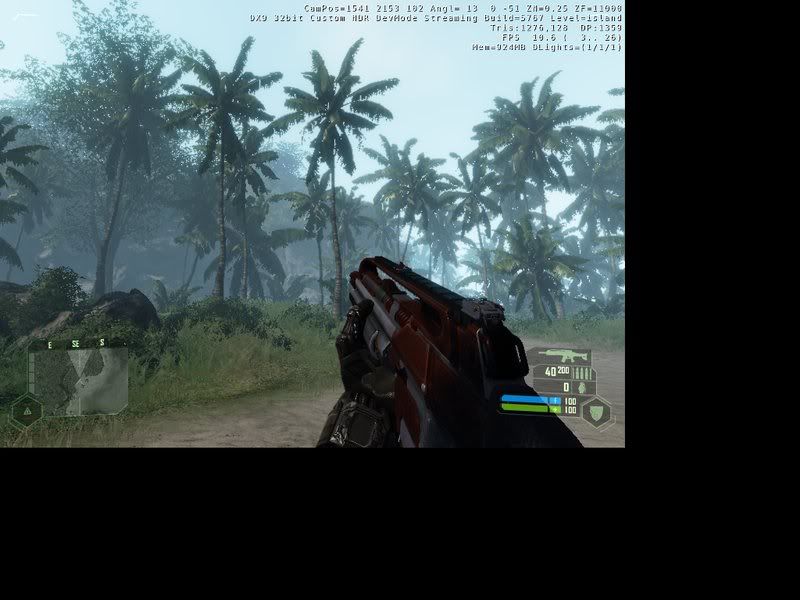
New Pistol:
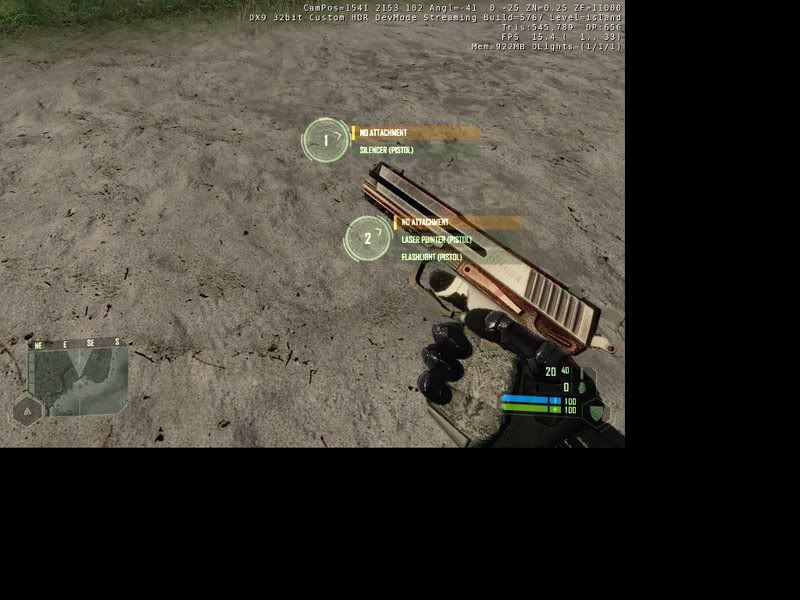
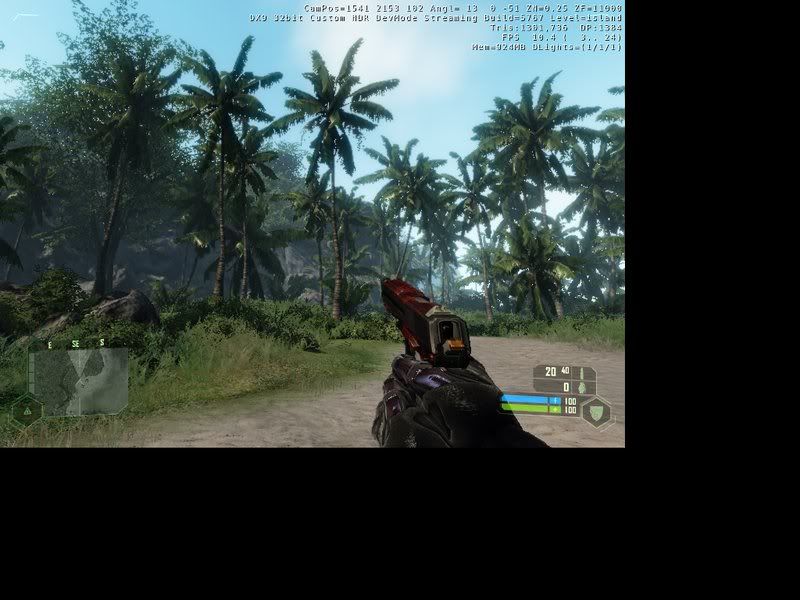




 Forgot.I'm fixing it right now


