Republic Commando WIP

How to create models in XSI and other 3D applications and make them work in Battlefront 1 & 2. Post models, tips for application usage and share anything XSI, 3DMax, SketchUp, etc.

Moderator: Moderators

Post Reply
User avatar
Gogie
Modeling Master
Modeling Master
Posts: 708
Joined: Fri Mar 31, 2006 11:02 pm
Projects :: Tinkering away with LEGO
Location: alberta, canada

Re: Republic Commando WIP

Post by Gogie »

looking good so far :)

texturing; the bane of every modellers existance.
User avatar
Nedarb7
Lieutenant General
Lieutenant General
Posts: 676
Joined: Sat Sep 22, 2012 3:41 pm

Re: Republic Commando WIP

Post by Nedarb7 »

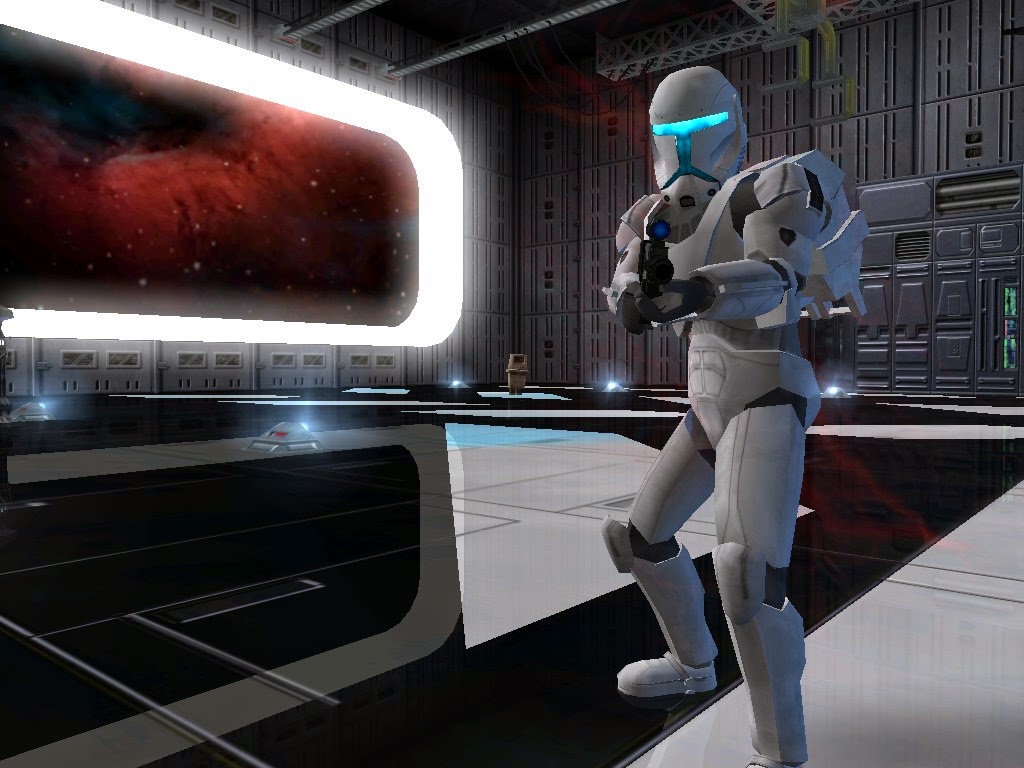
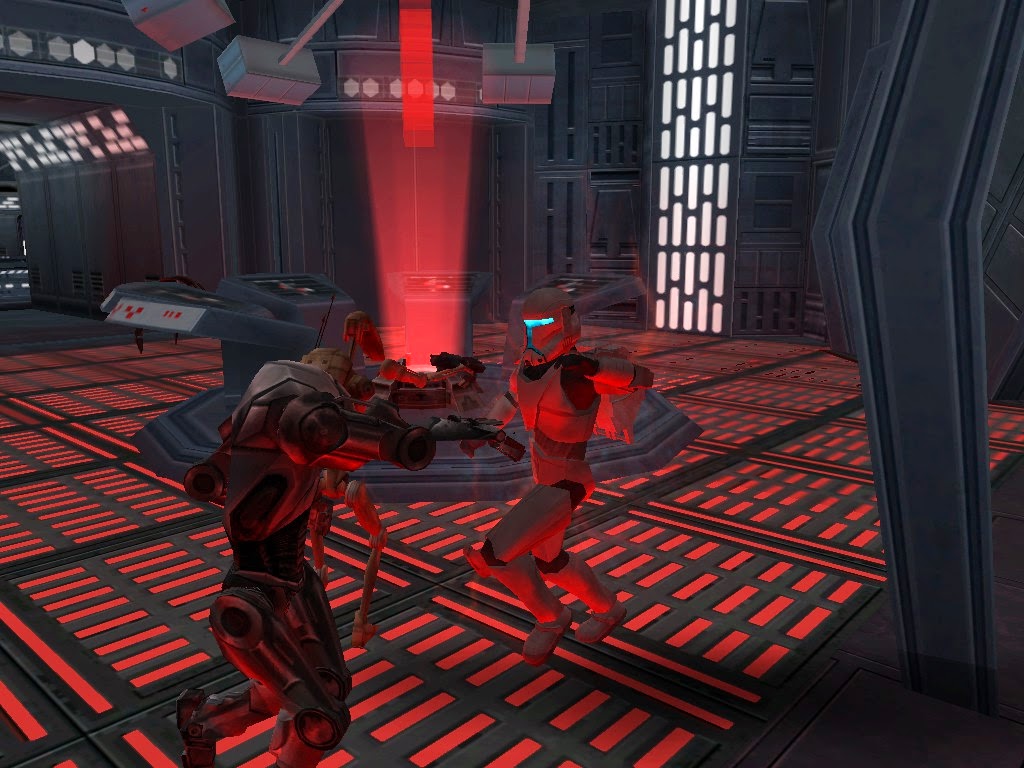
Thanks! To be honest I've had the helmet in game for a while now... I've just had some issues with what it looked like from a certain angle (not used to it yet :p).

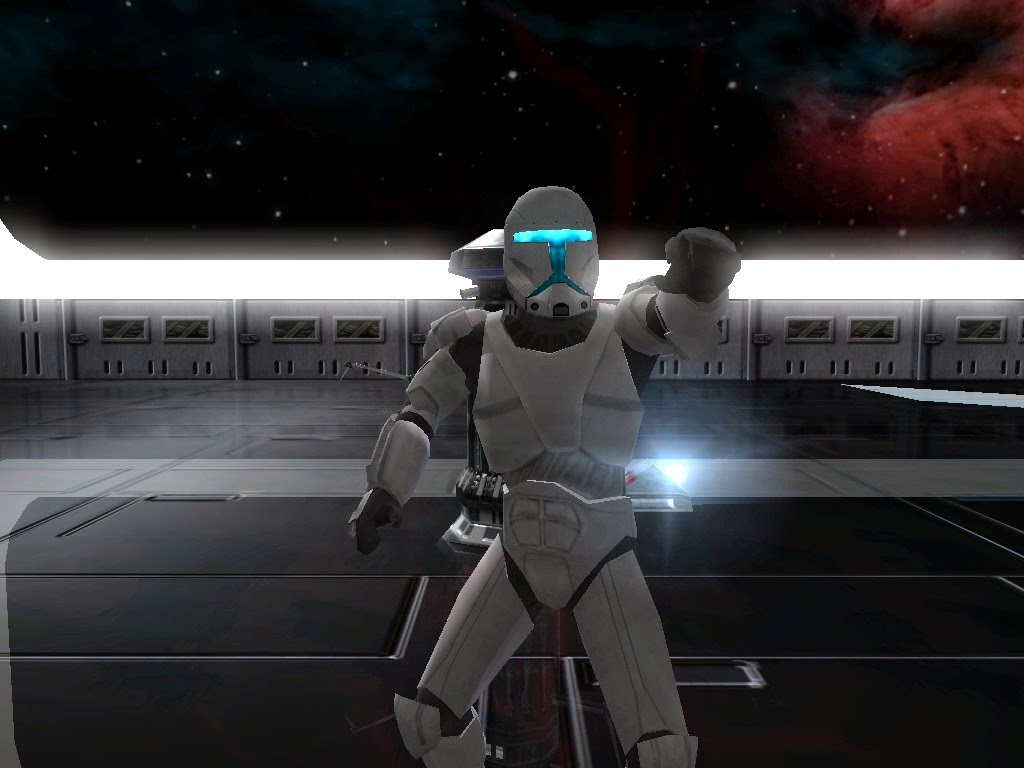
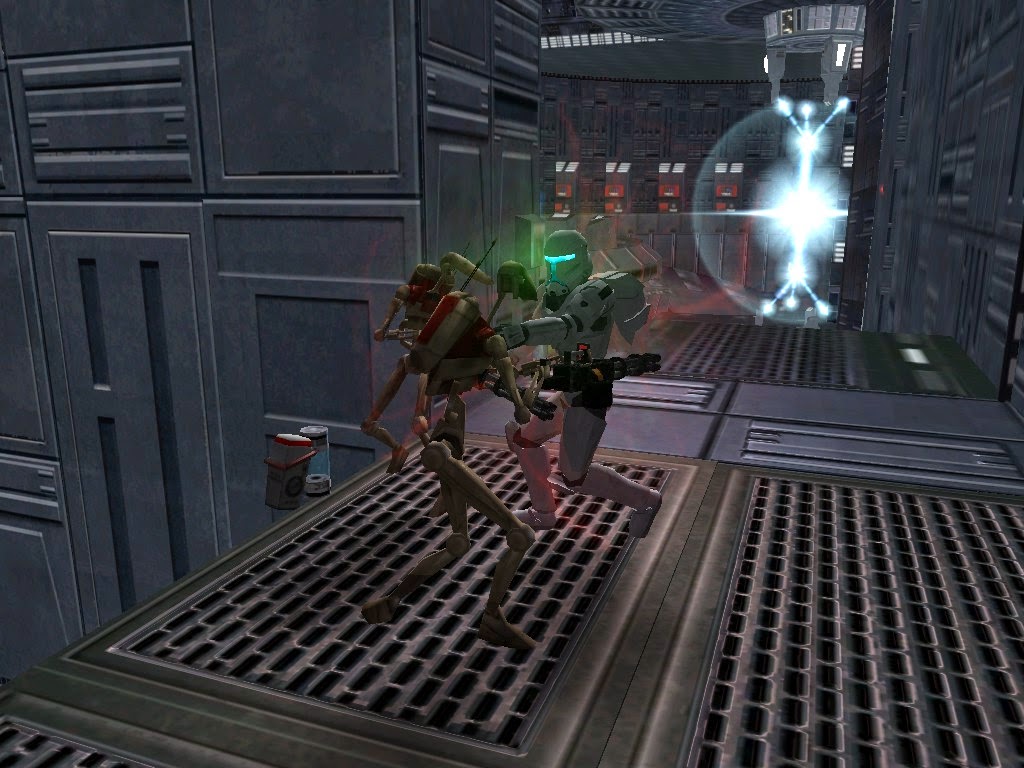
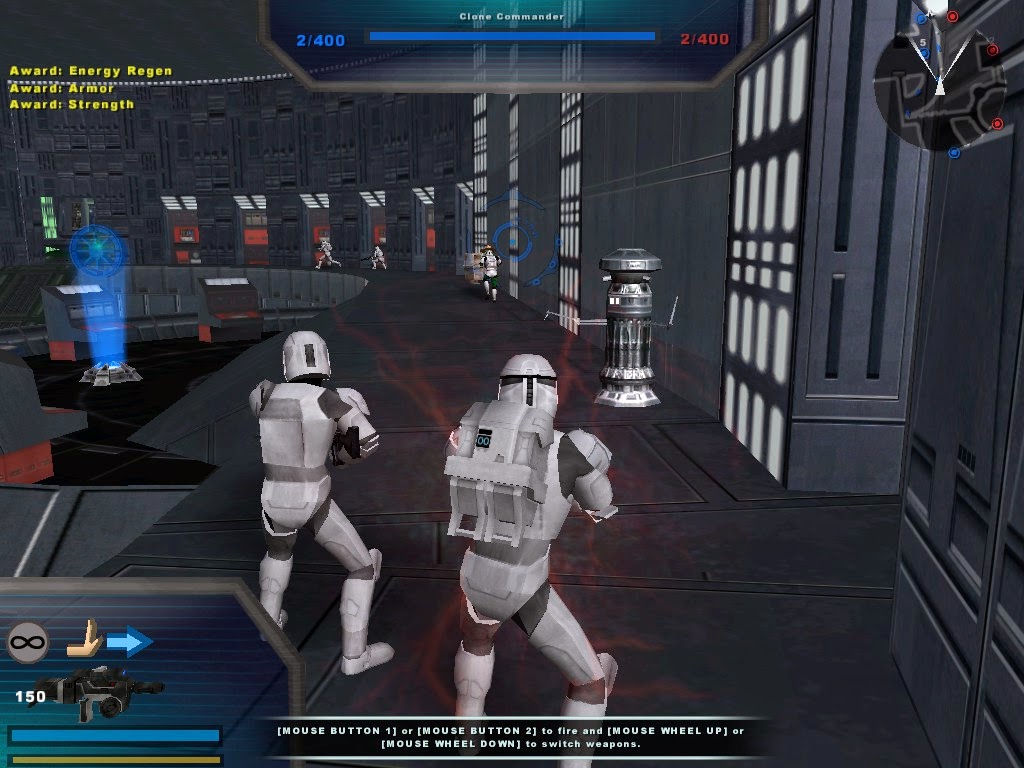
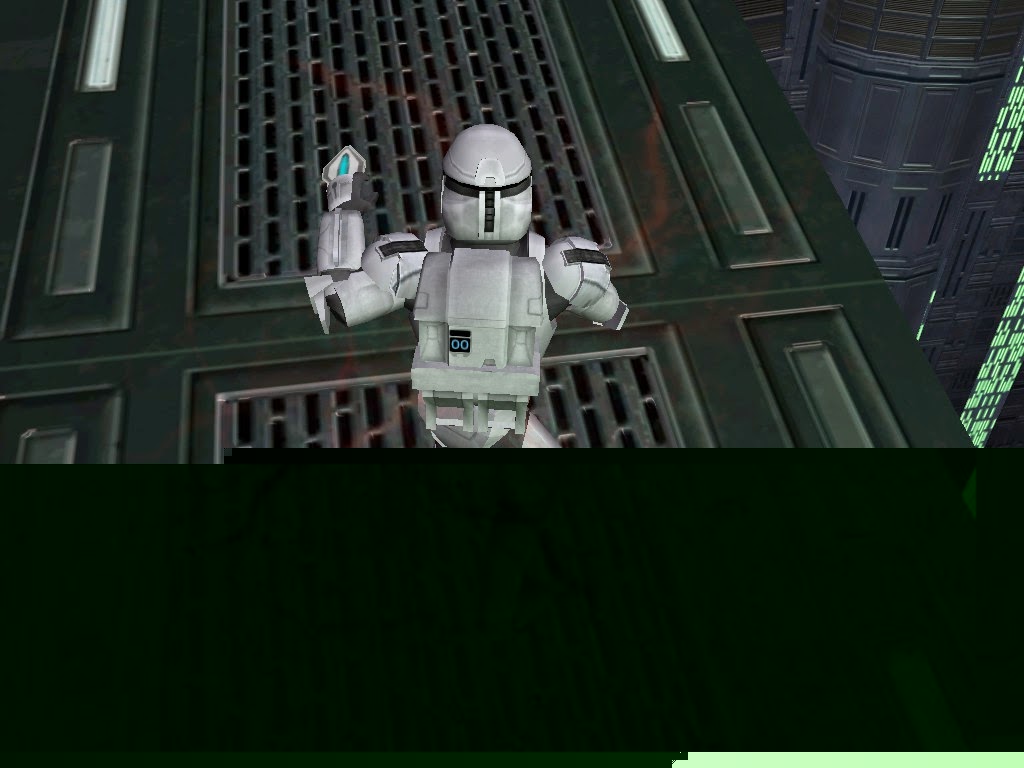
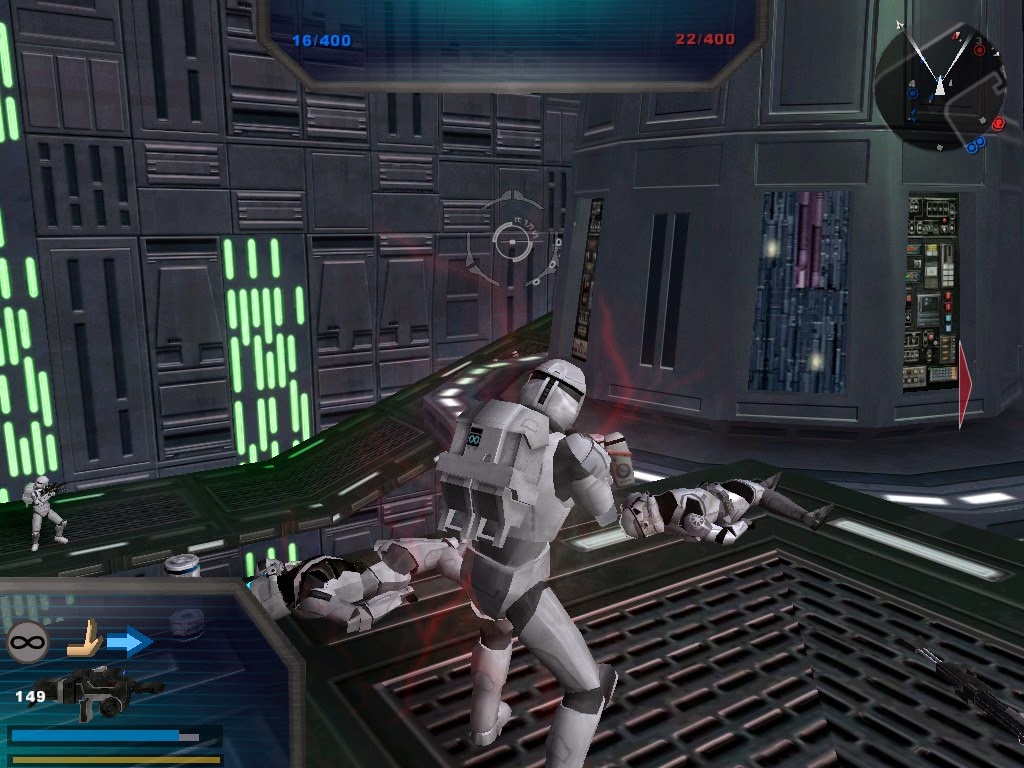
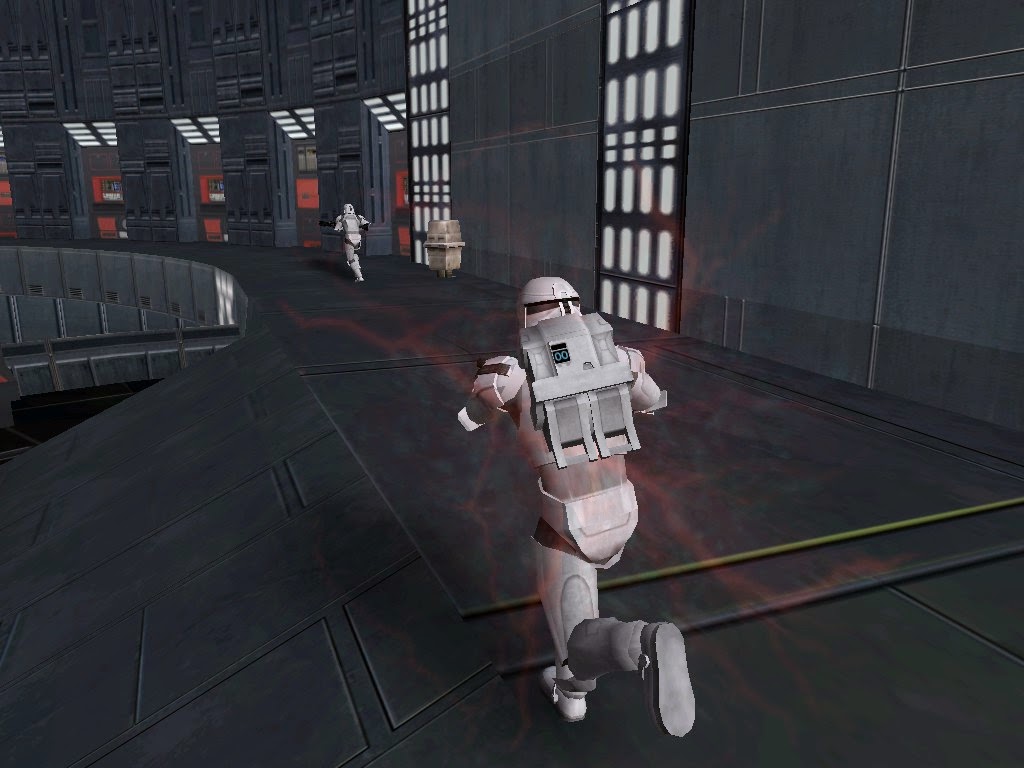
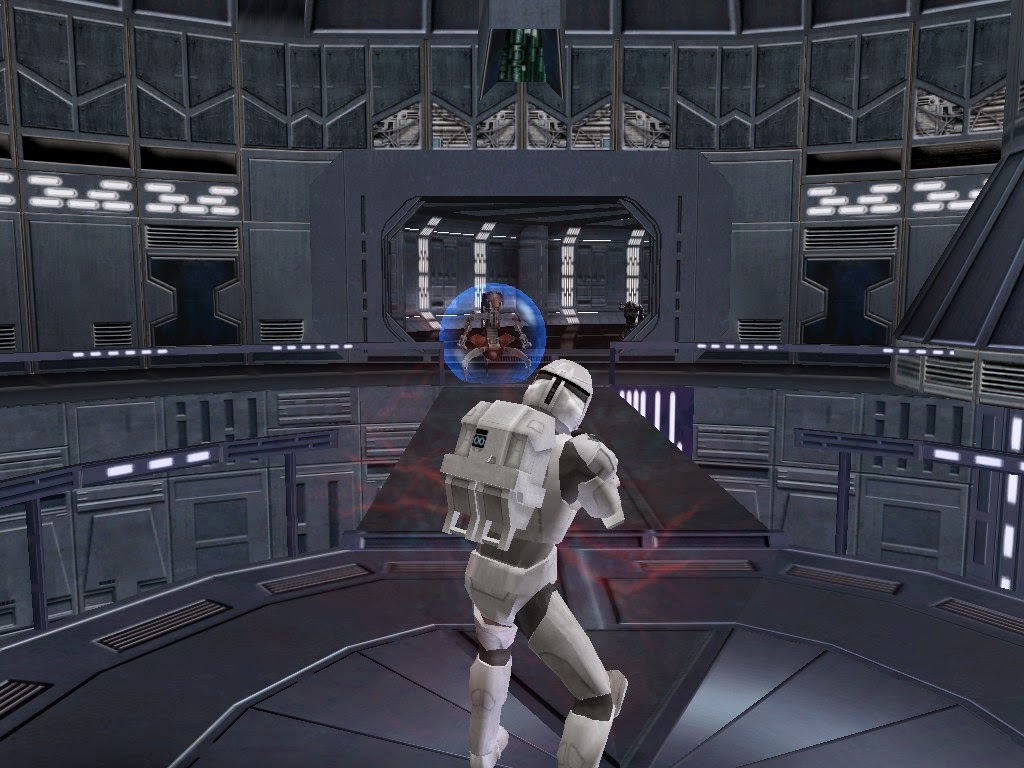
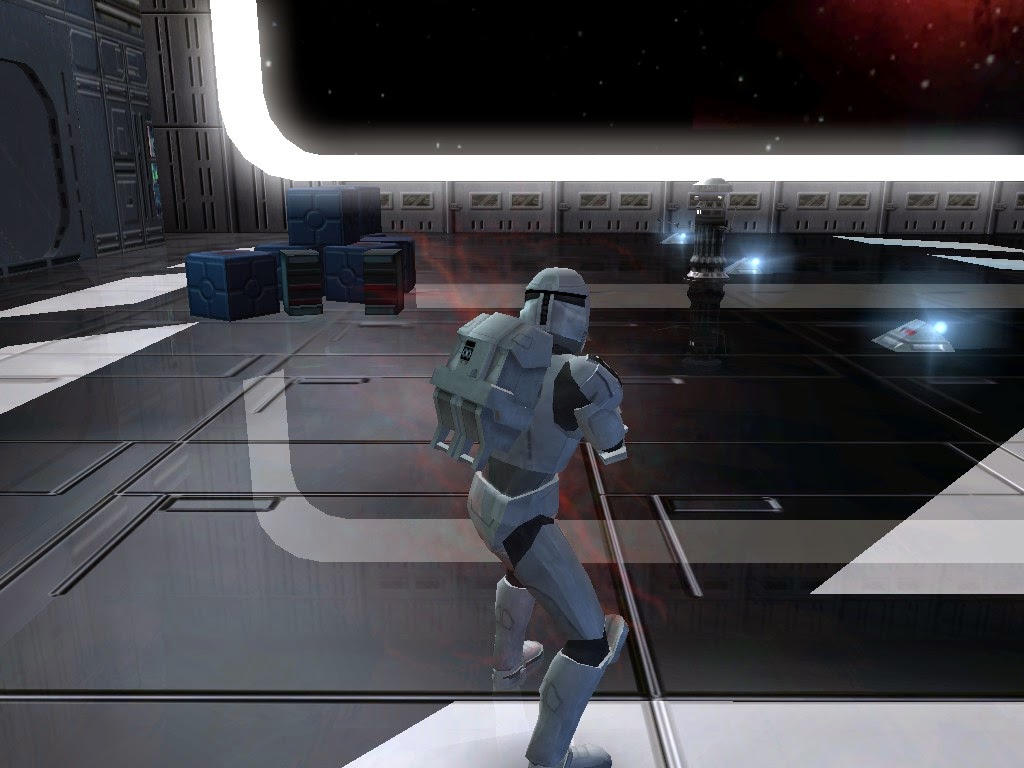
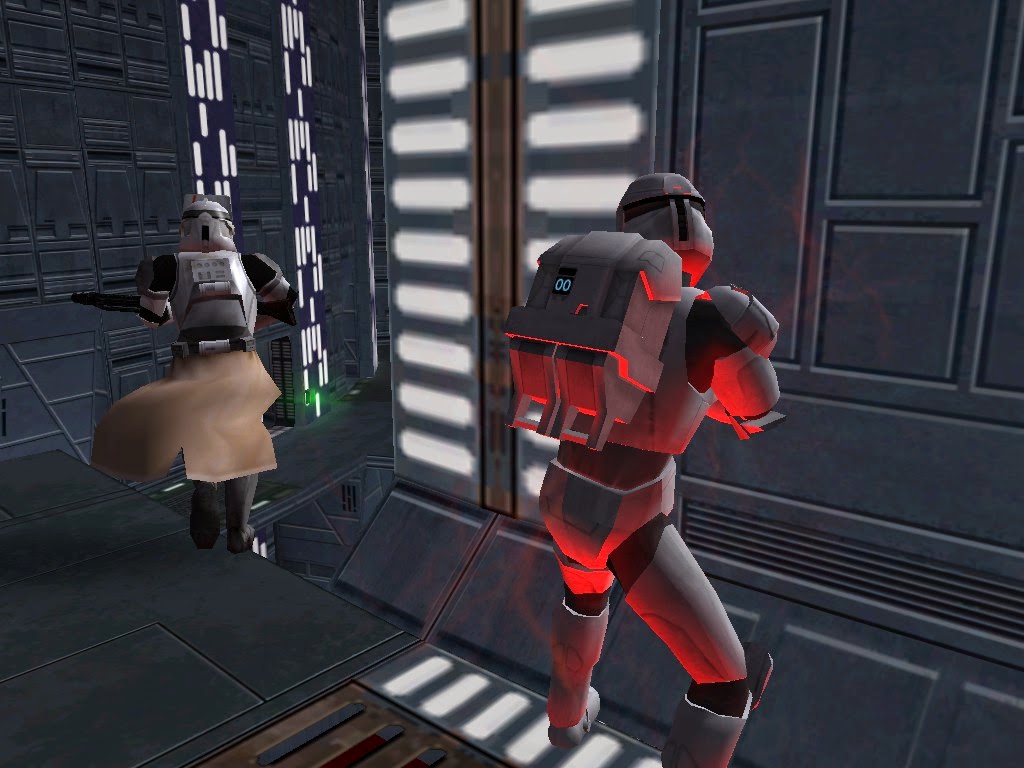
So now that I've been working on the vibro attack you get to see it ingame (yay!):
Hidden/Spoiler:
Image
Looks like he's pointing.
Hidden/Spoiler:
Image
Vibro attack screenshot 1.
Hidden/Spoiler:
Image
Vibro attack screenshot 2.
Hidden/Spoiler:
Image
I will be making a blade model for the vibro attack.
User avatar
Kingpin
Jedi
Jedi
Posts: 1096
Joined: Fri Sep 13, 2013 7:09 pm
Projects :: The Sith Wars II
Location: Denver, CO
Contact:

Re: Republic Commando WIP

Post by Kingpin »

Also, make sure he still has his offhand weapon while he is doing the attack. Looks nice!
User avatar
Nedarb7
Lieutenant General
Lieutenant General
Posts: 676
Joined: Sat Sep 22, 2012 3:41 pm

Re: Republic Commando WIP

Post by Nedarb7 »

Unfortunately I had to make a choice between animation or primary weapon. Having an animation is much more worth it than the weapon being there, thus being the reason for my decision. However it is possible to make a gun there, it just wont change.
User avatar
Anakin
Master of the Force
Master of the Force
Posts: 4817
Joined: Sat Sep 19, 2009 11:37 am
Projects :: RC Side Mod - Remastered - SWBF3 Legacy
Location: Mos Espa (germany)

Re: Republic Commando WIP

Post by Anakin »

Nice work on the helmet ;)

Can you add the vibroblade to the animation??
Cannot wait to see a video :D
User avatar
Nedarb7
Lieutenant General
Lieutenant General
Posts: 676
Joined: Sat Sep 22, 2012 3:41 pm

Re: Republic Commando WIP

Post by Nedarb7 »

Thanks! The vibroblade will appear when you use the attack. I've already created its texture.
User avatar
Kingpin
Jedi
Jedi
Posts: 1096
Joined: Fri Sep 13, 2013 7:09 pm
Projects :: The Sith Wars II
Location: Denver, CO
Contact:

Re: Republic Commando WIP

Post by Kingpin »

:o How are you going to make the vibroblade appear only when you attack? What black magic is this!
User avatar
Anakin
Master of the Force
Master of the Force
Posts: 4817
Joined: Sat Sep 19, 2009 11:37 am
Projects :: RC Side Mod - Remastered - SWBF3 Legacy
Location: Mos Espa (germany)

Re: Republic Commando WIP

Post by Anakin »

It's the dark side of the force

Image
User avatar
Kingpin
Jedi
Jedi
Posts: 1096
Joined: Fri Sep 13, 2013 7:09 pm
Projects :: The Sith Wars II
Location: Denver, CO
Contact:

Re: Republic Commando WIP

Post by Kingpin »

Oh. Okay. *walks away satisfied*
User avatar
Nedarb7
Lieutenant General
Lieutenant General
Posts: 676
Joined: Sat Sep 22, 2012 3:41 pm

Re: Republic Commando WIP

Post by Nedarb7 »

If you want to see the Dark Side of the force in action click this link:
Click to see vibroblade in action (with model that needs to be scalled down)
User avatar
Anakin
Master of the Force
Master of the Force
Posts: 4817
Joined: Sat Sep 19, 2009 11:37 am
Projects :: RC Side Mod - Remastered - SWBF3 Legacy
Location: Mos Espa (germany)

Re: Republic Commando WIP

Post by Anakin »

Looks good so far. But something is missing on the animation. I'll have a look at it tomorrow.
User avatar
Nedarb7
Lieutenant General
Lieutenant General
Posts: 676
Joined: Sat Sep 22, 2012 3:41 pm

Re: Republic Commando WIP

Post by Nedarb7 »

Alright. I've edited the backpack's model and texture. Here are some screenshots:
Hidden/Spoiler:
ImageImageImageImageImageImageImage
MileHighGuy
Jedi
Jedi
Posts: 1194
Joined: Fri Dec 19, 2008 7:58 pm

Re: Republic Commando WIP

Post by MileHighGuy »

Very good. It fits in perfectly.
User avatar
yuke5
Field Commander
Field Commander
Posts: 945
Joined: Wed Jun 29, 2011 10:42 pm
Games I'm Playing :: SWBF2 TF2 RC KOTOR
xbox live or psn: My steam is yuke5.
Location: Vermont

Re: Republic Commando WIP

Post by yuke5 »

I like it. :D
User avatar
Kingpin
Jedi
Jedi
Posts: 1096
Joined: Fri Sep 13, 2013 7:09 pm
Projects :: The Sith Wars II
Location: Denver, CO
Contact:

Re: Republic Commando WIP

Post by Kingpin »

Nice. As always :)
AcaelusThorne
Corporal
Corporal
Posts: 153
Joined: Tue Apr 26, 2011 3:30 am
Projects :: Republic Commando Side Mod
Games I'm Playing :: SWBII
xbox live or psn: No gamertag set

Re: Republic Commando WIP

Post by AcaelusThorne »

I love the new backpack, it makes the modell look so nice when playing. :)

What I think makes the animation look strange is, that the arm is moving like a fired bolt from a machine. The shoulder moves too far back and so does the elbow with it. It looks unnatural and I am pretty shure that you do not gain energie to the attack by bringing your arm in to that position. Now if the body would turn with the arm this would be different but I think the attack is not ment to look like a real punch.
Also the speed of the attack seems a little to fast. In reallity the arm would remain in that position for a short time and/or would be pulled back for a short distance so the RC would free his blade or prevent enemies from grabbing his arm.
I want to clearify that I only wanted to mention what I think makes the animation look strange as Anakin stated. I really appretiate your work and imo you do not necessarily need to change anything about it. ;)
Keep up the awesome work ;D
MileHighGuy
Jedi
Jedi
Posts: 1194
Joined: Fri Dec 19, 2008 7:58 pm

Re: Republic Commando WIP

Post by MileHighGuy »

What tools do you find yourself using most often? for educational purposes.
User avatar
Nedarb7
Lieutenant General
Lieutenant General
Posts: 676
Joined: Sat Sep 22, 2012 3:41 pm

Re: Republic Commando WIP

Post by Nedarb7 »

Uh... a pencil and eraser maybe. But I'm assuming that isn't what you meant. Could you clarify? I don't quite understand.
MileHighGuy
Jedi
Jedi
Posts: 1194
Joined: Fri Dec 19, 2008 7:58 pm

Re: Republic Commando WIP

Post by MileHighGuy »

tools in xsi. sorry. I meant for my education haha.
User avatar
Nedarb7
Lieutenant General
Lieutenant General
Posts: 676
Joined: Sat Sep 22, 2012 3:41 pm

Re: Republic Commando WIP

Post by Nedarb7 »

Oh that's easy. I use the rotation (camera) and point select tools the most (if you consider them tools). I use blender for modeling, I only use xsi for enveloping and animating so really the two "tools" I mentioned are the ones I use the most. I am very unfamiliar with XSI.

-EDIT-

However if you wanted info for your own education... here are some useful things in blender:
1 The knife tool (in later versions). Extremely useful for making complex details (such as the visor on the rc)
2 Deleting faces. I tend to do this a lot, you can create better topology by manually creating faces.
3 Merging vertices. Helps when you need to patch up disconnected edges (which make sharp edges)
4 Flipping normals. YES! The model saver when the texture is inverted. :p
Post Reply