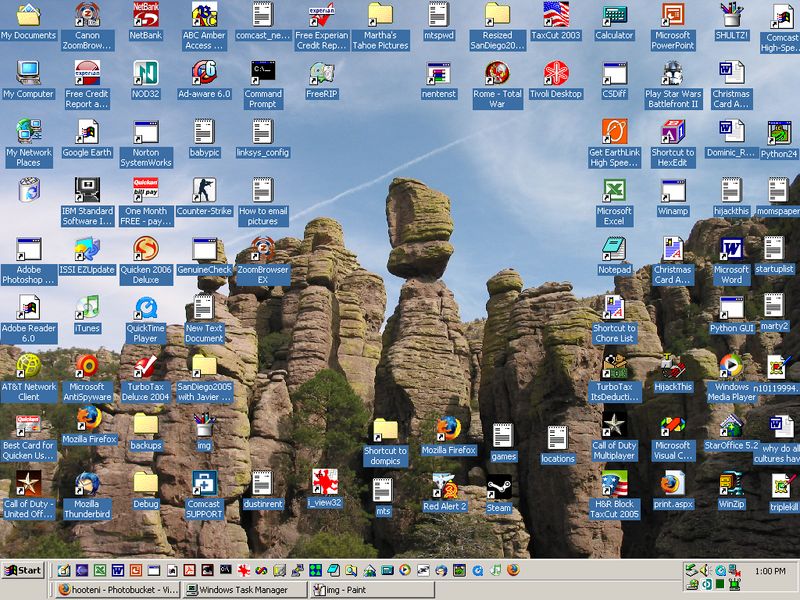

Basically, you do what the title says... Post your Desktop!
If you have no idea how to do this...
1. In order to take a screenshot of your desktop, press Print Screen(top right corner of your keyboard). Then open Paint(or a similar program), and paste it there. Then save.
2. Then you gotta upload it. Go to a site like http://imageshack.us, or http://photobucket.com, and upload your picture.
3. Then post it here. Post the image URL, and put the around it.
IF YOU HAVE A DESKTOP THAT CONTAINS ANY INNAPROPRIATE MATERIAL, PLEASE DO NOT POST IT
Now, lets get down to business...
My Current Desktop

The quality is low, 'cuz it's a .JPG screenie, and it got resized, so...

Post away!


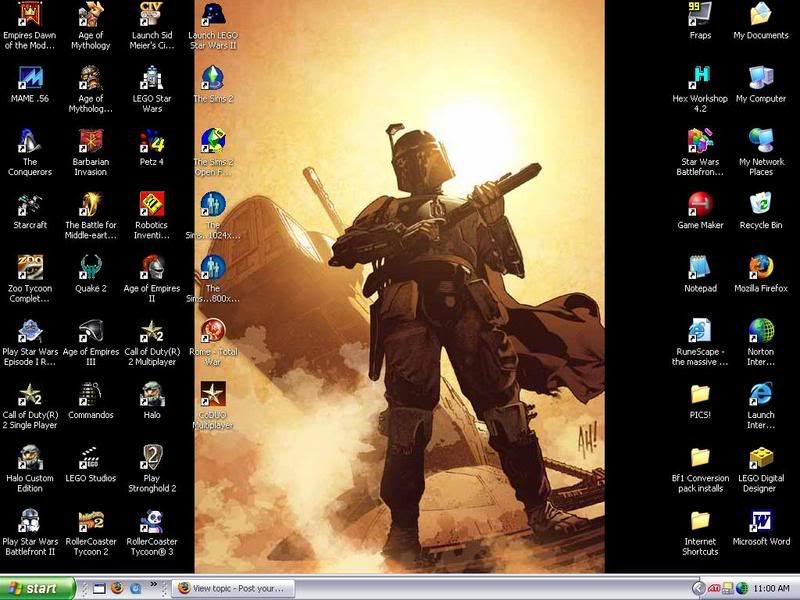






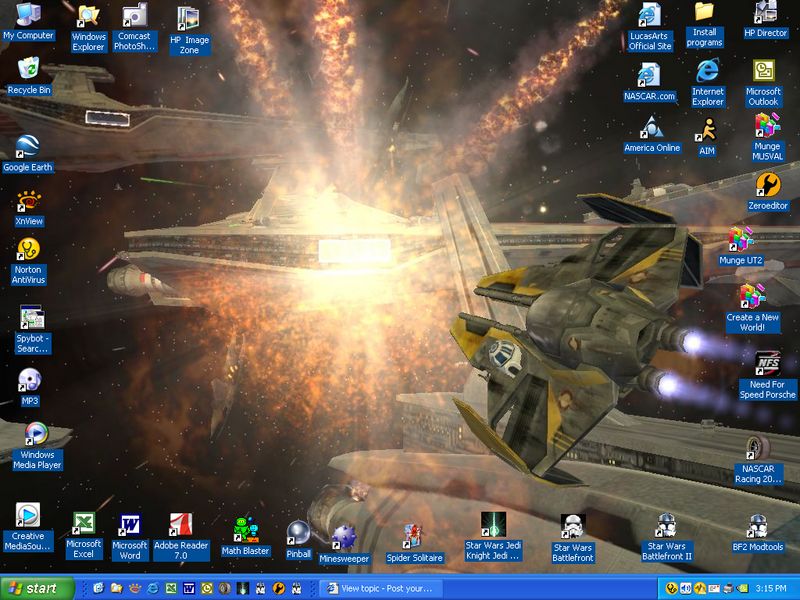
 .
.