
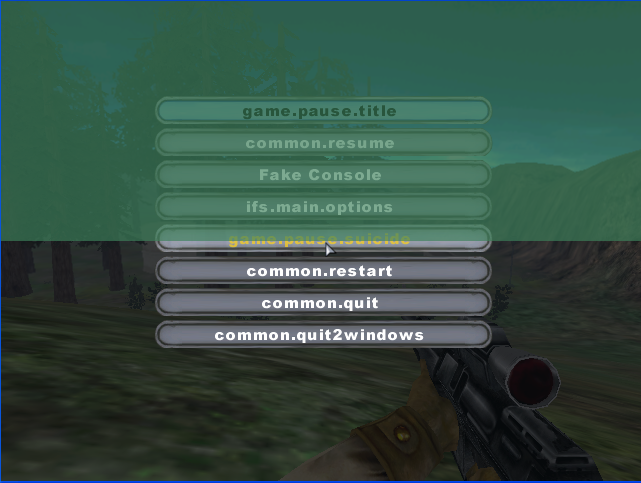
Ya that's not normal. The only clue I have is that when I munge it says the normal munging things but then it says: 'xcopy' is not recognized as an internal or external command,
operable program or batch file.
What is wrong?
Moderator: Moderators

 It's not just this level that it happens to. All of them have the xcopy error. Even after I re-installed the mod tools.
asuming windows is installed in c:\.c:\windows\system32\more.com
If there is no entry like: c:\windows\system32; then it can't find the file (and you should have serious other problems with your pc as well).PATH=C:\WINDOWS\system32;C:\WINDOWS;C:\WINDOWS\system32\WBEM;C:\Program Files\.....
make sure these lines are exactly like this.FOR %%i IN (%Source1Dir%\*.cfg %Source2Dir%\*.cfg) DO (
echo Merging %%i...
more %%i >> %TempDir%\%%~ni%%~xi
)





Code: Select all
'more' is not recognized as an internal or external command,
operable program or batch file. 
Code: Select all
more /?
Displays output one screen at a time.

MORE [/E [/C] [/P] [/S] [/Tn] [+n]] < [drive:][path]filename
command-name | MORE [/E [/C] [/P] [/S] [/Tn] [+n]]
MORE /E [/C] [/P] [/S] [/Tn] [+n] [files]

    [drive:][path]filename  Specifies a file to display one
                            screen at a time.

    command-name            Specifies a command whose output
                            will be displayed.

    /E      Enable extended features
    /C      Clear screen before displaying page
    /P      Expand FormFeed characters
    /S      Squeeze multiple blank lines into a single line
    /Tn     Expand tabs to n spaces (default 8)

            Switches can be present in the MORE environment
            variable.

    +n      Start displaying the first file at line n

    files   List of files to be displayed. Files in the list
            are separated by blanks.

    If extended features are enabled, the following commands
    are accepted at the -- More -- prompt:

    P n     Display next n lines
    S n     Skip next n lines
    F       Display next file
    Q       Quit
    =       Show line number
    ?       Show help line
    <space> Display next page
    <ret>   Display next line