W.I.P. Fanblade Starfighter

How to create models in XSI and other 3D applications and make them work in Battlefront 1 & 2. Post models, tips for application usage and share anything XSI, 3DMax, SketchUp, etc.

Moderator: Moderators

User avatar
Challenger33
Lieutenant General
Lieutenant General
Posts: 726
Joined: Wed Aug 23, 2006 3:44 pm
Projects :: No Mod project currently.
xbox live or psn: No gamertag set
Location: Building a legion of papercraft models.
Contact:

Re: W.I.P. Fanblade Starfighter (Need Help With Animation Issue)

Post by Challenger33 »

After I posted last night, I watched a part of Clone Wars on my iPod Touch, and took a few screenshots of it folded for reference. I had a feeling I was wrong (and I was) since if you were to fire the laser cannons while folded, you'd be shooting yourself...

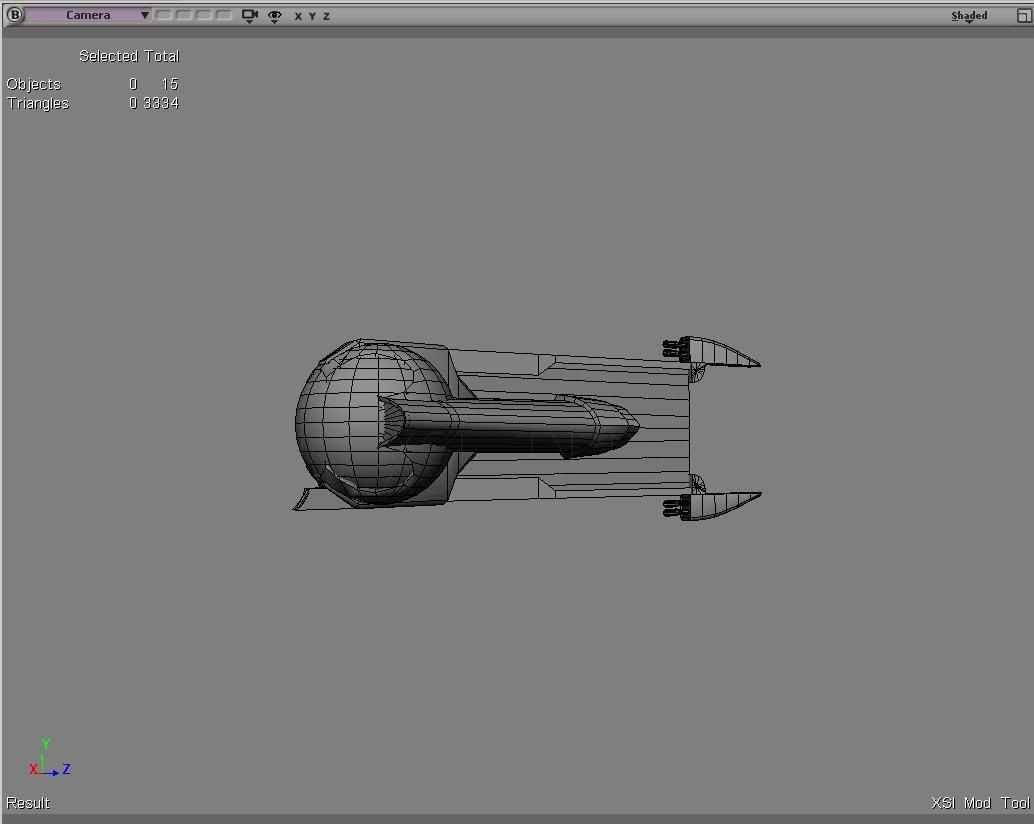
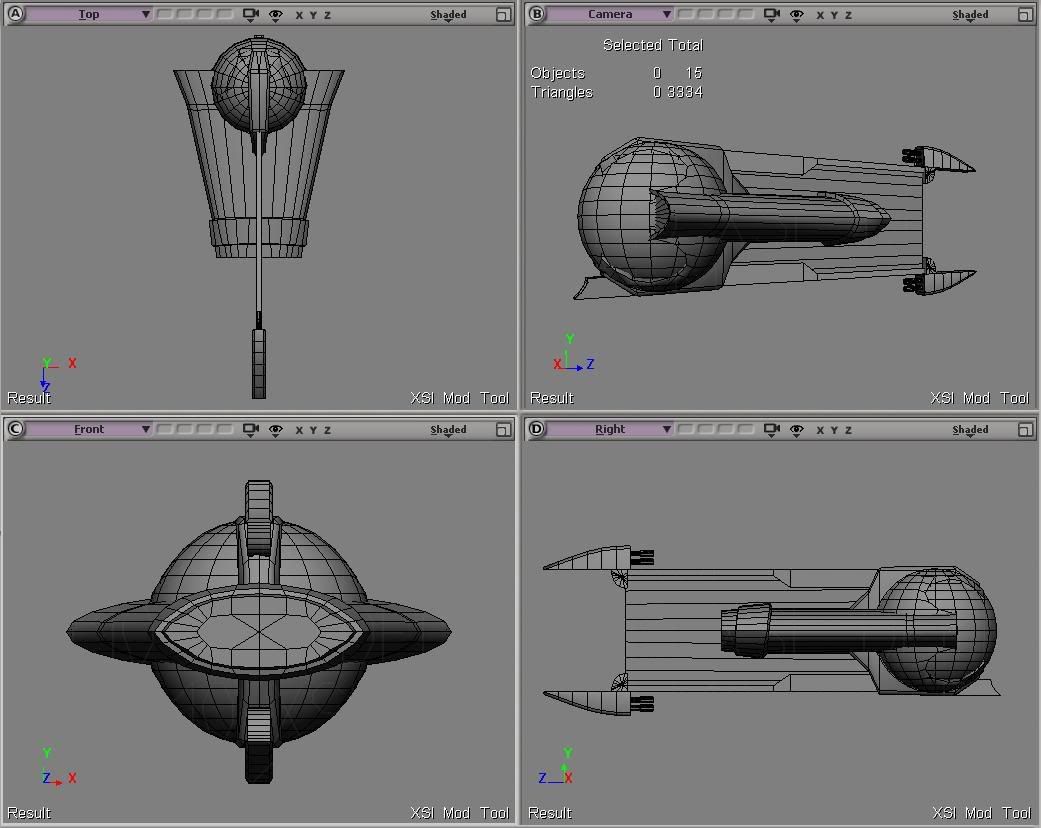
Anyway, this is how it is now:
Hidden/Spoiler:
Image
Hidden/Spoiler:
Image
Now that I watched what Frisbeetarian suggested (thanks, by the way) I realized that I forgot landing gear. So I'm adding those now; they won't be too detailed since you'll hardly see them anyway.
User avatar
minilogoguy18
Master Bounty Hunter
Posts: 1512
Joined: Wed Nov 09, 2005 11:12 pm
Projects :: No Mod project currently.
Games I'm Playing :: I have not listed any games yet
xbox live or psn: No gamertag set

Re: W.I.P. Fanblade Starfighter

Post by minilogoguy18 »

I hope you are aware that your model is facing completely backwards in XSI and could be the reason of your animation problems.
User avatar
Challenger33
Lieutenant General
Lieutenant General
Posts: 726
Joined: Wed Aug 23, 2006 3:44 pm
Projects :: No Mod project currently.
xbox live or psn: No gamertag set
Location: Building a legion of papercraft models.
Contact:

Re: W.I.P. Fanblade Starfighter

Post by Challenger33 »

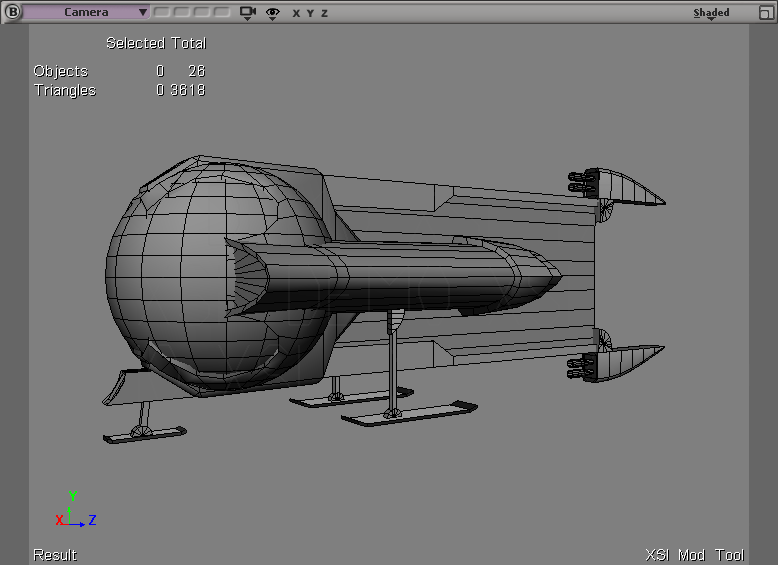
Yes, I know that, but no, that wasn't the reason it was having animation problems, as I animated it when it was oriented that way and never rotated it afterwards, which is why it was backwards ingame. This time I'm rotating it after I merge it, which I can now do, since the modeling portion is complete:
Image

Modding as of late has been slow for me, as I've been traveling. For those of you who know how it's supposed to look, please inform me of any discrepancies between that and my rendition of it.

User avatar
minilogoguy18
Master Bounty Hunter
Posts: 1512
Joined: Wed Nov 09, 2005 11:12 pm
Projects :: No Mod project currently.
Games I'm Playing :: I have not listed any games yet
xbox live or psn: No gamertag set

Re: W.I.P. Fanblade Starfighter

Post by minilogoguy18 »

Image

Also the whole area that I marked for needing hard edges could actually been traced on the sphere you used for the glass and used the add edge tool (hotkey \) to trace that design and extruded it to have a clean mesh rather than 1 inside of another. I think you said you were gonna merge the mesh into 1 which would definitely be best then you could use 1 texture map for the entire model. All of this will help bring down the poly count and better the quality.
User avatar
Challenger33
Lieutenant General
Lieutenant General
Posts: 726
Joined: Wed Aug 23, 2006 3:44 pm
Projects :: No Mod project currently.
xbox live or psn: No gamertag set
Location: Building a legion of papercraft models.
Contact:

Re: W.I.P. Fanblade Starfighter

Post by Challenger33 »

Ah, thanks for the suggestions, especially the one about the extrusion. It makes sense, and I don't know why I didn't think to do that. I'll do that now. :)
Post Reply