
It looks fine in mshviewer:
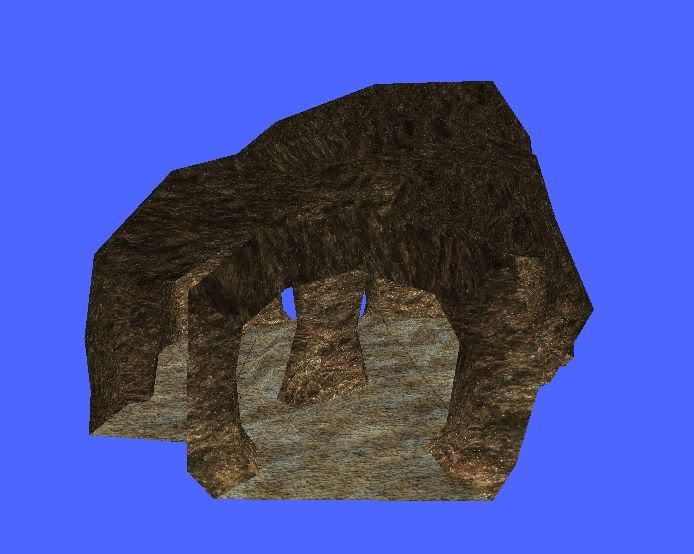
But in ze it has that grey look:
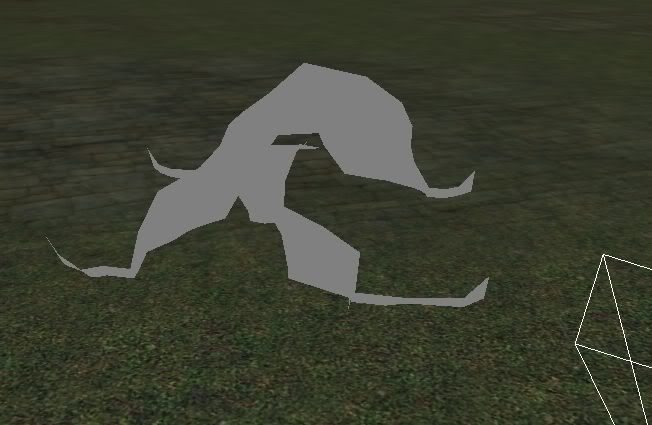
Then I munge and it turns black in game and has these errors:
Hidden/Spoiler:
Moderator: Moderators


Did I use your textures?biohazard wrote:Hidden/Spoiler:


This is my ownly error log that comes up now?Recon Trooper wrote:Did I use your textures?biohazard wrote:Hidden/Spoiler:
Lol, I just typed in 'rock texture'.
Anyway, thanks for the advice.
I thought it worker because I saw it worked in ZE.
But, When I munge it has these errors...
Then when I play I can't spawn?Hidden/Spoiler:


I'd reccomend GIMP or Paint.NET for texture editing. They're free and a lot better than MS Paint.biohazard wrote:...Open up MS Paint and paste the image....
acceptable sizes for width or height:
2
4
8
16
32
64
128
256
512
1024
2048
(sense the pattern yet?)
4096
8192
...
...
I also think something above a certain size (may be anything above 2048x2048) crashes ZE, though not the game.BF2 Limitations Thread wrote:Maximum texture size is 4096x4096
Yep, and that's been covered in the FAQ.biohazard wrote:I'd also suggest what AQT said. Go to your C:\Program Files\Lucasarts\Star Wars Battlefront II\Gamedata\ and open Bfront2.log with Notepad, and post its contents. Before you do that though, try to play on your map with BF2 Modtools.

