Controlling glow/specular intensity (Diffuse texture)

In this forum you will find and post information regarding the modding of Star Wars Battlefront 2. DO NOT POST MOD IDEAS/REQUESTS.

Moderator: Moderators

Post Reply
User avatar
Nedarb7
Lieutenant General
Lieutenant General
Posts: 676
Joined: Sat Sep 22, 2012 3:41 pm

Controlling glow/specular intensity (Diffuse texture)

Post by Nedarb7 »

Here's a quick tutorial on a useful trick I discovered while texturing battle droids.
Basically you will be able to control the intesity of specular/glow with a diffuse texture.

This tutorial can be used for both glow and specular.

1. (Specular only) Open up your model and change the 6th place after ATRB to 04.

1. (Glow only) Open up your model and change the 5th place after ATRB to 03.

2. Open up your models tga with GIMP and select: layer/transparency/add alpha channel

3. At this point your specular is at full intensity, to change this click on the eraser tool and you will see an option at the bottom that says "opacity". This determines the strength of the opacity.

31/2. Now make sure that the opacity is lower than 100% or your object will appear black in game. Now you will erase over the whole image. Your image should be visible (sometimes more than other times).

4. Save as with RLE compression un-checked.

Explained: When your done erasing the image should be transparent but still visible, when its less visible the specular intensity will be lower, when its completely visible the specular intensity will be at its max. So the higher the eraser opacity the lower the specular intensity, and the lower the eraser opacity the higher the specular intensity.

Note: You don't need to erase the whole image, so if you wanted to make an object have one spot shine more than others, erase the spots that are going to be less shiny (example [make sure you backup your original texture and never erase with opacity at 100%])

Here's an example (the visor, under armor, and feet are at basically erased completely so they don't shine):
Hidden/Spoiler:
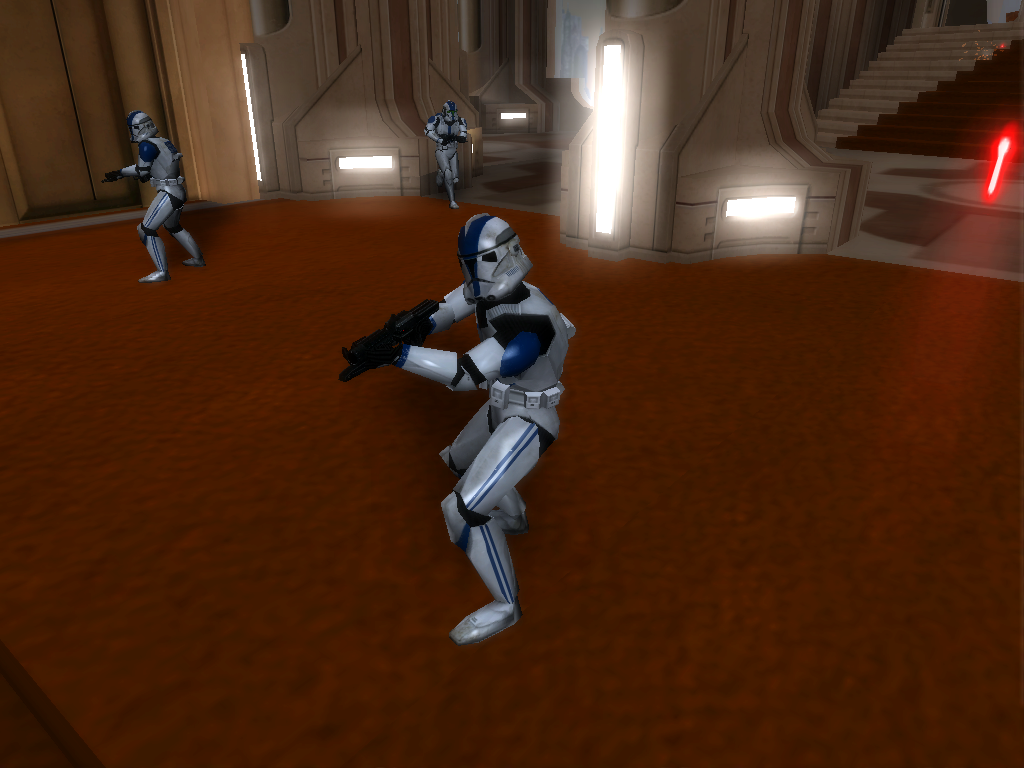
Image
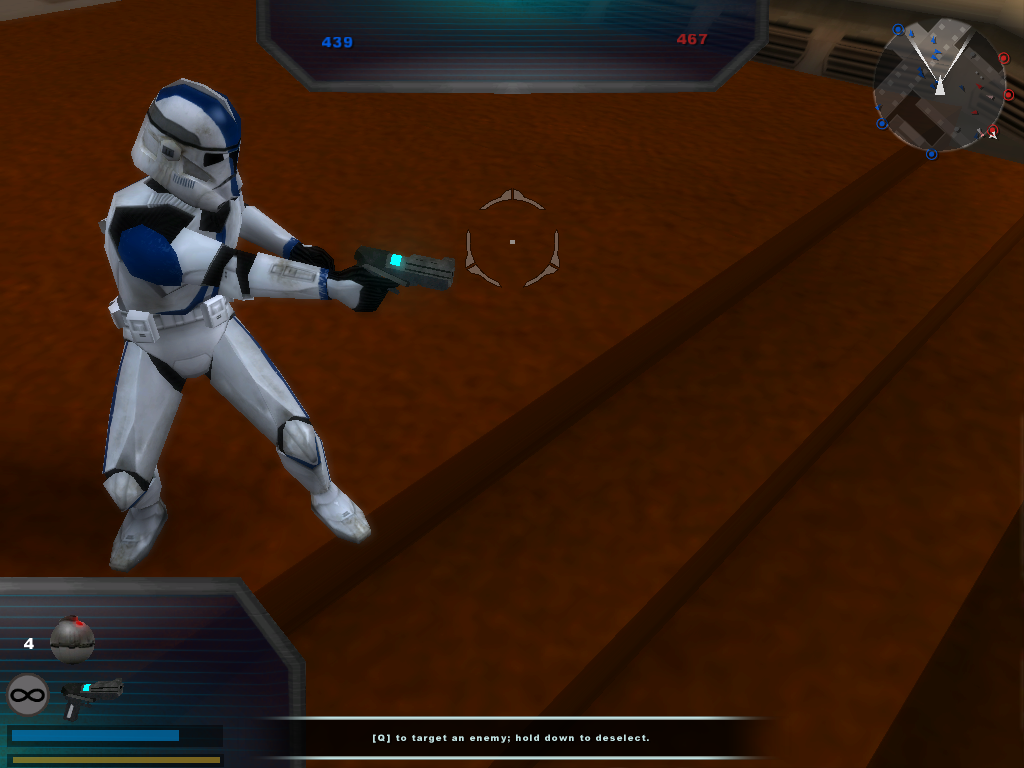
Glow example (pistol):
Hidden/Spoiler:
Image
Last edited by Nedarb7 on Fri Feb 15, 2013 6:04 pm, edited 4 times in total.
THEWULFMAN
Space Ranger
Posts: 5557
Joined: Tue Aug 17, 2010 3:30 pm
Projects :: Evolved 2
Location: Columbus, Ohio
Contact:

Re: How to control gloss intensity.

Post by THEWULFMAN »

What you're working with is the specular render type, not gloss. Should really clarify that. Gloss itself has its own properties and can not be controlled with the alpha channel.
User avatar
Nedarb7
Lieutenant General
Lieutenant General
Posts: 676
Joined: Sat Sep 22, 2012 3:41 pm

Re: How to control gloss intensity.

Post by Nedarb7 »

Sorry, I'll fix that.
THEWULFMAN
Space Ranger
Posts: 5557
Joined: Tue Aug 17, 2010 3:30 pm
Projects :: Evolved 2
Location: Columbus, Ohio
Contact:

Re: How to control specular intensity.

Post by THEWULFMAN »

No need to be sorry. :)
User avatar
DarthSolous
Chief Warrant Officer
Posts: 351
Joined: Fri Sep 14, 2012 4:28 pm
Projects :: No Mod project currently.
Games I'm Playing :: SWBF2 Halo Minecraft
xbox live or psn: No gamertag set
Location: Wielding the Dark Side of the Force on Korriban

Re: How to control specular intensity.

Post by DarthSolous »

Cool. My kitties love you ImageImageImage
User avatar
Nedarb7
Lieutenant General
Lieutenant General
Posts: 676
Joined: Sat Sep 22, 2012 3:41 pm

Re: Controlling glow/specular intensity (Deffuse texture)

Post by Nedarb7 »

There's more to this than I thought, glow works too :D . Edited tutorial.
AQT
Gametoast Staff
Gametoast Staff
Posts: 4910
Joined: Sat Nov 03, 2007 4:55 pm
Location: SoCal, USA

Re: Controlling glow/specular intensity (Deffuse texture)

Post by AQT »

Is this just a tutorial showcasing another method on how to create specular maps/glow intensity-controlling alpha layers? Because just to be clear, it has been known for quite a while now that the strength of specular and glow can be lowered/increased using an alpha layer....
User avatar
Nedarb7
Lieutenant General
Lieutenant General
Posts: 676
Joined: Sat Sep 22, 2012 3:41 pm

Re: Controlling glow/specular intensity (Deffuse texture)

Post by Nedarb7 »

AQT wrote:Is this just a tutorial showcasing another method on how to create specular maps/glow intensity-controlling alpha layers? Because just to be clear, it has been known for quite a while now that the strength of specular and glow can be lowered/increased using an alpha layer....
Well it figures its already been known about, I just wanted to write a tutorial for those who don't know.
AQT
Gametoast Staff
Gametoast Staff
Posts: 4910
Joined: Sat Nov 03, 2007 4:55 pm
Location: SoCal, USA

Re: Controlling glow/specular intensity (Deffuse texture)

Post by AQT »

When you post things like:
Nedarb7 wrote:There's more to this than I thought, glow works too :D . Edited tutorial.
You seemingly make it out to be a new discovery. To save you the trouble of rediscovering already known concepts, D.U.C.K. made a comprehensive list of SWBF2's major material settings and their properties a while back.

Your tutorial works fine for glow, but it is an inefficient method for creating specular maps. Ideally, one would start off with a greyscaled version of the main texture as a base and edit it from there. Then compose it with the main texture as the alpha layer.

You can see how specular maps used on stock player models that have them look like by extracting the alpha layer out using either of the following:
User avatar
AceMastermind
Gametoast Staff
Gametoast Staff
Posts: 3285
Joined: Mon Aug 21, 2006 6:23 am
Contact:

Re: Controlling glow/specular intensity (Deffuse texture)

Post by AceMastermind »

I'd like to see that post split into either separate replies or threads for each section of info, then we could link folks directly to information that pertains to them, it just looks so cluttered with everything in a single post.
Post Reply