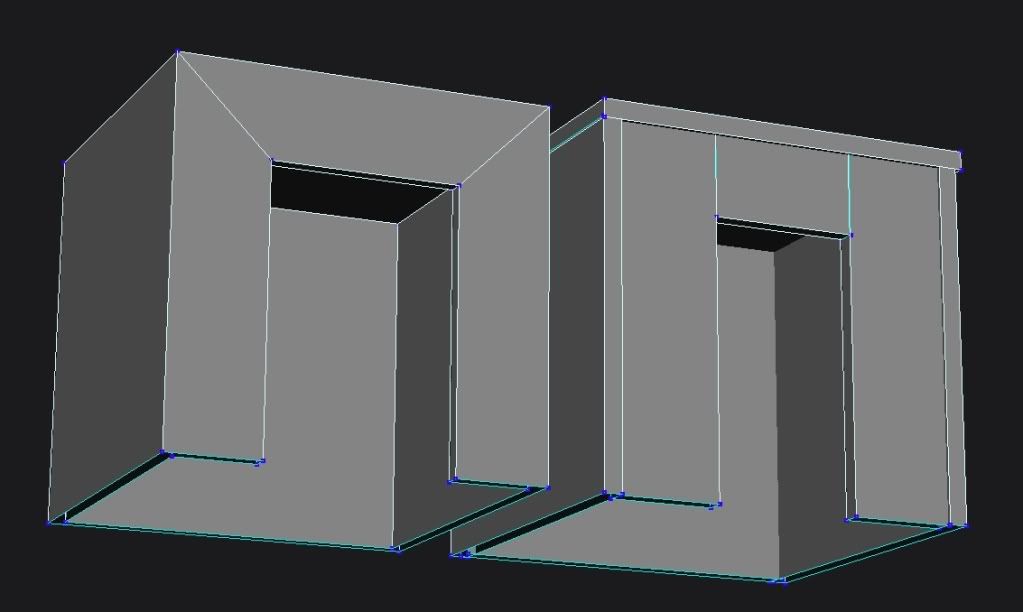
The Nasal Abyss wrote:General rule of thumb; you want to avoid having models made out of separate pieces of geometry. It makes texturing a hassle and is unefficient and unclean.
Maybe its the "General rule of thumb", but using multiple pieces of geometry makes a far more poly efficient model, and makes it easier to texture, at least for me.
The Nasal Abyss wrote:Use a chamfer or beveling tool. I don't know the specific names from XSI off hand but look for those two key words.
I keep hearing you guys say XSI, when he was never using XSI, he has been using Blender, which I know a lot about, my knowledge of XSI is highly limited.
In Blender, select the vertices you want to bevel and press W, then select Bevel from the menu that pops up.
When exporting from Blender to .wrl, remember to merge all your geometry by (in object mode) hitting A, selecting all of your geometries, and pressing Ctrl + J to combine them, or otherwise it will crash MSH Viewer.
The Nasal Abyss wrote:Snork wrote:Triangulation is turning all the polygons of your model into triangles. The game renders triangles much faster than quads.
More like it ONLY renders triangles

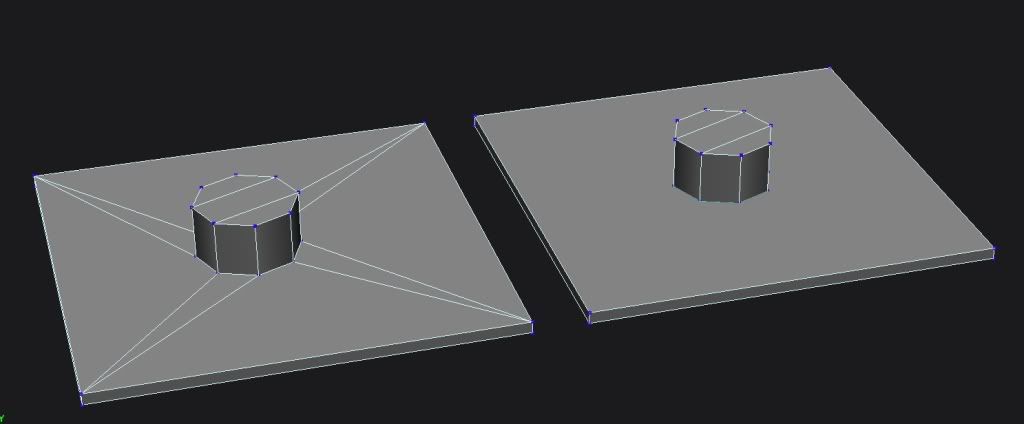
Zero Engine will sometimes not render quads, espcially if they are small. To convert from Triangles to Quads in blender, in edit mode, select all your vertices, and go to your Mesh > Faces menu, and select "Convert Quads to Triangles", as seen here.



 )
)