Jetpack hexedit [Solved]
Moderator: Moderators
- ACEwithSPADES
- Command Sergeant Major

- Posts: 253
- Joined: Thu Jan 20, 2011 3:49 pm
- Projects :: Alzoc 3
- xbox live or psn: xundyingxace
- Location: Somewhere, but most likely where i am
Jetpack hexedit [Solved]
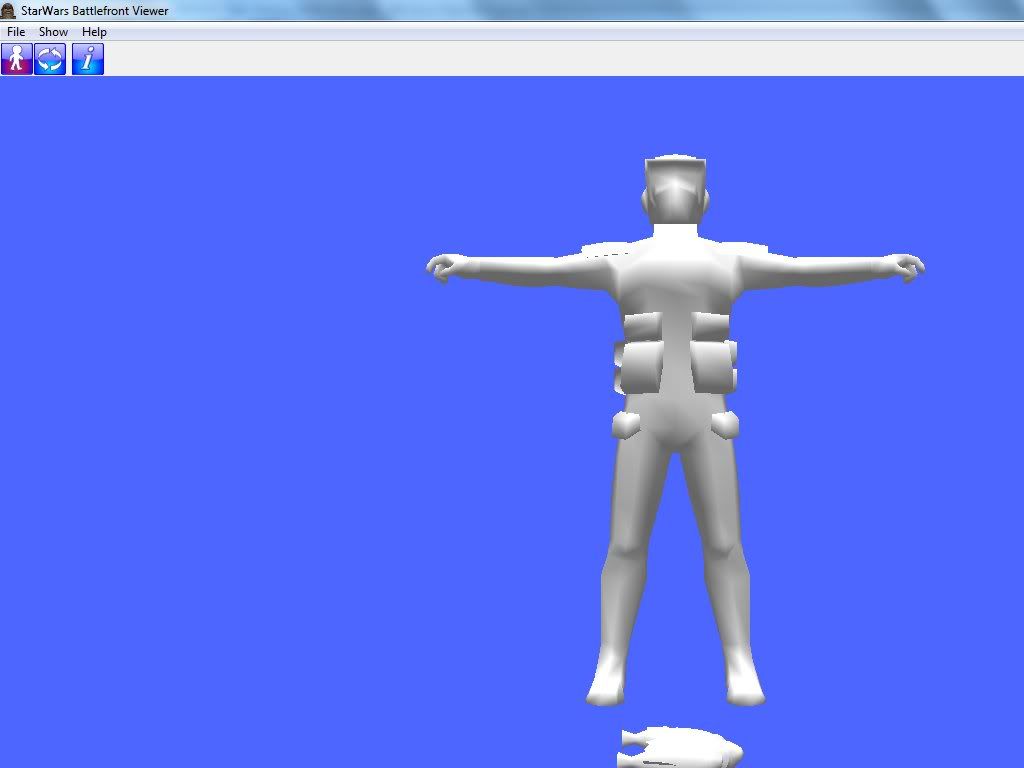
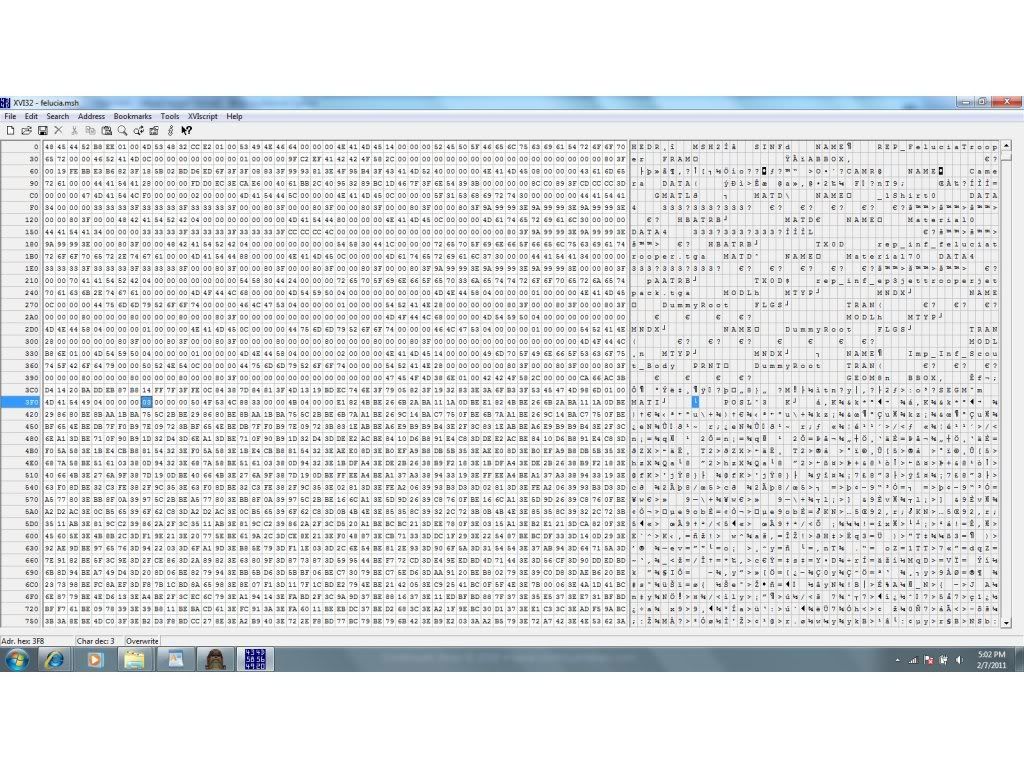
ok so i followed the hexediting tutorial and got the jetpack and wanted to put it on a felucia trooper. so here is mine
now here is the info from debug window on the jetpack modl
here is the stock jettrooper
and the info from the debug window on the modl of jetpack
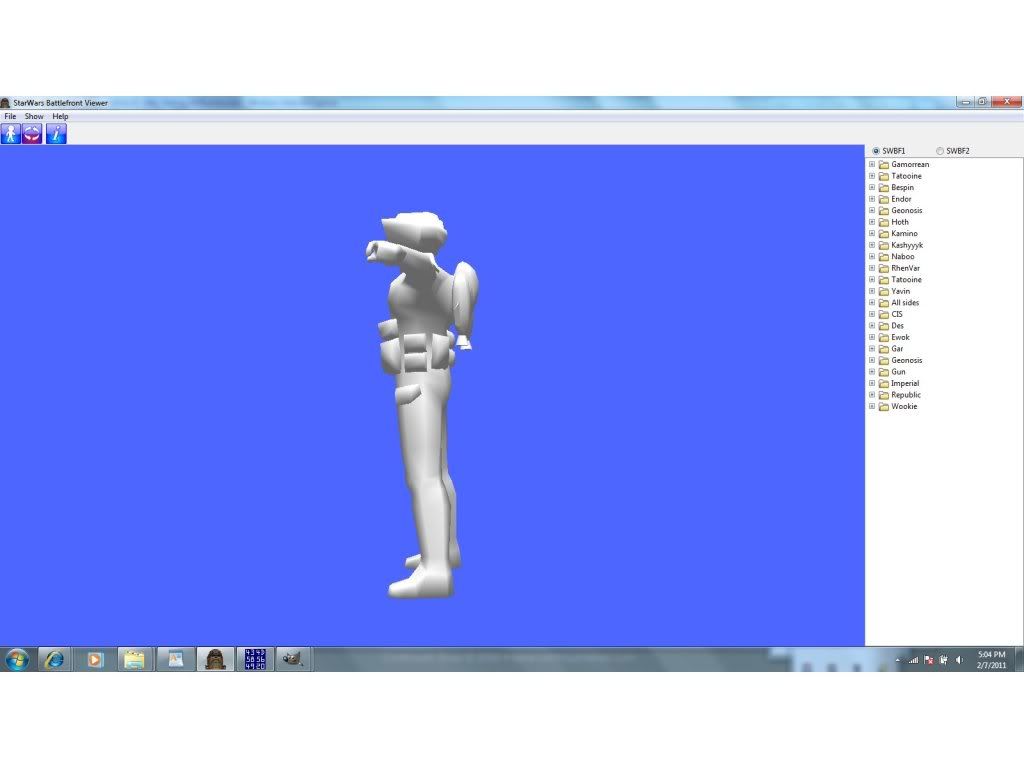
can someone help me out, im new at this but i did follow the tutorial its just the jetpack appeared in the wrong place Thanks!
Hidden/Spoiler:
Hidden/Spoiler:
Hidden/Spoiler:
Hidden/Spoiler:
-
AQT
- Gametoast Staff

- Posts: 4910
- Joined: Sat Nov 03, 2007 4:55 pm
- Location: SoCal, USA
Re: Jetpack hexedit-trying to learn and followed tutorial
Try inserting the jetpack MODL before the last MODL in the Felucia trooper MSH with bone_ribcage as its PRNT.
- ACEwithSPADES
- Command Sergeant Major

- Posts: 253
- Joined: Thu Jan 20, 2011 3:49 pm
- Projects :: Alzoc 3
- xbox live or psn: xundyingxace
- Location: Somewhere, but most likely where i am
Re: Jetpack hexedit-trying to learn and followed tutorial
Got it!
if anyone wants this for reference or the jetpack.msh file i now have
just pm me or add me on xfire xundyingxace

EDIT: THanks AQT lol u r verrrrrry helpful
Hidden/Spoiler:
EDIT: THanks AQT lol u r verrrrrry helpful
- giftheck
- Droid Pilot Assassin

- Posts: 2218
- Joined: Mon Jan 19, 2009 5:58 pm
- Projects :: Star Wars Battlefront Anniversary
Re: Jetpack hexedit [Solved]
Just be very careful with it. Sometimes, it messes up the skeleton or shadowvolume and you get ingame errors. Test it thoroughly.
- ACEwithSPADES
- Command Sergeant Major

- Posts: 253
- Joined: Thu Jan 20, 2011 3:49 pm
- Projects :: Alzoc 3
- xbox live or psn: xundyingxace
- Location: Somewhere, but most likely where i am
Jetpack texture not appearing?
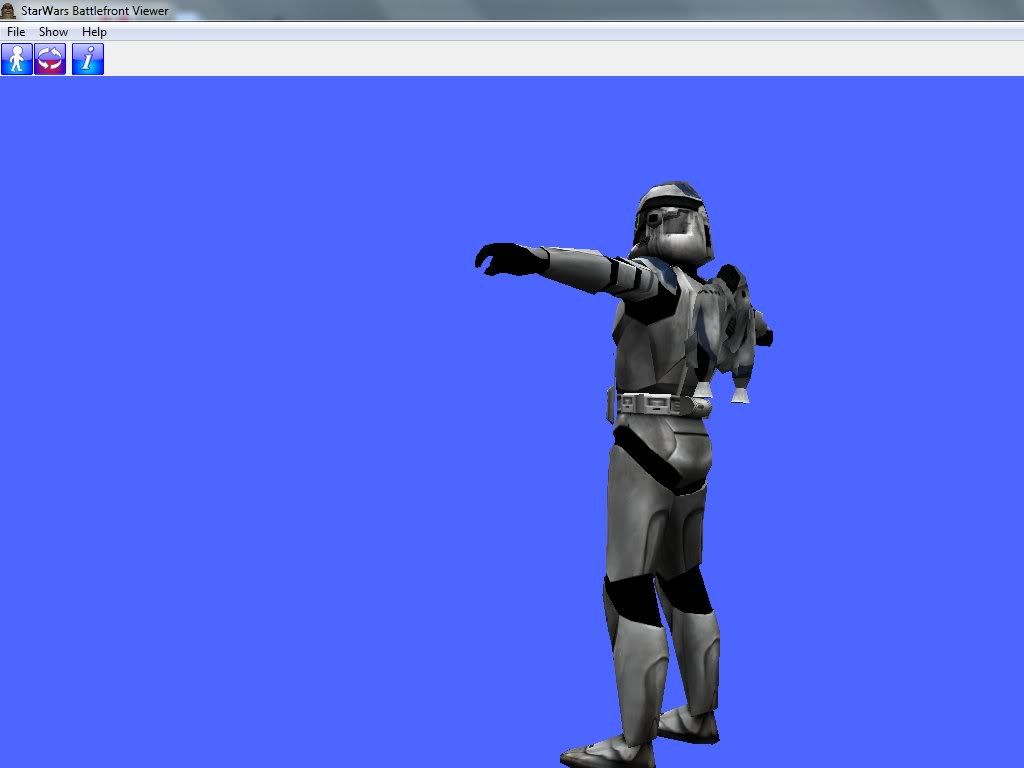
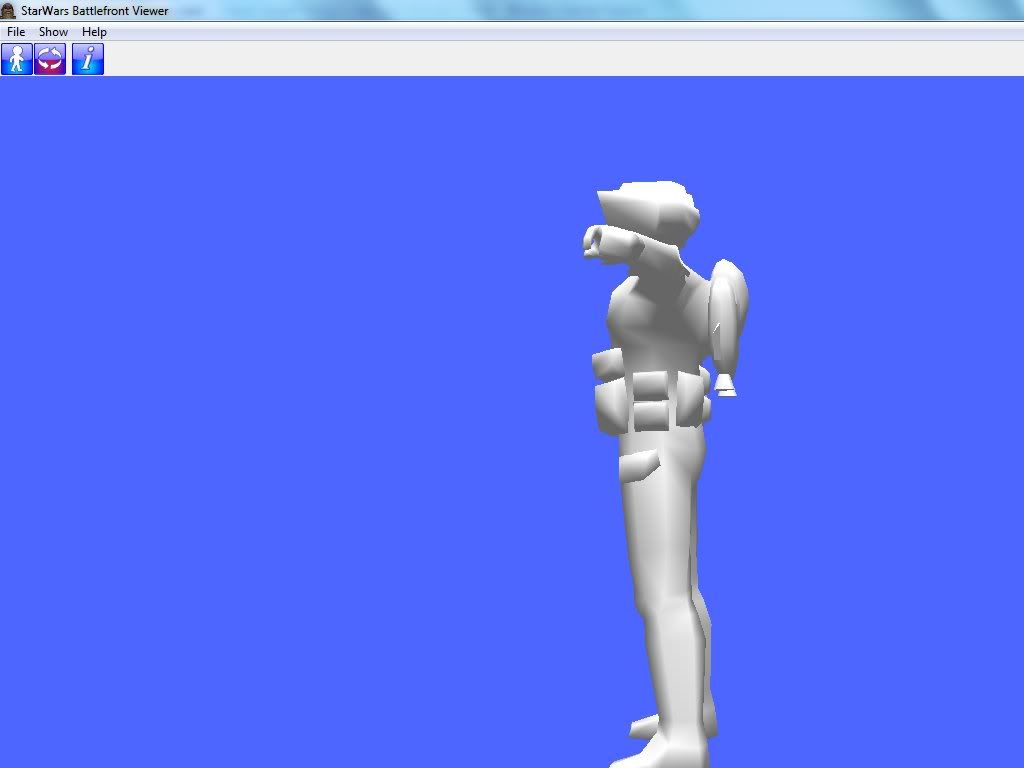
Ok so i have been working and i put the modl into the .msh rep folder and put it into the swbf msh viewer and i also added the part from the jettrooper about the .tga file for the jetpackk where it is placed for the jettrooper but when viewed there is not jetpack texture only a texture for the trooper. is this all i have to place
and the original jettrooper
Thanks for helping!
Topics merged. Please do not start a new topic just to repost the same problem/issue. -Staff
Hidden/Spoiler:
Hidden/Spoiler:
Topics merged. Please do not start a new topic just to repost the same problem/issue. -Staff
- Jendo7
- Sith

- Posts: 1304
- Joined: Wed Apr 01, 2009 6:37 pm
- Location: Cambridge, England.
- Contact:
Re: Jetpack texture not appearing?
Do you have the .tga texture file in there as well?
If so, maybe try renaming the .tga texture, and change the name in the model, just make sure it has the exact same number of letters as the previous texture. Make a backup copy, just in case.
- ACEwithSPADES
- Command Sergeant Major

- Posts: 253
- Joined: Thu Jan 20, 2011 3:49 pm
- Projects :: Alzoc 3
- xbox live or psn: xundyingxace
- Location: Somewhere, but most likely where i am
Re: Jetpack hexedit [Solved]
The texture is in the folder, but it does not show up
- giftheck
- Droid Pilot Assassin

- Posts: 2218
- Joined: Mon Jan 19, 2009 5:58 pm
- Projects :: Star Wars Battlefront Anniversary
Re: Jetpack hexedit [Solved]
This is very simple as to what this is.
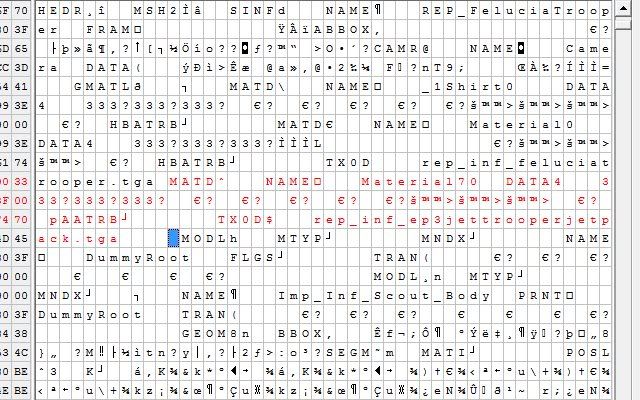
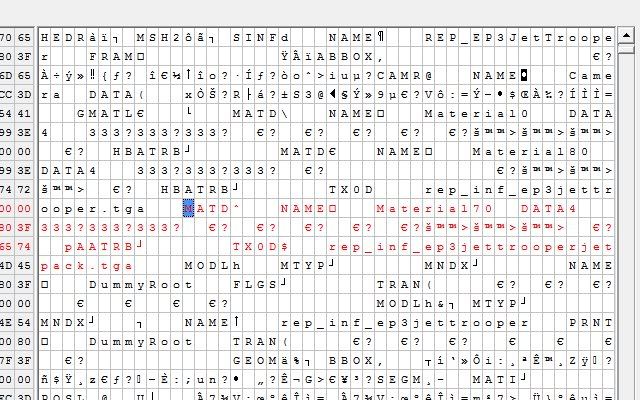
Go to your Jetpack mesh in the .msh file. You will see MATI followed by eight spaces. In Hex view, place the cursor on the fourth space corresponding to MATI. It will look something like this:
The hex number/space I have highlighted is what texture the model references. Often, 00 is no texture, and 01 is the first texture etc, but sometimes there is an unused texture there in slot 01 so slot 02 is the main texture, with slot 03 being whatever additional texture... I'm guessing you have that space as 02 in hex. Change that number in hex to whatever your jetpack texture is supposed to be, which it looks like it's supposed to be 03.
Go to your Jetpack mesh in the .msh file. You will see MATI followed by eight spaces. In Hex view, place the cursor on the fourth space corresponding to MATI. It will look something like this:
Hidden/Spoiler:
- ACEwithSPADES
- Command Sergeant Major

- Posts: 253
- Joined: Thu Jan 20, 2011 3:49 pm
- Projects :: Alzoc 3
- xbox live or psn: xundyingxace
- Location: Somewhere, but most likely where i am
Re: Jetpack hexedit [Solved]
Hidden/Spoiler:
Hidden/Spoiler:
- giftheck
- Droid Pilot Assassin

- Posts: 2218
- Joined: Mon Jan 19, 2009 5:58 pm
- Projects :: Star Wars Battlefront Anniversary
Re: Jetpack hexedit [Solved]
Send me your mesh. I'll fix it.
- ACEwithSPADES
- Command Sergeant Major

- Posts: 253
- Joined: Thu Jan 20, 2011 3:49 pm
- Projects :: Alzoc 3
- xbox live or psn: xundyingxace
- Location: Somewhere, but most likely where i am