WIP: Geonosian Starfighter

How to create models in XSI and other 3D applications and make them work in Battlefront 1 & 2. Post models, tips for application usage and share anything XSI, 3DMax, SketchUp, etc.

Moderator: Moderators

Post Reply
Tohron

WIP: Geonosian Starfighter

Post by Tohron »

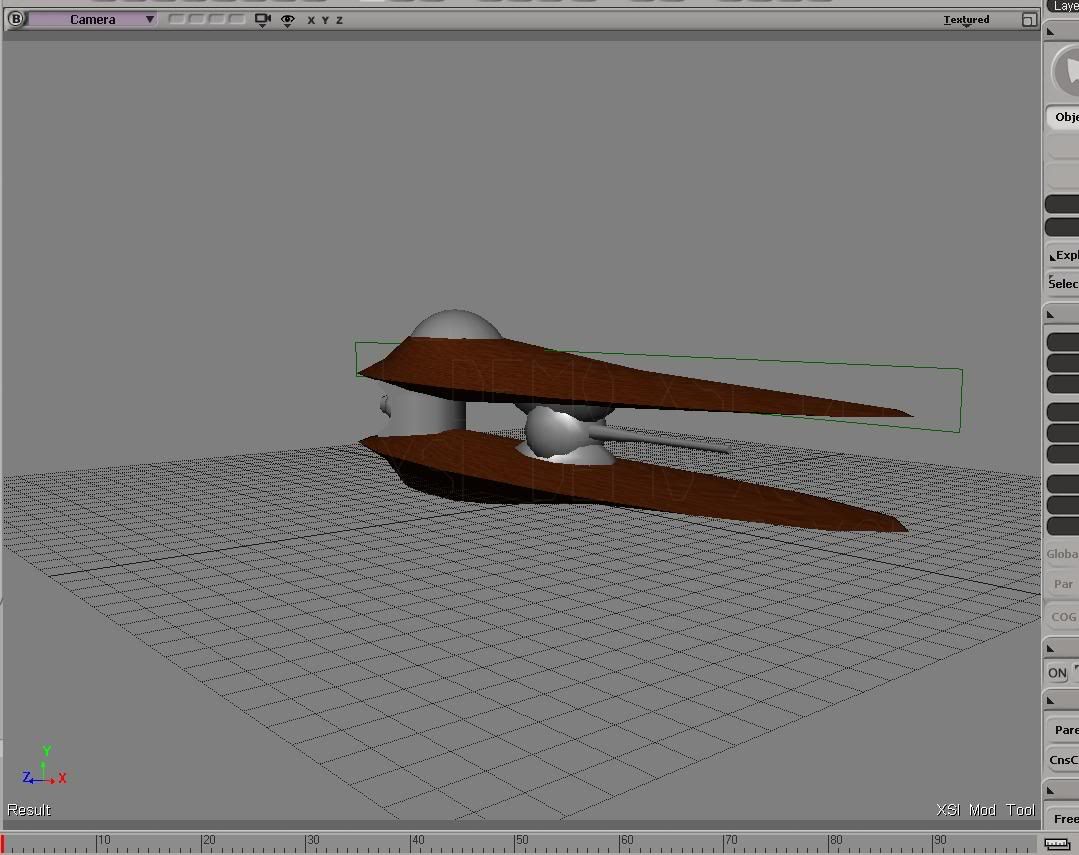
Well, with some of my questions answered, I've decided to start on a Geonosian Starfighter for a Geonosis map I'm working on.

Image

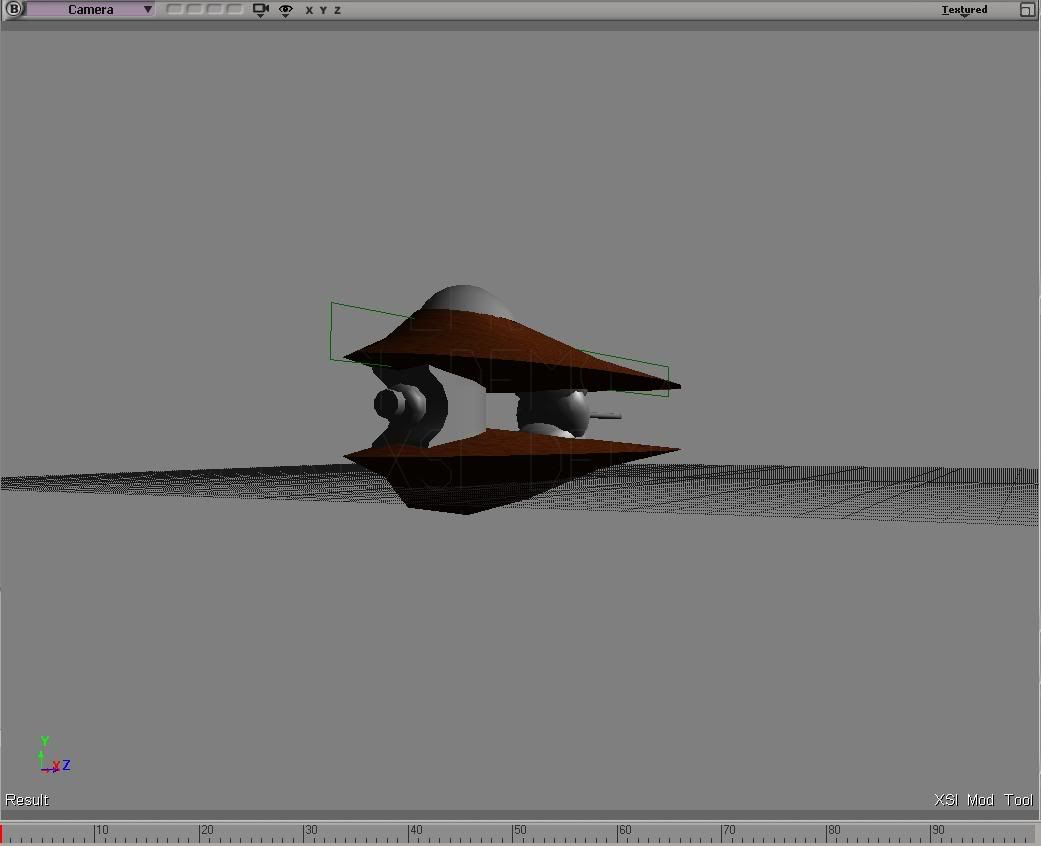
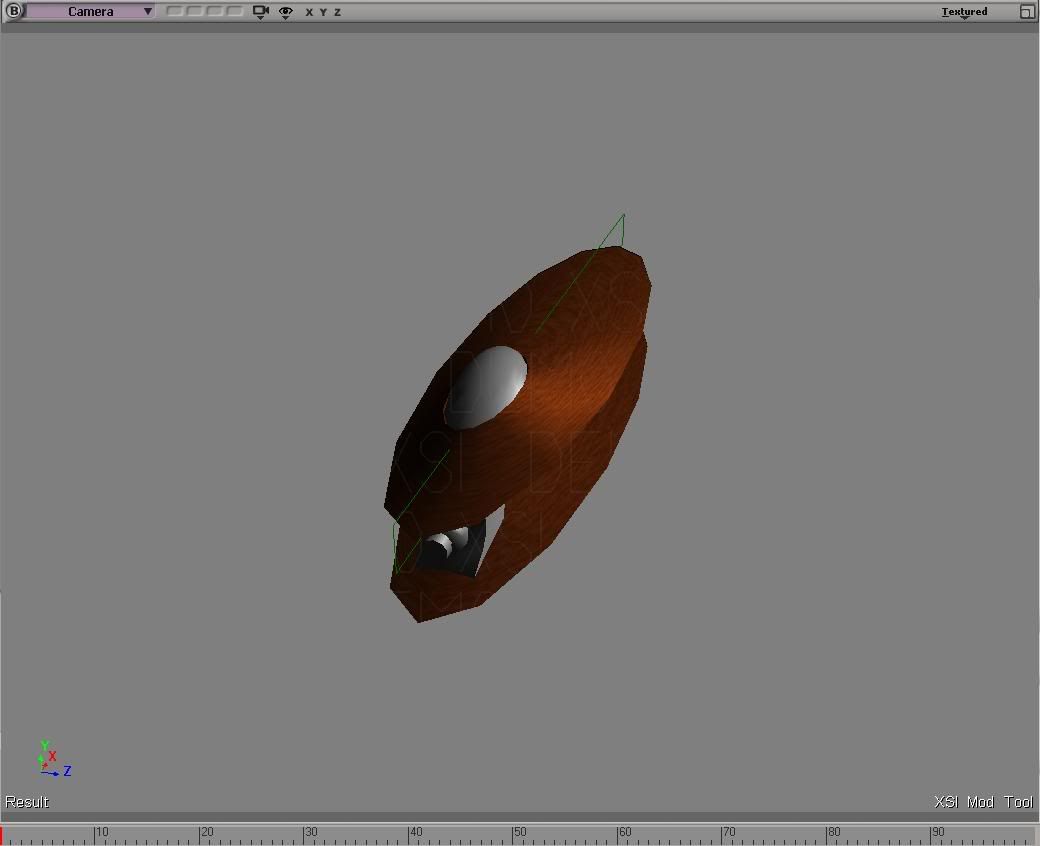
Here are two more screenshots:

http://i82.photobucket.com/albums/j252/ ... ghter2.jpg

http://i82.photobucket.com/albums/j252/ ... ghter3.jpg

I still have to texture most of the body, do some reshaping on the "beak" and do heirarchy, among other things. I'm going to need someone to export this when I'm finished too.
yankeefan05
Sith
Sith
Posts: 1288
Joined: Fri Mar 31, 2006 9:02 am
Projects :: No Mod project currently.
Games I'm Playing :: I have not listed any games yet
xbox live or psn: No gamertag set
Location: New York City
Contact:

RE: WIP: Geonosian Starfighter

Post by yankeefan05 »

Looks nice. Will these by shooting "Purple" blast shots like in Ep2?
User avatar
minilogoguy18
Master Bounty Hunter
Posts: 1512
Joined: Wed Nov 09, 2005 11:12 pm
Projects :: No Mod project currently.
Games I'm Playing :: I have not listed any games yet
xbox live or psn: No gamertag set

RE: WIP: Geonosian Starfighter

Post by minilogoguy18 »

not bad but its kinda pointless to model this when you can just take the one outta BF1, all you need is the files from the SDK.
Rekubot
Jedi
Jedi
Posts: 1080
Joined: Wed Apr 05, 2006 12:34 pm
Projects :: No Mod project currently.
Games I'm Playing :: Shadow Complex
xbox live or psn: Rekubot
Location: UK

RE: WIP: Geonosian Starfighter

Post by Rekubot »

Indeed. It's a nice model though, you've done a great job!
Qdin
Old School Staff
Posts: 2059
Joined: Wed Feb 23, 2005 9:54 am
Projects :: No Mod project currently.
Games I'm Playing :: I have not listed any games yet
xbox live or psn: No gamertag set

RE: WIP: Geonosian Starfighter

Post by Qdin »

good model - but gotta agree with Mini' :)

maybe you should use its skin if you wanna continue the project? :o
Tohron

Re: RE: WIP: Geonosian Starfighter

Post by Tohron »

Qdin wrote:good model - but gotta agree with Mini' :)

maybe you should use its skin if you wanna continue the project? :o
Where would I find the model that everyone's talking about, exactly?

And I'll probably continue this anyway - the model may need new hardpoints since I'm planning on giving in a modified force push/force pull (geonosian fighters had tractor beams and repulsor generators that they sometimes used for harrassment).

Oh, and this will be shooting purple blasts - modifying the laser color is surprisingly simple.

Thanks for the compliments, everyone!
User avatar
Teancum
Jedi Admin
Jedi Admin
Posts: 11080
Joined: Wed Sep 07, 2005 11:42 pm
Projects :: No Mod project currently.
Games I'm Playing :: Destiny
xbox live or psn: No gamertag set
Location: Indiana

RE: Re: RE: WIP: Geonosian Starfighter

Post by Teancum »

It's in the SWBF1 Mod Tools, under sides/CIS/msh. I think it's called cis_fly_fighter
Tohron

Post by Tohron »

A little XSI problem here...

I got the geonosian fighter texture, but am encountering a problem with mapping it onto my model. The XSI texture editor seems to be set on my vehicle's cockpit, and I don't know how to switch it so as to control the application of the texture onto other parts of the model.

Help?
Murdocr

Post by Murdocr »

just select other parts of the model and then go into the texture editor
Rekubot
Jedi
Jedi
Posts: 1080
Joined: Wed Apr 05, 2006 12:34 pm
Projects :: No Mod project currently.
Games I'm Playing :: Shadow Complex
xbox live or psn: Rekubot
Location: UK

Post by Rekubot »

Just have the explorer showing in one of the four windows, and have the texture editor take up the top two. That way you can select what part of the model to texture with ease.
Tohron

Post by Tohron »

Okay, with your help I fixed the problem, it turns out the model showing up was the one I wanted, but was in its initial form before the point modifications I made so it was unrecognizable.

I still have two more questions though, how can you get the texture editor to show the modifications you made to a polygon mesh, and how can you get the texture editor viewport to look at different sides of a model?

Post Reply