Page 1 of 1
Problem With Utapau Cliffs
Posted: Tue Jun 28, 2011 10:02 am
by willinator
Hello again Gametoast, I have been running into a problem with the cliffs from Utapau. I place mulltiple of them next to each other to create a larger space in zeroeditor, as shown
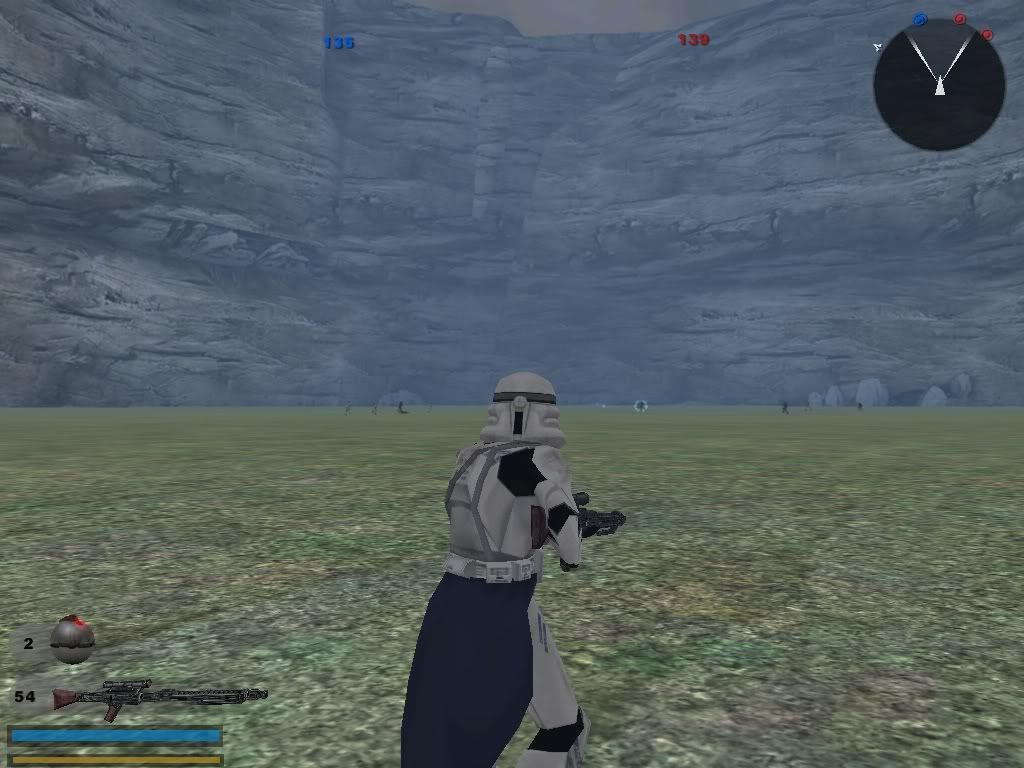
However, when I go ingame, these openings magically vanish!
Where did my openings go? Please help!

Re: Problem With Utapau Cliffs
Posted: Tue Jun 28, 2011 2:08 pm
by Bonecrusher16O
Did you try moving there heights around??? Sometimes zero editor shows a object at a certein height, but when you play the map, its not at that height. (I would suggest making a opening into the ground (Possibly with 1 yavin tunnel) turning on jets with FC, fly around under ground to see if they are under there. If so, then move them up in zero-editor AFTER you place whatever is going inside the breaks.
Re: Problem With Utapau Cliffs
Posted: Tue Jun 28, 2011 3:05 pm
by linksith
The 3d model is your problem. The 3d model has no gap but ZE recognizes a gap. Also, the model has absolutely no collision in-game.
Re: Problem With Utapau Cliffs
Posted: Tue Jun 28, 2011 3:36 pm
by willinator
@ Bonecrusher, I tried that but no such luck,
@ Linksith, are you sure? Because if you look at the stock utapau model, the world exists inside the cliff, but there isn't a terrain cutter cutting through the rock. Also, there is only one section of the ring in zeroeditor, but ingame on Utapau there is a full sinkhole. I am wondering if there is some hidden aspect about the model that shows something different ingame than in the real world, I will test this later to see if this is the case.
Re: Problem With Utapau Cliffs
Posted: Tue Jun 28, 2011 4:10 pm
by linksith
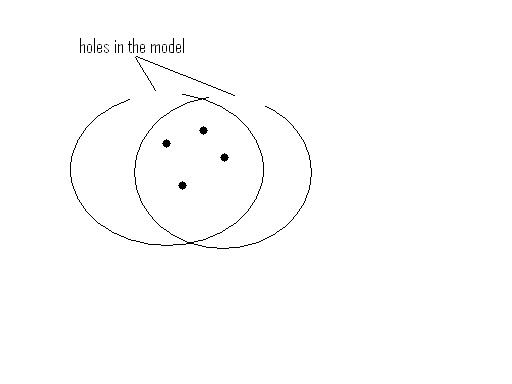
you are correct about the hole in the side of the cliff for the playable area but I was referring to the half of the ring that is not present in zero editor. I misunderstood the image but now I understand. Here is an image that
can help describe your problem. Sorry for the bad image but it was the best I could do to show you that the hidden part of the model in ZE shows up.
also, you may want to walk past the edge of the model while in-game to see for yourself, maybe you will have a better understanding than me. (you can walk through the model you know)
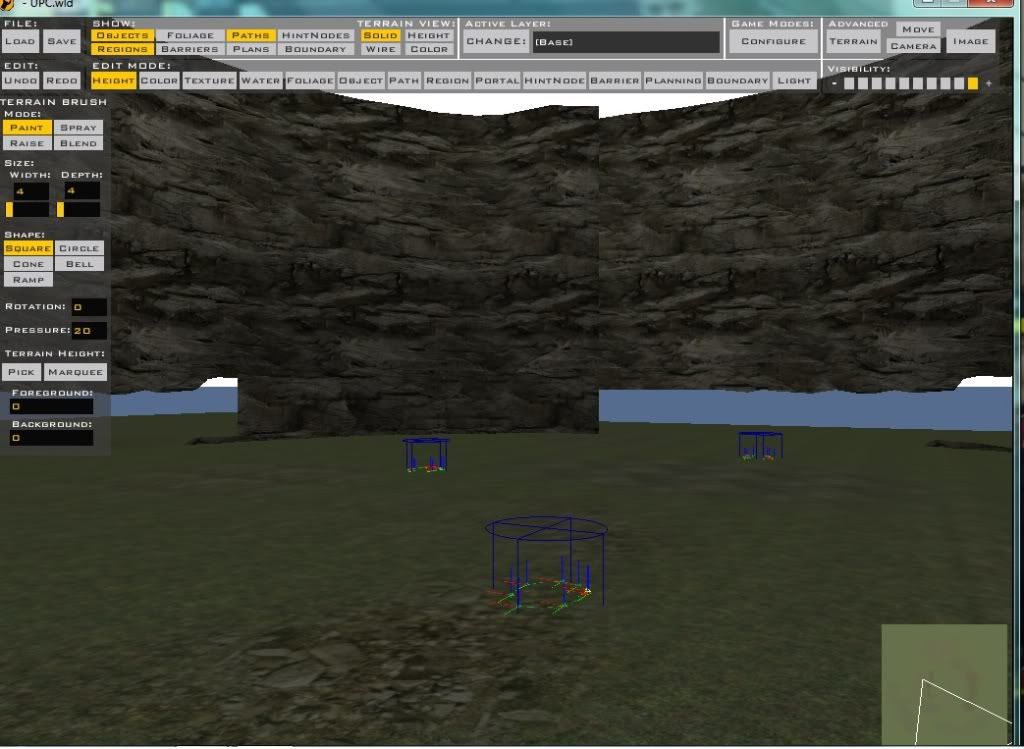 Notice the openings