Collision Messed Up After Import

How to create models in XSI and other 3D applications and make them work in Battlefront 1 & 2. Post models, tips for application usage and share anything XSI, 3DMax, SketchUp, etc.

Moderator: Moderators

Post Reply
User avatar
GAB
1st Lieutenant
1st Lieutenant
Posts: 431
Joined: Sun Jul 03, 2011 8:56 pm
Location: Somewhere around the world
Contact:

Collision Messed Up After Import

Post by GAB »

I'm having a problem after I import the uta1_bldg_turtleshell model into XSI. Some parts of the collision (primitives I think) are imported in totally wrong positions. After I export the model, they remain in those wrong positions and other parts of the collision stop working as well.

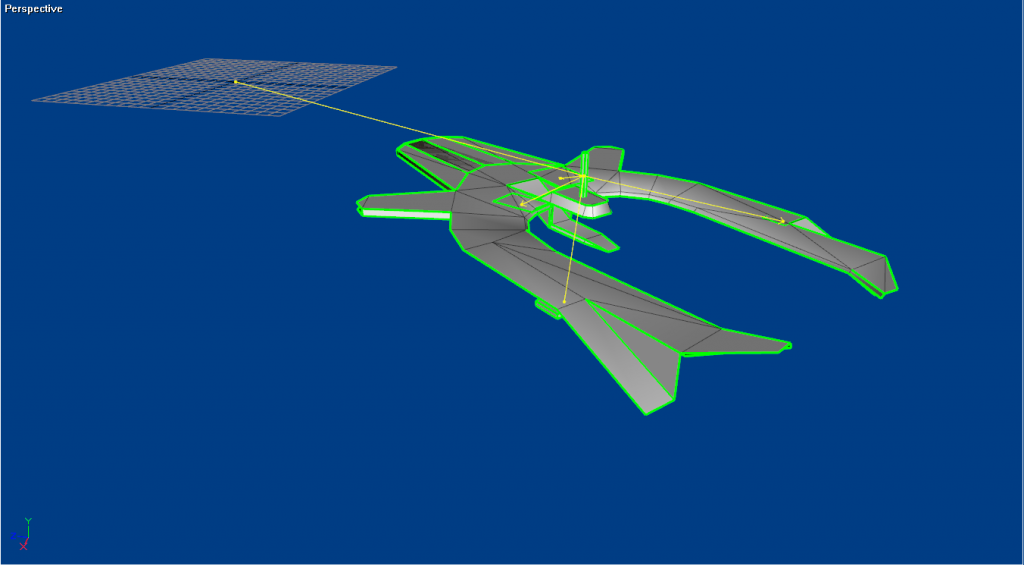
The model before being imported (viewed in Unwrap 3D):
Hidden/Spoiler:
Image
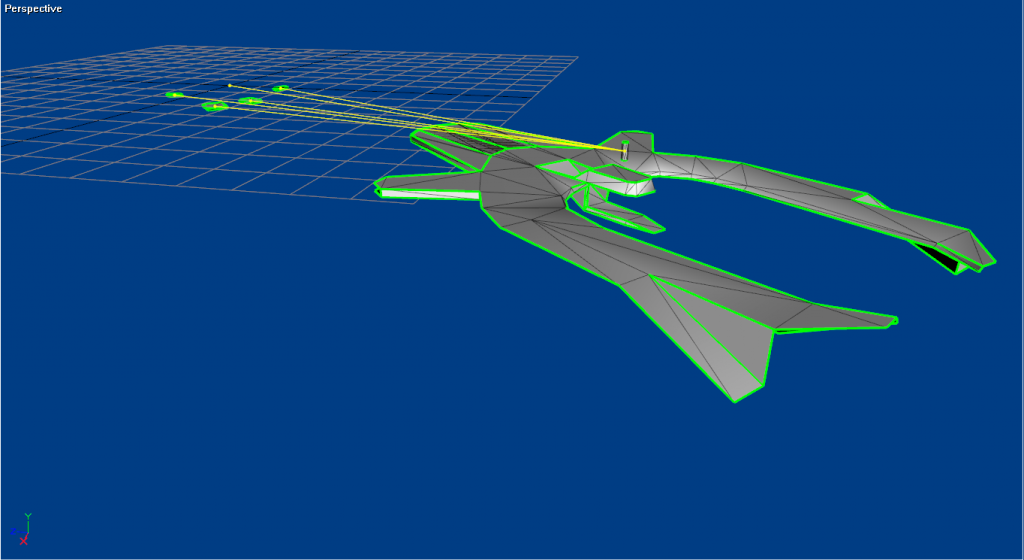
The model in XSI (notice the primitives in the worng positions):
Hidden/Spoiler:
Image
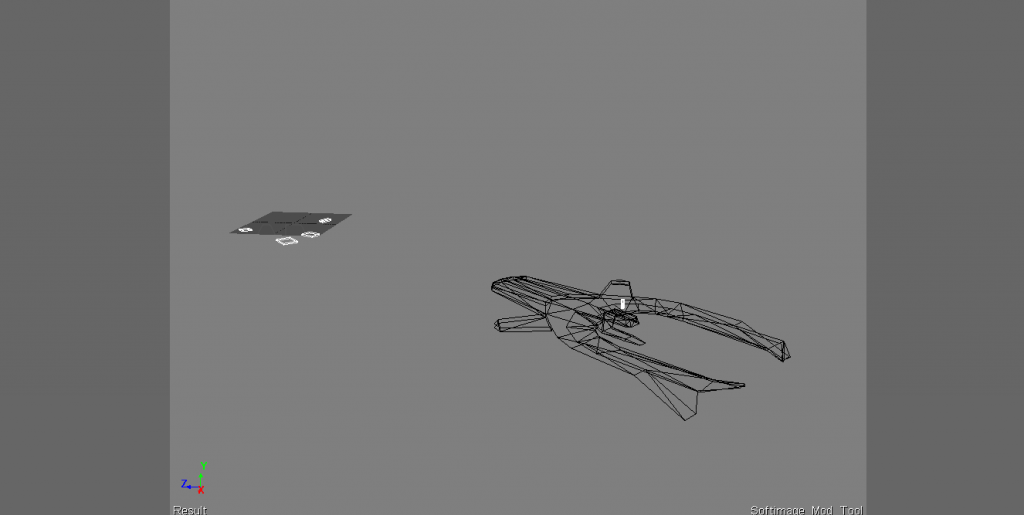
The model after export:
Hidden/Spoiler:
Image
Any help?

EDIT: This problem seems to happen with every model with collision primitives.

Marth8880
Resistance Leader
Posts: 5042
Joined: Tue Feb 09, 2010 8:43 pm
Projects :: DI2 + Psychosis
Games I'm Playing :: Silent Hill 2
xbox live or psn: Marth8880
Location: Edinburgh, UK
Contact:

Re: Collision Messed Up After Import

Post by Marth8880 »

Are you using the latest version of ZETools? Collision primitive exporting/importing was fixed a few builds back.
User avatar
GAB
1st Lieutenant
1st Lieutenant
Posts: 431
Joined: Sun Jul 03, 2011 8:56 pm
Location: Somewhere around the world
Contact:

Re: Collision Messed Up After Import

Post by GAB »

Well, I just downloaded the version currently available, installed, tried importing again and no difference. Got the same problem.
Post Reply