Changing the grid size of a terrain [Solved]
Posted: Mon Dec 28, 2015 7:17 pm
I have been searching around but didn't find anything related to this.
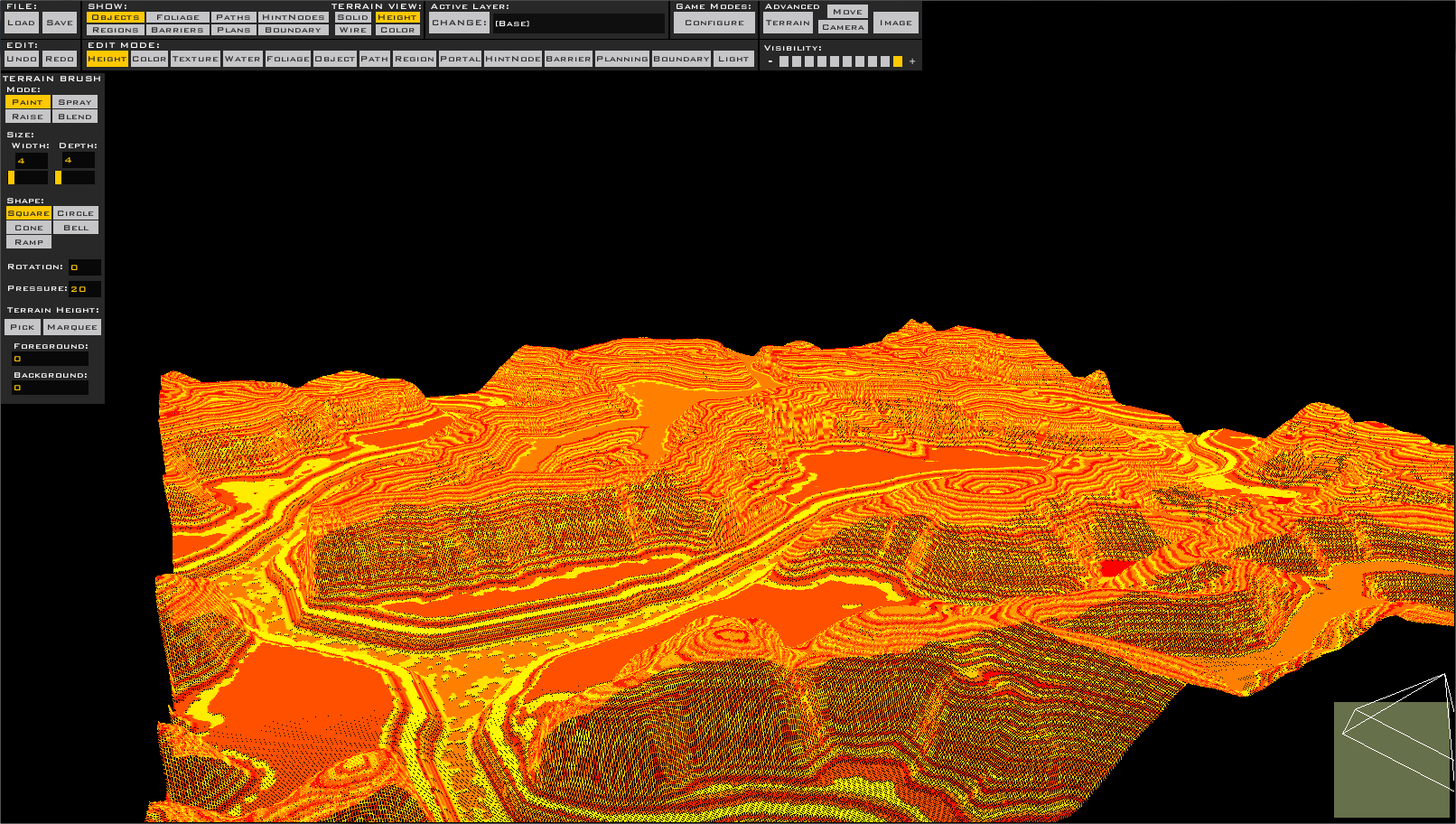
I would like to know how to change the size of the terrain grid. I first saw the difference when I used terrains from both templates: Space and for default maps. If you open ZeroEditor and enable Grid View in top of your screen you should see a green grid. You also should see the huge difference between space and ground terrains. The grid size of space maps is much bigger. I don't know if this would affect the terrain size (e.g. 512x512, 256x256...) or just reduces the amount of squares you have for each edge (of the terrain at all).
Anyways I would like to know how to configure the size. Would I need to hex edit the .ter file or is there any way to do this through zero editor?
Thanks in advance.
I would like to know how to change the size of the terrain grid. I first saw the difference when I used terrains from both templates: Space and for default maps. If you open ZeroEditor and enable Grid View in top of your screen you should see a green grid. You also should see the huge difference between space and ground terrains. The grid size of space maps is much bigger. I don't know if this would affect the terrain size (e.g. 512x512, 256x256...) or just reduces the amount of squares you have for each edge (of the terrain at all).
Anyways I would like to know how to configure the size. Would I need to hex edit the .ter file or is there any way to do this through zero editor?
Thanks in advance.