Page 18 of 76
Posted: Sat Jun 17, 2006 7:02 pm
by DeathRow
I try to put my skins ingame, it is hard to understand
Posted: Sat Jun 17, 2006 7:04 pm
by (GT)superfobio
ok TY cant w8 to see crazy aylaa
Posted: Sat Jun 17, 2006 7:10 pm
by Jawa_Killer
Posted: Sat Jun 17, 2006 7:20 pm
by Squirrel7Hunter
Jawa_Killer wrote:
that looks cool!
wow, that looks nice! mabey add a bit more to it and call it the ...ohh oohh , mabey if u added the simbols on the dumbies in the picture
http://www.ferryhillfreeriders.co.uk/ph ... /crash.jpg
u could make a crash test storm trooper!!!
Posted: Sat Jun 17, 2006 7:39 pm
by DeathRow
Can anyone make a simple "step format" helper to get my skins ingame?
Posted: Sat Jun 17, 2006 7:56 pm
by Squirrel7Hunter
ok. this tutorial is actually done by busterkinkade, the first paragraph is how to add custom weapons, the 2nd is for skins
Easy just simply open, lets say the clone troopers rifle .odf ( rep_weap_inf_rifle.odf ) and the pistol's .odf ( rep_weap_inf_pistol.odf )then in the rifles .odf change the geometry name to that of the pistol's ( rep_weap_inf_pistol.msh ) then under [Properties] in the rifle's .odf still, copy and paste the pistol's GeometryName, HighResGeometry and the
OrdnanceName, your rifles [Properties] should now look like this:
GeometryName = rep_weap_inf_pistol"
HighResGeometry = "rep_1st_weap_inf_pistol"
OrdnanceName = "rep_weap_inf_pistol_ord"
FirePointName = "hp_fire"
Also , as you can see, there is FirePointName, DO NOT get rid of it.
Also if you want to change ths skins on a model, simply follow this tutorial I wrote some time back.
Create a new map, copy the race you want to edit (example: republic) into the sides folder of the new map. Now go to assets/shell and copy all of the folders in it, but not the .req, then paste it in the _Build/shell folder in the newmap you created. Now Copy the “Common” folder from within the mod-tool “assets/sides” directory and place it in the sides folder of your new map, edit the texture, now, go into common > script > newmapname and open the LUA file named newmapnamec_con.lua (for me that was BS1c_con.lua ). Now if you look down the LUA file you will see ReadDataFile("SIDE\\rep.lvl", change this to ReadDataFile("dc:SIDE\\rep.lvl , then copy 2 .bat files in the side you got, these are: clean.bat and munge.bat , these can be aquired from the _BUILD > Sides > ALL in the newmap you created, then copy the 2 .bat files into the side in the mod tools you are modifying. Finally we munge the your new map (see Jedi Creation doc for more info) we select the new race in the drop down menu on the left, and select the race you edited (mine was rep) you alos have to tick the "common" check box, then munge!
P.S: You can get the race from the assets > sides folder !
P. P.S: The textures are in the msh of your copied side folder.
On another note, to get the skins working in all maps, not just the map you made, you simply need to follow my tutorial, then go in data_ABC\_LVL_PC\SIDE and copy the 2 .lvl files (for me these were rep.lvl and repshell.lvl) into the side of your SWBF II game.
Posted: Sat Jun 17, 2006 7:57 pm
by DeathRow
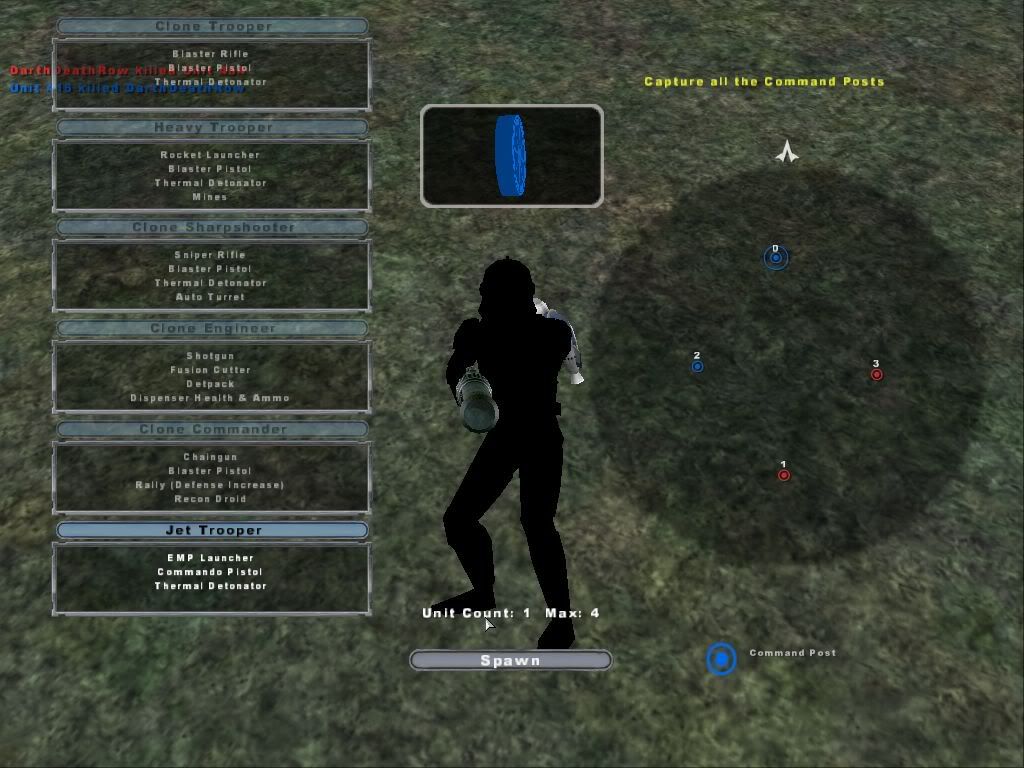
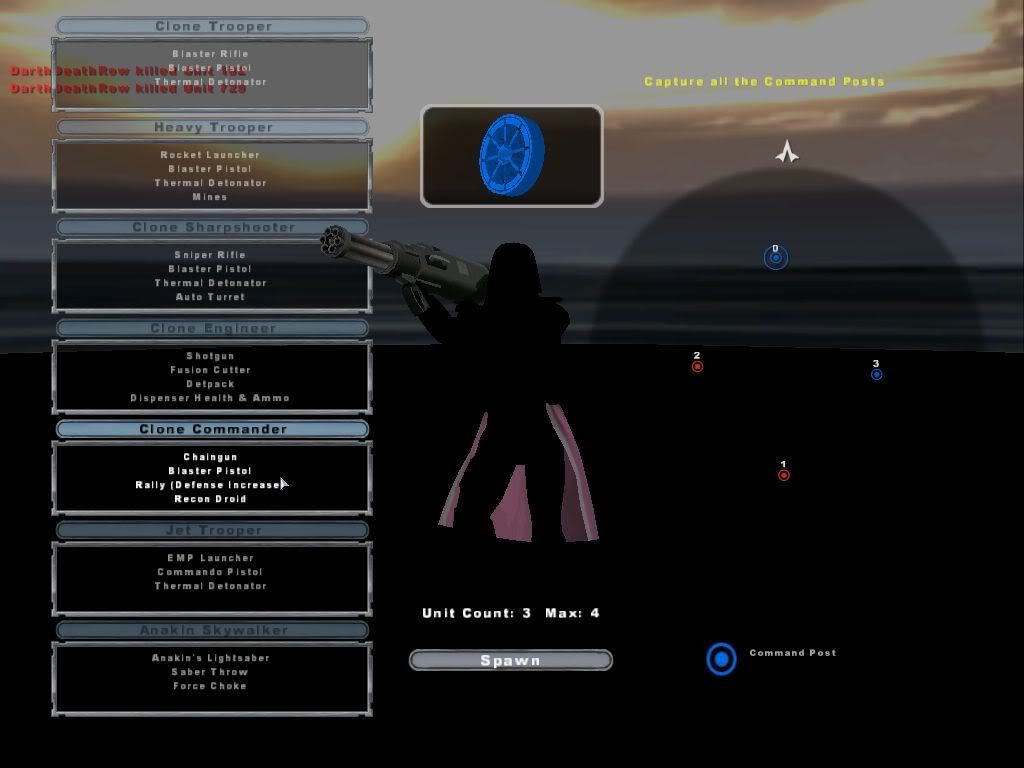
I know, I have read that one... My map just keeps crashing now.
Thanks for the help anyway
Posted: Sat Jun 17, 2006 8:07 pm
by Ipodzanyman
Squirel7Hunter said:
-like :arrow:
THIS?
Posted: Sat Jun 17, 2006 8:13 pm
by Squirrel7Hunter
DarthDeathRow wrote:I know, I have read that one... My map just keeps crashing now.
Thanks for the help anyway
srry I couldnt help,
Ipodzanyman wrote:Squirel7Hunter said:
-like :arrow:
THIS?
exactly like that!!, mabye u can tint it abit tan
Posted: Sat Jun 17, 2006 9:04 pm
by DeathRow
Posted: Sat Jun 17, 2006 9:43 pm
by stealth#a$$a$in{bf2}
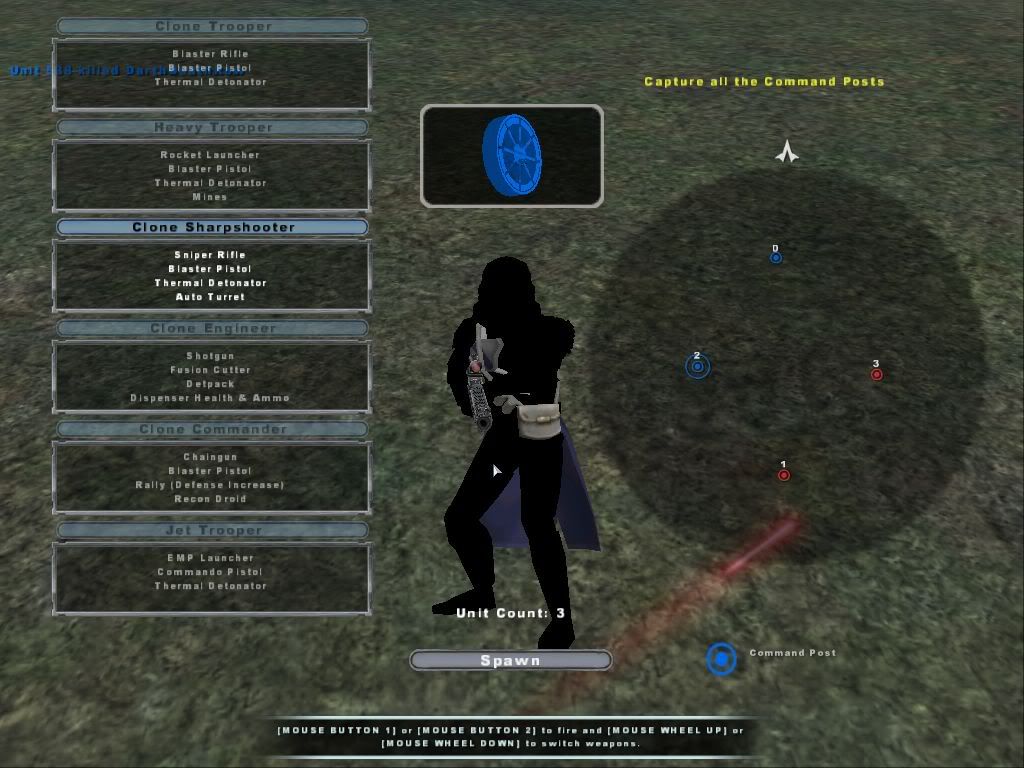
Wow black i nvr got that only white when skin wont work,
EDIT: GT superfobio the thing i did with the images is easy,if you have Photofiltre u open up any image and go to
Filter-Artistic-Ink Outlines the tool is called ink outlines and it makes images look like the where out of a comic book
Heres the link for Photofiltre If you dont have---
Photofiltre- The one I have is 6.2.1 there are much newer ones now (wich reminds me i should upgrade) it doesnt matter wich one u get
I think they all have the tool Ink Outlines-------
http://www.photofiltre.com
Posted: Sun Jun 18, 2006 1:42 am
by Linus
Posted: Sun Jun 18, 2006 4:14 am
by DeathRow
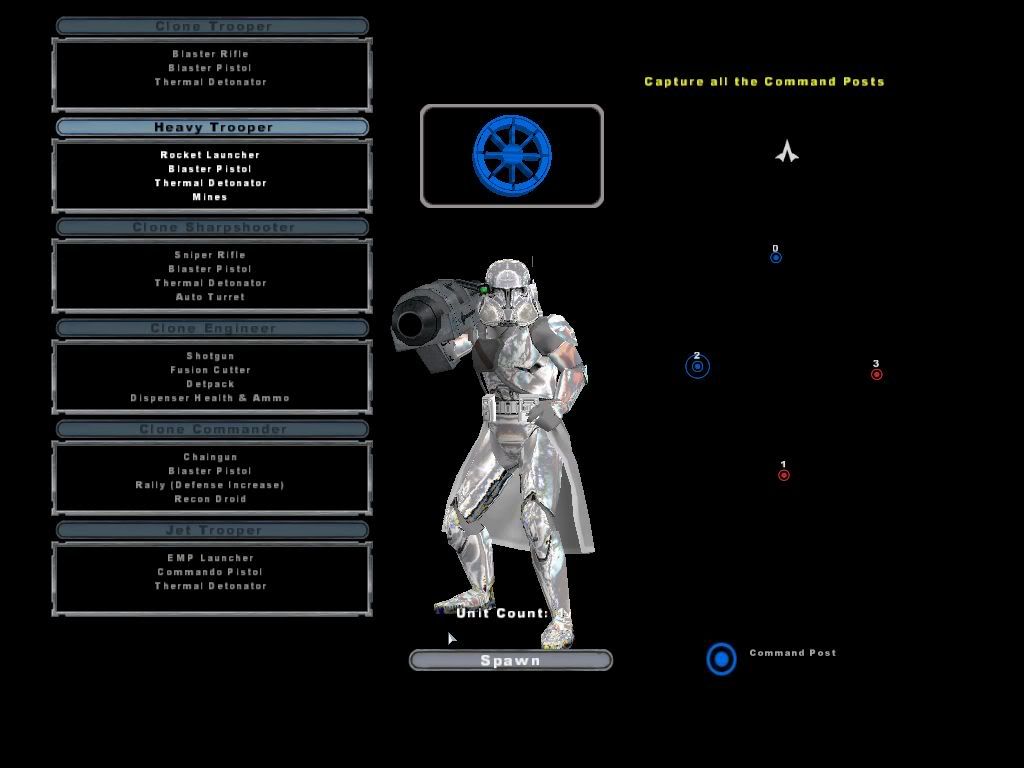
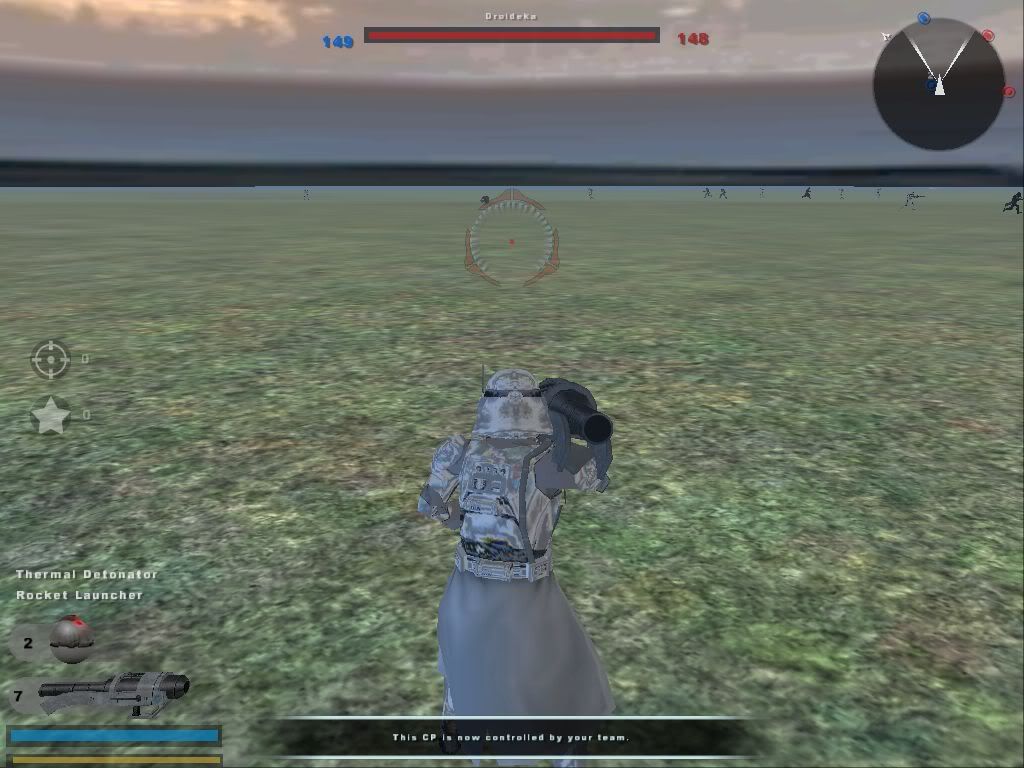
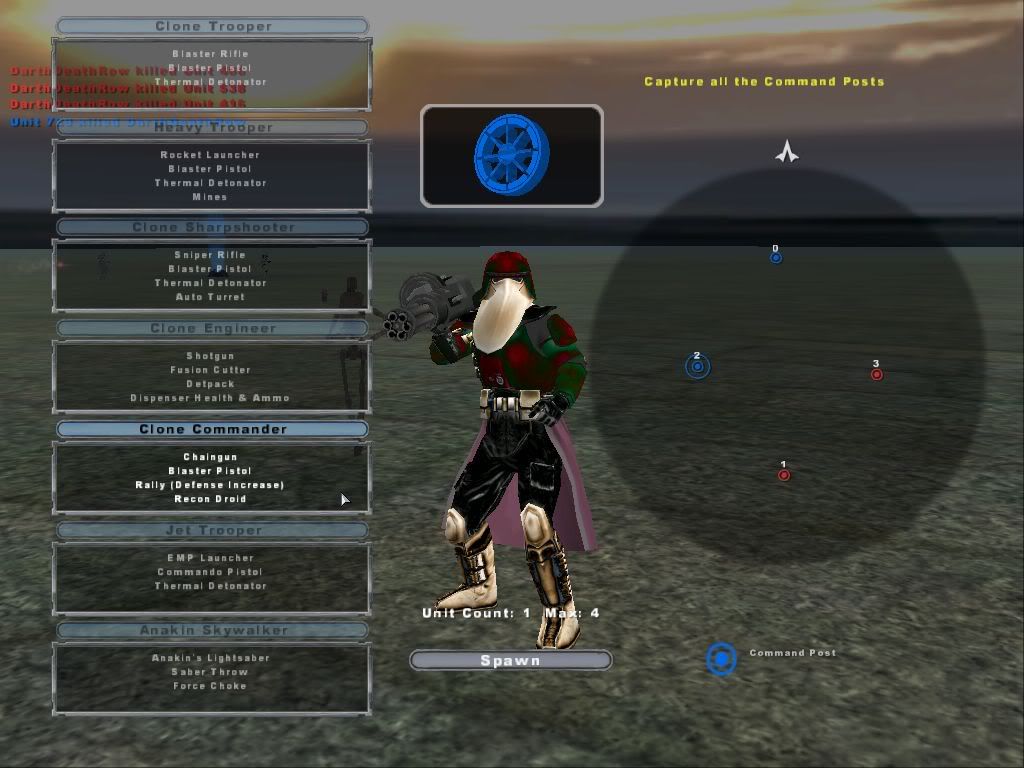
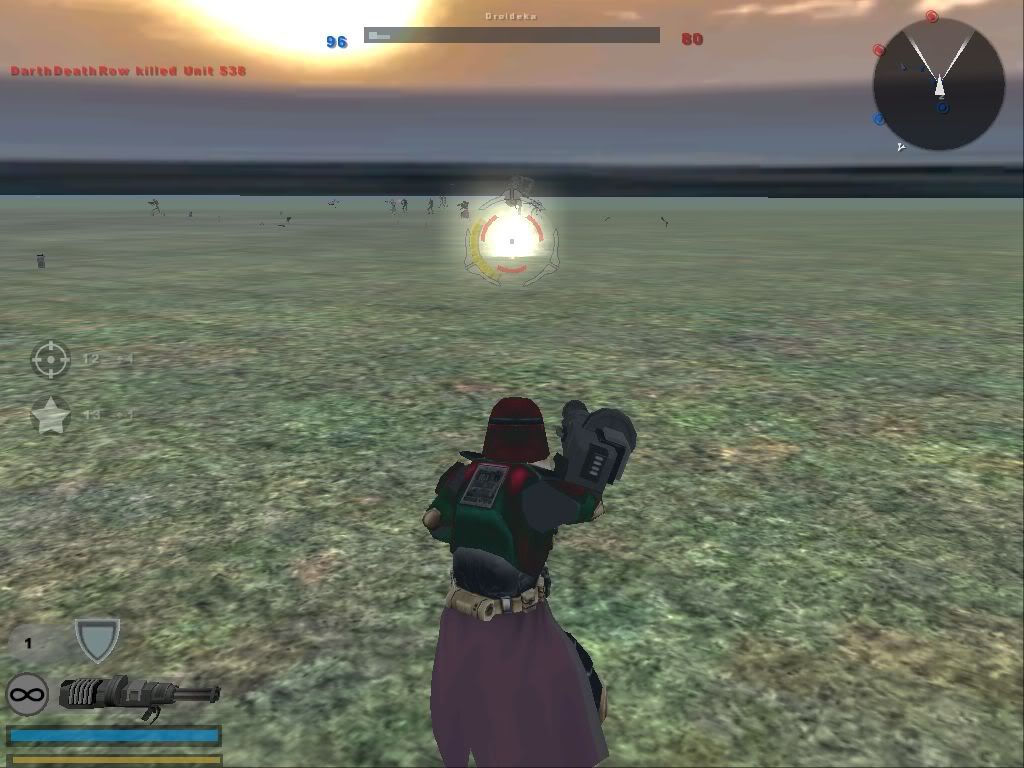
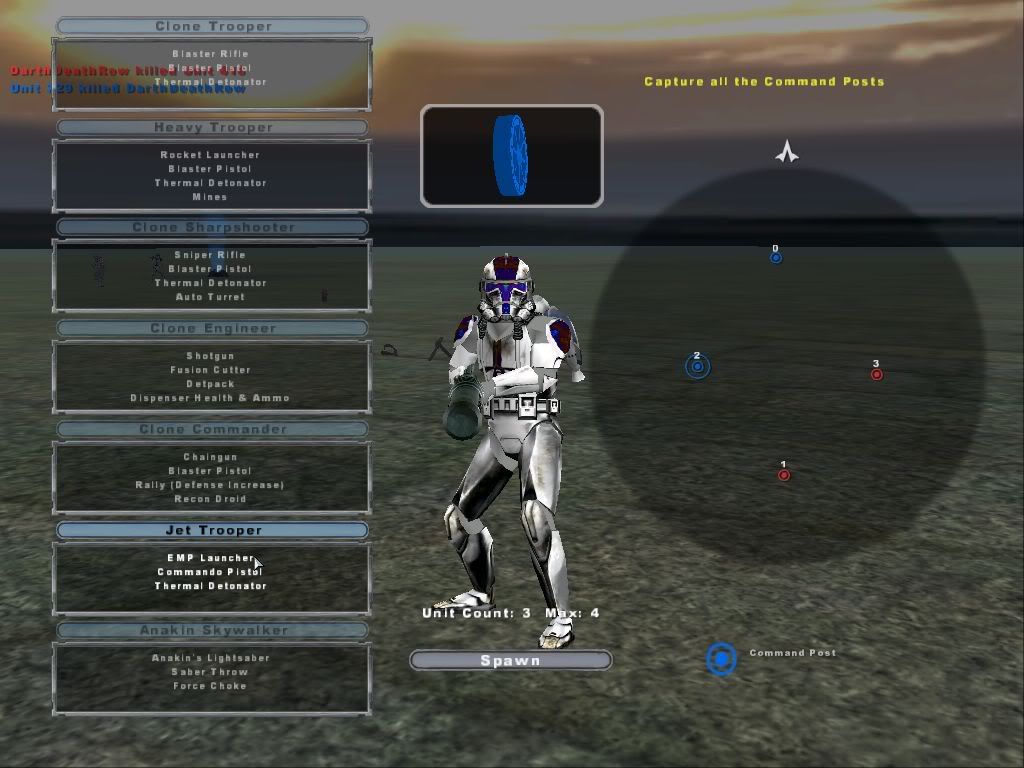
Nice skins Linus, I FINALLY got my skins ingame with the help of Linus!:
Heavy Trooper:
Clone Commander (Christmas):
Jet Trooper:
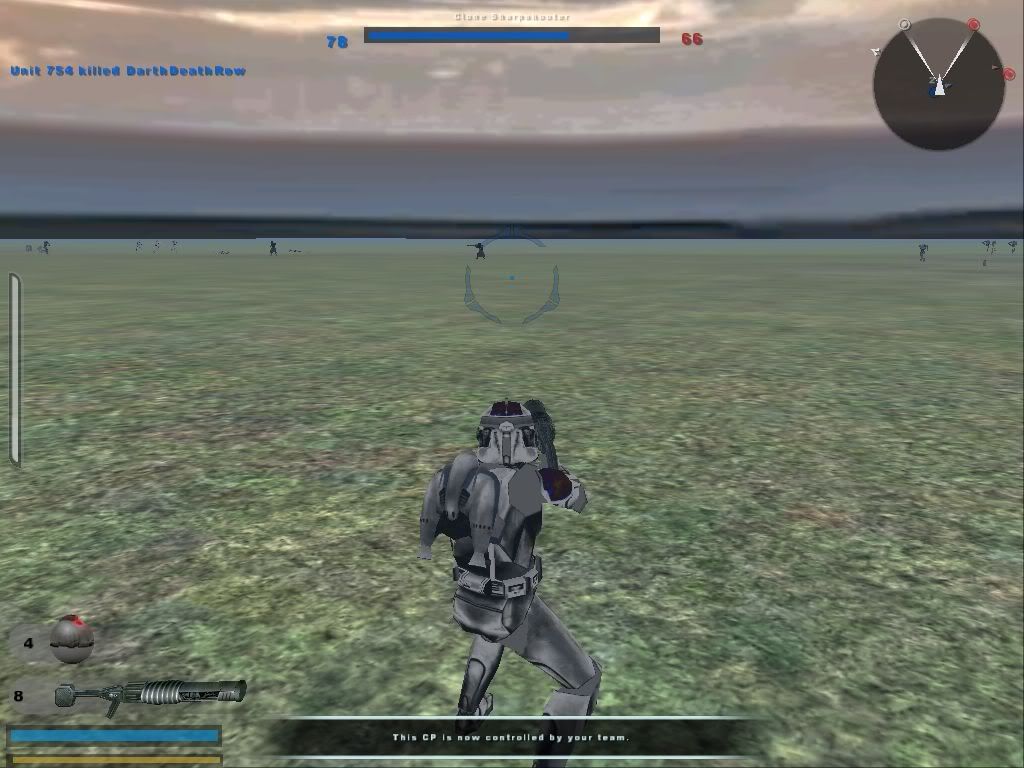
Thanks Linus for all the help!
Posted: Sun Jun 18, 2006 4:21 am
by Linus
Look, Mum, it's Sant-- BOOM
- DarthDeathRow
Thanks for asking,
DarthDeathRow!

Posted: Sun Jun 18, 2006 4:36 am
by DeathRow
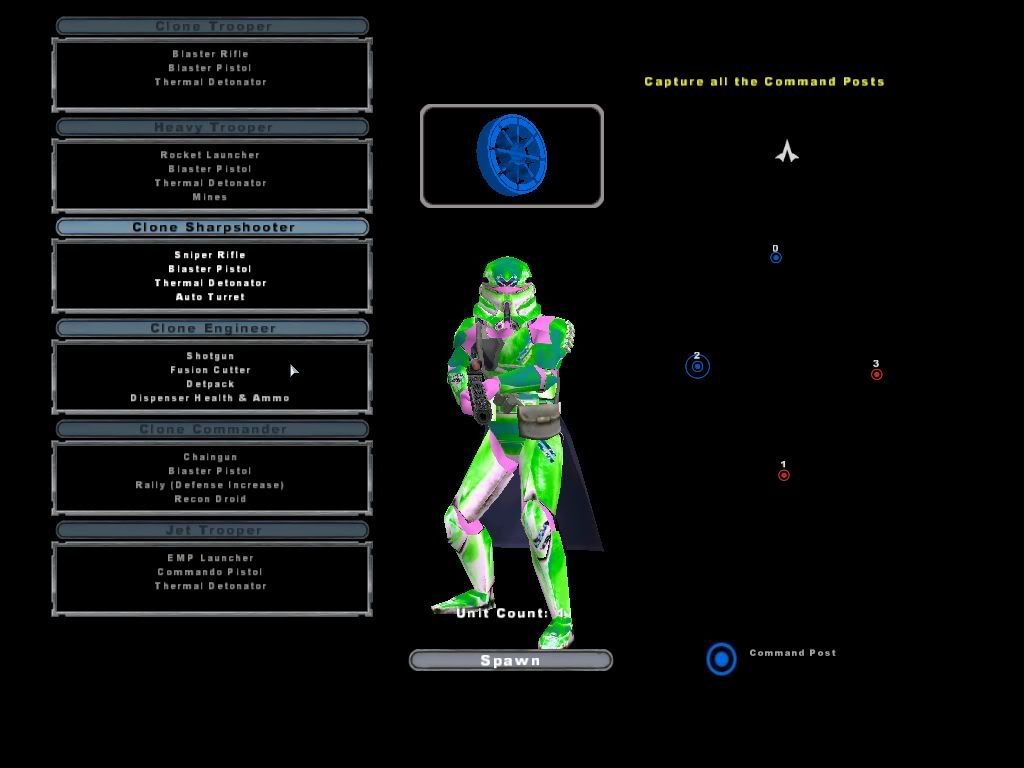
New skins!
Funky 70s Sniper (Easy to see, lol):
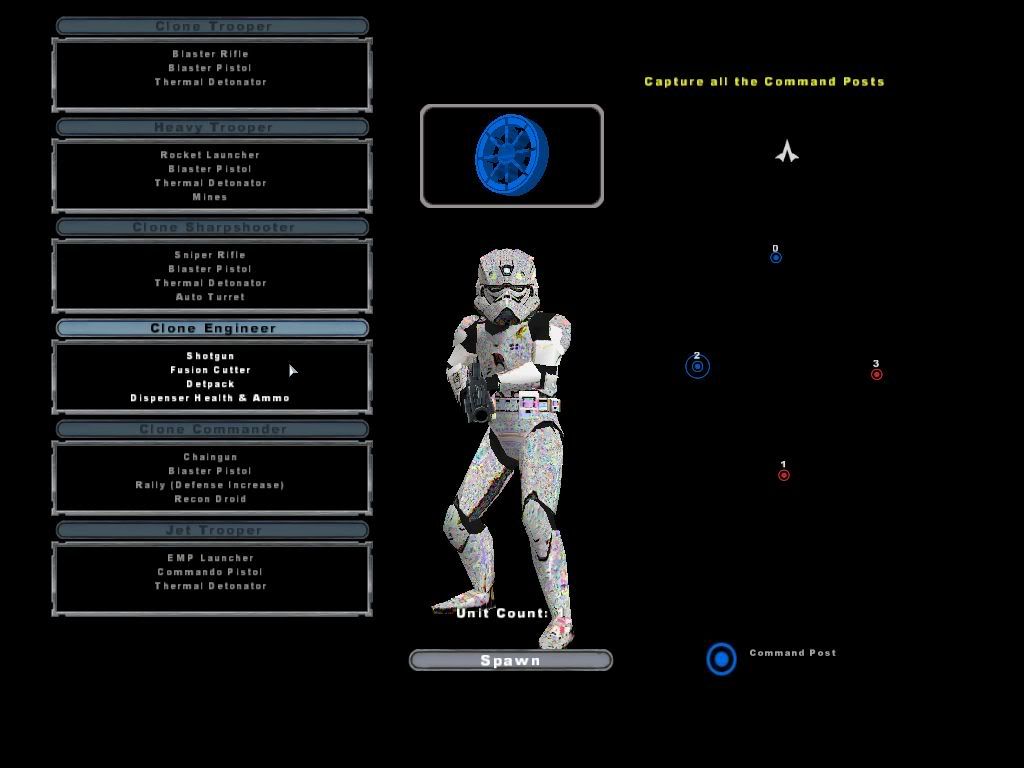
And a Fuzzy TV screen Engineer!:
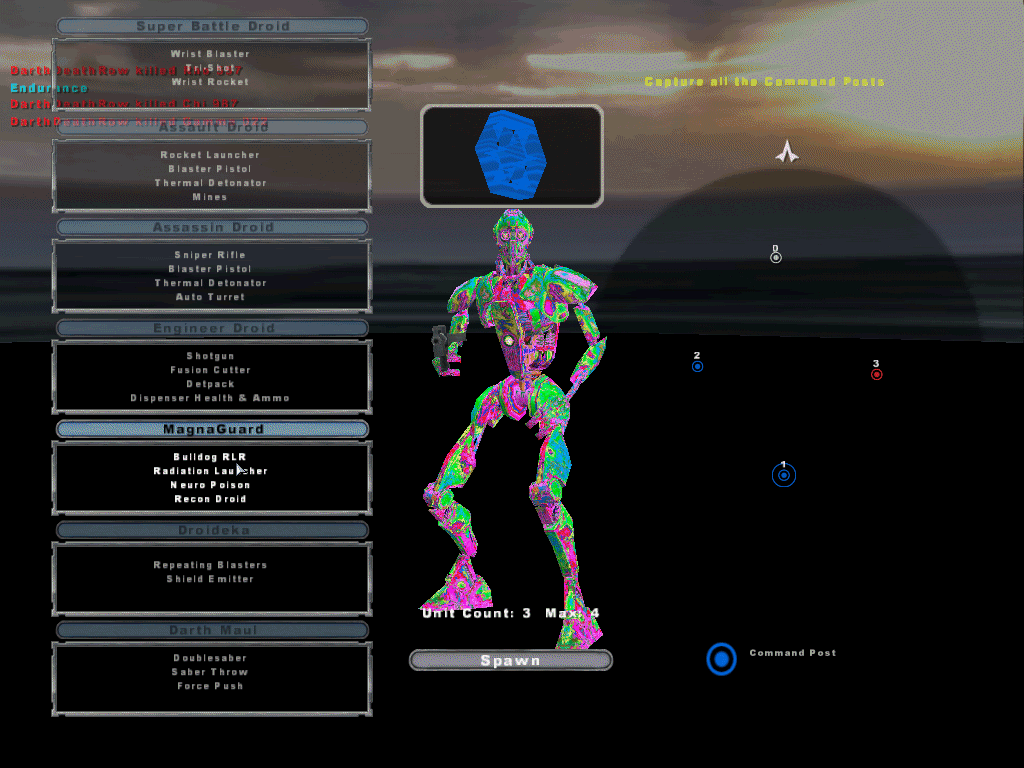
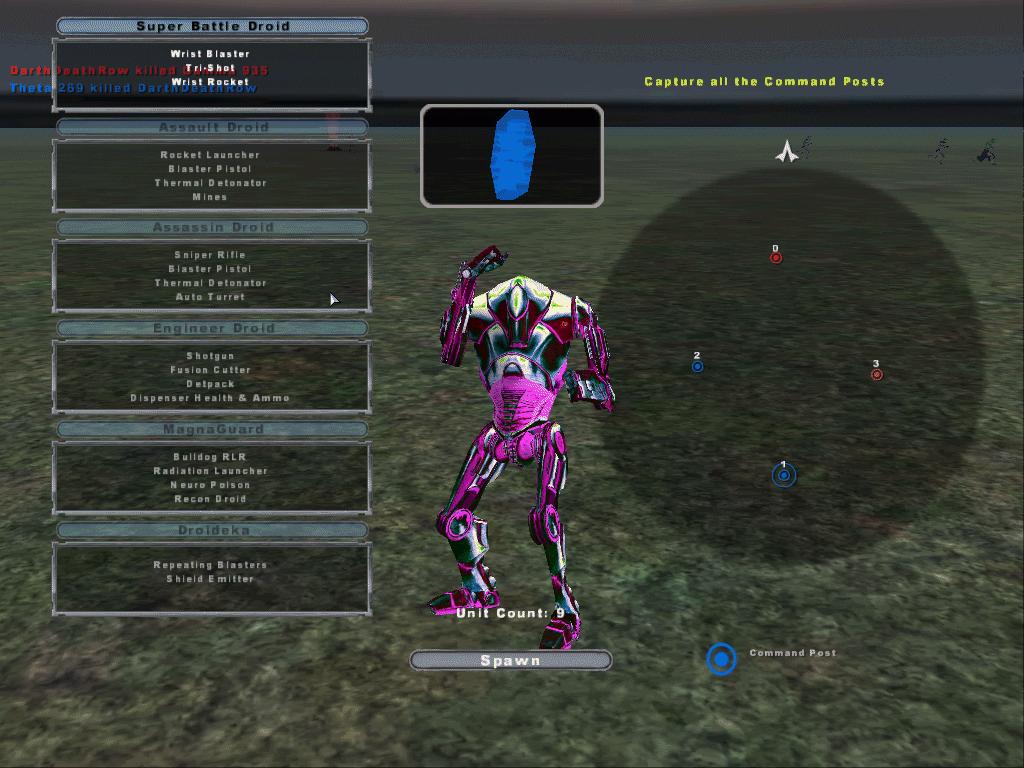
 NEW CIS SKINS!
Funky 70s MagnaGuard:
Pink SBD:
Posted: Sun Jun 18, 2006 5:55 am
by Aksel3
Lol... Nice man

You know, drugs aint healthy, right?
Posted: Sun Jun 18, 2006 6:12 am
by DeathRow
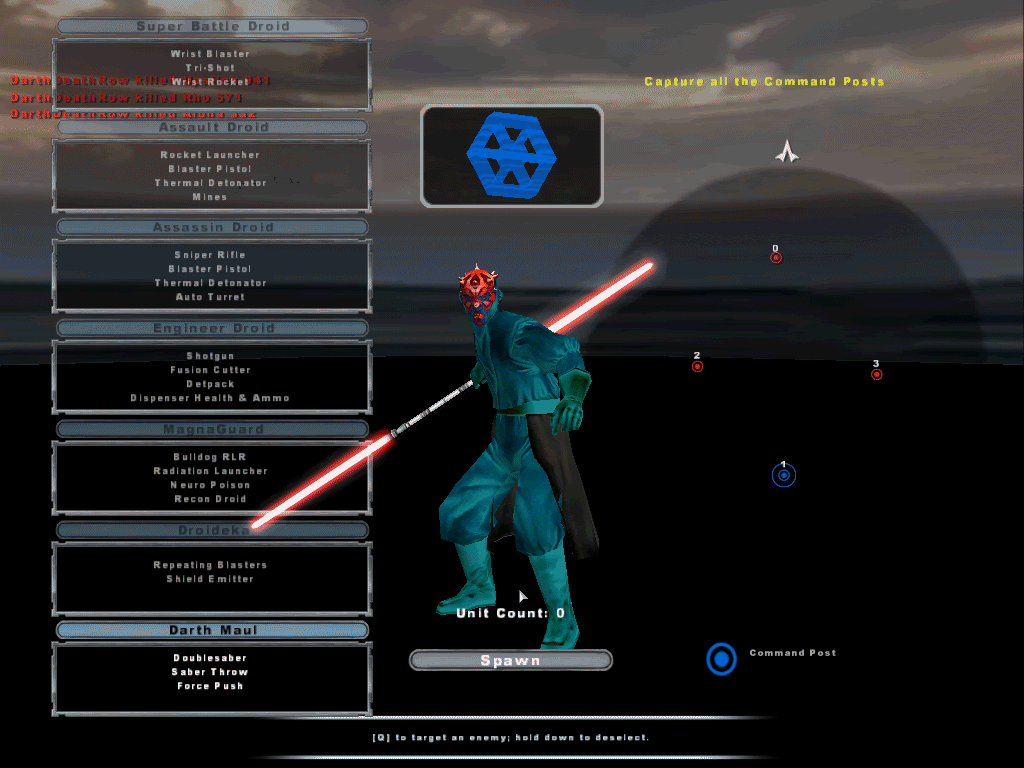
Lol Aksel. I know. Well this skin looks like Darth Maul got splashed with light blue paint:
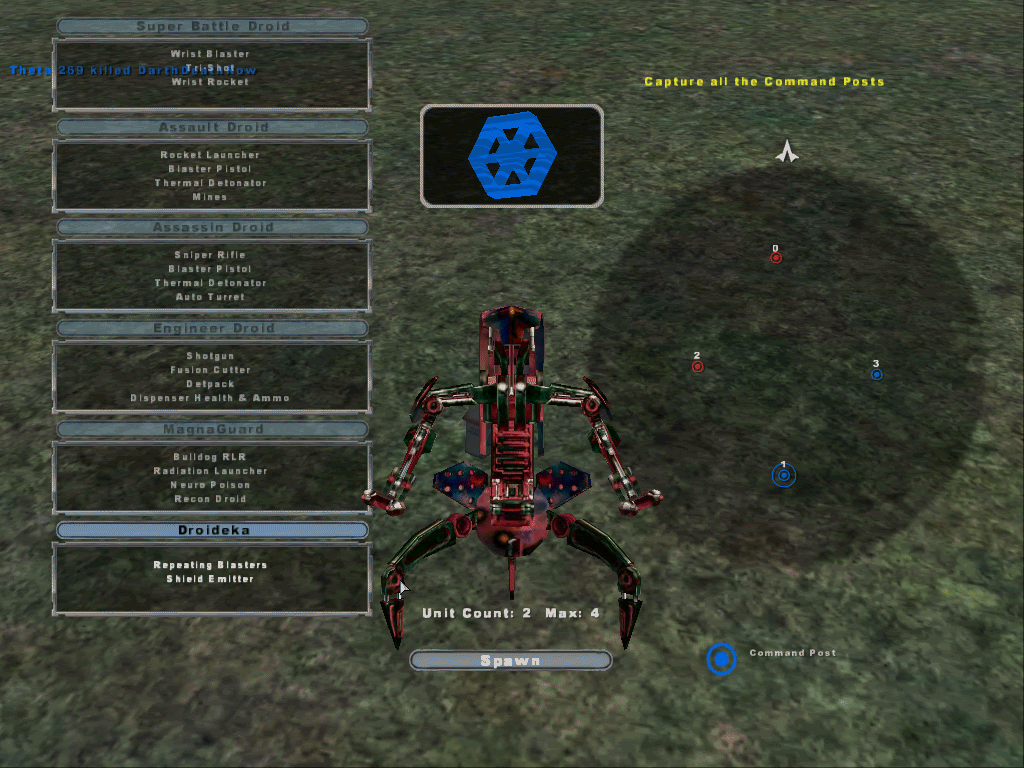
This one isnt on drugs, my fave.. The FireBrand Droideka:
Posted: Sun Jun 18, 2006 6:14 am
by Linus
That droideka...

!!
Posted: Sun Jun 18, 2006 6:28 am
by DeathRow
Hehe. It might not be just MY fave then.
Posted: Sun Jun 18, 2006 6:35 am
by t3tine
hi everybody, i've one question...no, i've two questions, which prog. do you use to reskin? and how can i install it then i've done it?
thank