Page 1 of 1
Bend geometry without stretching texture? [Solved]
Posted: Tue Dec 23, 2008 8:56 pm
by obiboba3po
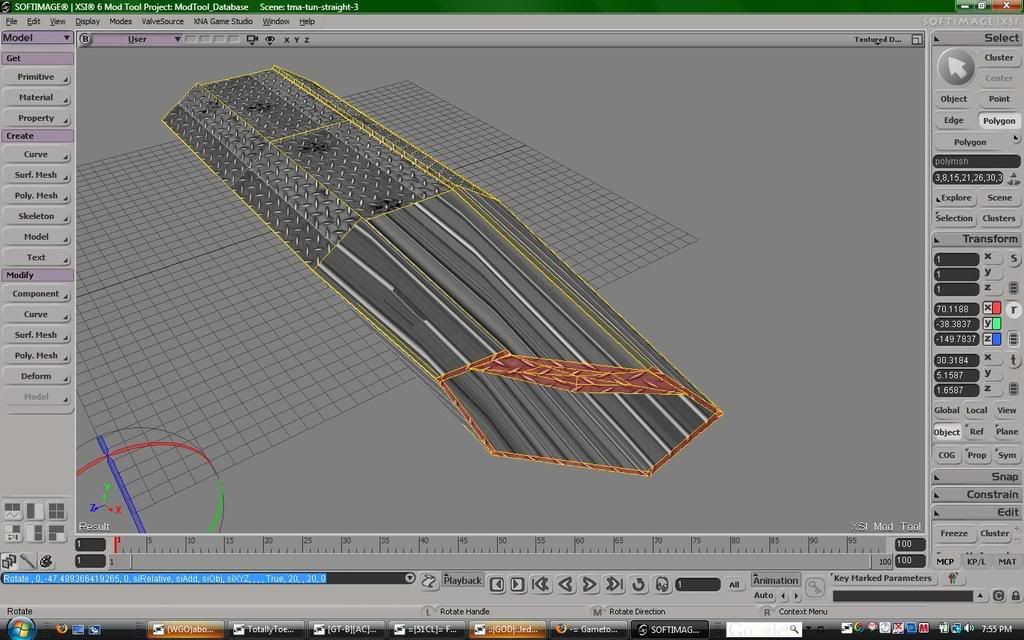
okay ill put it simply, what can you do to prevent this from happening when you transform an object/polygons? thanks
Topic renamed for clarity -Staff
Re: Stretched textures-ugh!
Posted: Tue Dec 23, 2008 9:09 pm
by AceMastermind
obiboba3po wrote:...what can you do to prevent this from happening when you transform an object/polygons?
For starters you
could wait until you're done making the model before you texture it.

Re: Stretched textures-ugh!
Posted: Tue Dec 23, 2008 9:29 pm
by obiboba3po
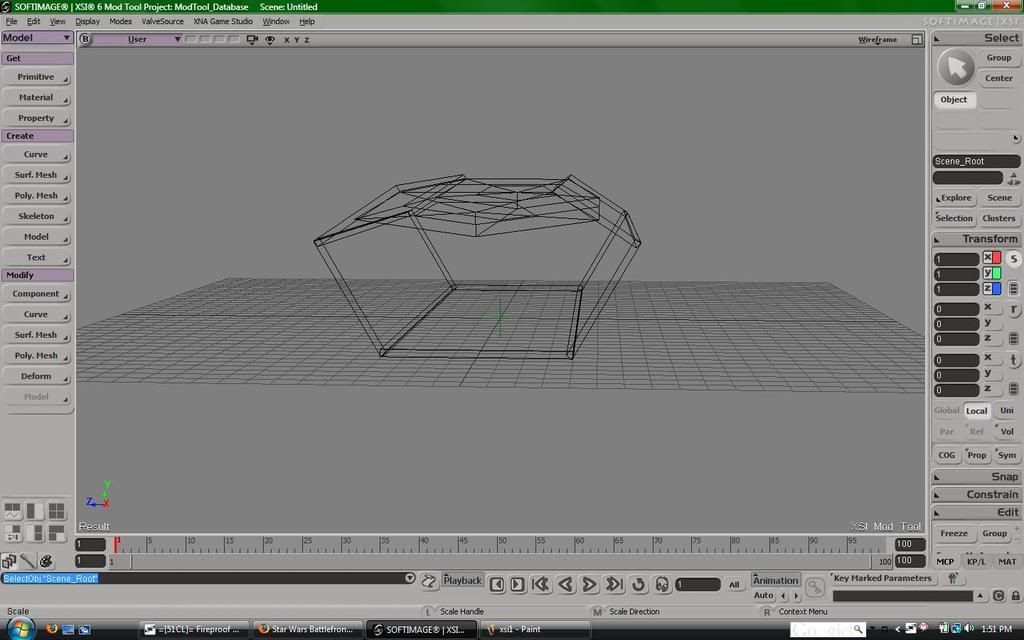
lol it is finished, i can show you it but i want to make a "turn" piece of this hallway im working on, but i also wanna keep the same texture
edit: here it is in a wireframe, how would i make that turn at 90 degrees, and keep the texture im using?
Re: Stretched textures-ugh!
Posted: Tue Dec 23, 2008 10:20 pm
by Caleb1117
In the texture editor there should be a Freeze option, under Edit I think. Try it.
Re: Stretched textures-ugh!
Posted: Tue Dec 23, 2008 11:13 pm
by obiboba3po
alright i solved this, with fragme!'s help agian, what i did was make the object really long, subdivide, then i froze translations and bent.
Re: Stretched textures-ugh!
Posted: Wed Dec 24, 2008 12:16 am
by AceMastermind
Your solution seems odd for your topic subject, were you asking how to prevent stretched textures
or how to bend geometry?

Re: Stretched textures-ugh!
Posted: Wed Dec 24, 2008 12:29 am
by obiboba3po
i was sorta asking both. i wanted to know how i could bend something without stretching the texture at the same time, which i learned how to do from fragme