Page 68 of 77
Re: Post your Desktop!
Posted: Sun Dec 07, 2008 3:03 pm
by Dohnutt
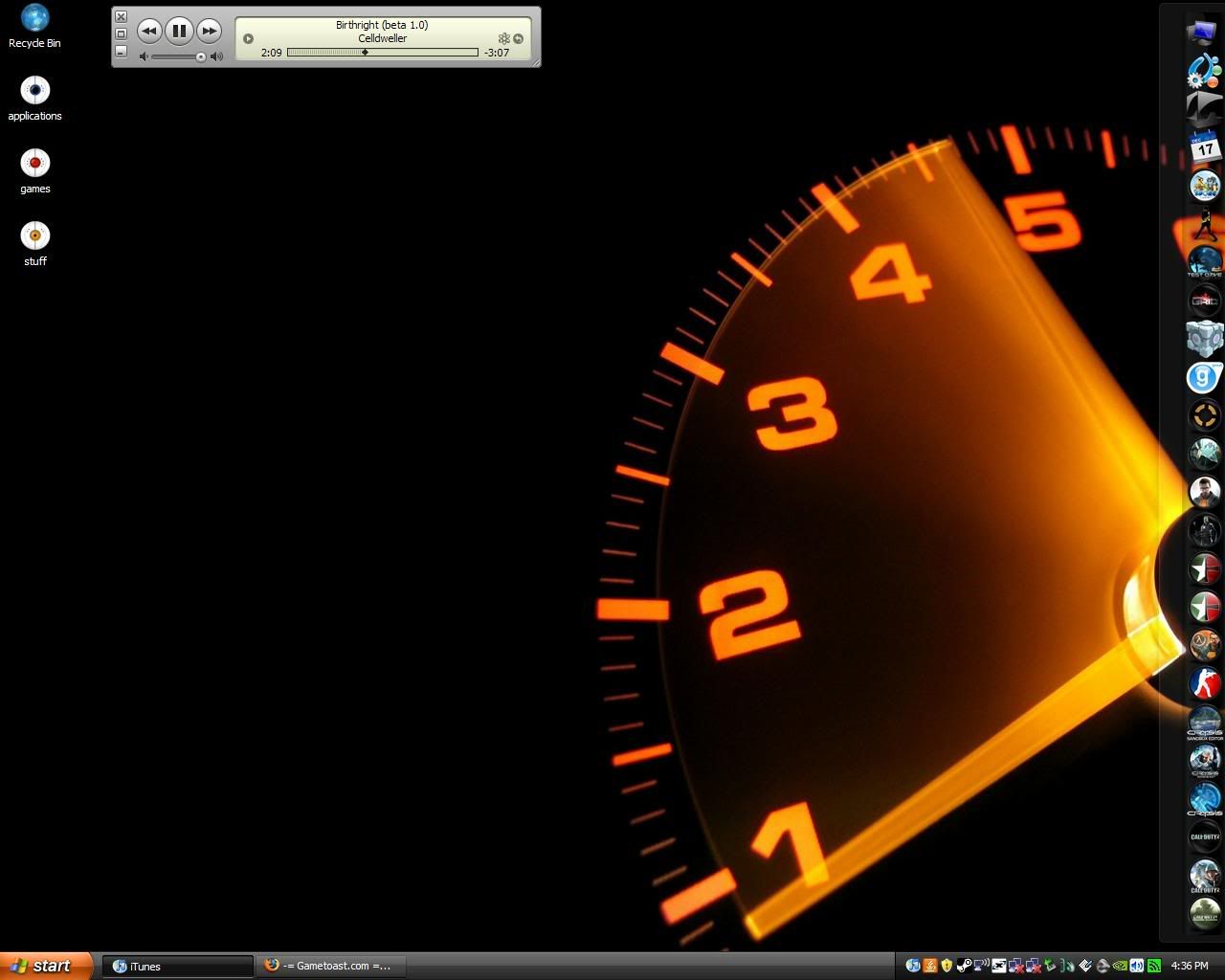
swbf_lase wrote:1280x1024... 19" monitor.
Are you sure you've never seen it? lol
Oh, it's completely different when you right-click on the image.
It's like 1279xSomethingOrOther
Re: Post your Desktop!
Posted: Sun Dec 07, 2008 4:16 pm
by obiboba3po
Dohnutt wrote:swbf_lase wrote:1280x1024... 19" monitor.
Are you sure you've never seen it? lol
Oh, it's completely different when you right-click on the image.
It's like 1279xSomethingOrOther
lol its 1279x1023
actually its a bit different. mine is 1200 x 800

Re: Post your Desktop!
Posted: Wed Dec 10, 2008 11:03 pm
by (RAPTOR)BENSTWO{SGT}
Here's another awsome Geonosis one. Great Quality.

Re: Post your Desktop!
Posted: Fri Dec 12, 2008 1:16 am
by Delta 47
New desktop with a featured picture from a totally awesome game I'm waiting for,
Yeah, I needed a change as you can see I'm insane to play this game.
Re: Post your Desktop!
Posted: Fri Dec 12, 2008 7:17 pm
by Nova Hawk
Wow, nice Delta. But what's LotR Conquest? Never heard of it...
Re: Post your Desktop!
Posted: Fri Dec 12, 2008 7:51 pm
by Yodakid
Nova Hawk wrote:Wow, nice Delta. But what's LotR Conquest? Never heard of it...
Go here to finde out:
http://www.pandemicstudios.com/conquest/
And here:
http://www.youtube.com/watch?v=DV2jQPme ... re=related
And gameplay:
http://www.youtube.com/watch?v=3XSxpklE ... re=related
PS: That looks wery good delta

Re: Post your Desktop!
Posted: Wed Dec 17, 2008 3:56 pm
by tsurugi13
Both blue and minimalistic. Nothin wrong with that.

Re: Post your Desktop!
Posted: Wed Dec 17, 2008 5:30 pm
by Fluffy_the_ic
...Wow. Also, what's up with the icons?
Re: Post your Desktop!
Posted: Wed Dec 17, 2008 5:46 pm
by obiboba3po
heh looks cool y'all

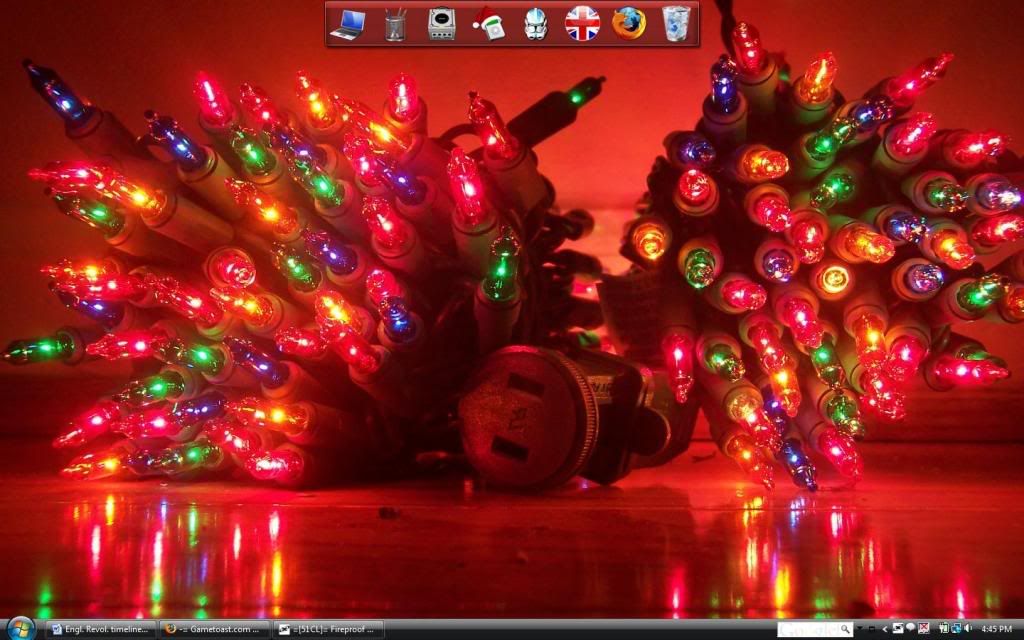
heres mine
Re: Post your Desktop!
Posted: Wed Dec 17, 2008 5:57 pm
by Silas
looks nifty, but what is it? (yes, i know they're christmas lights). Is it supposed to be anything other than a pile of lights?
Re: Post your Desktop!
Posted: Wed Dec 17, 2008 5:59 pm
by obiboba3po
nope not rly lol

when i took it i just thought it looked cool
edit: how do you change the color of the vista taskbar, anyone find a way?

also, my taskbar is not transparent like this one although it is the windows aero theme (id prefer if someone who either has/knows about vista would answer, i know how to do it on XP but vista is way different. tnx)
Re: Post your Desktop!
Posted: Wed Dec 17, 2008 6:30 pm
by Silas
huh. my first thought was of the hail-fire tank, so i thought maybe there was a method to the madness. Oh well, still looks nifty
Re: Post your Desktop!
Posted: Wed Dec 17, 2008 7:46 pm
by Ipodzanyman
Re: Post your Desktop!
Posted: Thu Dec 18, 2008 2:36 pm
by tsurugi13
Link to the icon stack:
HERE
Link to the dark blue theme:
HERE
Re: Post your Desktop!
Posted: Thu Dec 18, 2008 9:24 pm
by Dohnutt
tsurugi13 wrote:Link to the dark blue theme:
HERE
Thanks!
Not sure if I like it yet though, haha.
I like my Royale Noir...
Re: Post your Desktop!
Posted: Fri Dec 19, 2008 12:20 pm
by swbf_lase
Meh wonderful new desktop:
Yes, I'm running Mac OS X 10.5.5. Using parallels desktop so I can use xfire

Re: Post your Desktop!
Posted: Fri Dec 19, 2008 2:12 pm
by PsYcH0_]-[aMsT3r
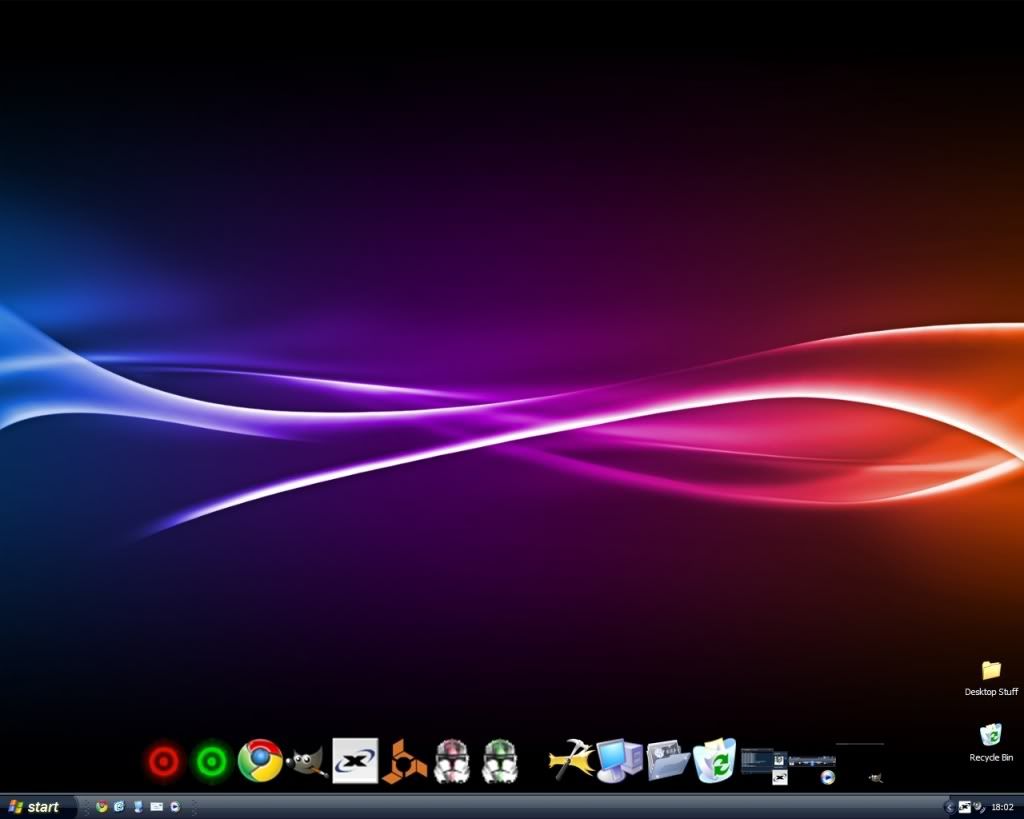
Spent the last 2 hours customizing mah desktop. It's RocketDock and the Royale Noir theme. Yays!
Re: Post your Desktop!
Posted: Fri Dec 19, 2008 11:07 pm
by MercuryNoodles
obiboba3po wrote:edit: how do you change the color of the vista taskbar, anyone find a way?
also, my taskbar is not transparent like this one although it is the windows aero theme (id prefer if someone who either has/knows about vista would answer, i know how to do it on XP but vista is way different. tnx)
Right click the desktop>Personalize>Window color and appearance
or
Control Panel>Personalize>Window color and appearance
I know it says "window", but your taskbar's color is tied to this. As far as I know, Windows has always tied them together.
Btw, if I'm reading this right, your taskbar is transparent. It's just hard to see with that background, because aero tends to blur the image, and the dark colors tend to blend with the graphite color setting. I use the same setting, but my background contrasts well in certain areas.
Re: Post your Desktop!
Posted: Sat Dec 20, 2008 1:11 am
by MasterSaitek009
swbf_lase wrote:Meh wonderful new desktop:
Yes, I'm running Mac OS X 10.5.5. Using parallels desktop so I can use xfire
Is it still a Hackintosh/OSx86? Or do you actually have a Mac now?
Re: Post your Desktop!
Posted: Sat Dec 20, 2008 10:13 am
by swbf_lase
Hackintosh, but, I reformatted to vista last night. I screwed up my install plus I get better driver support on windows >.>