Page 62 of 75
Re: Model showcase thread Part II
Posted: Thu Oct 02, 2008 10:16 pm
by Commander_Cody771
jedi_pilot wrote:Maybe this is just a long shot, but it looks kinda like Weathertop from LOTR

. Either way it looks really good

.
Ya know it does xD.
Re: Model showcase thread Part II
Posted: Fri Oct 03, 2008 9:09 pm
by RepSharpshooter

3d models can be functional too.
Re: Model showcase thread Part II
Posted: Sat Oct 04, 2008 2:39 am
by Aman/Pinguin
Eh, isn't it "XSI ---> SWBF Series"?
However, looks really nice!
Re: Model showcase thread Part II
Posted: Sat Oct 04, 2008 5:21 am
by jedi_pilot
WOW

! Does that actually work

???
Re: Model showcase thread Part II
Posted: Sat Oct 04, 2008 8:34 am
by Taivyx
RepSharpshooter wrote:
3d models can be functional too.
Not even sure what that means, did you mean you made a 3d model out of the Creative skin you made about a year ago?
Re: Model showcase thread Part II
Posted: Sat Oct 04, 2008 8:45 am
by RepSharpshooter
Aman/Pinguin wrote:Eh, isn't it "XSI ---> SWBF Series"?
However, looks really nice!
Model showcase thread
And yes it's a 3d model in 3ds max:

But turned into a functional music player. The other I made long ago was a 2d rendering in Inkscape.
Re: Model showcase thread Part II
Posted: Sat Oct 04, 2008 8:51 am
by Taivyx
Well I fail to see the point of that since when it's playing music you're looking straight at its front, but that's still pretty cool
Re: Model showcase thread Part II
Posted: Sat Oct 04, 2008 8:56 am
by RepSharpshooter
Well of course, the player itself is 2d but it's made from this 3d model. It's a lot easier than trying to hand draw it in photoshop. The point is that 3ds Max and XSI aren't limited to just making 3d models for video games etc, they can be used for making skins such as this and so on.
Re: Model showcase thread Part II
Posted: Sat Oct 04, 2008 10:10 am
by Fluffy_the_ic
Sweet, Rep!
Re: Model showcase thread Part II
Posted: Sat Oct 04, 2008 2:41 pm
by destructo_bot

don't really see the point of that but still cool!
Re: Model showcase thread Part II
Posted: Sun Oct 05, 2008 1:32 am
by redgroupclan
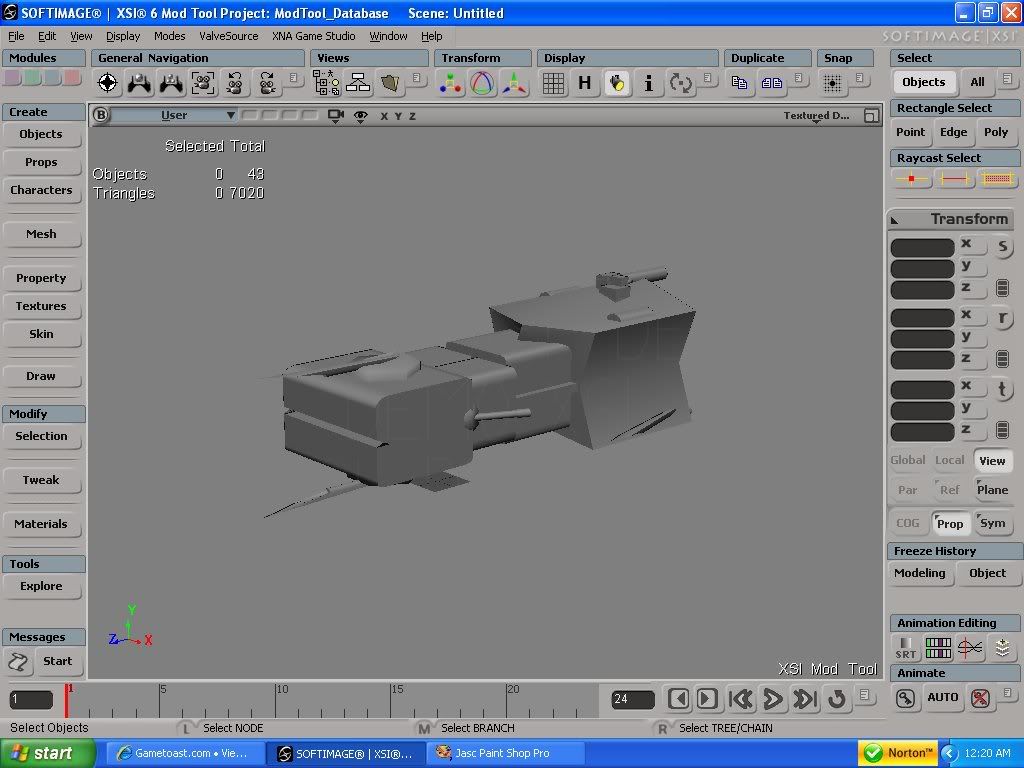
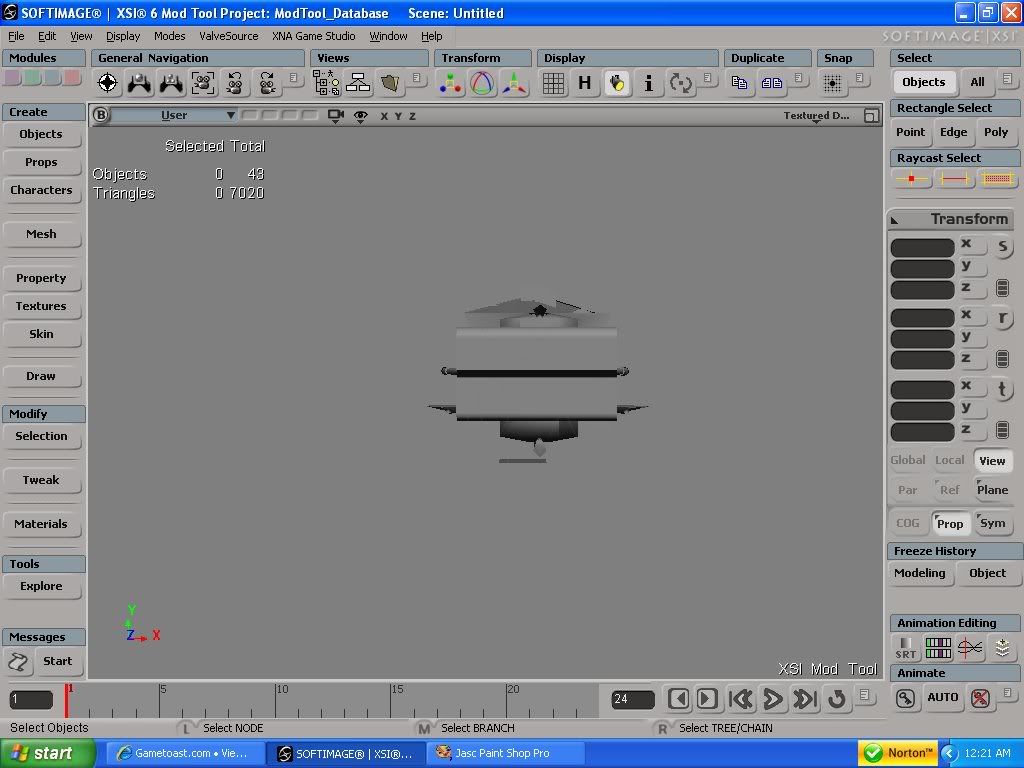
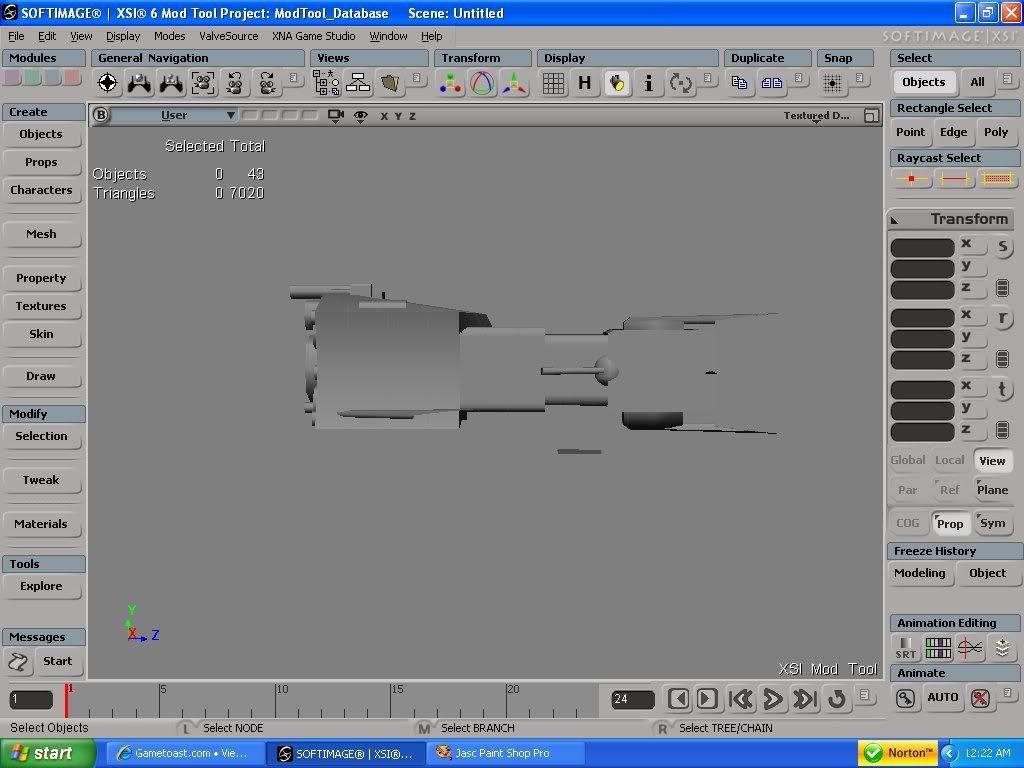
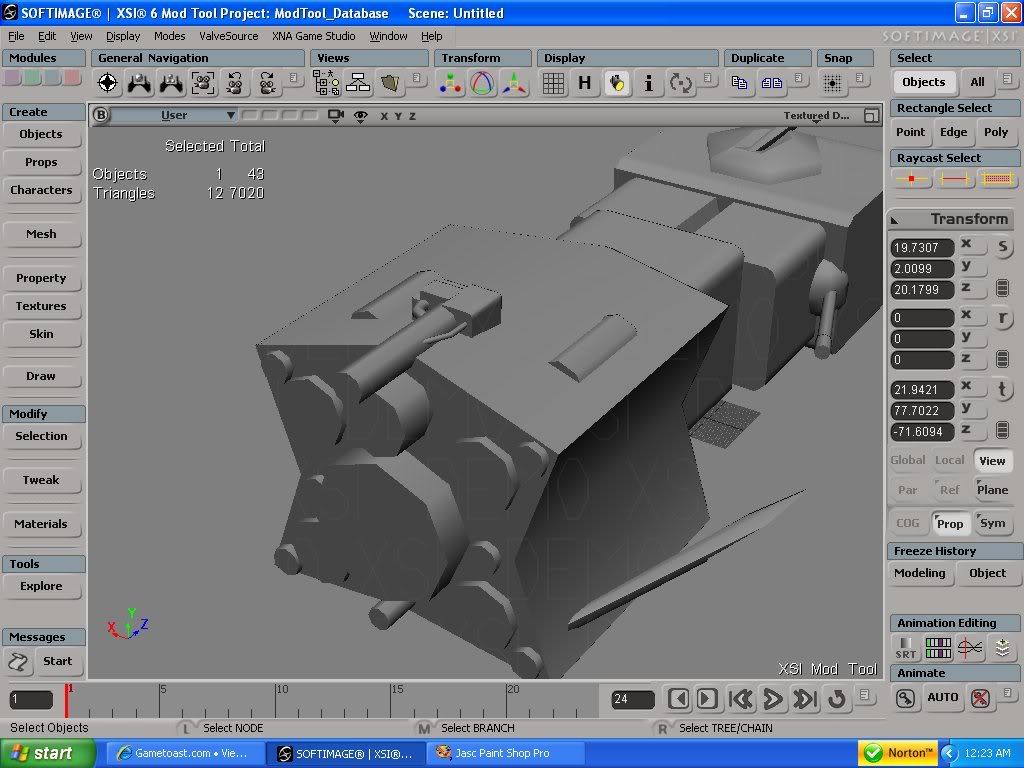
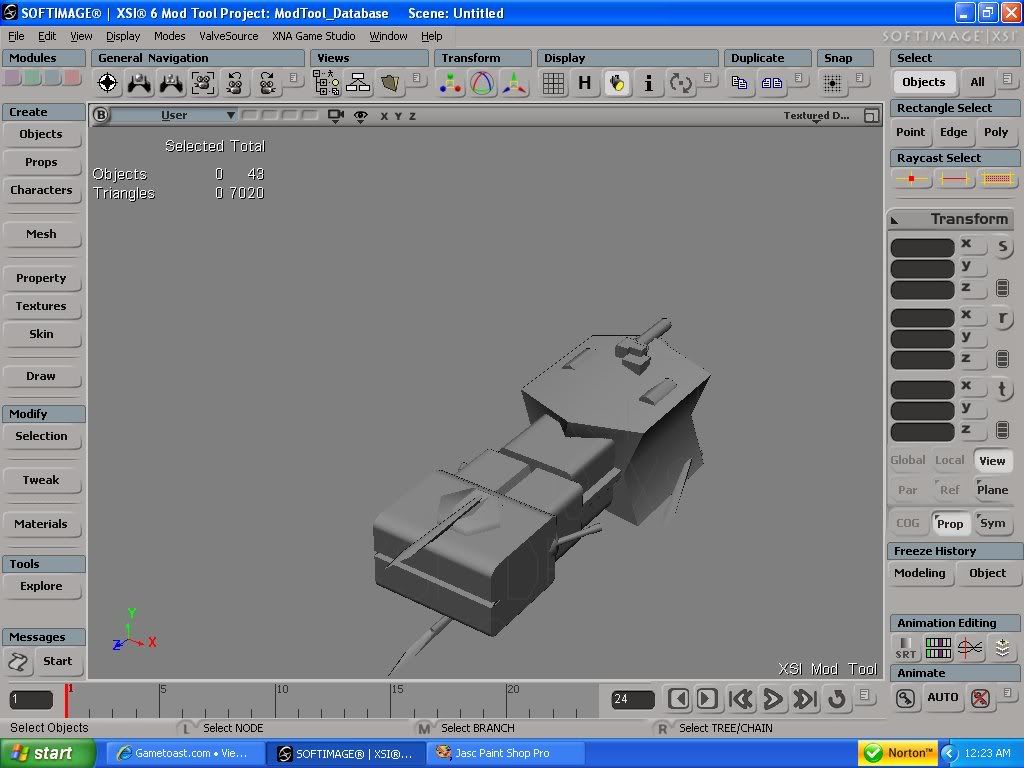
Still doing some work on this one. (adding details)
Ålkalian 4-H87 Integration Cruiser "Rammer".
See if you can tell why its called "Rammer".
Re: Model showcase thread Part II
Posted: Sun Oct 05, 2008 6:57 am
by jedi_pilot
It looks cool
. But I think it might be a bit high when it comes to tri's

...
Re: Model showcase thread Part II
Posted: Sun Oct 05, 2008 11:10 am
by redgroupclan
Tri's mean nothing to me. Its polys that I think about, and its only at...1 or 3 thousand. I 4get
Re: Model showcase thread Part II
Posted: Sun Oct 05, 2008 1:36 pm
by AceMastermind
redgroupclan wrote:Tri's mean nothing to me. Its polys that I think about, and its only at...1 or 3 thousand. I 4get
Triangles
should mean something to you, a triangle
is a polygon with 3 sides and they are the most basic geometrical shape, and since game engines break down geometry into triangles that
is what you need to be thinking about, your model has way too many and should be optimized.
Re: Model showcase thread Part II
Posted: Sun Oct 05, 2008 2:28 pm
by redgroupclan
AceMastermind wrote:your model has way too many and should be optimized.
Aaaannddddd IIddd doo thaaat how?
Re: Model showcase thread Part II
Posted: Sun Oct 05, 2008 4:56 pm
by Frisbeetarian
By learning to use the XSI help. Search for the two key words he said, triangle and optimize.
Re: Model showcase thread Part II
Posted: Sun Oct 05, 2008 5:54 pm
by Fluffy_the_ic
Simple triangulation tut.
Switch the mode to Default
Go to poly mesh
click triangulate.
Re: Model showcase thread Part II
Posted: Sun Oct 05, 2008 6:11 pm
by AceMastermind
Fluffy_the_ic wrote:Simple triangulation tut.
Switch the mode to Default
Go to poly mesh
click triangulate.
No, pre-triangulation doesn't reduce the total number of triangles.
There seems to be a bit of confusion concerning this so i'll try to explain, when you create a cube it's made up of 6 quadrilaterals(or quads) and each quad is made up of 2 triangles(12 total), you just don't see the invisible edge dividing each quad. Modeling in quads is easier than trying to model in triangles but the software(XSI in this case) is always calculating the total triangles even though you don't see any visible triangles. The # of triangles displayed in XSI will be the same number that the game will see.
Hope that helps....
Re: Model showcase thread Part II
Posted: Sun Oct 05, 2008 6:44 pm
by Fluffy_the_ic
Ohhhh... I remember someone telling me to pre-triangulate before exporting. This was June 13-July 13, when I still used the full exporter.
Re: Model showcase thread Part II
Posted: Mon Oct 06, 2008 4:08 pm
by Redline
Here a first picture of a ship from the fleet. Enjoy it.

------------------------------------
Battlestar Galactica...
The Cylons were created by Man.
They Rebelled.
They Evolved.
They Look.
and Feel
Human
Some are programmed to think they are human.
There are Many Copies.
And they have a Plan.....