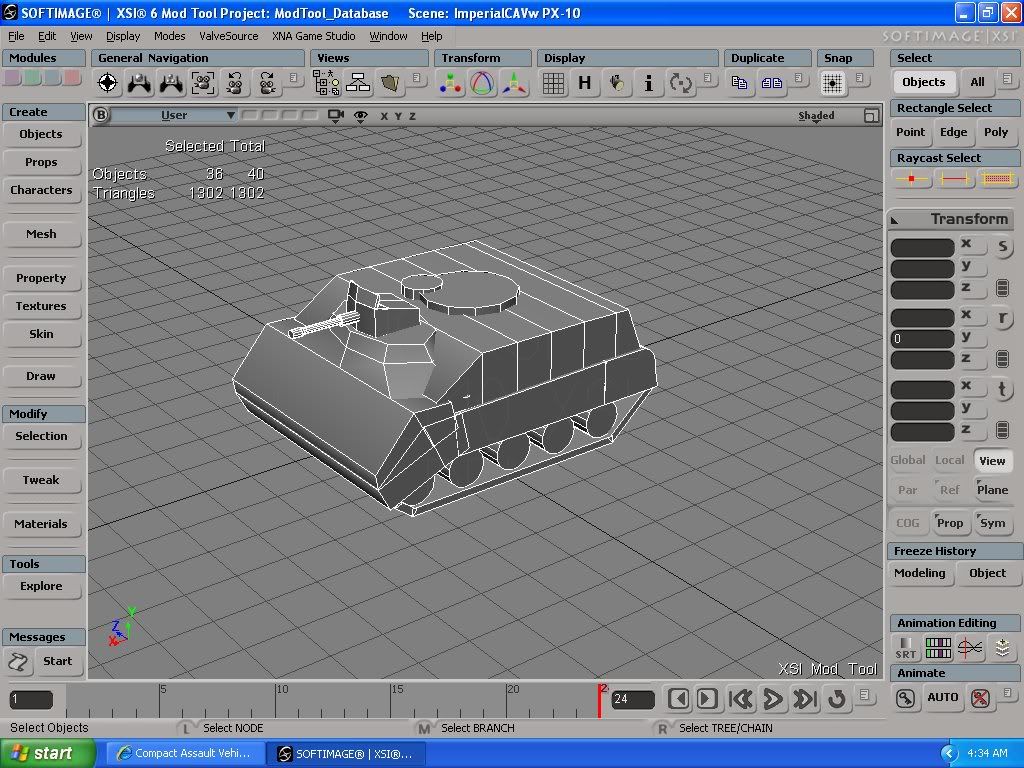
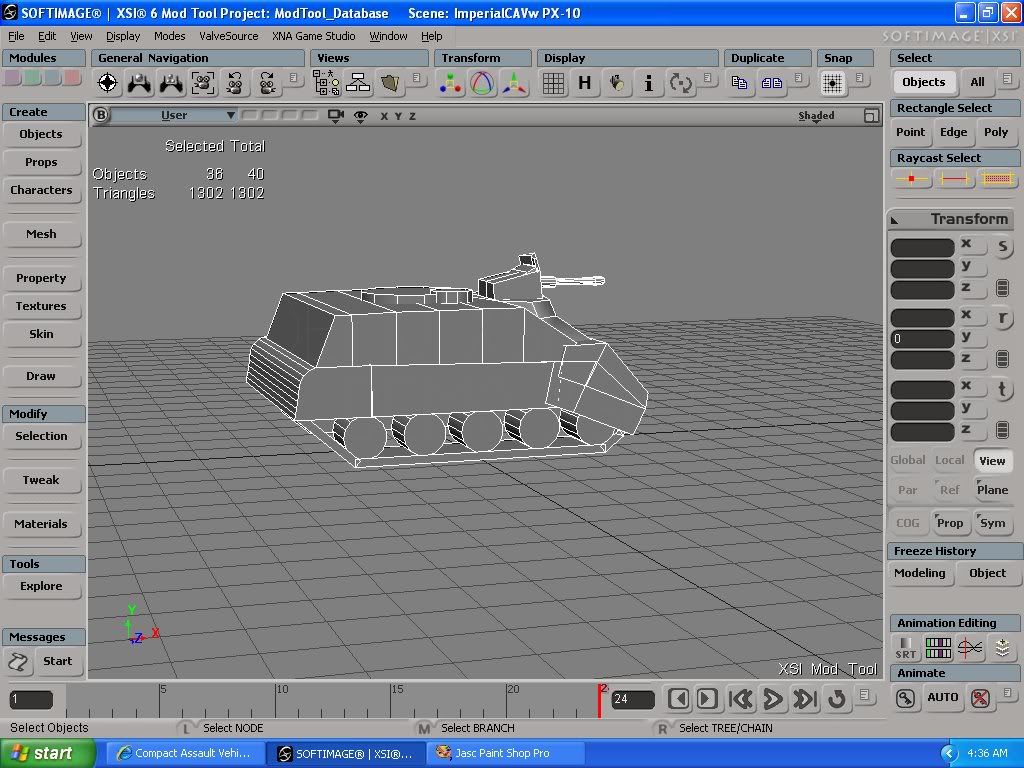
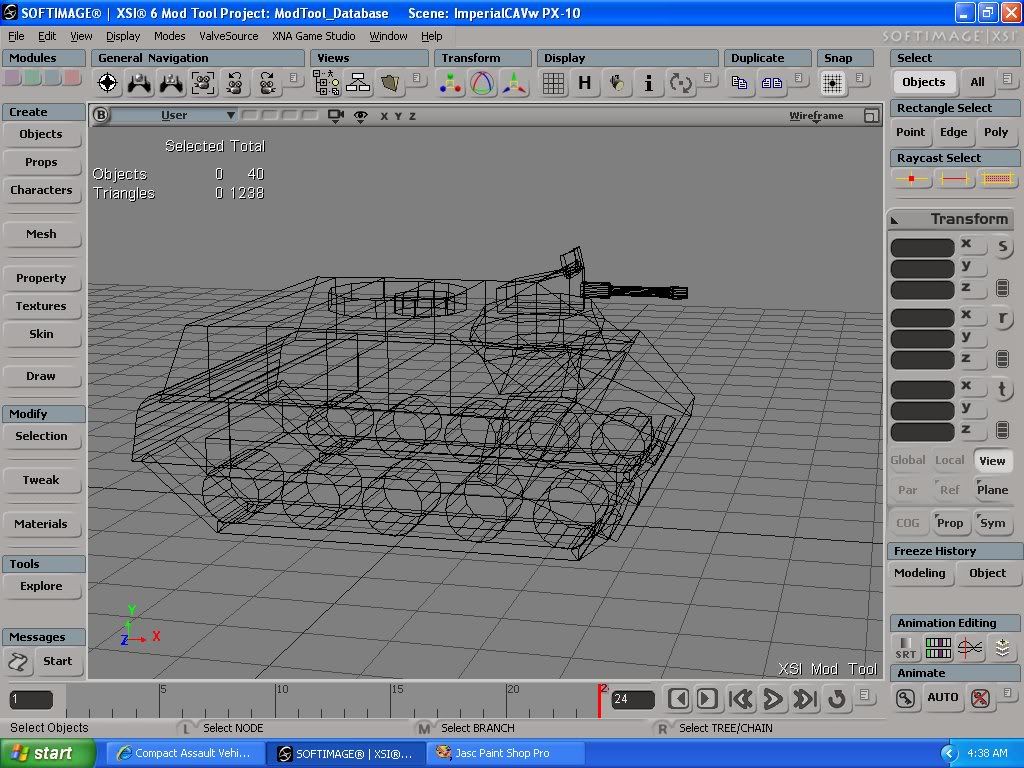
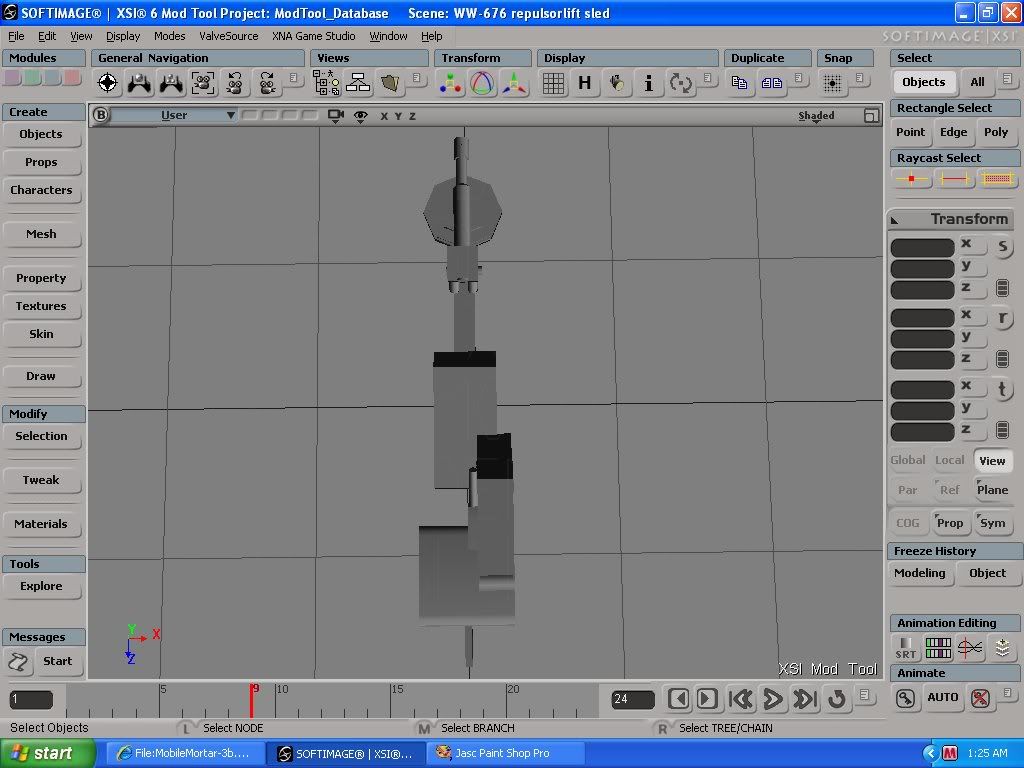
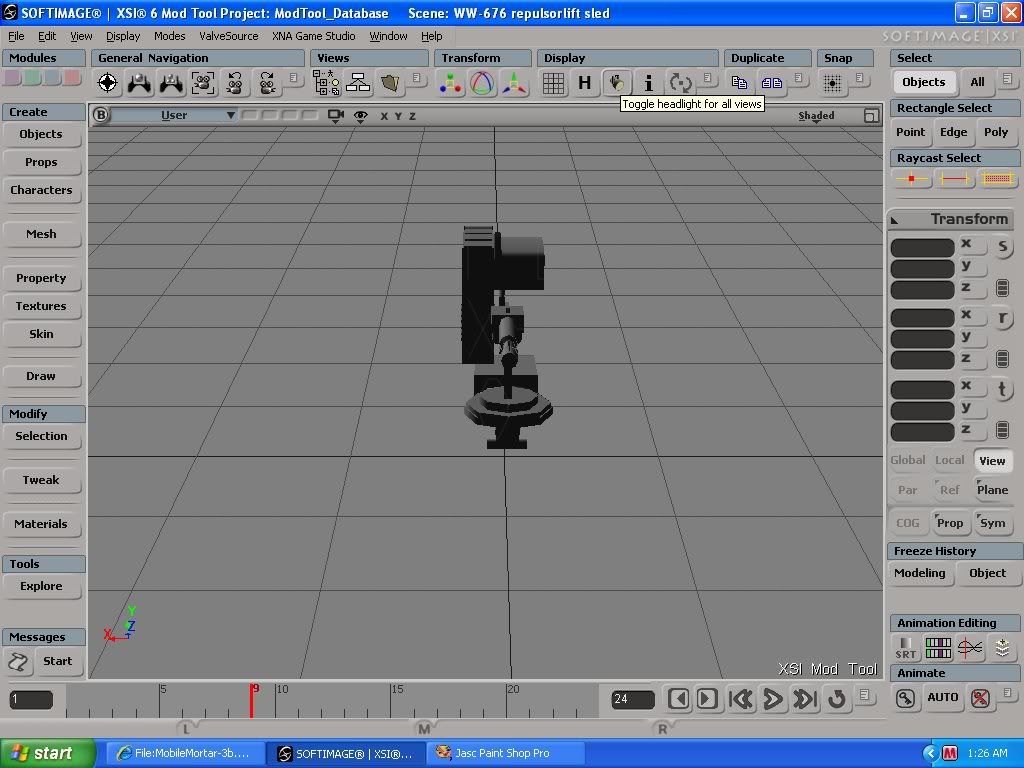
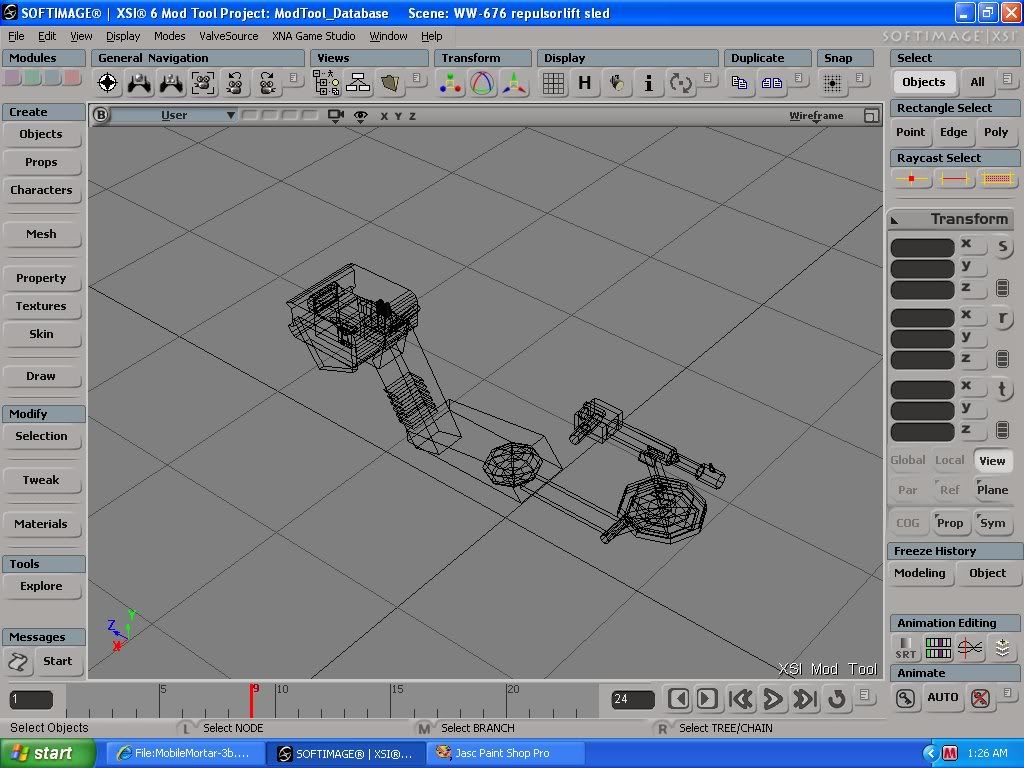
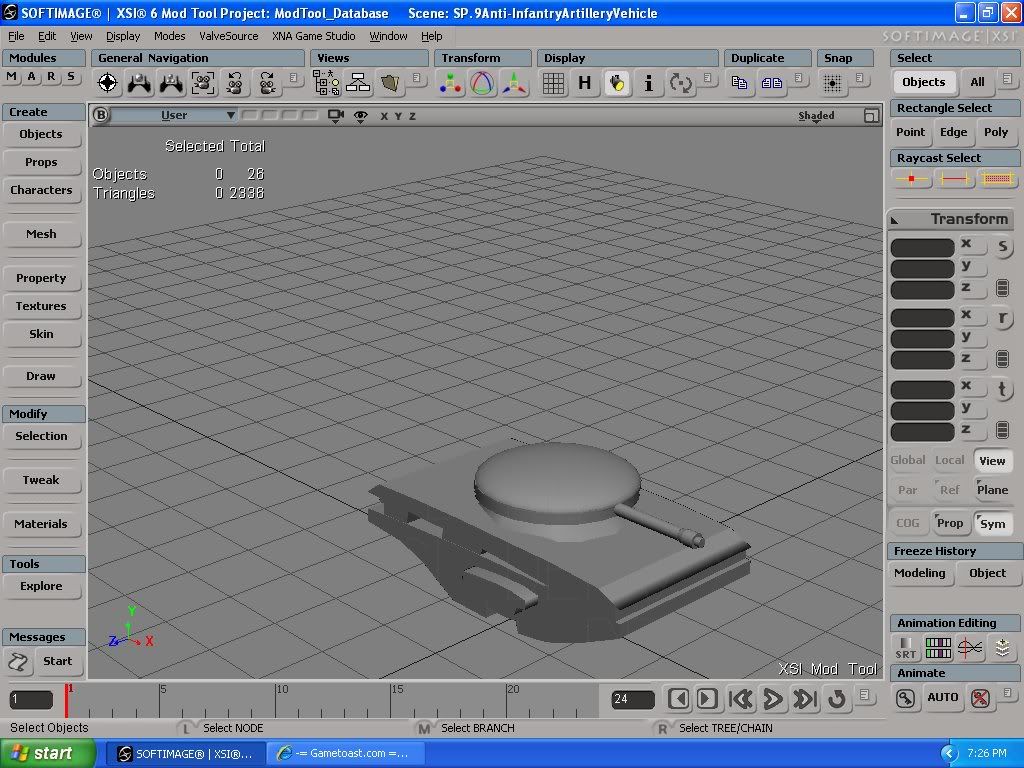
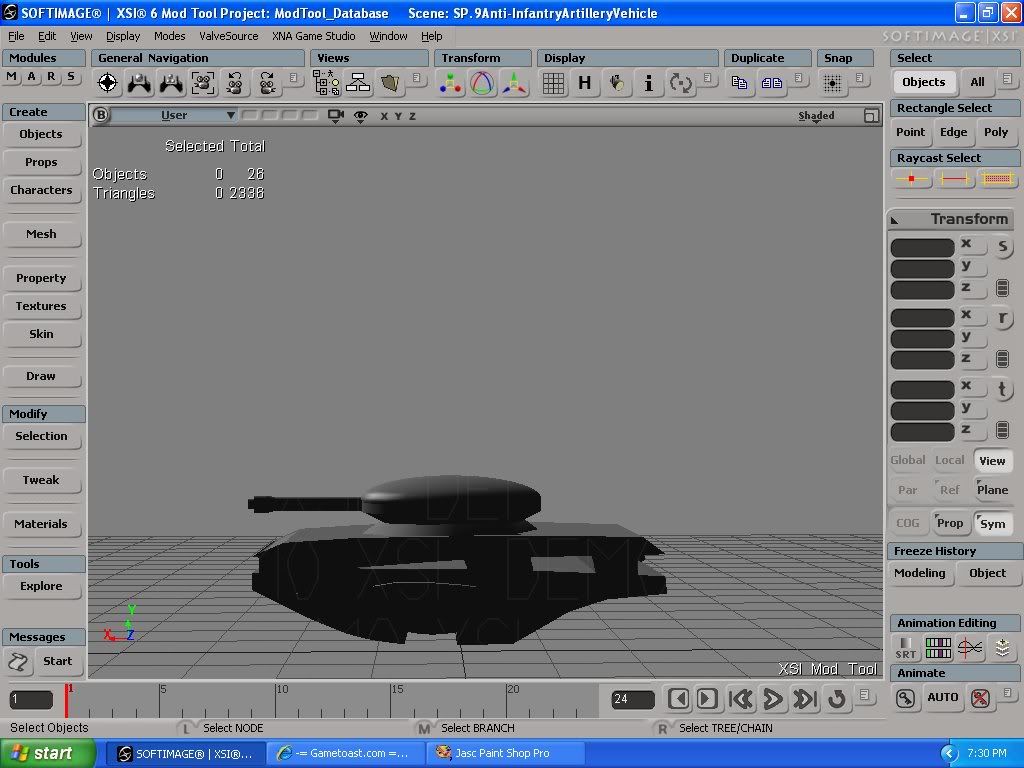
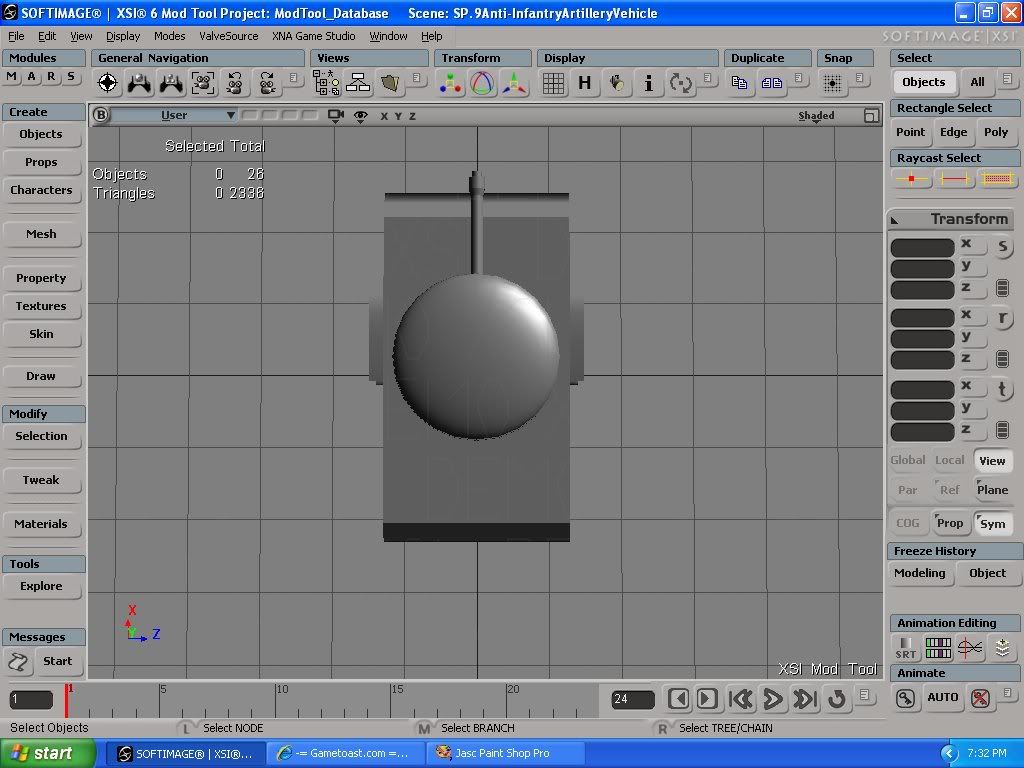
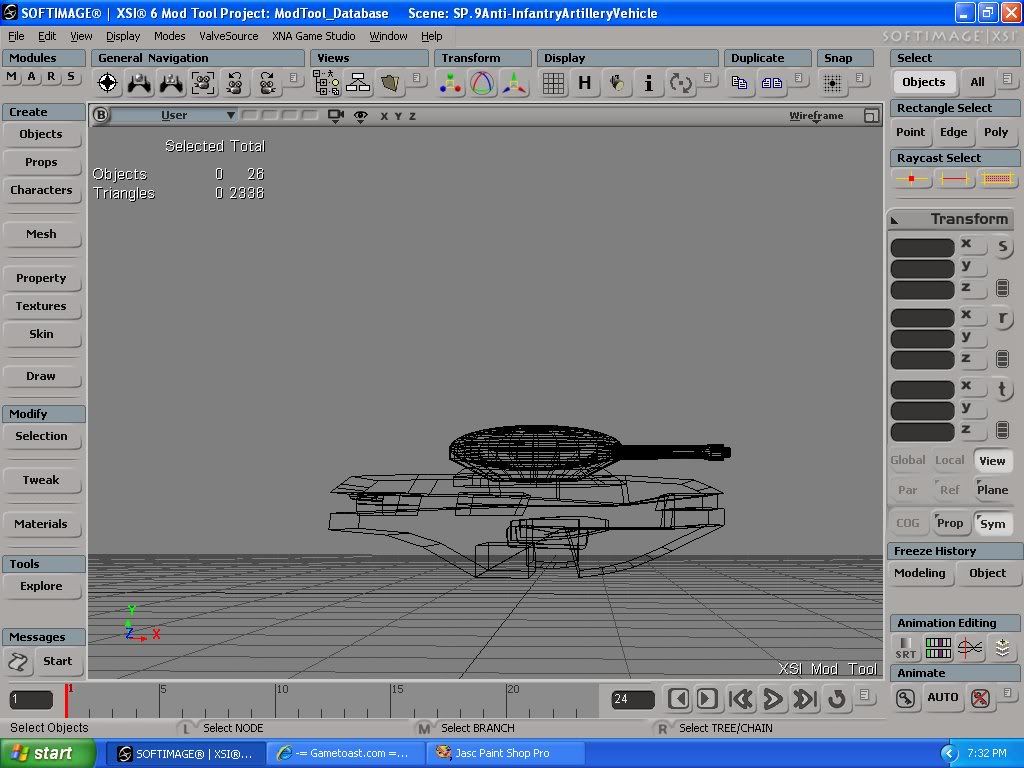
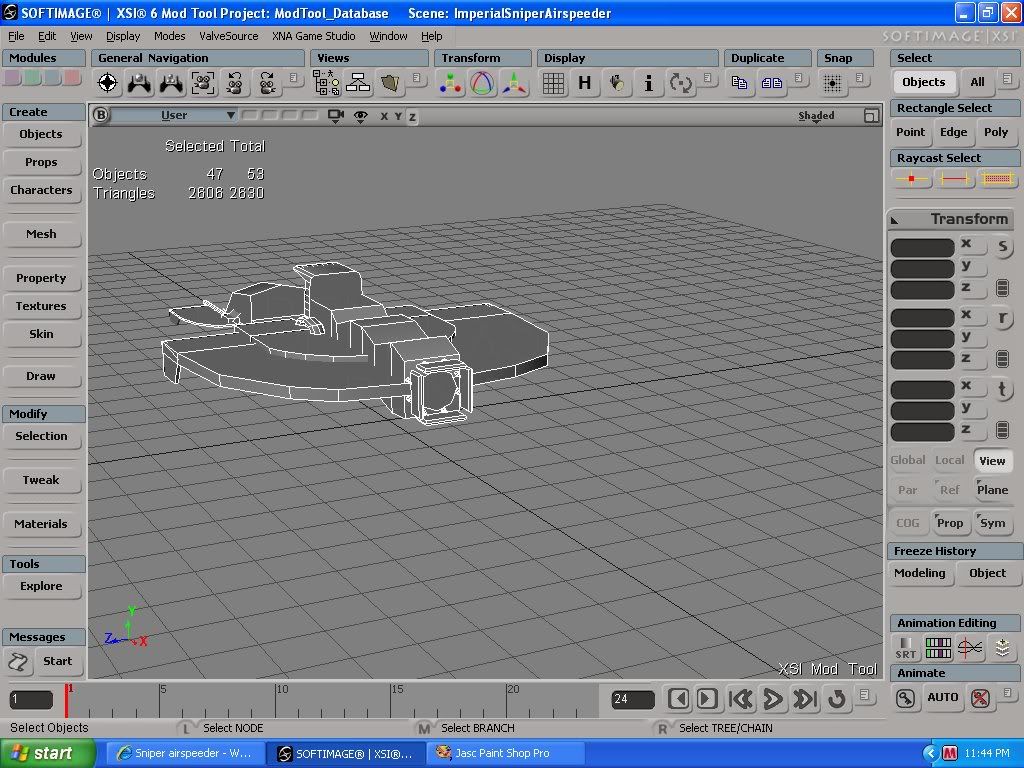
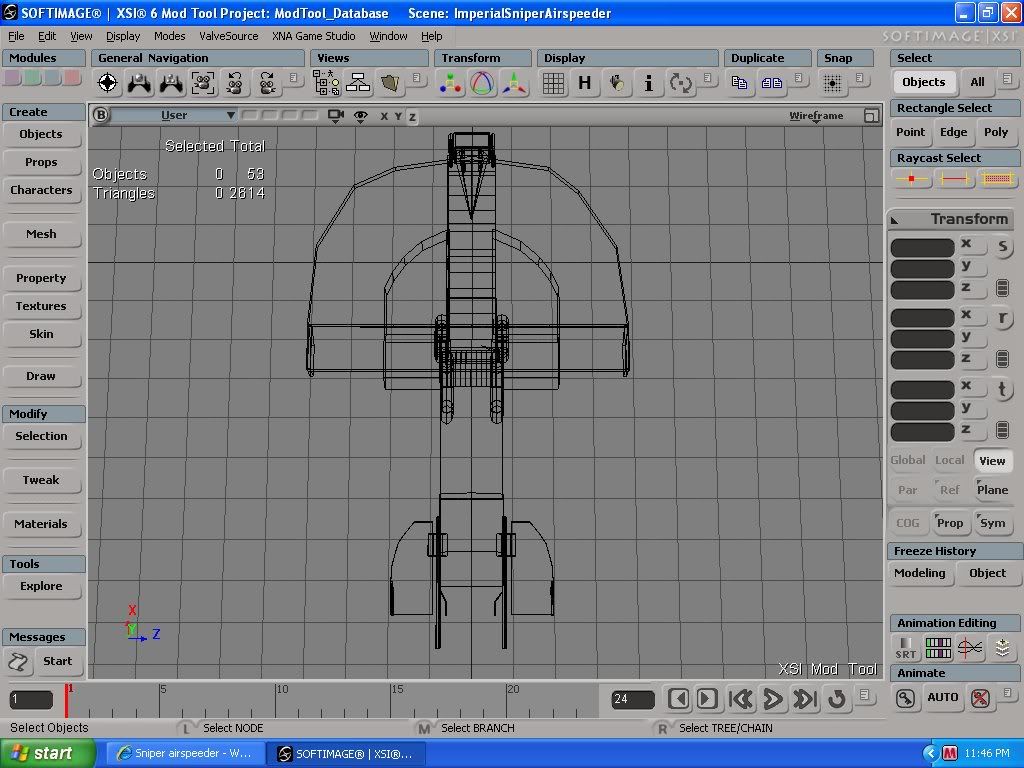
Use the raycast edge selection tool to "paint" all the edges you want to delete(deleting edges=>less faces) and simply press del. If you want to delete whole loops then select raycast edge, right-click somewhere on your selected object, choose "Select Edge Loop(No Corners/Corners)" and then select one edge of the loop. XSI will automatically select all other edges of the loop(not really working if you have tris connected to the loop).redgroupclan wrote:BTW how would I get rid of those unused polygons then? I dont think I can make the curves like so without giving the model a bunch of polys. Can I just click on the lines and press delete or something?
You always have to consider how close the camera gets how much time the player will spend looking on the round part(first person models are very close to the camera-> more polygons). In SWBF II the most detailed part would have to be the back of the vehicle. For example: The tank "entrance" could have had a few more sides(the cylinders), like 12 or something like that. 8 sides are good for small third person/vehicle weapon barrels. If the diameter of a cylinder is(in real life) larger than like 20 cm you should go up to 10 sides etc...


 )
)

 .
.