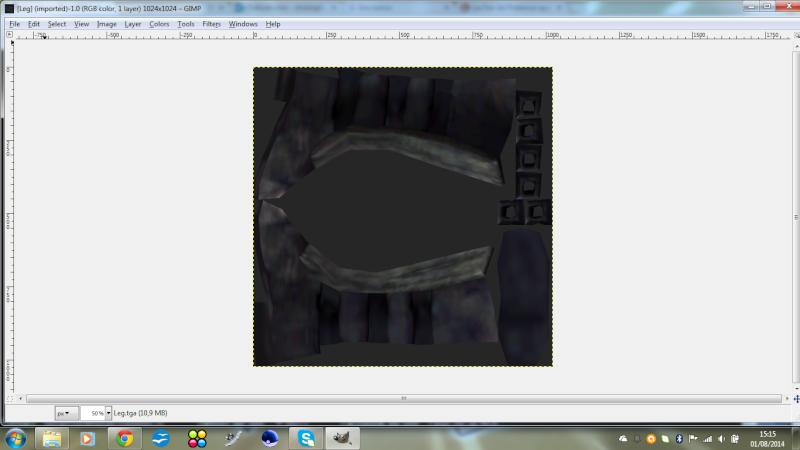
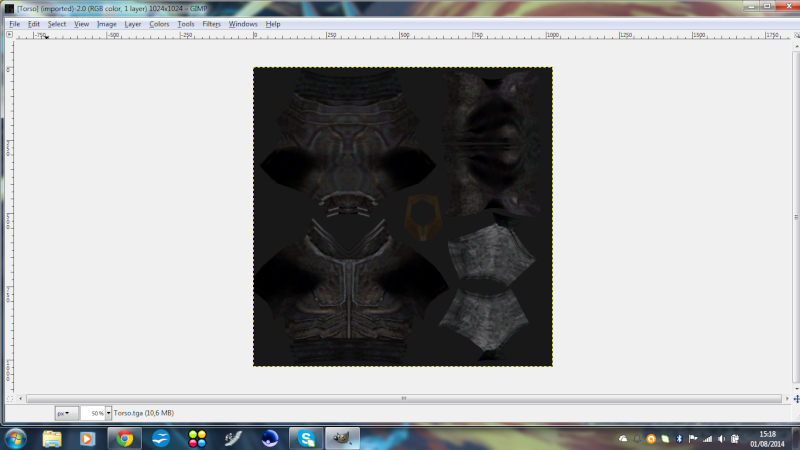
Page 1 of 2
Modify textures for units?
Posted: Mon Jul 28, 2014 2:59 pm
by Indytotof
Hello modders and mappers, here is Indytotof.
I've a little question: I want to change the head, torso and arms textures from the stock Darth Maul .tga by the head, the torso and arms of a Cyber Maul I download here (and I've reskinned for the needs of my custom unit).
There is the .odf of my unit:
What I've to do with the odf to override textures successfully ?
Thanks.
Re: Override Textures for an units
Posted: Mon Jul 28, 2014 3:08 pm
by commanderawesome
Add this right after GeometryLowRes:
OverrideTexture = "your_new_texture.tga"
Please note that this does not work with all models.
Re: Override Textures for an units
Posted: Tue Jul 29, 2014 2:02 pm
by Indytotof
I want to override a stock jedi's textures by a reskinned ep3trooper textures with the command that commanderawesome posted.
Did that will worked ?
Re: Override Textures for an units
Posted: Tue Jul 29, 2014 2:38 pm
by commanderawesome
Technically, yes, but it will look really weird, because the two textures are mapped differently, and even if they weren't, why would you want a clone trooper texture on a Jedi model?
Re: Override Textures for an units
Posted: Tue Jul 29, 2014 3:36 pm
by Indytotof
commanderawesome wrote:Technically, yes, but it will look really weird, because the two textures are mapped differently, and even if they weren't, why would you want a clone trooper texture on a Jedi model?
Because of him (and use him with standard clones .msh will retextures clones and I don't want that):
Re: Override Textures for an units
Posted: Tue Jul 29, 2014 3:55 pm
by Kingpin
Why just not use a normal clone that has been remapped and skin one hand blue?
Re: Override Textures for an units
Posted: Tue Jul 29, 2014 4:01 pm
by Indytotof
Kingpin wrote:Why just not use a normal clone that has been remapped and skin one hand blue?
OK and how to remapped a clone ?
Did I can reskinned another arm in blue on another clone's skin and override the texture of one of the jek-14's arm with it using "OverrideTexture ="whatevertextureis.tga" ?
Thanks for your help.
Re: Override Textures for an units
Posted: Tue Jul 29, 2014 4:10 pm
by willinator
Look, what you want to do doesn't require an override texture. Just use the remapped trooper at
http://www.gametoast.com/viewtopic.php?f=64&t=16848 , then just edit the texture so that one arm is blue and the trooper is colored how you want. Override texture is only for when you have multiple classes that share the same model, like the battledroids. It makes it so they're all the same model, but use different textures. Even if you were doing something like that, you don't really need to use override texture, because you can just copy the msh and hex-edit to change the texture name to the one you want.
Re: Override Textures for an units
Posted: Tue Jul 29, 2014 4:13 pm
by Indytotof
willinator wrote:Look, what you want to do doesn't require an override texture. Just use the remapped trooper at
http://www.gametoast.com/viewtopic.php?f=64&t=16848 , then just edit the texture so that one arm is blue and the trooper is colored how you want. Override texture is only for when you have multiple classes that share the same model, like the battledroids. It makes it so they're all the same model, but use different textures. Even if you were doing something like that, you don't really need to use override texture, because you can just copy the msh and hex-edit to change the texture name to the one you want.
Is there a tutorial for hex editing .msh ?
Re: Override Textures for an units
Posted: Tue Jul 29, 2014 4:44 pm
by commanderawesome
Just open the file with any hex editor (I use PSPad), and search for .tga (as text) until you find rep_inf_ep3trooper.tga then change that to what you want (it has to be the same amount of characters (letters, nubers, etc.) as the name of the original texture.)
Re: Override Textures for an units
Posted: Fri Aug 01, 2014 9:22 am
by Indytotof
Hello modders and mappers, here is Indytotof again !
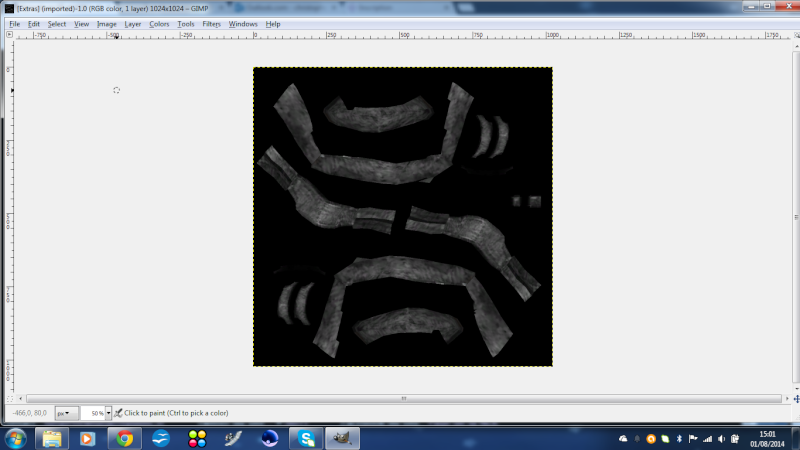
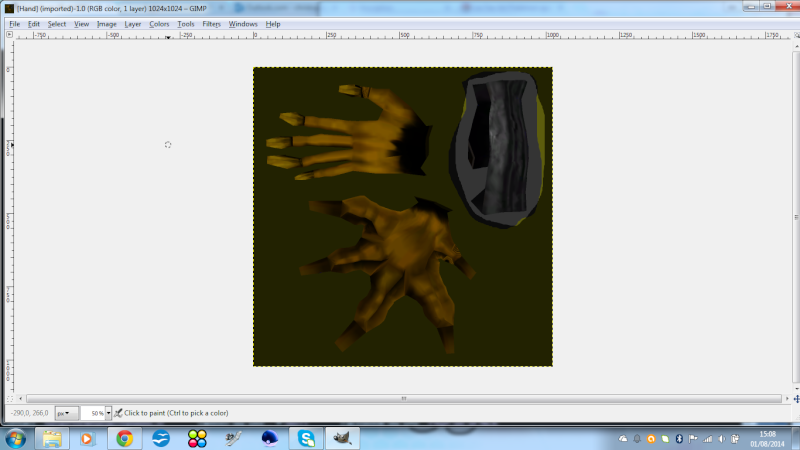
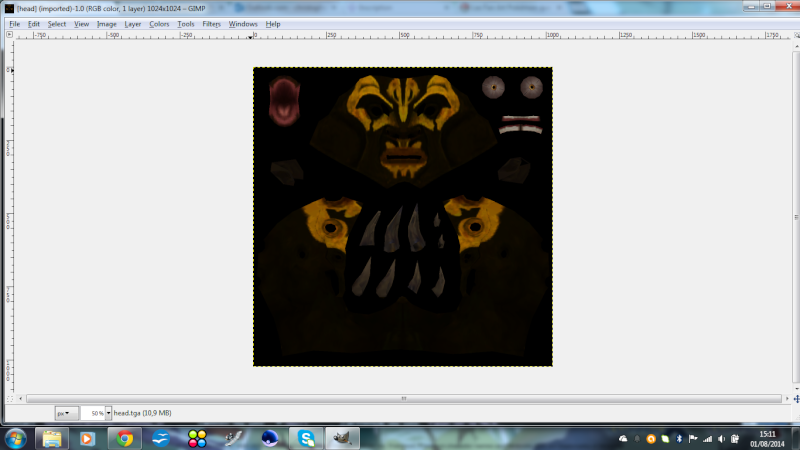
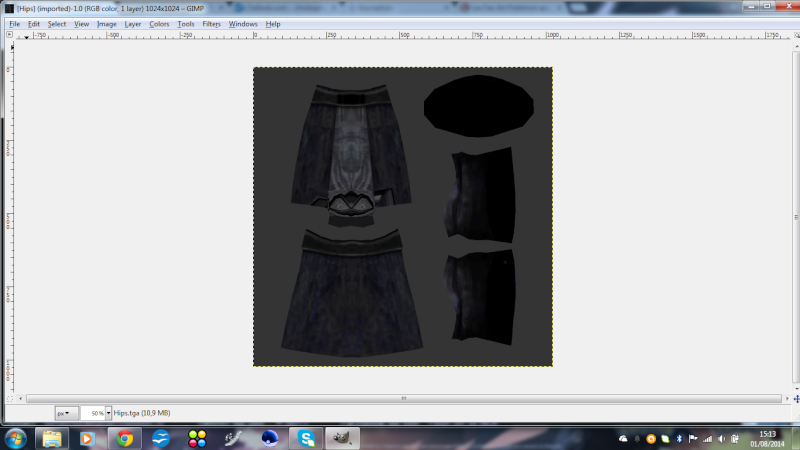
I've recently download some Savage Opress' skins and season 3 Ahsoka Tano's skin (that I convert into .tga files) and I want to use them in Star Wars Battlefront 2.
For the look, here is Savage Opress skins' part:
My question is: Did I can use them, using the stocks Darth Maul meshes (Shaak Ti's ones for Ahsoka) by Override textures in the .odf ?
Re: Override Textures for an units
Posted: Fri Aug 01, 2014 9:51 am
by AQT
Again, that's not what override does. It's not going to texture-wise magically give the stock Darth Maul model the corresponding body parts in their correct places from those Savage Opress textures. You're going to have to manually do it yourself in GIMP.
Re: Override Textures for an units
Posted: Fri Aug 01, 2014 10:02 am
by Indytotof
AQT wrote:Again, that's not what override does. It's not going to texture-wise magically give the stock Darth Maul model the corresponding body parts in their correct places from those Savage Opress textures. You're going to have to manually do it yourself in GIMP.
By Exporting the Savage skin pieces into the stock Darth Maul skin right ? That means I've to "cloning" Darth Maul skin right ?
Thanks answering my question and give a way to do what I think I've to do.
Re: Override Textures for an units
Posted: Fri Aug 01, 2014 1:04 pm
by commanderawesome
Pretty much.
Re: Override Textures for an units
Posted: Fri Aug 01, 2014 3:03 pm
by Indytotof
I've replace Darth Maul's textures by Savage's ones.
Did I have now to use the "OverrideTexture" code in the .odf file of my future Savage Opress unit ?
Re: Override Textures for an units
Posted: Fri Aug 01, 2014 4:19 pm
by willinator
No, you do not need to use override texture. Just edit the darth maul texture to be Savage Oppress.
Re: Override Textures for an units
Posted: Sat Aug 02, 2014 3:28 am
by Indytotof
After replace Maul's skins by Savage one's (and replace Maul hilt by Savage's one) I got this:
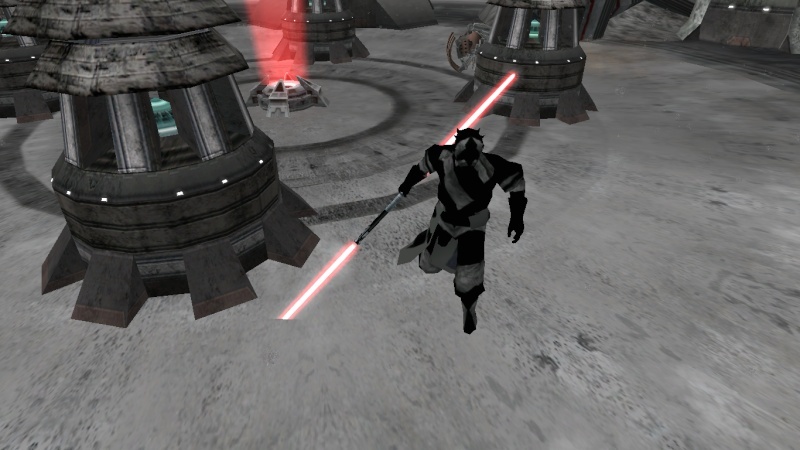
Any though on what happen and how to fix that mess ?
Re: Override Textures for an units
Posted: Sat Aug 02, 2014 4:32 am
by AQT
There appears to be a language barrier issue here. Maybe this will help:
Face goes to face, see? You're going to have to put some work into it. Simply replacing the texture with another one that uses a completely different UV layout isn't going to automatically make everything line up perfectly.
Re: Override Textures for an units
Posted: Sat Aug 02, 2014 4:35 am
by Indytotof
AQT wrote:There appears to be a language barrier issue here. Maybe this will help:
Face goes to face, see? You're going to have to put some work into it. Simply replacing the texture with another one that uses a completely different UV layout isn't going to automatically make everything line up perfectly.
So I have to replace Darth Maul face in his .tga by Savage one ?
How exactly I've to doing that ? Sorry to ask that, I'm a noob at this kind of retexturing.
Re: Override Textures for an units
Posted: Sat Aug 02, 2014 4:39 am
by AQT
Not just the face, but every corresponding body part. You're just going to have to learn the basics of GIMP.