Combining 'Like' Edges
Posted: Tue Jul 08, 2008 10:21 pm
Well in a way, this is a follow up to the other topic.
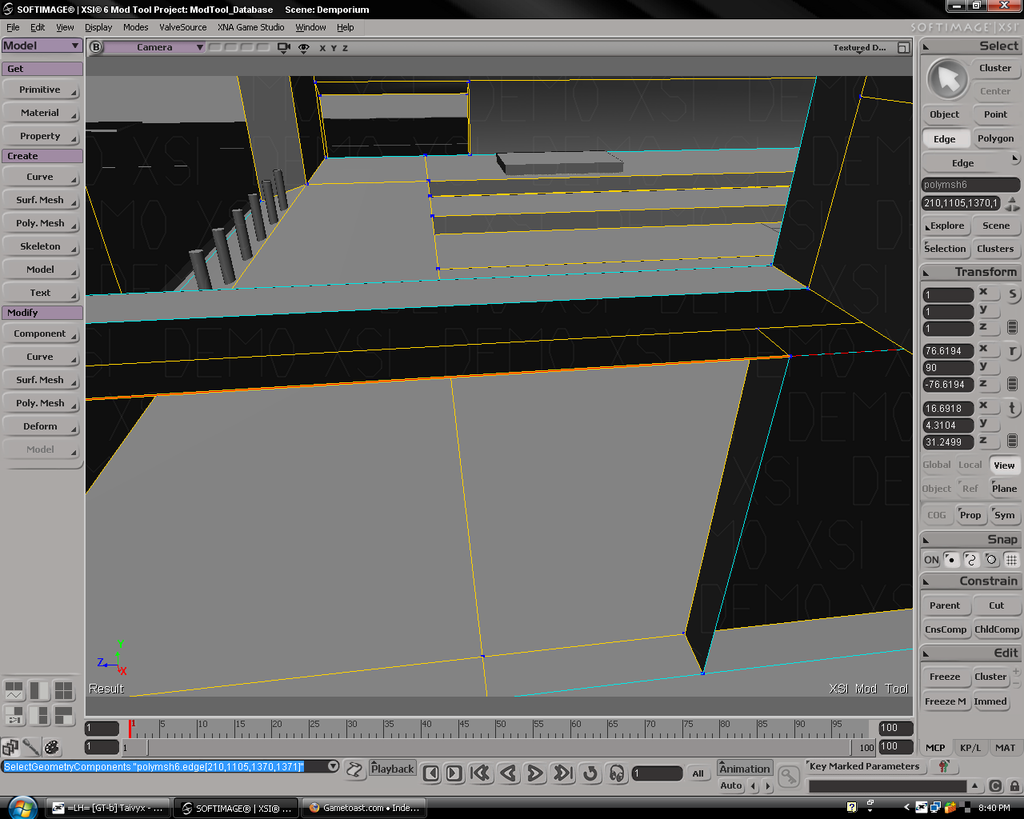
If you have two edges that are exactly on top of each other with the same coordinates or two coordinate axis, how do you combine them into one edge if they are part of the same object?
Just an example (for the sake of clarity), I have an edge between Point A and Point B. I use the 'add polygon' tool to create a new edge between Point A and Point B. Now I have two edges between A and B. How would I combine them?
If you have two edges that are exactly on top of each other with the same coordinates or two coordinate axis, how do you combine them into one edge if they are part of the same object?
Just an example (for the sake of clarity), I have an edge between Point A and Point B. I use the 'add polygon' tool to create a new edge between Point A and Point B. Now I have two edges between A and B. How would I combine them?