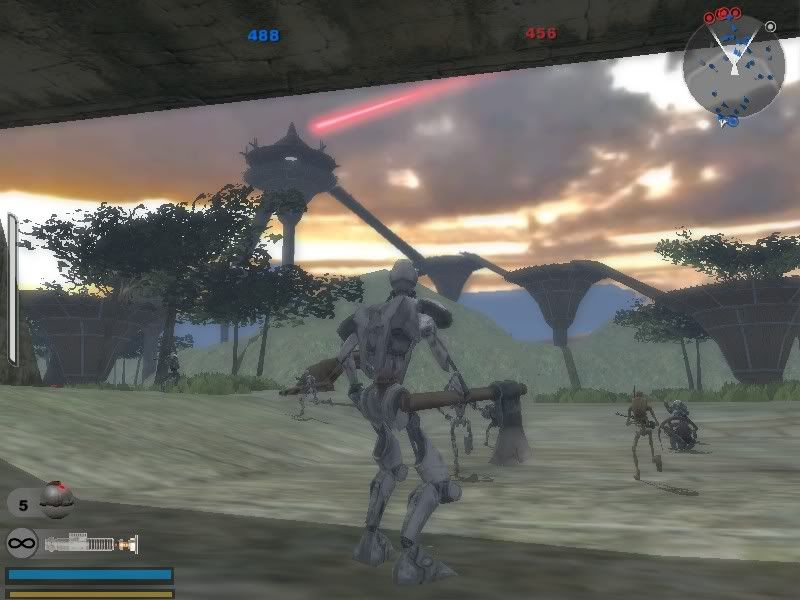
Yavin Arroyo Pass -- Beta Released
Posted: Wed Aug 02, 2006 2:09 am
*Updated: Aug 12, 2006
Beta version released, check here: http://www.gametoast.com/index.php?name ... pic&t=6451
*Updated: Aug 04, 2006
Leapin fudge-cakes! I fixed the AI issue with the Jedi Mind trick! No more constant on-and-off action with the lightsaber and now it actually uses it properly. I've also changed it so when Force Kill/Explosion are fully charged the targeting reticule appears indicating so. This both informs the user it's ready, and lets them aim it more easily too. Now if only I could get the AI to use charging secondary weapons, but it seems that it might not be possible. The AI only seems to use secondary weapons that are instant fire. Anyone know how to overcome this?
*Updated: Aug 03, 2006
I’ve been attempting to expand myself beyond just modding, so I’ve been toying around with the mapping tools with some success (in my opinion). Every other map on these forums has some sort of special feature to distinguish it from everything else, but since this is a first for me, I’m learning as I go so the (so far) unnamed map isn’t anything fancy. It does have the a few features at the moment though, and they are listed as follows:
Updates:
- Rearranged/added command posts
- Modified some more of the game rules in terms of force bleeding and unit locking
Things it has:
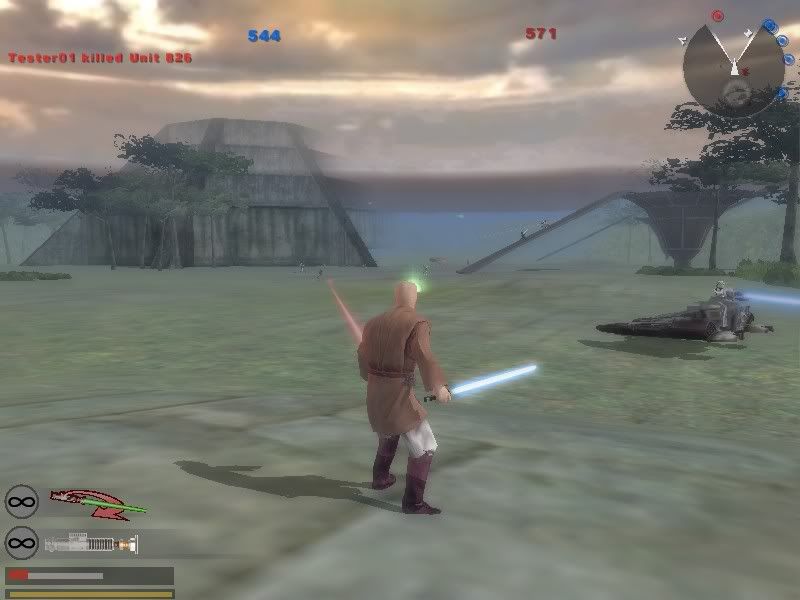
- The inclusion of my Jedi Support mod units (hey, I like Jedi)
- Increased unit count to better cover the map’s several paths (2x whatever the user selected from the map selection screen, ie default 16 becomes 32)
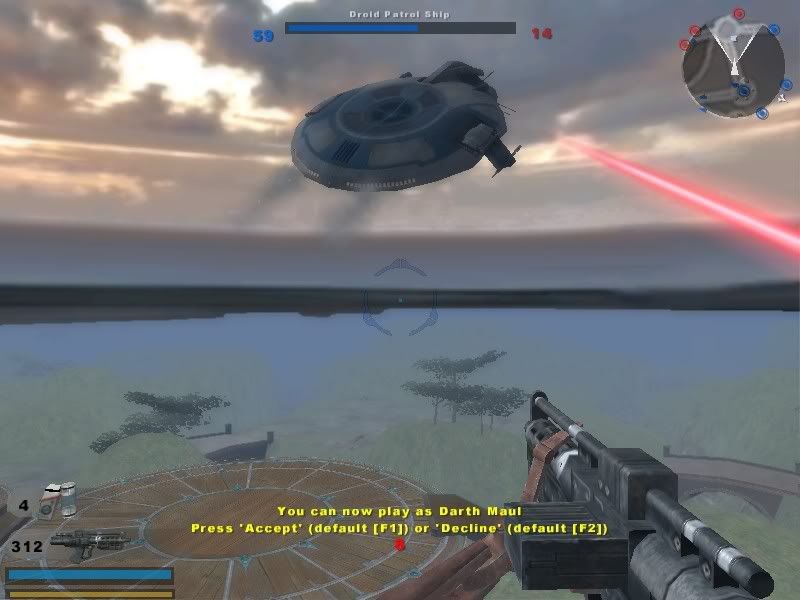
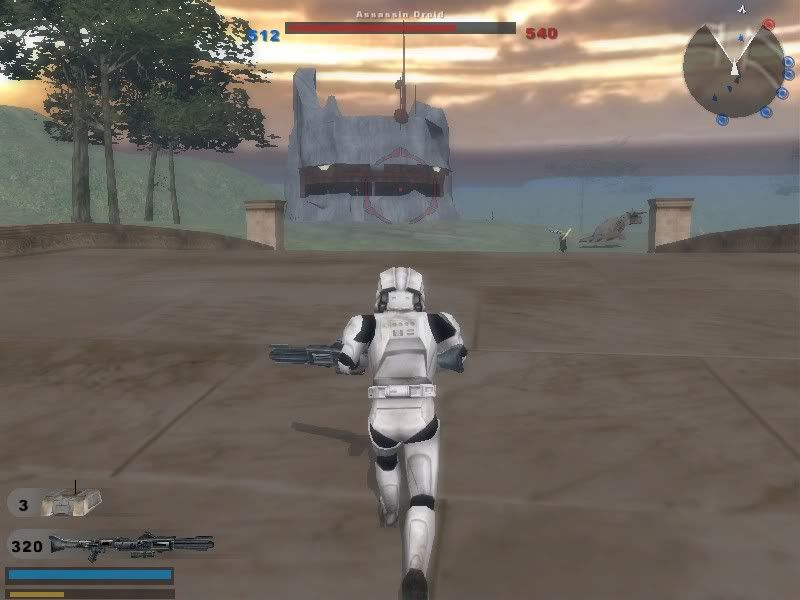
- AI controlled flyers that roam the sky bombarding the ground with massive firepower (It’s a fairly small map so no player controlled flyers, sorry)
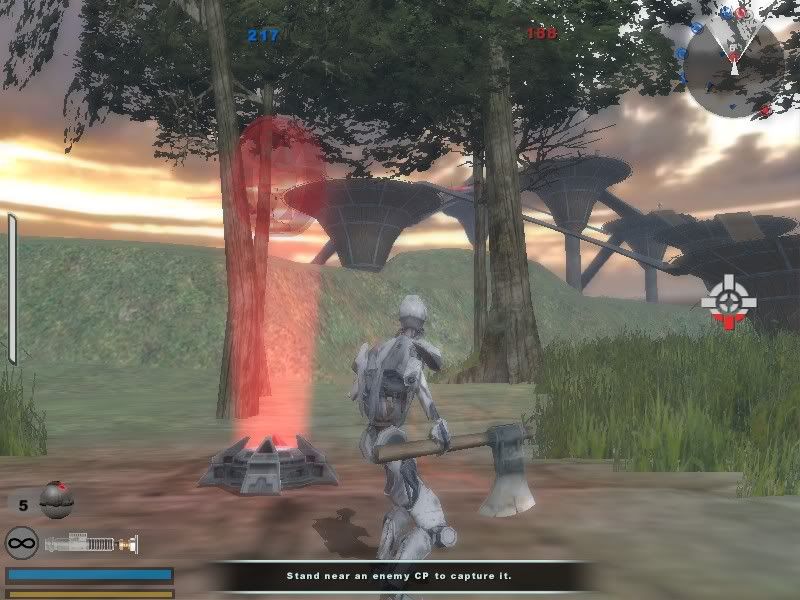
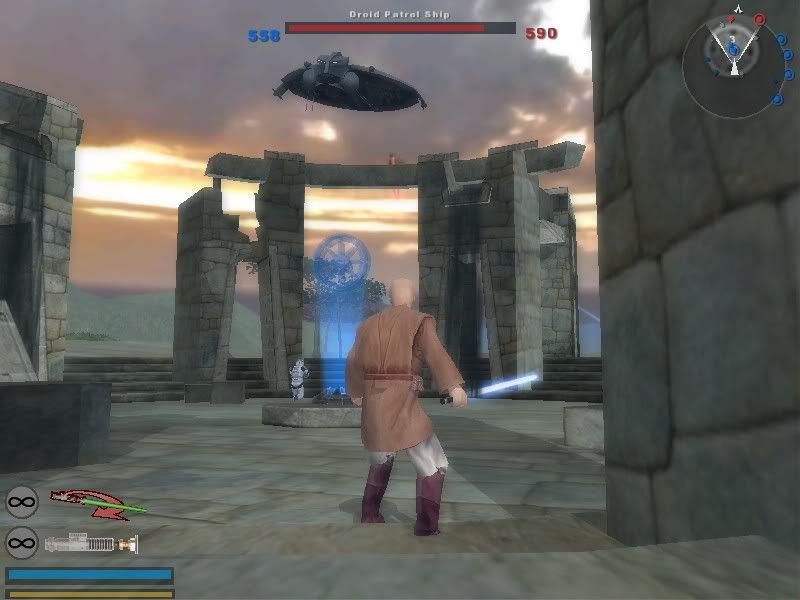
- Starting CPs on each team are not captureable until the team’s reinforcements are sufficiently reduced (home base style concept)
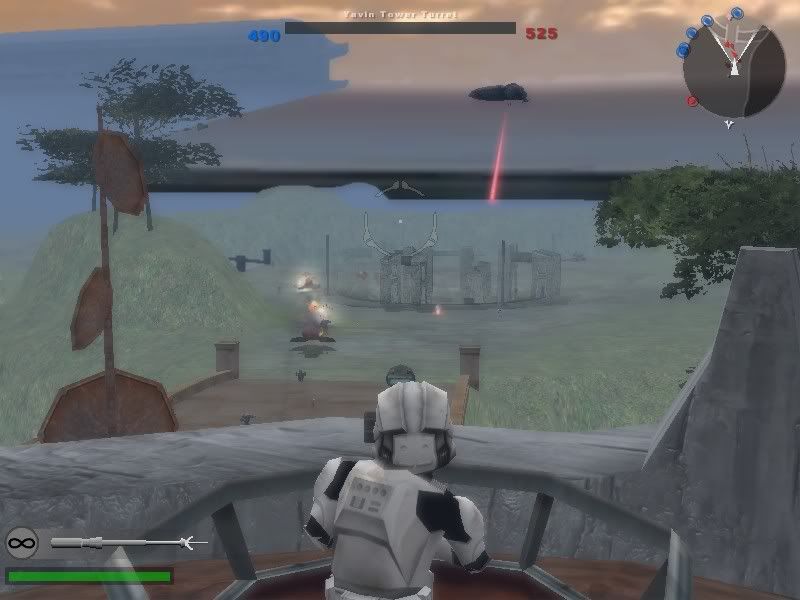
- Addition of automated anti-vehicle turrets
- Modified reinforcement bleeding (different for each side) - *Changed
- Increased reinforcement count
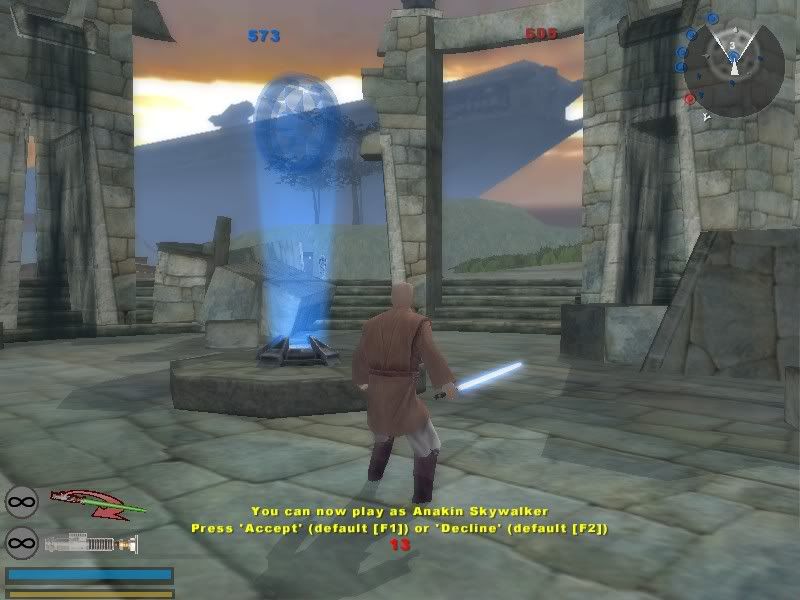
- Min command post requirement for access to Jedi units - *Added
Things I still need to do:
Add GCW era and Flag/XL gamemodes (Only the CW conquest mode is functioning at the moment)
Adjust the AI (right now it’s too easy for the player to tip the scale) - *DONE
Figure out why the addition of water makes the map unstable
Figure out how to add a “leaving area” boundary - *DONE
Adjust the visible range for object opacity - *DONE
And finally...
Experiment with other interesting stuffs (like objective/gamemode scripting)
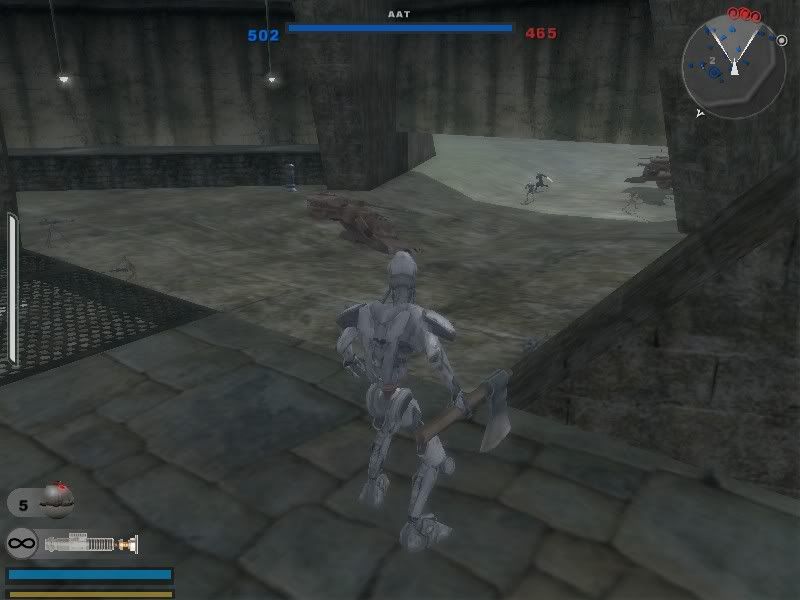
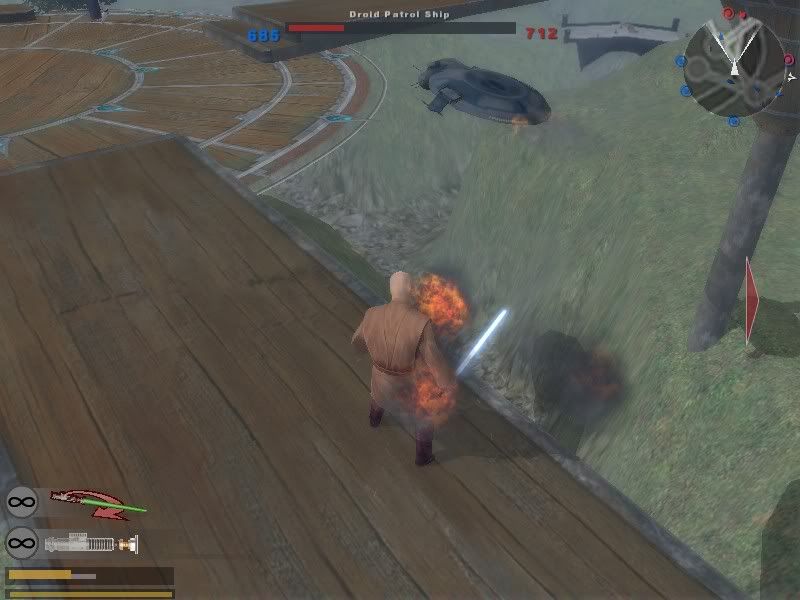
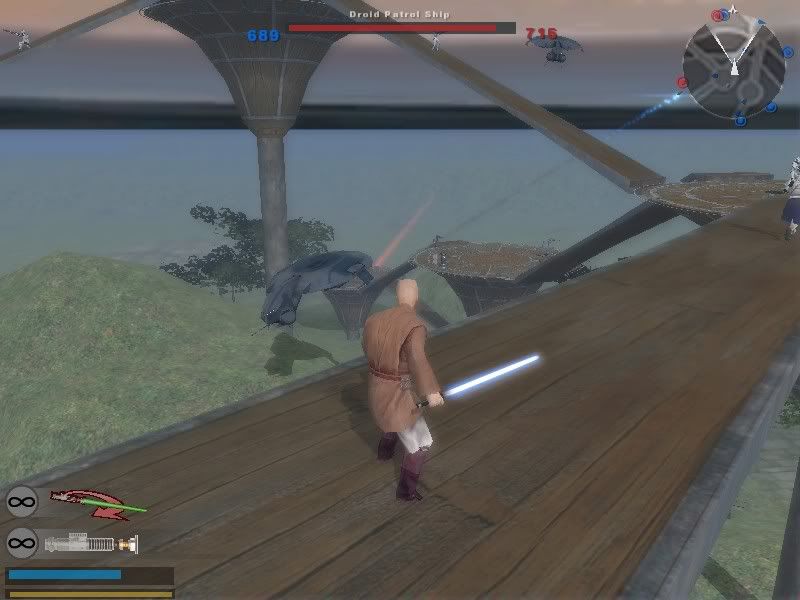
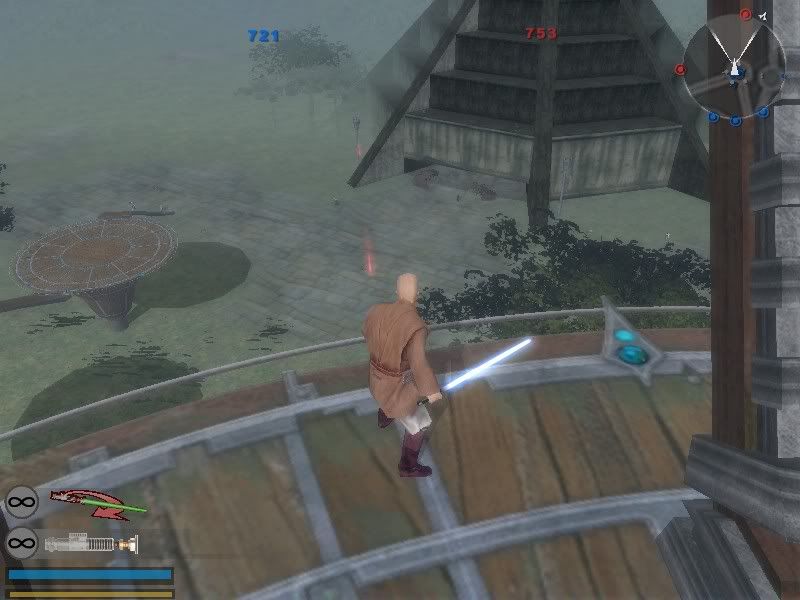
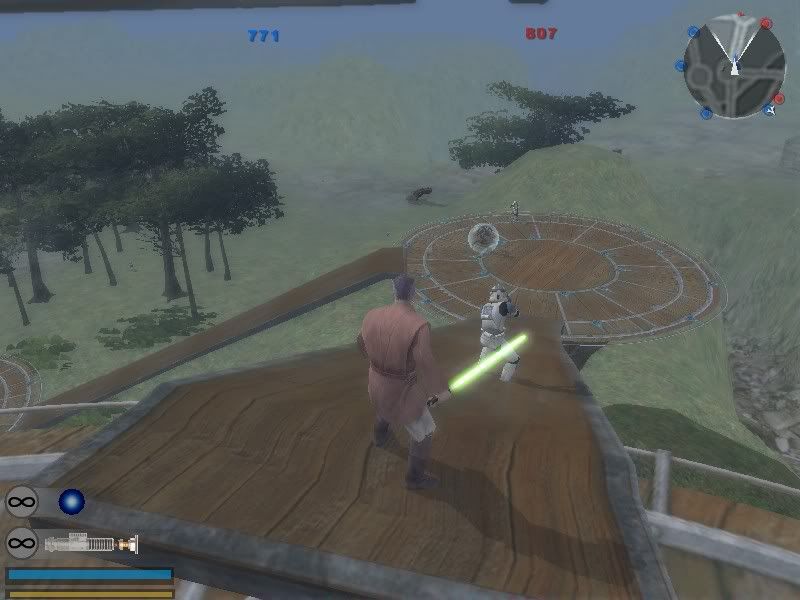
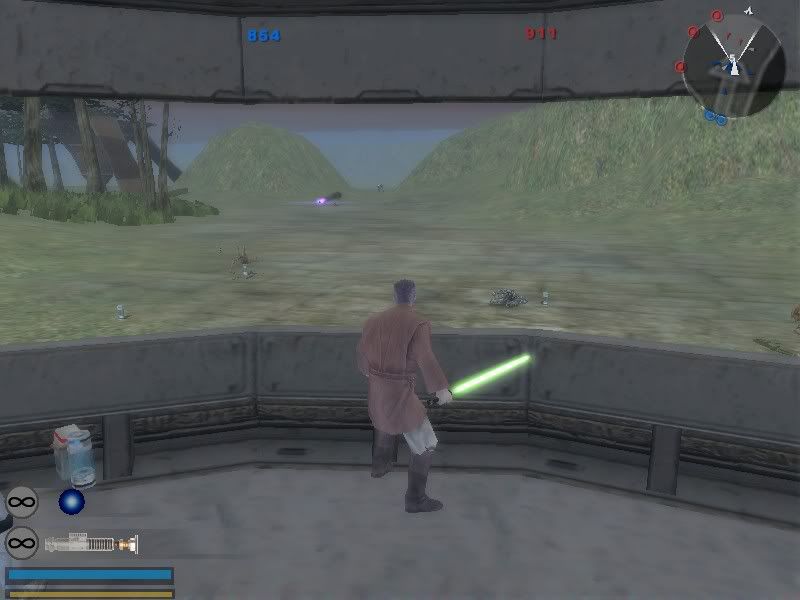
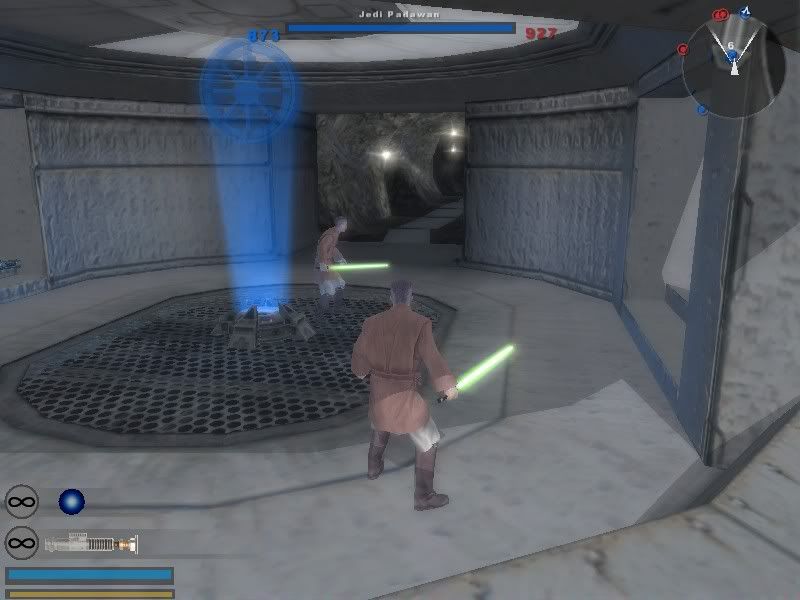
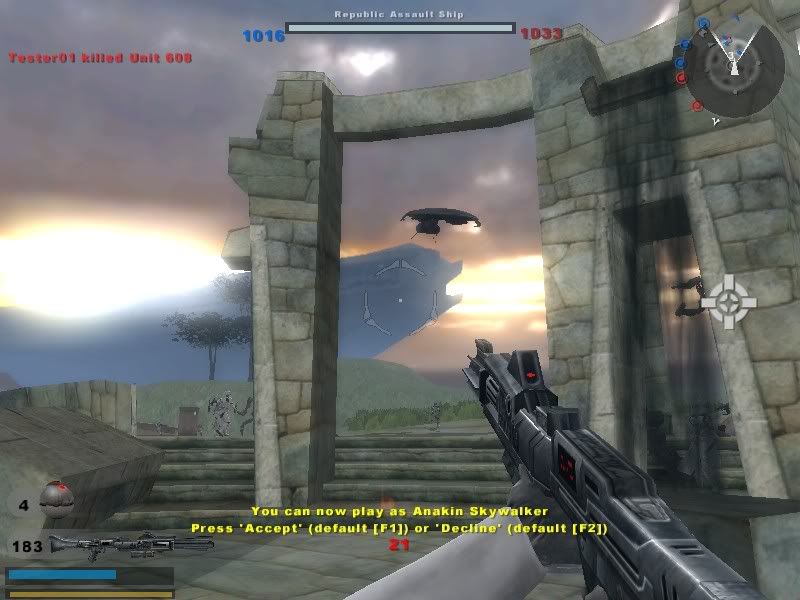
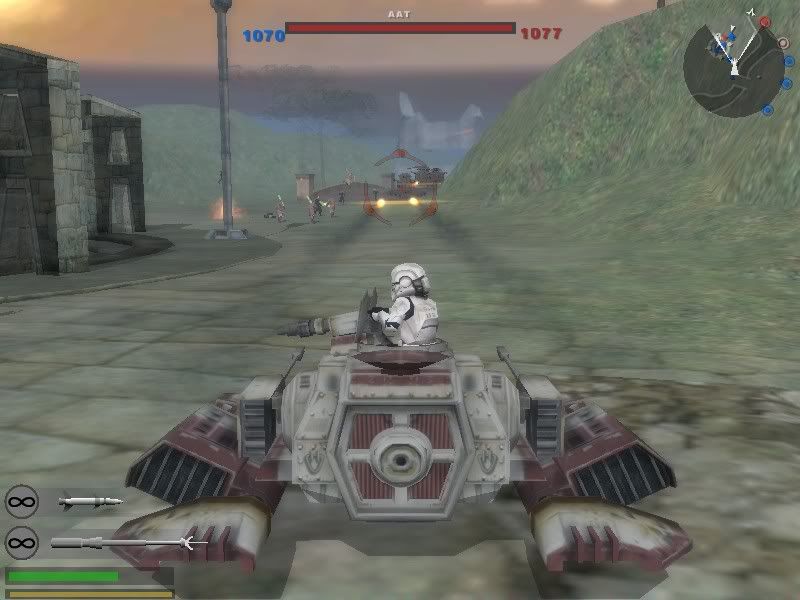
This is still an experiment in leaning the tools, so any suggestions on things I might want to try would be appreciated. Well enough rambling, here are some of the better screens I’ve gotten so far:
List:
*Added - http://i62.photobucket.com/albums/h83/t ... 7a0a59.jpg
*Added - http://i62.photobucket.com/albums/h83/t ... 488561.jpg
http://i62.photobucket.com/albums/h83/t ... adb3a0.jpg
http://i62.photobucket.com/albums/h83/t ... f26b96.jpg
http://i62.photobucket.com/albums/h83/t ... 04a6a3.jpg
http://i62.photobucket.com/albums/h83/t ... fd6a07.jpg
http://i62.photobucket.com/albums/h83/t ... 402910.jpg
http://i62.photobucket.com/albums/h83/t ... 9aa415.jpg
http://i62.photobucket.com/albums/h83/t ... 2e59b5.jpg
http://i62.photobucket.com/albums/h83/t ... f1d816.jpg
http://i62.photobucket.com/albums/h83/t ... 3279ab.jpg
http://i62.photobucket.com/albums/h83/t ... e5e77d.jpg
http://i62.photobucket.com/albums/h83/t ... db7e1d.jpg
http://i62.photobucket.com/albums/h83/t ... cac6a4.jpg
http://i62.photobucket.com/albums/h83/t ... 279030.jpg
http://i62.photobucket.com/albums/h83/t ... 0673a9.jpg
http://i62.photobucket.com/albums/h83/t ... 375eeb.jpg
http://i62.photobucket.com/albums/h83/t ... 3c1806.jpg
http://i62.photobucket.com/albums/h83/t ... 3d3abc.jpg
Samples:
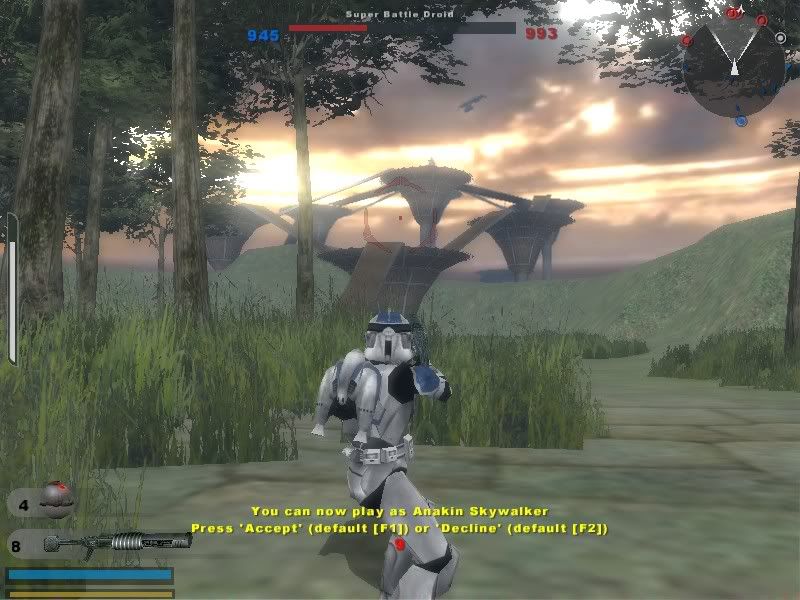
*Edit: Updated image:
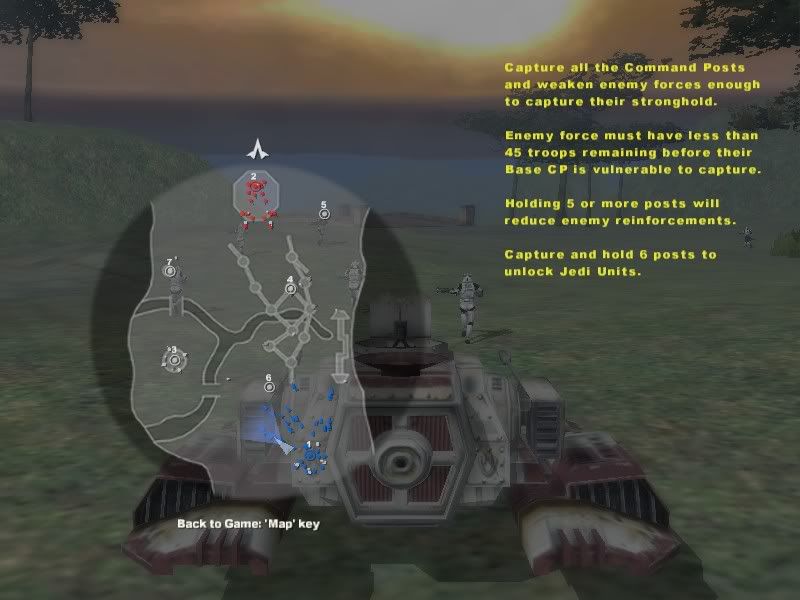
Take care of yourselves,
- Archer01 (Theodranis)
Beta version released, check here: http://www.gametoast.com/index.php?name ... pic&t=6451
*Updated: Aug 04, 2006
Leapin fudge-cakes! I fixed the AI issue with the Jedi Mind trick! No more constant on-and-off action with the lightsaber and now it actually uses it properly. I've also changed it so when Force Kill/Explosion are fully charged the targeting reticule appears indicating so. This both informs the user it's ready, and lets them aim it more easily too. Now if only I could get the AI to use charging secondary weapons, but it seems that it might not be possible. The AI only seems to use secondary weapons that are instant fire. Anyone know how to overcome this?
*Updated: Aug 03, 2006
I’ve been attempting to expand myself beyond just modding, so I’ve been toying around with the mapping tools with some success (in my opinion). Every other map on these forums has some sort of special feature to distinguish it from everything else, but since this is a first for me, I’m learning as I go so the (so far) unnamed map isn’t anything fancy. It does have the a few features at the moment though, and they are listed as follows:
Updates:
- Rearranged/added command posts
- Modified some more of the game rules in terms of force bleeding and unit locking
Things it has:
- The inclusion of my Jedi Support mod units (hey, I like Jedi)
- Increased unit count to better cover the map’s several paths (2x whatever the user selected from the map selection screen, ie default 16 becomes 32)
- AI controlled flyers that roam the sky bombarding the ground with massive firepower (It’s a fairly small map so no player controlled flyers, sorry)
- Starting CPs on each team are not captureable until the team’s reinforcements are sufficiently reduced (home base style concept)
- Addition of automated anti-vehicle turrets
- Modified reinforcement bleeding (different for each side) - *Changed
- Increased reinforcement count
- Min command post requirement for access to Jedi units - *Added
Things I still need to do:
Add GCW era and Flag/XL gamemodes (Only the CW conquest mode is functioning at the moment)
Adjust the AI (right now it’s too easy for the player to tip the scale) - *DONE
Figure out why the addition of water makes the map unstable
Figure out how to add a “leaving area” boundary - *DONE
Adjust the visible range for object opacity - *DONE
And finally...
Experiment with other interesting stuffs (like objective/gamemode scripting)
This is still an experiment in leaning the tools, so any suggestions on things I might want to try would be appreciated. Well enough rambling, here are some of the better screens I’ve gotten so far:
List:
*Added - http://i62.photobucket.com/albums/h83/t ... 7a0a59.jpg
*Added - http://i62.photobucket.com/albums/h83/t ... 488561.jpg
http://i62.photobucket.com/albums/h83/t ... adb3a0.jpg
http://i62.photobucket.com/albums/h83/t ... f26b96.jpg
http://i62.photobucket.com/albums/h83/t ... 04a6a3.jpg
http://i62.photobucket.com/albums/h83/t ... fd6a07.jpg
http://i62.photobucket.com/albums/h83/t ... 402910.jpg
http://i62.photobucket.com/albums/h83/t ... 9aa415.jpg
http://i62.photobucket.com/albums/h83/t ... 2e59b5.jpg
http://i62.photobucket.com/albums/h83/t ... f1d816.jpg
http://i62.photobucket.com/albums/h83/t ... 3279ab.jpg
http://i62.photobucket.com/albums/h83/t ... e5e77d.jpg
http://i62.photobucket.com/albums/h83/t ... db7e1d.jpg
http://i62.photobucket.com/albums/h83/t ... cac6a4.jpg
http://i62.photobucket.com/albums/h83/t ... 279030.jpg
http://i62.photobucket.com/albums/h83/t ... 0673a9.jpg
http://i62.photobucket.com/albums/h83/t ... 375eeb.jpg
http://i62.photobucket.com/albums/h83/t ... 3c1806.jpg
http://i62.photobucket.com/albums/h83/t ... 3d3abc.jpg
Samples:
*Edit: Updated image:
Take care of yourselves,
- Archer01 (Theodranis)


 (except for lava, which I REALLY need some help with!!!)