Page 1 of 1
Texture Problems?
Posted: Sat Nov 14, 2009 9:32 pm
by Recon Trooper
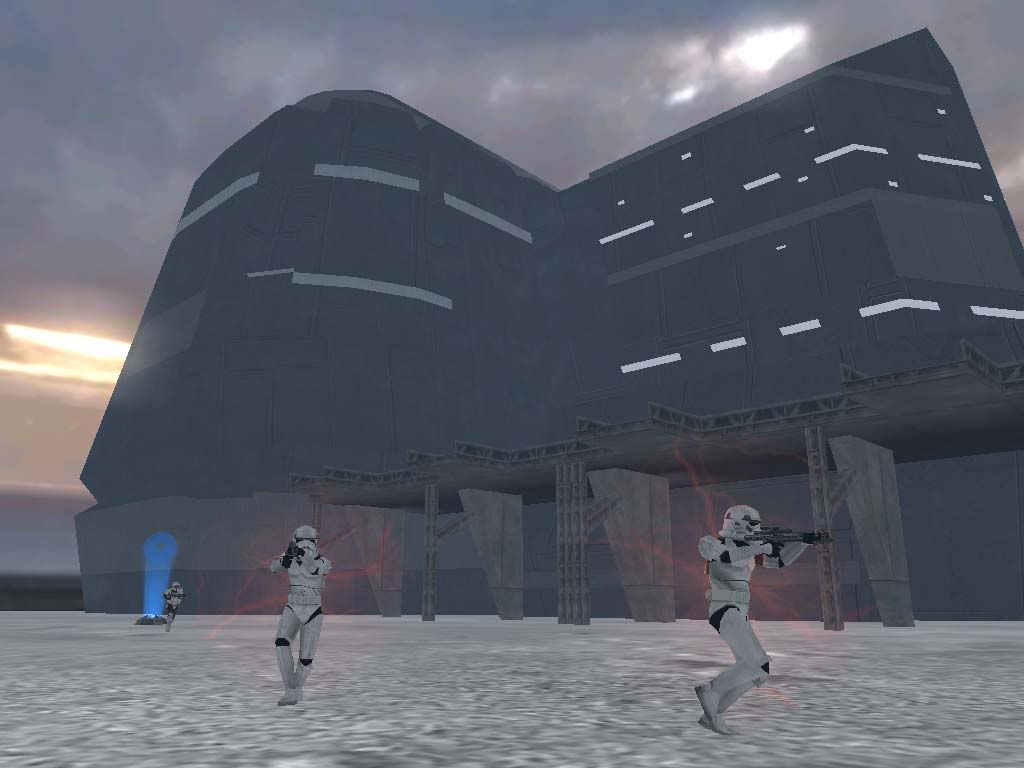
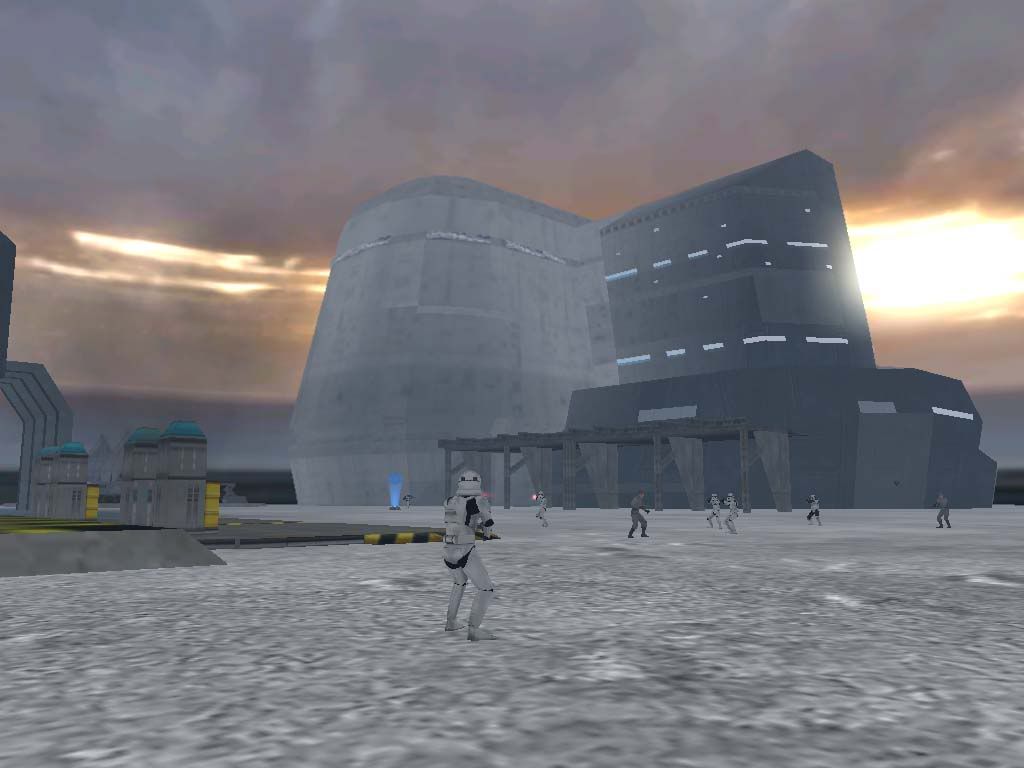
I recently reskinned some bespin props. When your close to the objects they're fine but when you walk further away they get there old texture back? I deleted their old textures? They came back from the dead!!!
Close to object (Fine)-
Further away from object (Bad)-
What the ____?
Re: Texture Problems?
Posted: Sat Nov 14, 2009 9:36 pm
by kinetosimpetus
lowres textures are probably the original lowres
Re: Texture Problems?
Posted: Sat Nov 14, 2009 9:41 pm
by Recon Trooper
Do you need lowres textures for objects to work?
Cause if you don't I'll just delete em.
Re: Texture Problems?
Posted: Sat Nov 14, 2009 9:50 pm
by kinetosimpetus
the lowres texture goes on the lowres model
they are probably needed
Re: Texture Problems?
Posted: Sat Nov 14, 2009 9:58 pm
by Recon Trooper
There was no lowres for the bes2_chamber msh so I deleted them and its works find.
Thanks mate

Re: Texture Problems?
Posted: Sat Nov 14, 2009 10:14 pm
by AQT
I don't think you know what a lowres texture is for. Depending on your settings in the .sky file, objects set up with lowres textures will revert to them at certain distances (to save memory I believe). I suggest you put those textures back in (reskinned) as many objects from the Bespin assets use them.
Re: Texture Problems?
Posted: Sat Nov 14, 2009 11:10 pm
by Recon Trooper
What do you mean by 'save memory'?
Re: Texture Problems?
Posted: Sat Nov 14, 2009 11:12 pm
by AQT
The memory the game uses to render the high resolution textures?
Re: Texture Problems?
Posted: Sat Nov 14, 2009 11:16 pm
by Recon Trooper
Ok, what I did which probaly makes it worse, but oh well. I used the normal res textures and made them my lowrez.?
Re: Texture Problems?
Posted: Sat Nov 14, 2009 11:24 pm
by AQT
You can do that but be sure to scale their dimensions down (32x32 or 64x64 should be good).
Re: Texture Problems?
Posted: Sat Nov 14, 2009 11:41 pm
by Recon Trooper
Thanks AQT for all your help over these few months