Page 2 of 6
Posted: Wed Nov 29, 2006 10:36 am
by Fusion
Posted: Wed Nov 29, 2006 10:48 am
by Teancum
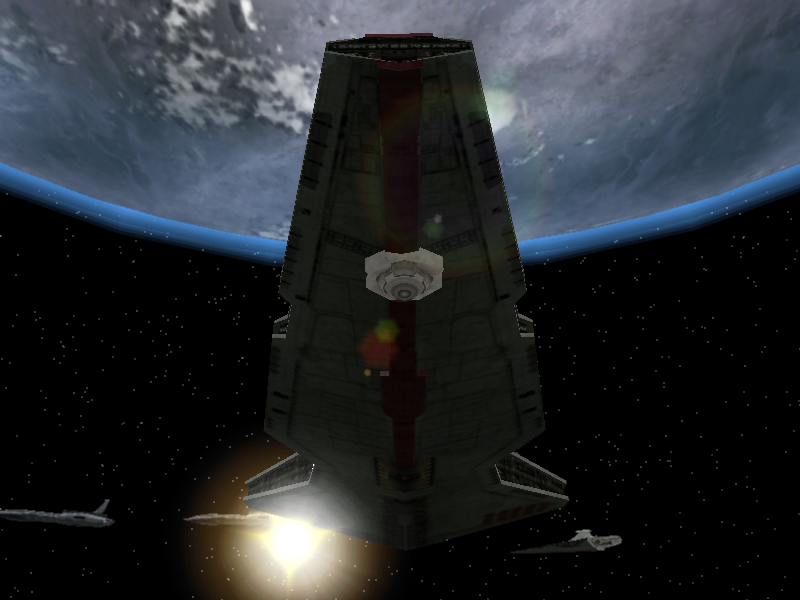
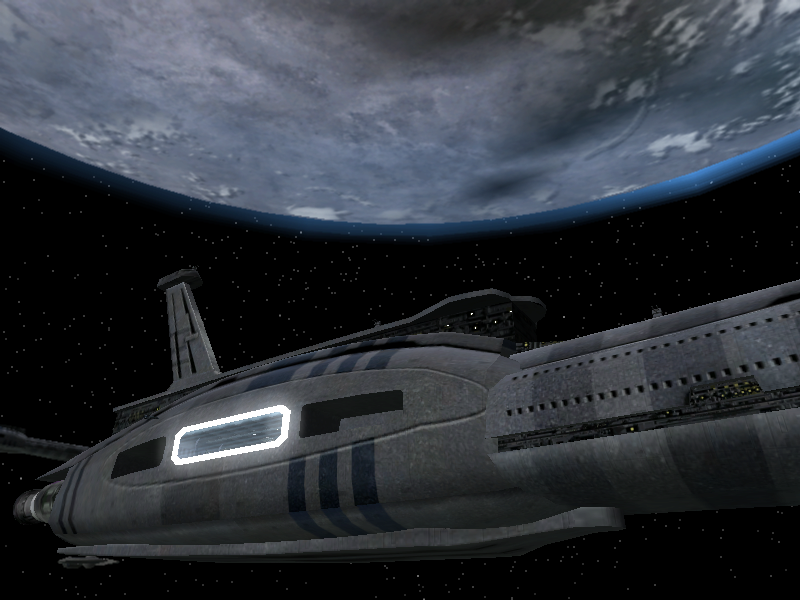
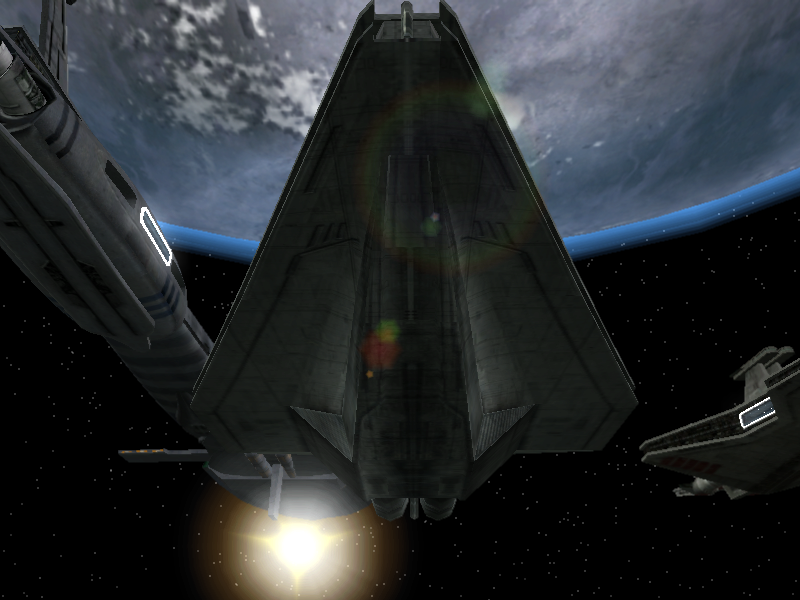
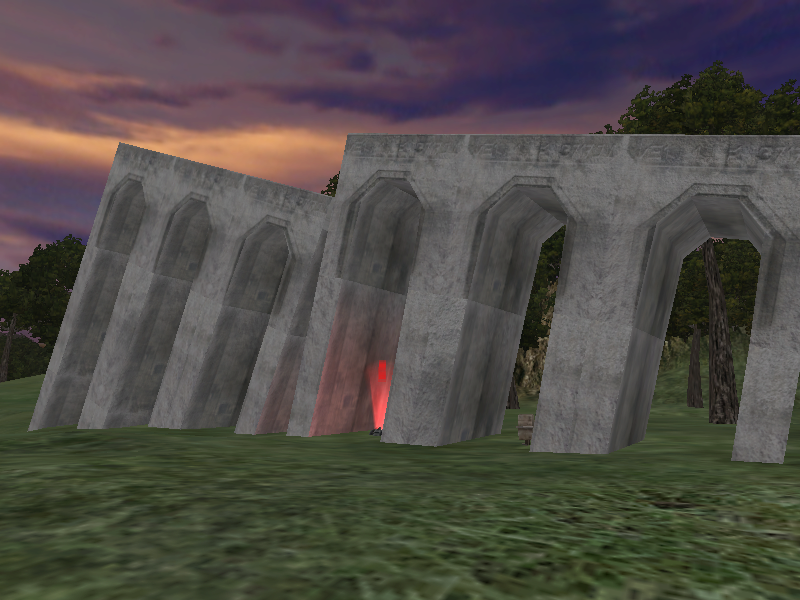
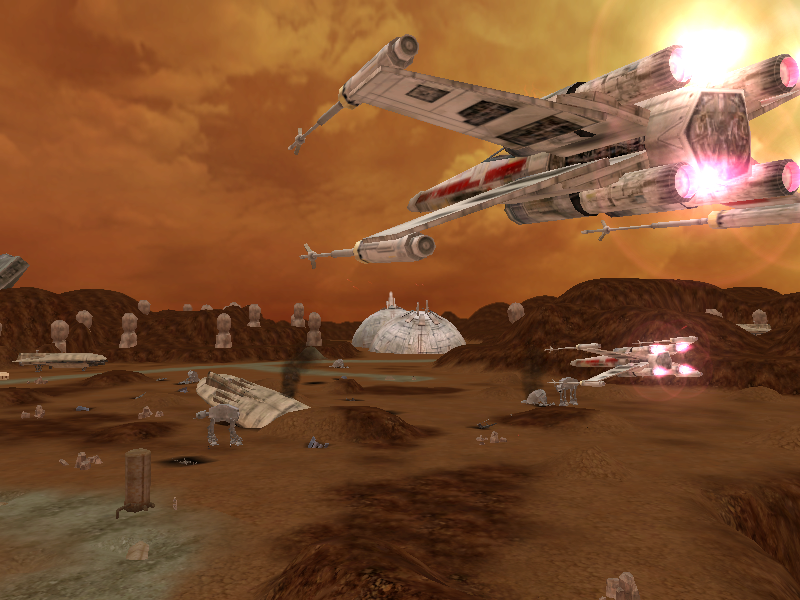
Love the second one, I'm using it. I liked the first, but for some reason the shield thing on the bottom looks out of place.
Posted: Wed Nov 29, 2006 10:58 am
by Fusion
Posted: Wed Nov 29, 2006 1:25 pm
by Teancum
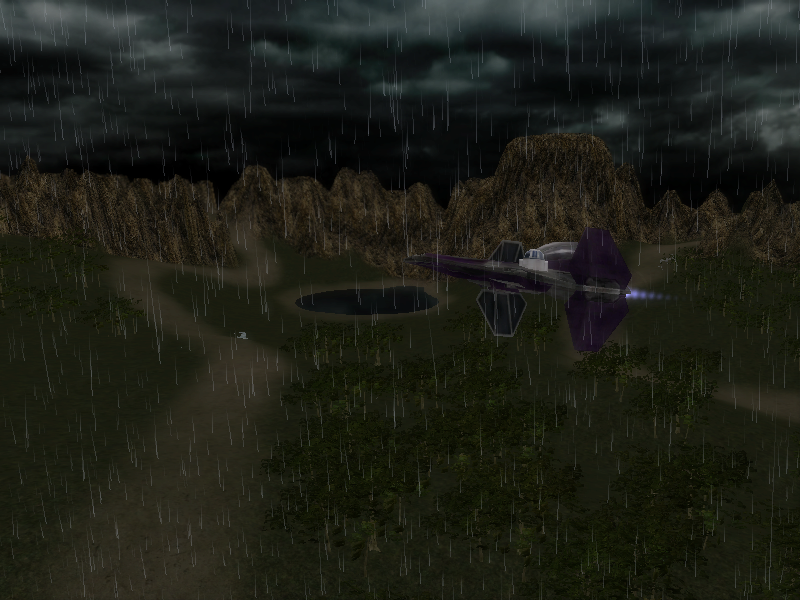
Pretty good shots. Realized earlier today that we've gotta have 1024x768 shots however. Stretching 800x600 looks bad in-game. Try uploading to photoshare.ru.
Posted: Wed Nov 29, 2006 3:26 pm
by Fusion
...I can't even put my ingame options to that, I CTD beacause of the lag it causes.
Edit: to make it look better, use paint, stretch/skew, set horizontal and vertical variables (strech, not skew) to 128. It doesn't mess up the image at all.
Posted: Wed Nov 29, 2006 3:54 pm
by Guest
oh way! Great skins!
P.S. First screen is very nice

Posted: Wed Nov 29, 2006 3:58 pm
by Elmo
Hebes24 wrote:Those are the screenied you've taken. They should be named "screenshot_001" or something.
They are in tga format, which most sites do not take. You will need a program to view/convert the file to a different one (jpg works best), I suggest
XnView
In XnView, if you want to convert a file, just right click on it, and select "Batch Convert...." then choose jpg format for the conversion, and press OK.
Then go to
http://www.photobucket.com or
http://www.imageshack.us, register, and upload your picture. For this thread, just post the url, for other threads (like the funny pics thread) use this format:
How do I download Xn View? I can't
Posted: Wed Nov 29, 2006 4:46 pm
by Fusion
Seeing as I'm the only other person besides yourself able to post screens of this map:
Concord Dawn
http://i112.photobucket.com/albums/n184 ... CDawn1.png
http://i112.photobucket.com/albums/n184 ... CDawn2.png
Edit: I'm also experimenting with some of the screens you liked, a black border fitting 1024x768. That might work better. I'd have to send them to you through a file though, seeing as I'm not going to upload to a Russian site which would take forever taking into account my location.
Posted: Wed Nov 29, 2006 4:47 pm
by Hebes24
*gasps* that's so cool!!!


Posted: Wed Nov 29, 2006 5:10 pm
by Elmo
one word- wow
Posted: Wed Nov 29, 2006 5:24 pm
by Teancum
Yeah the borders are actually really easy -- load screens are 1024x1024, so I create a totally black layer, then when I post the 1024x768 screen on top it centers automatically.
Posted: Wed Nov 29, 2006 5:37 pm
by Fusion
...so you're not going to use any of mine?
Posted: Wed Nov 29, 2006 5:57 pm
by AlexSecura
Posted: Wed Nov 29, 2006 6:39 pm
by Teancum
commander_fusion wrote:...so you're not going to use any of mine?
Just not the Concord Dawn ones. I've used lots of your others though.
Posted: Wed Nov 29, 2006 6:57 pm
by Teancum
Got em all except 2 Naboo Prototype shots, but I'm going to wait until 1.7.9 comes out so everyone gets a chance to do screens.
Posted: Fri Dec 01, 2006 7:21 am
by Shinoda
Posted: Fri Dec 01, 2006 12:42 pm
by Pereza0
What graphics card do you have!!!!!!!!!!!!!!????????????
Posted: Fri Dec 01, 2006 12:43 pm
by Shinoda
GeForce 6800
Posted: Fri Dec 01, 2006 2:22 pm
by Hebes24
Hmm, that's what I have, what settings in the game are you running?
Posted: Fri Dec 01, 2006 2:28 pm
by Shinoda
1024x768,all setting on high,vsync on,4x antiallasing.
 .
.