Page 60 of 76
Posted: Tue Aug 22, 2006 6:04 pm
by Ninostudios
t551t551 wrote:Basically, a layer is just that... It's kind of like a sheet of transparent plastic, on which you can draw another part of your image. You can adjust the opacity and/or position of each layer in relation to the others.
I understand that they are clear "layers" which you can draw on, however I fail to see the use of using them (other then applying filters to only 1, etc)
Posted: Tue Aug 22, 2006 6:13 pm
by t551
They are used when images start getting more complex, because they allow you to change your image relatively quickly without going back and undoing all your hard work..
An example:
I have a really cool skin that I've been working ages on. I decide to add a red wash over the arms, and a green wash over the legs. It looks fine, so I keep going. After several days, I gave made some changes to the skin, and I decide that the red wash on the arms needs to be green, also. If I have been working in the background layer all this time, I am well and truly screwed. However, if the red wash is in it's own layer, I can just delete that specific layer without screwing up the rest of my image. Even better, I can simply set that layer not to be displayed, and create another layer to hold my new green wash, so I can always quickly change back to red, if I want.
Posted: Tue Aug 22, 2006 10:00 pm
by Ipodzanyman
My first skin ever (its not good...) Laugh all you want.
-it's not that bad for a first skin, at least you found how to get them in game, I didn't figure that out until a LONG time....
Posted: Wed Aug 23, 2006 8:51 am
by Ninostudios
It took me forever too and it was Dragon who told me eventually. The only reason that the green one is ingame was as a testament to all the skins since i started skinning.

I am going to clean up the chest plates on the red guy a little bit and then add a dragon's head made up of blocks (like the one on the addidas predator soccer cleats) and make it black. I am also going to add a general marking on the arm and name him (a custom hero)
Posted: Wed Aug 23, 2006 12:24 pm
by Dragon93
ֱֱֱֱֱֱֱֱֱֱֱֱֱֱֱֱֱֱֱֱֱֱֱֱֱֱֱֱֱֱֱֱֱֱֱֱֱֱֱֱֱֱֱֱֱֱֱֱֱֱֱֱֱֱֱֱֱֱֱֱֱֱֱֱֱֱֱֱֱֱֱֱֱֱֱֱֱֱֱֱֱֱֱֱֱֱֱֱֱֱֱֱֱֱֱֱֱֱֱֱֱֱֱֱֱֱֱֱֱֱֱֱֱֱֱֱֱֱֱֱֱֱֱֱֱֱֱֱֱֱֱֱֱֱֱֱֱֱֱֱֱֱֱֱֱֱֱֱֱֱֱֱֱֱֱֱֱֱֱֱֱֱֱֱֱֱֱ
Layers are also usefull because they help you merge layers together, like keep the shape and scratches of the original clone but darken him or add extra colours on.
I know it is not a skin but what do you think of my shadow trooper smilie?

I like the idea of a Dragon hero, he would have to have a shoot fire instead of Force Lightning.
ֱֱֱֱֱֱֱֱֱֱֱֱֱֱֱֱֱֱֱֱֱֱֱֱֱֱֱֱֱֱֱֱֱֱֱֱֱֱֱֱֱֱֱֱֱֱֱֱֱֱֱֱֱֱֱֱֱֱֱֱֱֱֱֱֱֱֱֱֱֱֱֱֱֱֱֱֱֱֱֱֱֱֱֱֱֱֱֱֱֱֱֱֱֱֱֱֱֱֱֱֱֱֱֱֱֱֱֱֱֱֱֱֱֱֱֱֱֱֱֱֱֱֱֱֱֱֱֱֱֱֱֱֱֱֱֱֱֱֱֱֱֱֱֱֱֱֱֱֱֱֱֱֱֱֱֱֱֱֱֱֱֱֱֱֱֱֱ
- Dragon93
Posted: Wed Aug 23, 2006 2:34 pm
by lahkim
This is my first skin/mod published so go easy on me!
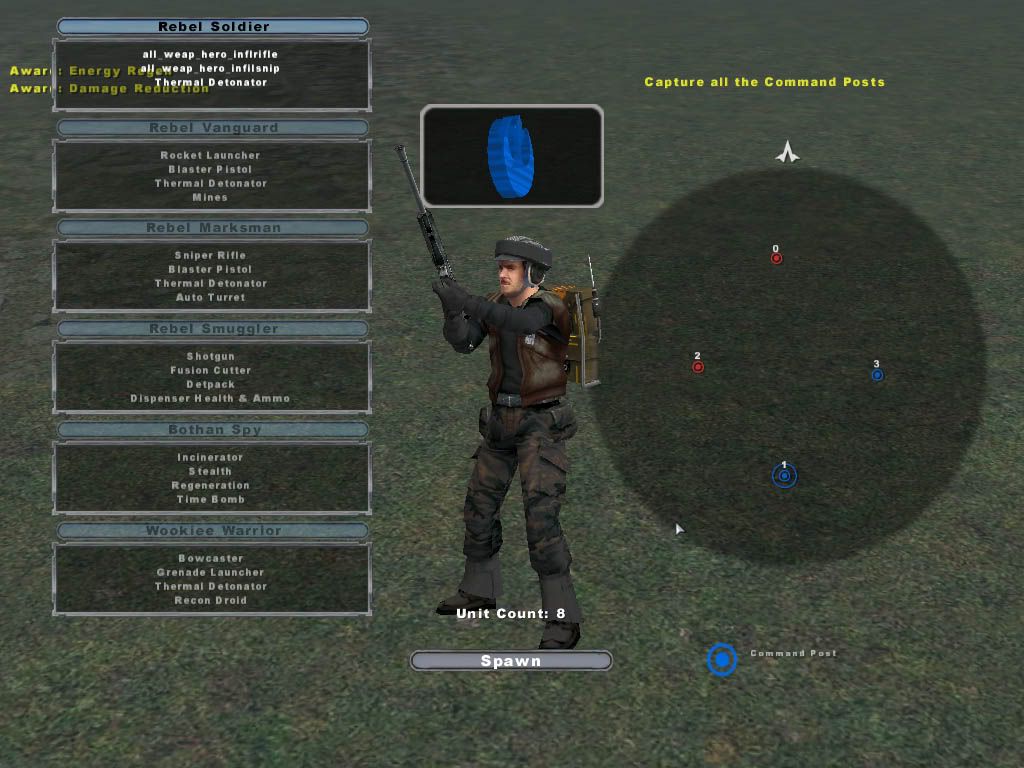
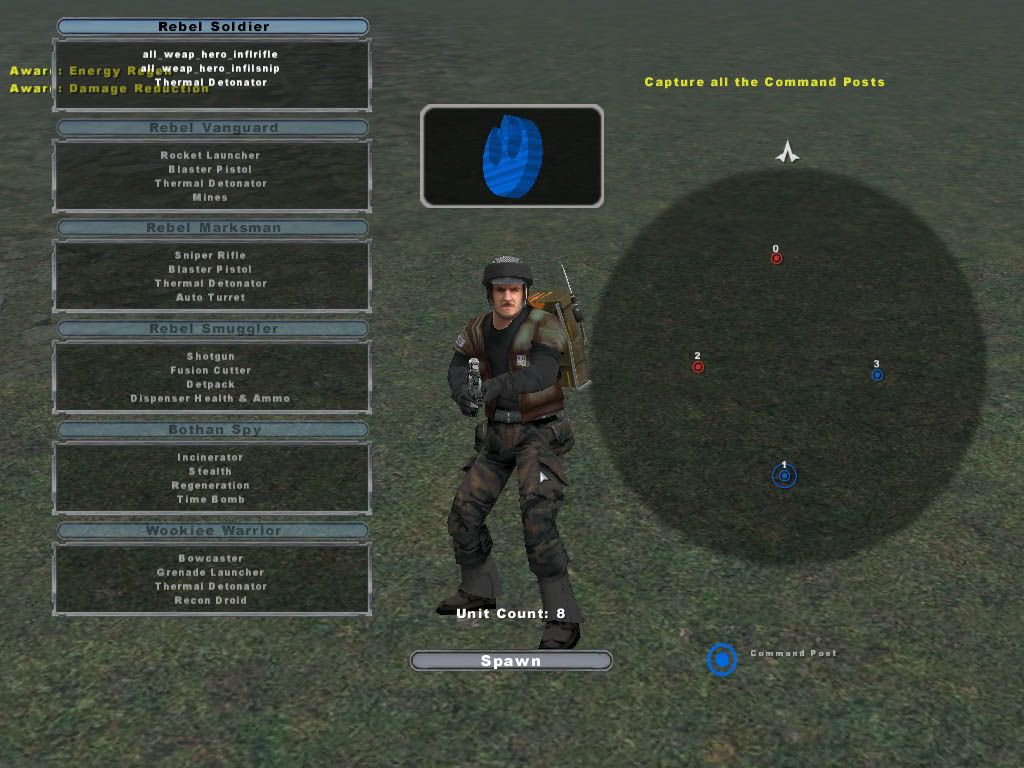
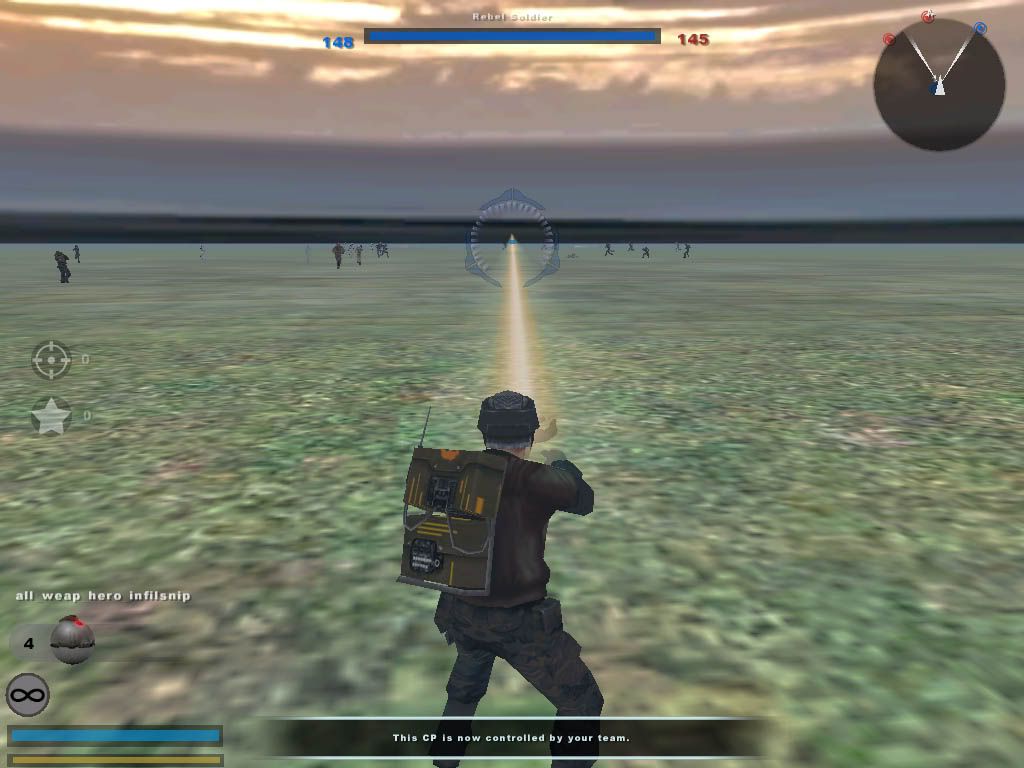
Well this is a skin for the rebel soldier. I am going to use it in my map (hopefully it works!) as the : Rebel Infiltrater. With new weapons etc. I will also publish the complete Rebel Infiltrater later. So please give your opinion!
Pic1 :
http://i90.photobucket.com/albums/k244/ ... t_0120.jpg
Pic2:
http://i90.photobucket.com/albums/k244/ ... t_0117.jpg
Pic3:
http://i90.photobucket.com/albums/k244/ ... t_0123.jpg
Download :
http://www.filefactory.com/file/21d13b/
Posted: Wed Aug 23, 2006 3:08 pm
by darthpingu
cool guy.
Posted: Wed Aug 23, 2006 4:02 pm
by Dragon93
ֱֱֱֱֱֱֱֱֱֱֱֱֱֱֱֱֱֱֱֱֱֱֱֱֱֱֱֱֱֱֱֱֱֱֱֱֱֱֱֱֱֱֱֱֱֱֱֱֱֱֱֱֱֱֱֱֱֱֱֱֱֱֱֱֱֱֱֱֱֱֱֱֱֱֱֱֱֱֱֱֱֱֱֱֱֱֱֱֱֱֱֱֱֱֱֱֱֱֱֱֱֱֱֱֱֱֱֱֱֱֱֱֱֱֱֱֱֱֱֱֱֱֱֱֱֱֱֱֱֱֱֱֱֱֱֱֱֱֱֱֱֱֱֱֱֱֱֱֱֱֱֱֱֱֱֱֱֱֱֱֱֱֱֱֱֱֱ
Thats quiet good for a first skin, it looks like it would go very good on a corucant map, as an urban trooper.
ֱֱֱֱֱֱֱֱֱֱֱֱֱֱֱֱֱֱֱֱֱֱֱֱֱֱֱֱֱֱֱֱֱֱֱֱֱֱֱֱֱֱֱֱֱֱֱֱֱֱֱֱֱֱֱֱֱֱֱֱֱֱֱֱֱֱֱֱֱֱֱֱֱֱֱֱֱֱֱֱֱֱֱֱֱֱֱֱֱֱֱֱֱֱֱֱֱֱֱֱֱֱֱֱֱֱֱֱֱֱֱֱֱֱֱֱֱֱֱֱֱֱֱֱֱֱֱֱֱֱֱֱֱֱֱֱֱֱֱֱֱֱֱֱֱֱֱֱֱֱֱֱֱֱֱֱֱֱֱֱֱֱֱֱֱֱֱ
- Dragon93
Posted: Wed Aug 23, 2006 6:32 pm
by Rachel06
Hi,
This is my first skin attempt:

Posted: Wed Aug 23, 2006 6:45 pm
by (GT)superfobio
Nice one

Posted: Thu Aug 24, 2006 4:18 am
by Laser_shot
nice,but i cant see witch vehicle (weapon ?) it is

:
Posted: Thu Aug 24, 2006 5:54 am
by Rekubot
It's a battledroid

. Nice skin Rachel~.
Posted: Thu Aug 24, 2006 7:19 am
by Laser_shot
a battledroid ? i surey must start skinning again,i cant even see the battledroid now

EDIT : btw here is my new skin :
heavy swamptrooper

Posted: Thu Aug 24, 2006 10:58 am
by Xavious
thats great for a first skin, rachel.
laser_shot urs iz cool too.
Posted: Thu Aug 24, 2006 11:26 am
by Laser_shot
thx,
small update on the swamptrooper (heavy)

Posted: Thu Aug 24, 2006 2:32 pm
by The_Emperor
I finished the green trooper skin and made another one

My commander skin (sniper model) :


my "Green trooper" skin

(reference:
http://web.ukonline.co.uk/bingo275/mara ... anding.jpg )
my rocket trooper:


Posted: Thu Aug 24, 2006 5:41 pm
by trainmaster611
how do I post my own skins??? and how do u d/l other ones? :atat:
Posted: Thu Aug 24, 2006 8:27 pm
by Ipodzanyman
nice skins, you have to upload pics at a website like fotopic and insert them into your post, and you cannot d/l any skins that don't have a link to them in this thread excluding ones in the d/l section.....
Posted: Fri Aug 25, 2006 3:44 am
by Laser_shot
The_Emperor, i was looking to ur green trooper skin and then to the picture and .. at the end i dind knew what was the ref pic and the homemade pic,the skin is GREAT just like on the pic


Posted: Fri Aug 25, 2006 3:06 pm
by Dabrowski
The_Emperor, I really like that green clone trooper (particularly the ep3 standard one), I think you did an outstanding job on it.
trainmaster611 wrote:how do I post my own skins??? and how do u d/l other ones? :atat:
maybe this thread will give you an idea of sites that can help you help...
index.php?name=PNphpBB2&file=viewtopic&t=6621
you can take skins and save them as .tga to imput them as skins in swbfII... BUT... and this is a big one... do not use them in maps without permission or claim them as your own.