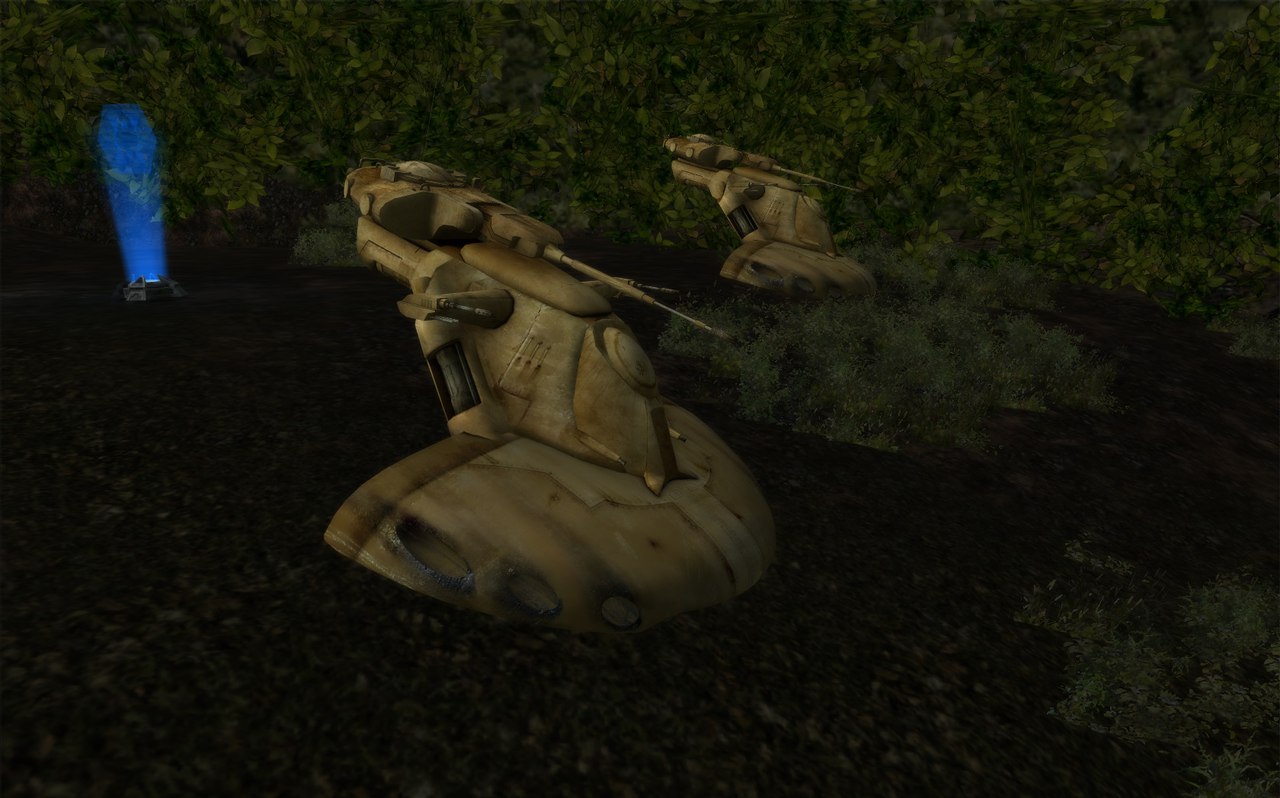
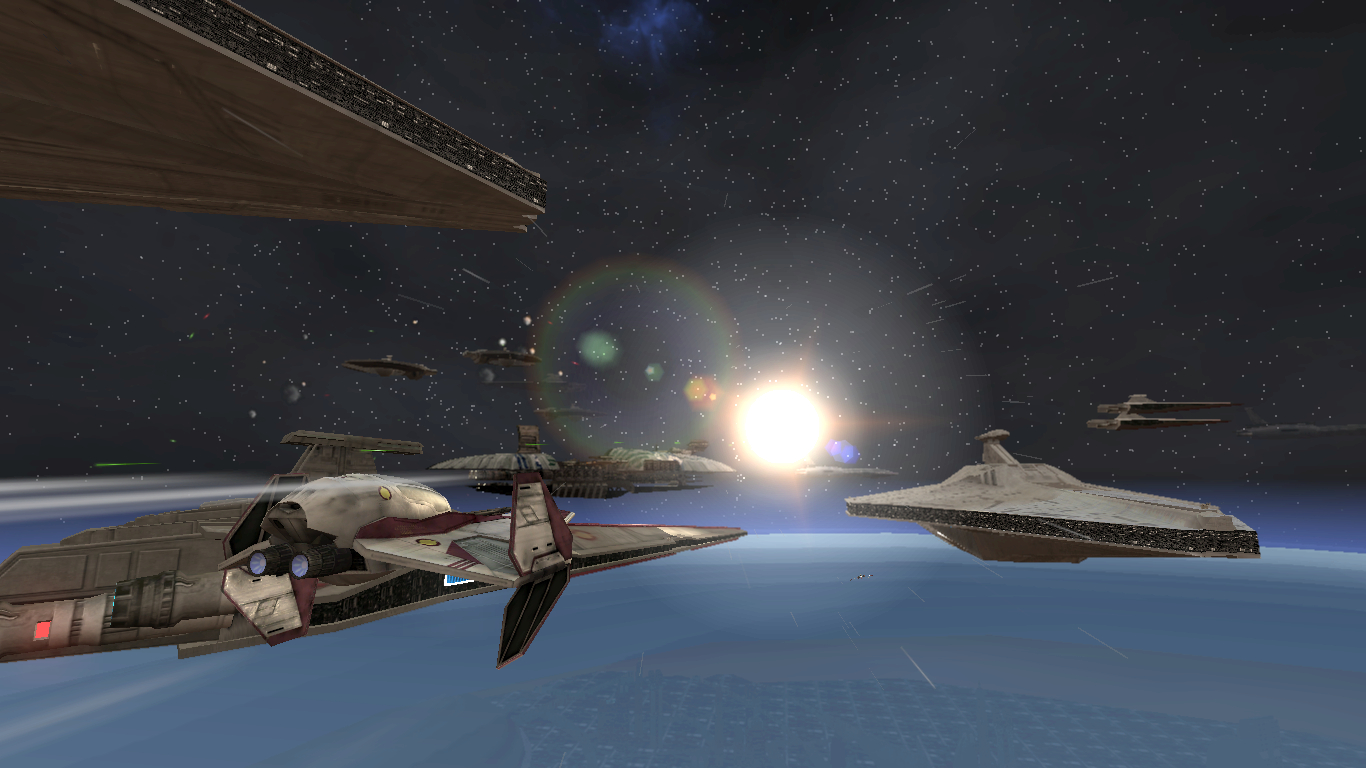
Map's looking good, Delta!

The lighting needs work, though, it's far too yellow and it looks really flat. I'll share the same advice and guidelines that I gave to RSL.
Right, so here's some good guidelines to follow:
Top Ambient Color: This is supposed to emulate the ambient light bouncing off the sky onto the ground, so the actual color should be the average color of the sky (use the Eyedropper tool in GIMP or Photoshop to sample it), but maybe at about 75% the original brightness and perhaps 25% the original saturation. The easiest way to set these values is with the color picker tool in ZE.
For example, if your sky's average color is (61, 147, 224), that makes the luminance ("Lum") (i.e. brightness) value 134 (out of 240), and the saturation ("Sat") value 174 (also out of 240). 75% of 134 is about 101, and 25% of 174 is about 44, so your final "Lum" value is 101, and your final "Sat" value is 44. After plugging those values into the color picker, it calculates the final RGB values to be (87, 108, 128), and there you have your top ambient color.
Bottom Ambient Color: This is supposed to emulate the same thing that the top ambient color emulates, but after the light photons have bounced back off of the ground and lost a lot of their energy. With that said, the actual color of the bottom ambient color should be the same as the top ambient color, but at around 50% brightness.
Going off our previous example, we'd simply set the bottom ambient color value to the same as the top ambient color (87, 108, 128) and cut the "Lum" value (101) down to 50% its original value (about 50). This calculates the final RGB value to be (43, 53, 64), and there you have your bottom ambient color.
Global Directional Light 1: This is supposed to be the map's primary light source, which is typically the sun, so it's generally very bright, generally (251, 252, 226) or even (255, 255, 255), but if it's an overcast day, it should be significantly darker (around the mid-100s). In most cases this light should cast specular and cast shadows.
One thing you could do to calculate the color more precisely instead of guessing is sample the average color of the overcast sky, fill a blank image in Photoshop or other with the color of the sun (or whatever your global directional light source is - could possibly be the moon instead), then fill a new layer above the "sun" layer with the sampled overcast cloud color, set the new cloud layer's opacity to a value that reflects how thick the clouds are (probably some value from 50-95%), and then use the Eyedropper tool (with the sampling mode set to sample ALL LAYERS instead of just the current layer) to sample the color of the end result. This example gave me an end result color of (161, 165, 165):
Global Directional Light 2: This is similar to the bottom ambient light in that it's supposed to simulate light photons bouncing off the ground, but for this it's emulating it with the primary light source. The color of the light should be the same as global directional light 1, but at 50% (or less) brightness (the process for calculating this is the same and I'm not going over it again :u). This light should NOT cast shadows or specular. Oh, it's also worth noting that this light should be pointed in the exact opposite direction as global directional light 1.
You should only really be using a second global directional light when the following things are true:
a) The primary light source is clearly visible in the sky (so not hidden behind any clouds).
b) The terrain's "surface content" (what it's made up of logically, like dirt or grass) is something that is known to reflect a lot of light, such as sand or snow.
World ENVFX: The following are some lighting-related effects (excluding sunflare) that you can put in your map's .fx file:
Code: Select all
Effect("HDR")
{
	Enable(1);
	DownSizeFactor(0.25);	// what fraction of the back buffer to use when bloom (smaller means better framerate – don’t go below 0.25)
	NumBloomPasses(5);		// the number of blur passes higher numbers means bigger blooms and is more costly
	MaxTotalWeight(1.2);	// the amount to over-brighten the glow areas
	GlowThreshold(0.5);		// value at which a pixel is considered to be blooming lower values mean more pixels will be blooming
	GlowFactor(0.5);		// a factor used to dim the overall appearance of the bloom (probably better to use less bloom passes or less total weight)
}

Effect("Shadow")
{
	Enable(1);				// whether or not shadows should be enabled
	Intensity(0.5);			// intensity/opacity of the shadows (0.0 = fully opaque; 1.0 = fully transparent) (default = 0.5)
	BlurEnable(0);			// whether or not to blur the shadows (DEPRECATED)
}
Shadow intensity at 0.25:
Shadow intensity at 0.5:
Shadow intensity at 0.75:
And here are some non-lighting-related effects I like to include that make maps look better:
Code: Select all
Effect("MotionBlur")
{
	Enable(1);
}

Effect("ScopeBlur")
{
	Enable(1);
}

Effect("Blur")
{
	Enable(1);
	Mode(1);
	ConstantBlend(0.5);
	DownSizeFactor(0.25);
}
- When you're tweaking your lighting values, don't forget to burn your terrain so you can see the effects of the lighting on it. Before you actually do this though, make sure that you check "Build accurate object collision" when you load the map in ZE.
- You can tweak the top/bottom ambient light colors in real-time in the debugger with the
lighting.topambientcolor and
lighting.bottomambientcolor commands.
- You can also tweak the various HDR, shadow, and blur settings in real-time in the debugger. The commands for each are under the
hdr.,
shadow., and
blur. categories respectively.


 )
)