GUI for editing sky files

Talk and share anything related to Star Wars Battlefront 2. No maps or mod announcements here. Use Work in Progress forum.

Moderator: Moderators

Post Reply
User avatar
Fiodis
Master of the Force
Master of the Force
Posts: 4145
Joined: Wed Nov 12, 2008 9:27 pm
Projects :: Rannoch + Tientia + Tools Programming

GUI for editing sky files

Post by Fiodis »

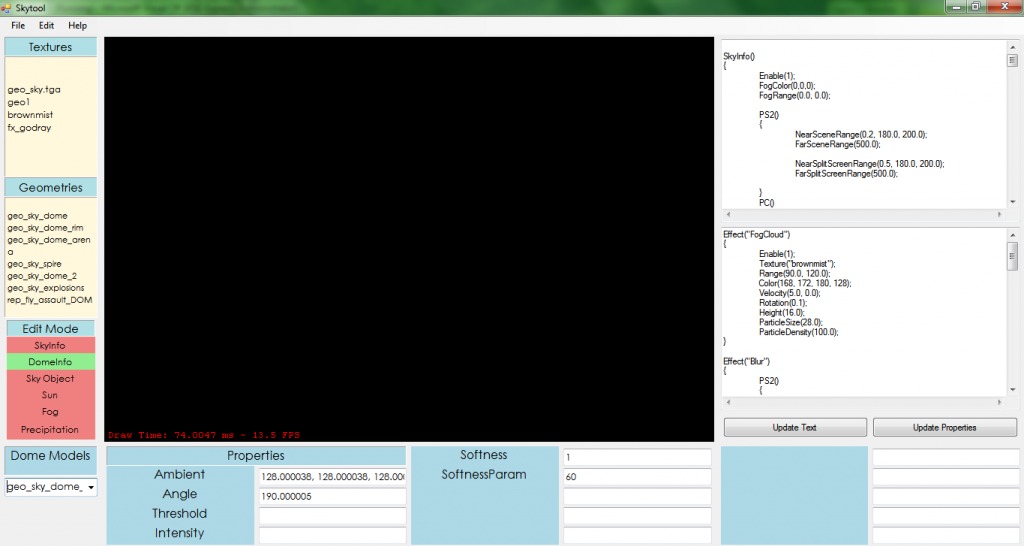
A few years ago I was working on a GUI for editing sky files. That died when I stumbled on a problem in the OpenGL wrapper which I didn't have the coding expertise to fix. Later, for the ZE terrain tools (which are still being worked on, by the way), I moved on to C++, so there's no OpenGL wrapper needed. I recently got access to the old PC I was coding on two years ago and managed to recover the old sky gui code. It's in C# rather than C++, but I could still get some useful snippets from it.
The old GUI:
Hidden/Spoiler:
Image
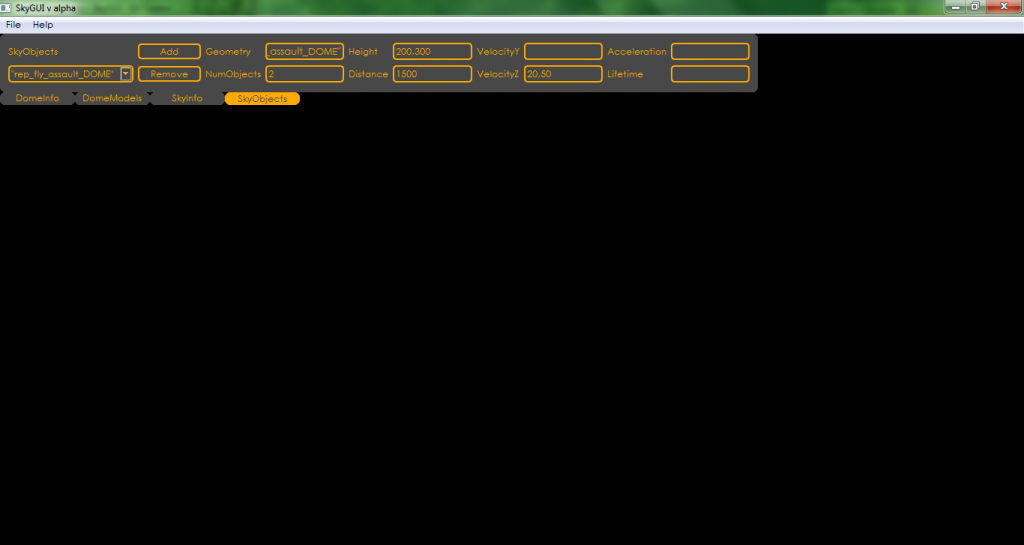
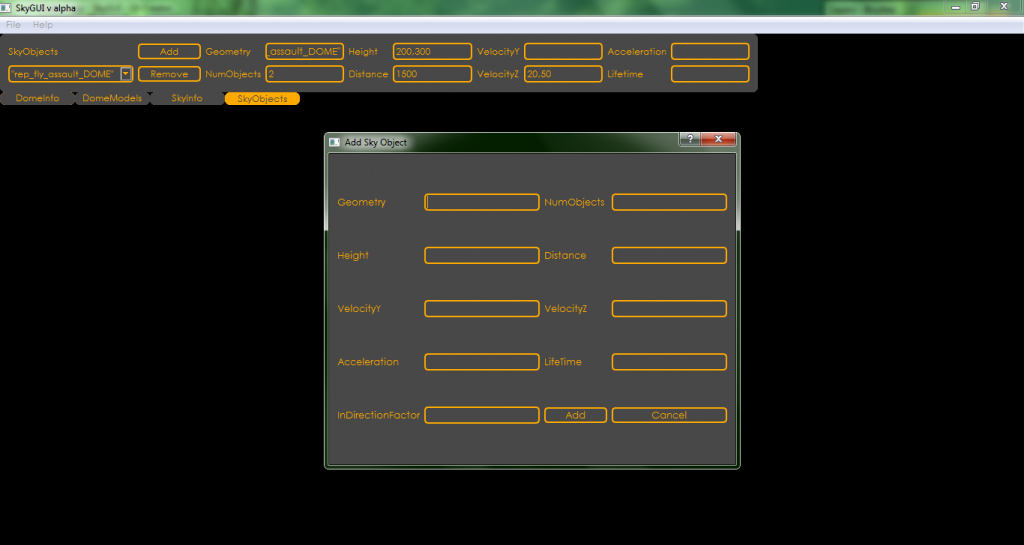
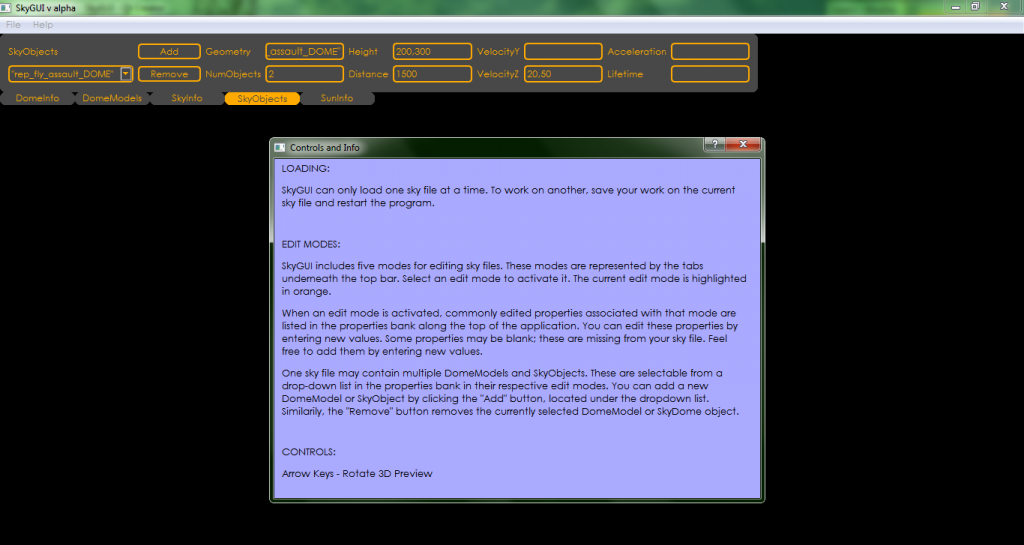
Now that final exams are over and summer started with, I've decided to spend twenty days or so cleaning up the old code, slapping together some new stuff, and releasing it. The original idea was that it was annoying making changes to a sky file and have to munge the world and start up BF2 to see what they looked like. The plan was to create some kind of GUI to visualize a sky file and make changes to it on the fly. To that end, I've spent a couple hours a day since Monday making the different recovered code snippets play nice with each other, and writing a few new ones. The result:
Hidden/Spoiler:
Image
Hidden/Spoiler:
Image
Hidden/Spoiler:
Image
Sky file loading, saving, and all the editing features work. All that's left is the 3D preview.

Not sure how useful it'll be, but I didn't want semi-useful code to go to waste. Once the ZE terrain tool progresses a bit more, I'll probably merge this tool's functionality with that one's, so that you can easily make directional lighting match up with sun position and stuff like that.

THEWULFMAN
Space Ranger
Posts: 5557
Joined: Tue Aug 17, 2010 3:30 pm
Projects :: Evolved 2
Location: Columbus, Ohio
Contact:

Re: GUI for editing sky files

Post by THEWULFMAN »

Seems pretty awesome as always, Fiodis. :)
User avatar
Locutus
1st Lieutenant
1st Lieutenant
Posts: 420
Joined: Fri Jun 04, 2010 10:08 am
Projects :: Stargate Battlefront Pegasus
Location: Germany
Contact:

Re: GUI for editing sky files

Post by Locutus »

Now that's pretty handy! :D
Marth8880
Resistance Leader
Posts: 5042
Joined: Tue Feb 09, 2010 8:43 pm
Projects :: DI2 + Psychosis
Games I'm Playing :: Silent Hill 2
xbox live or psn: Marth8880
Location: Edinburgh, UK
Contact:

Re: GUI for editing sky files

Post by Marth8880 »

Looks absolutely magniflorious! :thumbs: I'd make the text boxes black and the text box text color white, though, or alternatively the text boxes black, the text box text name color white, and keep the text box text color yellow.
User avatar
Fiodis
Master of the Force
Master of the Force
Posts: 4145
Joined: Wed Nov 12, 2008 9:27 pm
Projects :: Rannoch + Tientia + Tools Programming

Re: GUI for editing sky files

Post by Fiodis »

Fiodis wrote:I've decided to spend twenty days or so cleaning up the old code, slapping together some new stuff, and releasing it.
I never did say they'd be consecutive. :P

Anyway, the downtime's gone into rewriting the code for loading MSH files, from scratch. I was using code ripped right out of my terrain tools project, which was written almost six months ago. I've gotten a much better understanding of OpenGL and MSH files since then, and rather than try to figure out how to get my horrendous old solution to work (I'd left myself almost no comments) I just started over.

Result: old code was over 1,000 lines spread among five different source files. The new code's down to 300 and tidily packaged up in a nice "Mesh" class. And it still runs faster and wastes less memory. :)

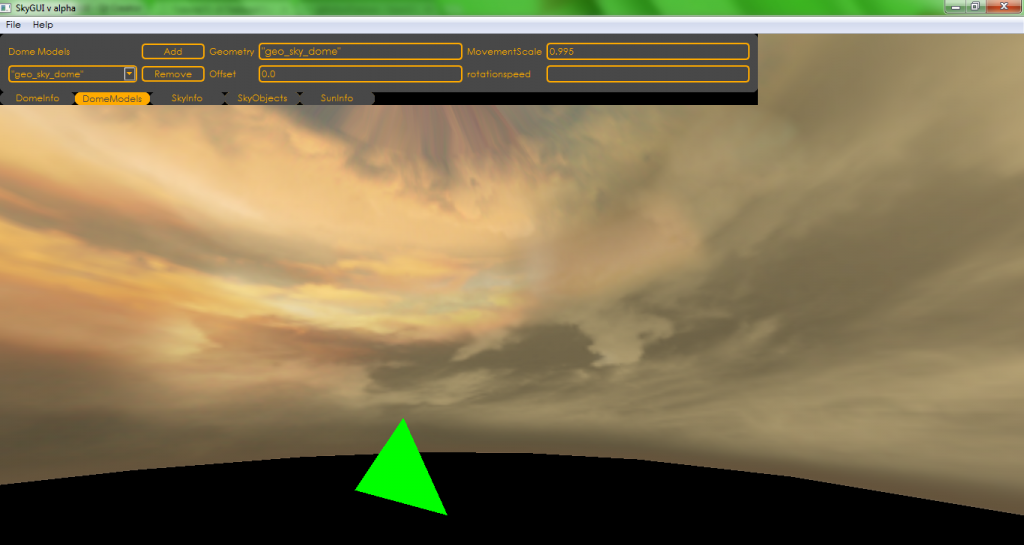
So stuff's still happening! Geonosis skydome:
Hidden/Spoiler:
Image
EDIT - Oops! UVs on the v axis are flipped upside down, there. Fixed.
Last edited by Fiodis on Sun Jun 23, 2013 3:02 pm, edited 1 time in total.
THEWULFMAN
Space Ranger
Posts: 5557
Joined: Tue Aug 17, 2010 3:30 pm
Projects :: Evolved 2
Location: Columbus, Ohio
Contact:

Re: GUI for editing sky files

Post by THEWULFMAN »

Looking good. :o

I vote to call it the SkyGooey. Phonetic pronunciation rocks. Samantha Traynor for the win.
Marth8880
Resistance Leader
Posts: 5042
Joined: Tue Feb 09, 2010 8:43 pm
Projects :: DI2 + Psychosis
Games I'm Playing :: Silent Hill 2
xbox live or psn: Marth8880
Location: Edinburgh, UK
Contact:

Re: GUI for editing sky files

Post by Marth8880 »

Absolutely magniflorious! :thumbs:

(I vote for SkyGooey as well - LOL.)
User avatar
Eggman
Master Bounty Hunter
Posts: 1516
Joined: Mon Jul 16, 2007 1:30 pm
Projects :: Battlefront Chronicles
Location: Las Vegas

Re: GUI for editing sky files

Post by Eggman »

I really like this idea! One of my biggest frustrations with the SWBF modding process was that you could never really see your changes in "real time." I've been getting back into playing around in ZE lately, so if you release this at any point in the summer, I'll try it out! :thumbs:
Post Reply