Page 33 of 99
Re: Model Showcase Thread v3.0
Posted: Sat Feb 21, 2009 2:47 pm
by obiboba3po
MandeRek wrote:Thanks for nice comments..
Here are the other 2 members, the last one will be revealed in the ZERO squad topic, which will contain weapon-info, unit info and game-mode info this evening

CC-1023 'Ahtnab'.jpg

(also to fai)
Re: Model Showcase Thread v3.0
Posted: Sat Feb 21, 2009 2:52 pm
by The_Emperor
MandeRek wrote:Thanks for nice comments..
Here are the other 2 members, the last one will be revealed in the ZERO squad topic, which will contain weapon-info, unit info and game-mode info this evening
CC-1023 'Ahtnab'.jpg
Wajoh, awesome

More info this evening? No carnaval for you I suppose then?

Re: Model Showcase Thread v3.0
Posted: Sat Feb 21, 2009 2:53 pm
by MandeRek
The_Emperor wrote:MandeRek wrote:Thanks for nice comments..
Here are the other 2 members, the last one will be revealed in the ZERO squad topic, which will contain weapon-info, unit info and game-mode info this evening
CC-1023 'Ahtnab'.jpg
Wajoh, awesome
More info this evening? No carnaval for you I suppose then?
Mine starts at 00.00/midnight
Re: Model Showcase Thread v3.0
Posted: Sat Feb 21, 2009 7:59 pm
by fai222
Here is the Mosin Nagant ingame.
Re: Model Showcase Thread v3.0
Posted: Sat Feb 21, 2009 8:00 pm
by Taivyx
Darken it and it'll be a beauty

Re: Model Showcase Thread v3.0
Posted: Sat Feb 21, 2009 8:46 pm
by bobfinkl
Wow, great Mosin Nagant but like Taivyx said just darken the texture a bit and it'd be perfect.
Re: Model Showcase Thread v3.0
Posted: Sun Feb 22, 2009 4:01 am
by jedi_pilot
Agree with previous two posts.
The only problem with rifles(as I am learning with my garand) is that the BFII player models are meant to hold a pistol rear grip, instead of a stock...So the trooper looks like his trigger hand is gripping at nothing, even if the rest of the model coordinates with the trooper perfectly

.
Oh well, nice model
...
Re: Model Showcase Thread v3.0
Posted: Sun Feb 22, 2009 11:33 am
by MandeRek
Here he is: The Gray Jedi Master Tai-Frag Koth, a Zabrak Jedi which leads the ZERO Squad, and gets more and more connected to the Dark-Side..
Re: Model Showcase Thread v3.0
Posted: Sun Feb 22, 2009 11:40 am
by FragMe!

is all I have to say except well done
Re: Model Showcase Thread v3.0
Posted: Sun Feb 22, 2009 1:23 pm
by Fluffy_the_ic
Sweet! Although, the tattoos look really painty.
Re: Model Showcase Thread v3.0
Posted: Sun Feb 22, 2009 3:18 pm
by redgroupclan
Wow, wild.
Re: Model Showcase Thread v3.0
Posted: Sun Feb 22, 2009 3:18 pm
by obiboba3po
redgroupclan wrote:Wow, wild.
my thoughts
Re: Model Showcase Thread v3.0
Posted: Mon Feb 23, 2009 5:47 pm
by Master_Ben
Awesome.
Re: Model Showcase Thread v3.0
Posted: Mon Feb 23, 2009 5:54 pm
by Maveritchell
MandeRek wrote:Here he is: The Gray Jedi Master Tai-Frag Koth, a Zabrak Jedi which leads the ZERO Squad, and gets more and more connected to the Dark-Side..
...and thank you to Pandemic, who decided to make the jed_inf_sith model which can be used for any and every new playermodel.
Even women. (Okay, maybe not women.)
Nice work, but like someone said, those tattoos (or are they supposed to be veins? either way-) need to be fixed up because right now they look very drawn-on. Maybe make a new layer for your veins, draw them on top, then feather them out before you add them and they won't look so out-of-place.
Re: Model Showcase Thread v3.0
Posted: Mon Feb 23, 2009 5:55 pm
by Fiodis
Is it an entirely new model, or a reskin with horn addons? Either way, great.
EDIT - Read Mav's post.
Re: Model Showcase Thread v3.0
Posted: Mon Feb 23, 2009 5:57 pm
by Maveritchell
Fiodis wrote:Is it an entirely new model, or a reskin with horn addons? Either way, great.
EDIT - Read Mav's post.
It's actually not entirely the jed_inf_sith model, he used the torso up plus the imp_inf_darktrooper legs. But the point was that jed_inf_sith is a very versatile model.
Re: Model Showcase Thread v3.0
Posted: Mon Feb 23, 2009 5:58 pm
by MandeRek
Maveritchell wrote:MandeRek wrote:Here he is: The Gray Jedi Master Tai-Frag Koth, a Zabrak Jedi which leads the ZERO Squad, and gets more and more connected to the Dark-Side..
...and thank you to Pandemic, who decided to make the jed_inf_sith model which can be used for any and every new playermodel.
Even women. (Okay, maybe not women.)
Nice work, but like someone said, those tattoos (or are they supposed to be veins? either way-) need to be fixed up because right now they look very drawn-on. Maybe make a new layer for your veins, draw them on top, then feather them out before you add them and they won't look so out-of-place.
You're right: Sith model. New torso UVs and texture though, plus edited arms.. Yeah I'm also a bit confused with the drawings.. The ones on the body were painted with a 90%transparent brush and the ones on the face with a normal one.. Guess i need to redo those!
offtopic: Mav', congrats with this promotion: you deserve it most of all
Re: Model Showcase Thread v3.0
Posted: Mon Feb 23, 2009 6:05 pm
by Maveritchell
MandeRek wrote:You're right: Sith model. New torso UVs and texture though, plus edited arms.. Yeah I'm also a bit confused with the drawings.. The ones on the body were painted with a 90%transparent brush and the ones on the face with a normal one.. Guess i need to redo those!
I don't think the problem is with transparency or not - I think the problem is that you have a flat brush (whether it's transparent or not is irrelevant). Using feathering on the edges gives you a transparent gradient towards the edges, giving the illusion of some variation.
Of course, it would be wise to not use a flat line in the first place if you can help it, but if you must, what's mentioned above should make it nicer.
Re: Model Showcase Thread v3.0
Posted: Mon Feb 23, 2009 6:07 pm
by MandeRek
Maveritchell wrote:MandeRek wrote:You're right: Sith model. New torso UVs and texture though, plus edited arms.. Yeah I'm also a bit confused with the drawings.. The ones on the body were painted with a 90%transparent brush and the ones on the face with a normal one.. Guess i need to redo those!
I don't think the problem is with transparency or not - I think the problem is that you have a flat brush (whether it's transparent or not is irrelevant). Using feathering on the edges gives you a transparent gradient towards the edges, giving the illusion of some variation.
Of course, it would be wise to not use a flat line in the first place if you can help it, but if you must, what's mentioned above should make it nicer.
Okay, thanks for the suggestion
offtopic: could you help me on the little scripting problem from the other topic?

Re: Model Showcase Thread v3.0
Posted: Thu Feb 26, 2009 11:07 am
by ANDEWEGET
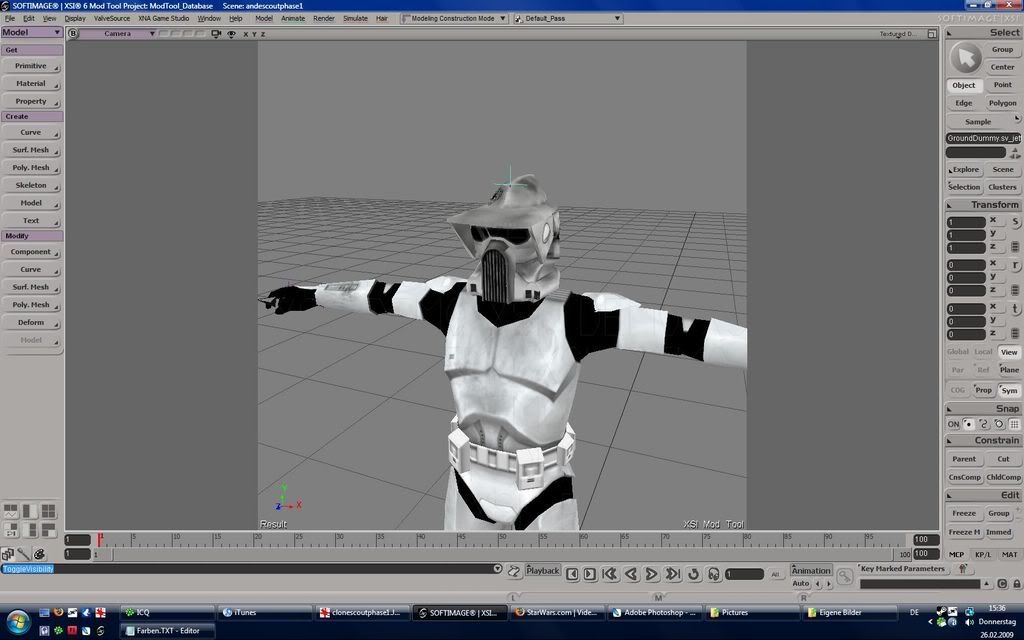
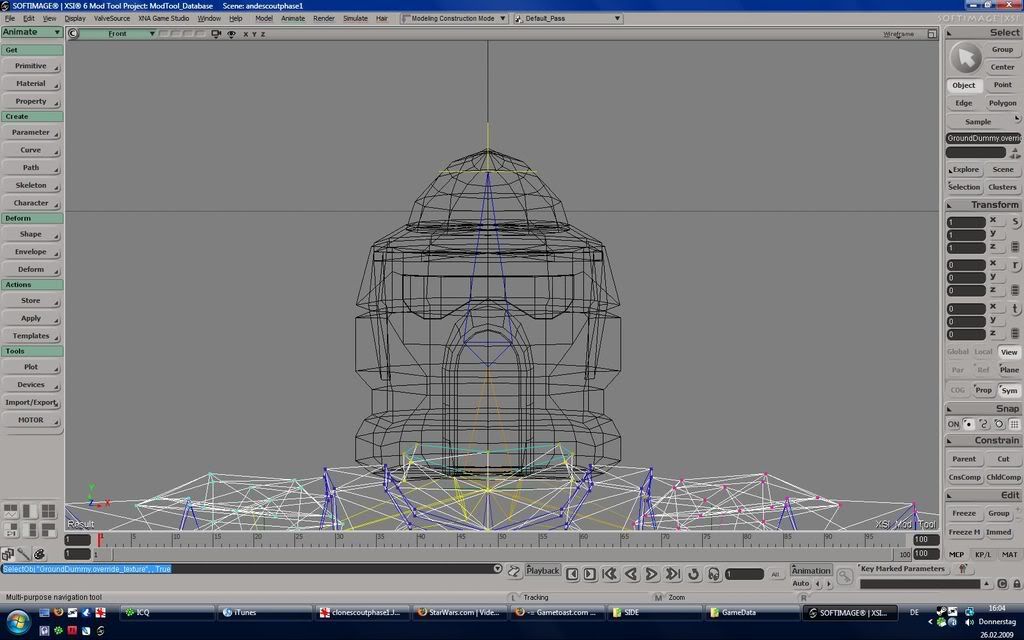
Clone Scout from Clone Wars Series(only new Helmet):
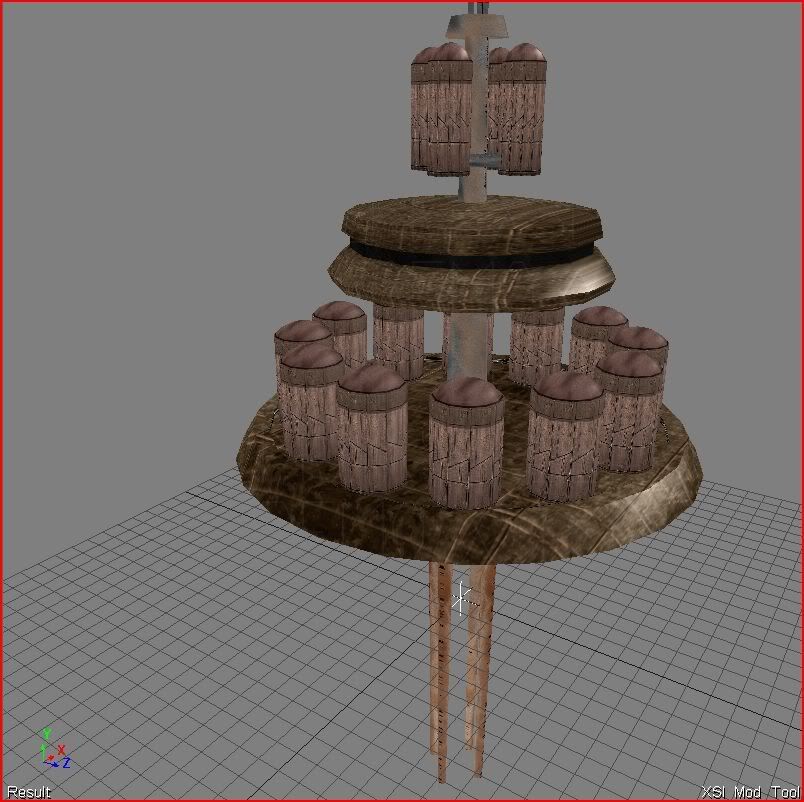
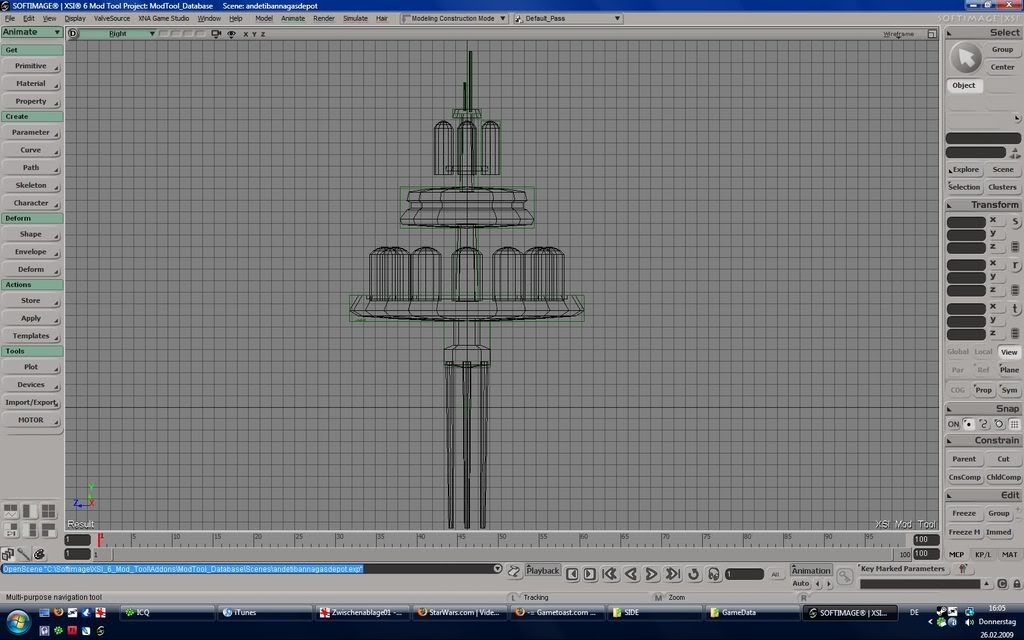
Gas Platform: