Mustafar Valley FINAL Released
Posted: Sun Nov 19, 2006 2:49 pm
This is the final version of My first Map, Mustafar Valley
Story: Clone Wars:
The Republic is about to attack the seperarist droid factory on Mustafar when they are ambushed in a valley. The Republic must defeat the CIS's forces before moving to the factory....
Galactic Civil War:
On their way to put down Gizor Delso's Droid rebellion on Mustafar, the Empire's recon units spot a small rebel force in a nearby valley. The Imperials must defeat these rebels to maintain peace and order in the galaxy....
This map Features:
Vehicles:
CW:
2 Republic Fightertanks
2 JSFs
2 BARC speeders
2 AATs
2 Tri-fighters
2 STAPs
GCW:
2 Imperial Fightertanks
2 TIE Interceptors
4 Speederbikes
2 BF1 Combatspeeders*
2 2 A-Wings
Sides:
All sides are custom, there are so manuy things i customized I can't even remember them all.
All sides have Recon, commanders, and Special Ops Classes*
Custom Hero Jai Maruk as hero for the Republic side.
Weapons:
I have my own Sticky grenade version of orbital strike.
All weapon names are accurate (either that, or I made them up to sound accurate)
Modes:
CW & GCW Conwuest
GCW Hero Assault
Screenshots:
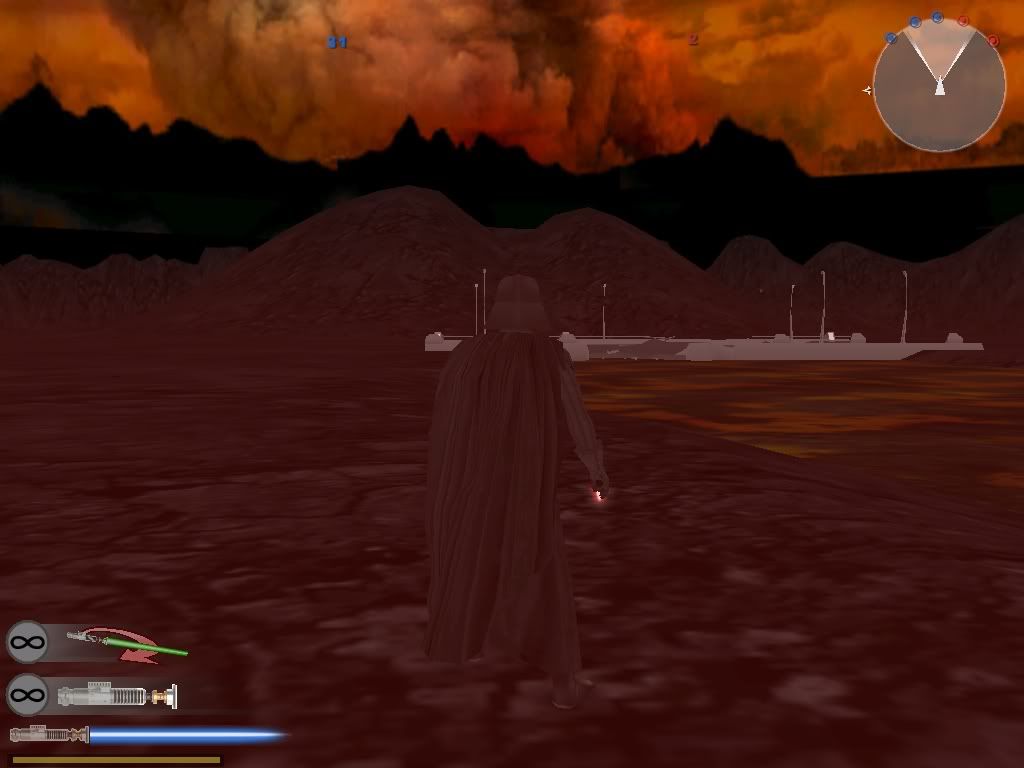
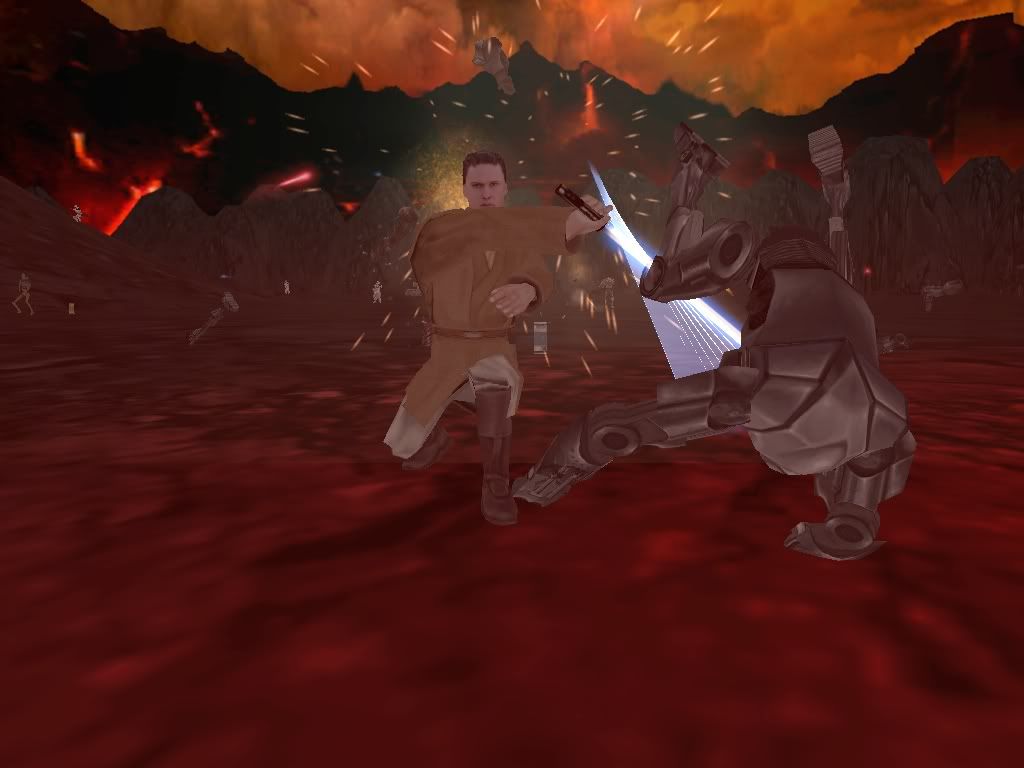
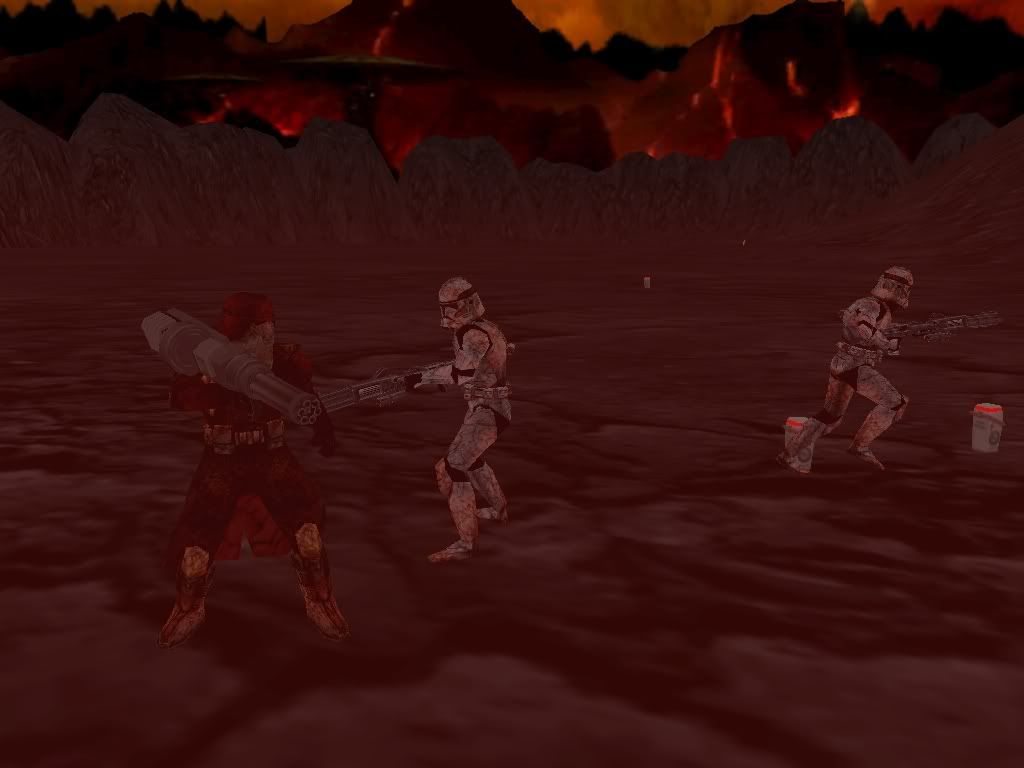
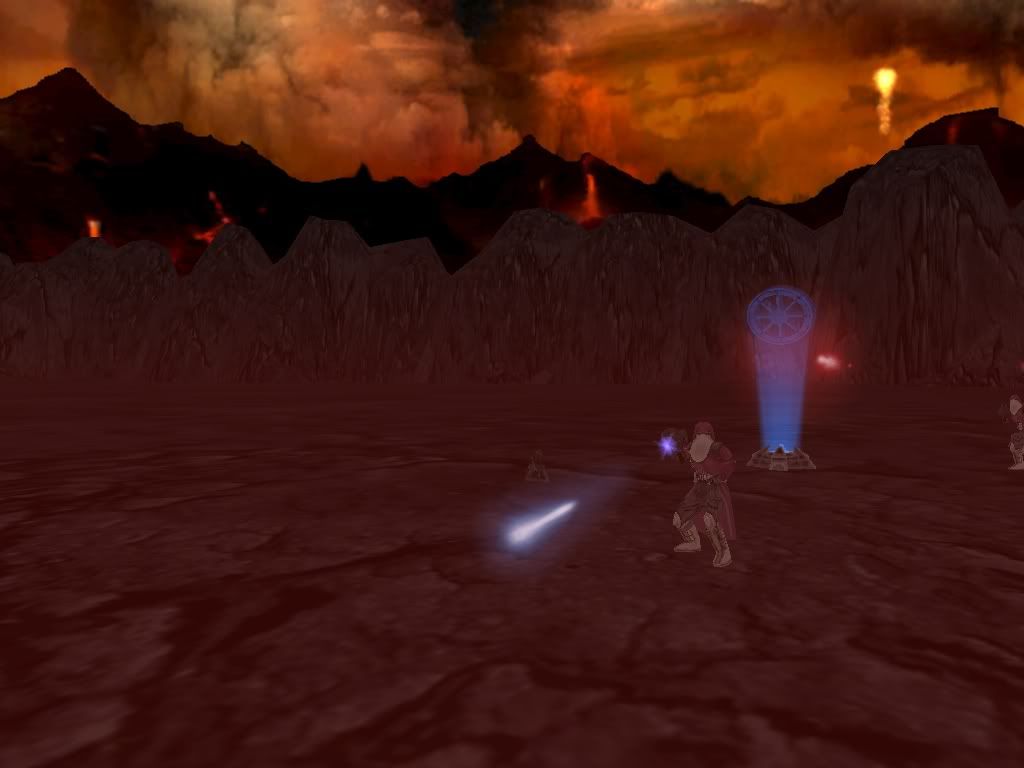
Notes:
* = You need the Star Wars Battlefront conversion Pack 1.7.8 and Hotfix for this map to work.
:!:***IMPORTANT***:!: - Due to a Localization error, if you have the Conversion Pack, then this map will NOT show up on the maplist as Mustafar Valley, it will show up as a second Raxus Prime. When you go to select it, it will be the Raxus Prime on the bottom.
Installation:
You will need WinRAR to install this file. If you do not have it, you can download it free Here
Extract the Mustafar_Valley_FINAL.rar to the Desktop.
2 files should appear, TST.rar and SIDE.rar
Extract TST.rar to your Star Wars Battlefront II\GameData\Addon folder. a folder named TST should appear there.
Extract SIDE.rar to the DESKTOP. A folder named SIDE should appear.
Put the SIDE folder into the Star Wars Battlefront II\GameData\AddOn\TST\data\_LVL_PC folder.
Run BF2, and select the bottom Raxus Prime map on the Maplist. It's still Mustafar Valley, but a Localization issue from the Conversion Pack makes it appear as Raxus Prime.
Play the map, and Have fun!!:D
Link:
Filefront.com
GT Downloads Area
File Size: 104 MB (better than the last version )
)
Credits:
Everyone who helped me with modding issues with this map
Teancum for creating the Conversion pack.
~Hebes
Story: Clone Wars:
The Republic is about to attack the seperarist droid factory on Mustafar when they are ambushed in a valley. The Republic must defeat the CIS's forces before moving to the factory....
Galactic Civil War:
On their way to put down Gizor Delso's Droid rebellion on Mustafar, the Empire's recon units spot a small rebel force in a nearby valley. The Imperials must defeat these rebels to maintain peace and order in the galaxy....
This map Features:
Vehicles:
CW:
2 Republic Fightertanks
2 JSFs
2 BARC speeders
2 AATs
2 Tri-fighters
2 STAPs
GCW:
2 Imperial Fightertanks
2 TIE Interceptors
4 Speederbikes
2 BF1 Combatspeeders*
2 2 A-Wings
Sides:
All sides are custom, there are so manuy things i customized I can't even remember them all.
All sides have Recon, commanders, and Special Ops Classes*
Custom Hero Jai Maruk as hero for the Republic side.
Weapons:
I have my own Sticky grenade version of orbital strike.
All weapon names are accurate (either that, or I made them up to sound accurate)
Modes:
CW & GCW Conwuest
GCW Hero Assault
Screenshots:
Notes:
* = You need the Star Wars Battlefront conversion Pack 1.7.8 and Hotfix for this map to work.
:!:***IMPORTANT***:!: - Due to a Localization error, if you have the Conversion Pack, then this map will NOT show up on the maplist as Mustafar Valley, it will show up as a second Raxus Prime. When you go to select it, it will be the Raxus Prime on the bottom.
Installation:
You will need WinRAR to install this file. If you do not have it, you can download it free Here
Extract the Mustafar_Valley_FINAL.rar to the Desktop.
2 files should appear, TST.rar and SIDE.rar
Extract TST.rar to your Star Wars Battlefront II\GameData\Addon folder. a folder named TST should appear there.
Extract SIDE.rar to the DESKTOP. A folder named SIDE should appear.
Put the SIDE folder into the Star Wars Battlefront II\GameData\AddOn\TST\data\_LVL_PC folder.
Run BF2, and select the bottom Raxus Prime map on the Maplist. It's still Mustafar Valley, but a Localization issue from the Conversion Pack makes it appear as Raxus Prime.
Play the map, and Have fun!!:D
Link:
Filefront.com
GT Downloads Area
File Size: 104 MB (better than the last version
)Credits:
Everyone who helped me with modding issues with this map
Teancum for creating the Conversion pack.
~Hebes

