UV- map scaling question.
Posted: Fri Nov 03, 2006 2:20 pm
When I select some polygons on my model and choose a subprojection in the UV editor, the polygon's vertices are stretched to the dimensions of the texture:
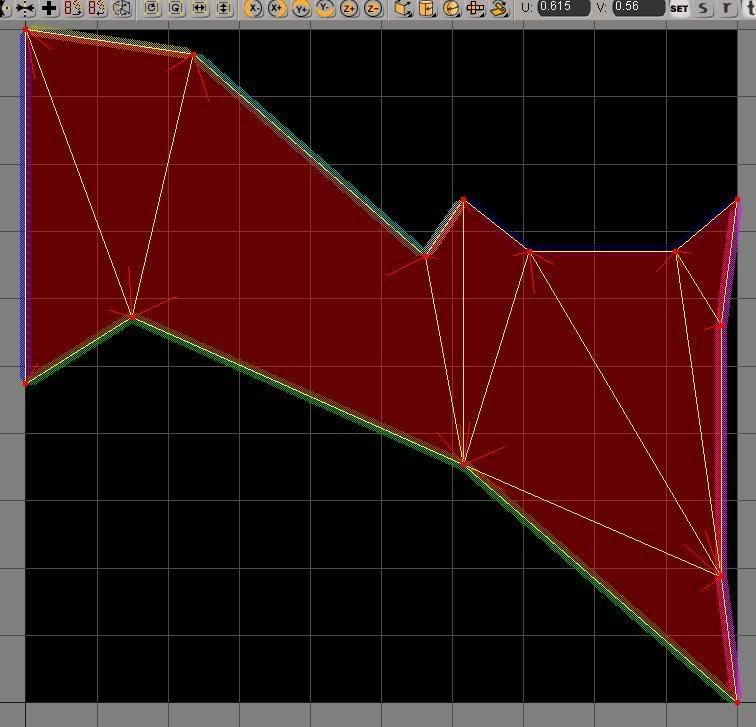
The actual dimensions of the polygons on the model when viewed from the XY orthographic view is this:
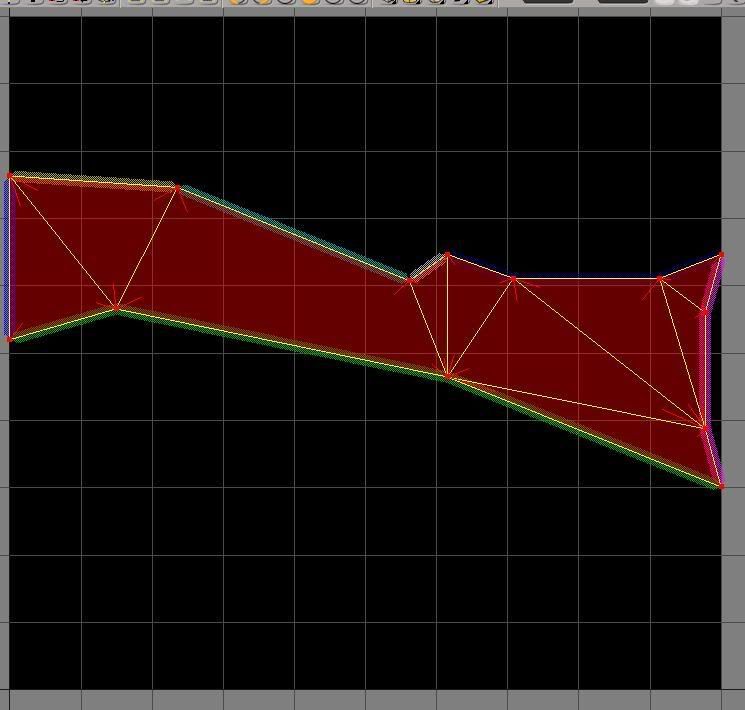
Is there a way that I can get the polygons to come in at their actual proportions, instead of having to mess around with scaling them in the UV editor so that the textures won't be badly stretched?
The actual dimensions of the polygons on the model when viewed from the XY orthographic view is this:
Is there a way that I can get the polygons to come in at their actual proportions, instead of having to mess around with scaling them in the UV editor so that the textures won't be badly stretched?
 Mine and my girlfriends, at a birthday party.