Page 1 of 2
WIP: Mos Espi - Beta released + movie!
Posted: Fri May 19, 2006 6:24 am
by darthpingu
Hello!
I'm currently working on my first mod-map!
Just started and, well it's a lot of questions:
Why won't my turrets show up?
And for some reason I can't use mouse button 3 to move the blue axis(Y?).
I've tried several mice lol.
More questions to come lol.
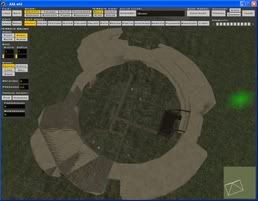
Any tip would be good!
RE: Mod-map, gimme a name!
Posted: Fri May 19, 2006 6:42 am
by CarbineImpulse
To change the 4 default CP's you need to change the layer you're editing in zeroeditor then they'll show up as objects. Layers are simple to get to grips with, you just need to be slightly careful when you're plonking stuff down.
For answers to more questions check out the everything you need thread :
http://www.gametoast.com/index.php?name ... pic&t=3497
For ideas on possible settings or locations then visit:
http://www.starwars.com/databank/location
that may give you some inspiration.
Hope that helps

RE: Mod-map, gimme a name!
Posted: Fri May 19, 2006 6:48 am
by darthpingu
Lol, we'll call it Mos Espi

RE: Mod-map, gimme a name!
Posted: Fri May 19, 2006 1:24 pm
by darthpingu
Please help, I'm pretty new in this
Posted: Fri May 19, 2006 4:32 pm
by Talibanman
Please help, I'm pretty new in this
what kind of help do ya need?
Posted: Fri May 19, 2006 4:54 pm
by yankeefan05
please explain how this map will be? (like the layout and stuff like that)
Posted: Fri May 19, 2006 5:16 pm
by darthpingu
Posted: Sat May 20, 2006 3:34 am
by darthpingu
Posted: Sat May 20, 2006 4:49 am
by darthpingu
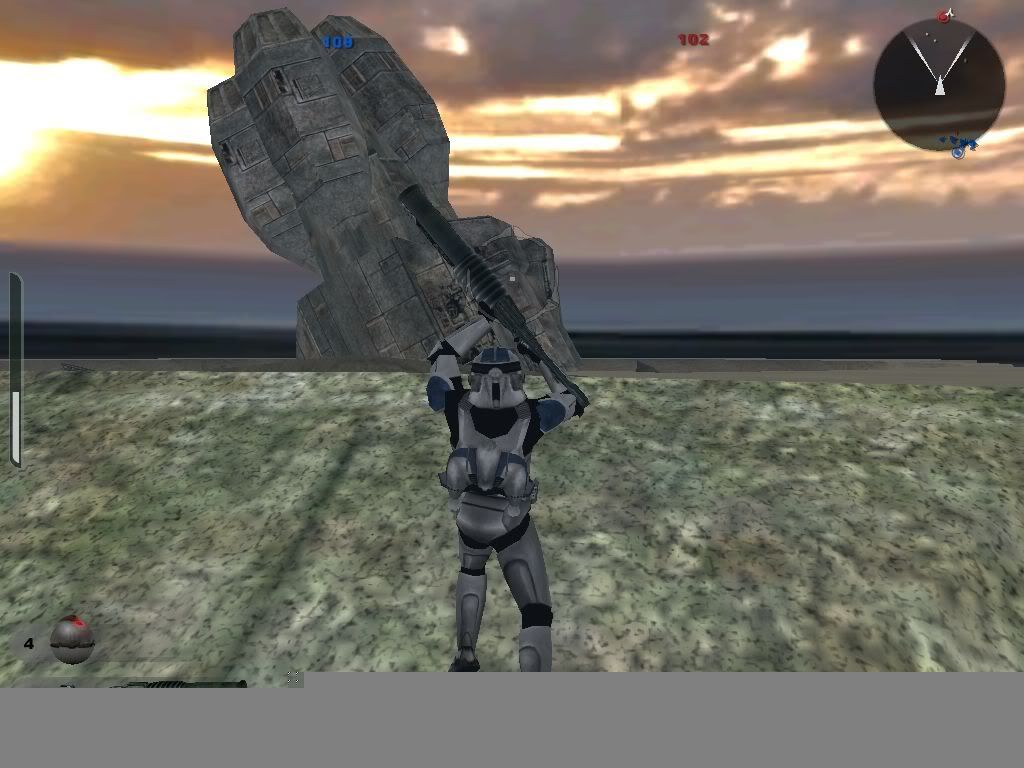
Great... I managed to screw up the texture, I removed the yavin files and replaced them with tatooine files, and voila! Now th etexture is *grey*.
Posted: Sat May 20, 2006 7:16 am
by yankeefan05
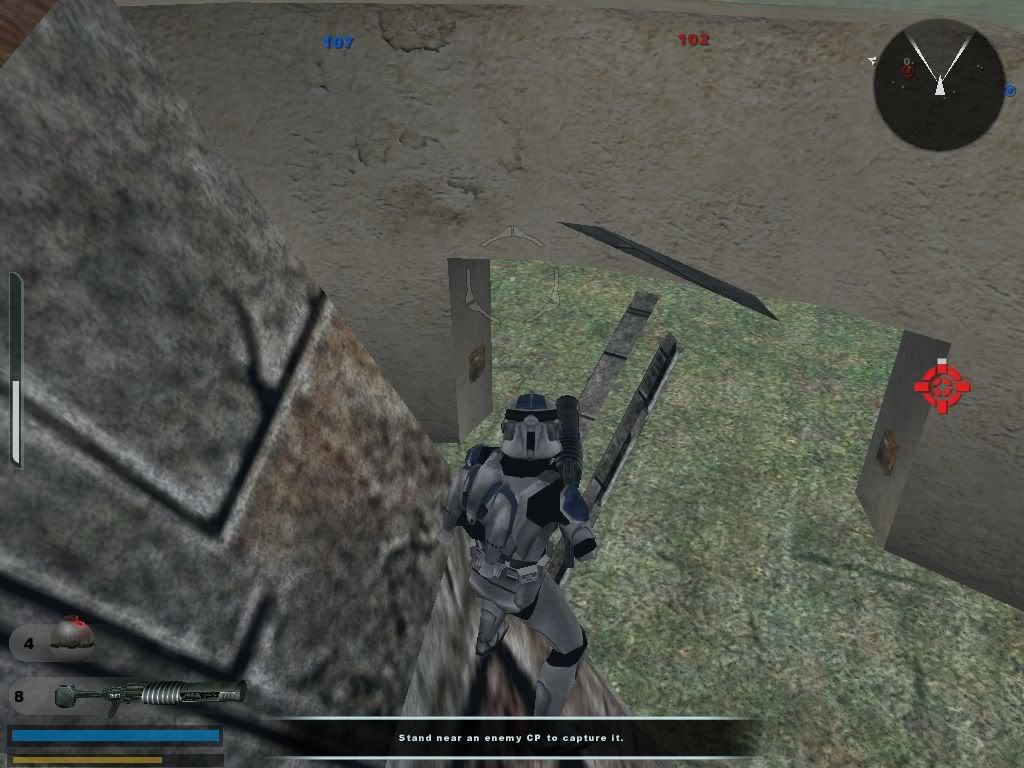
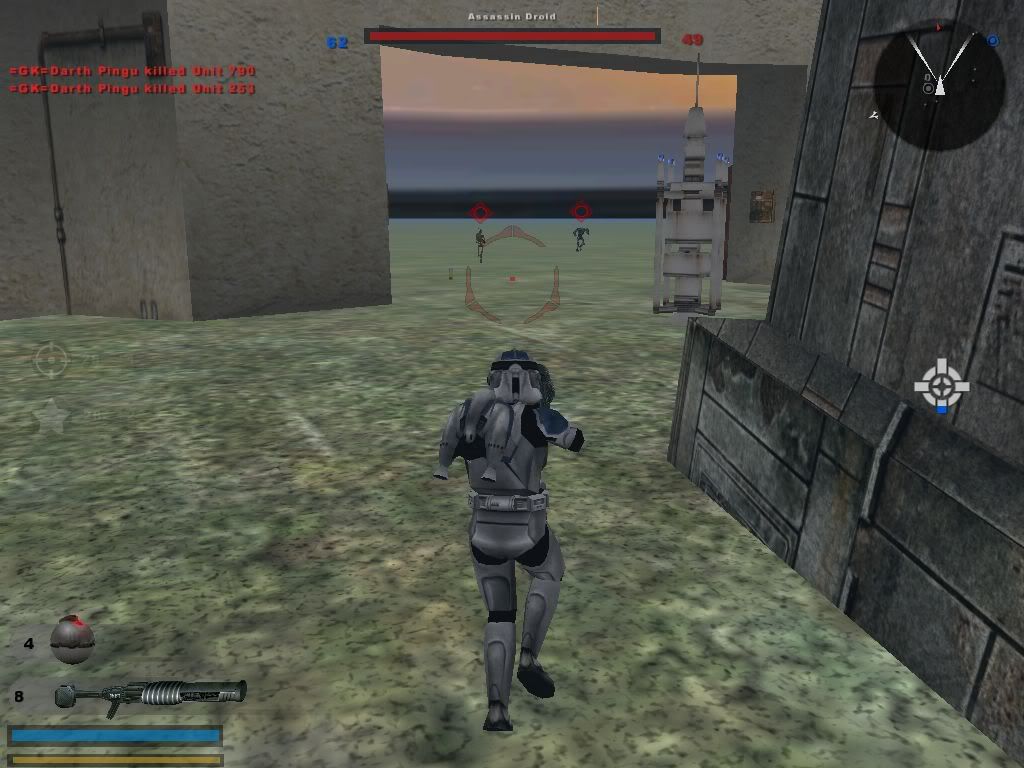
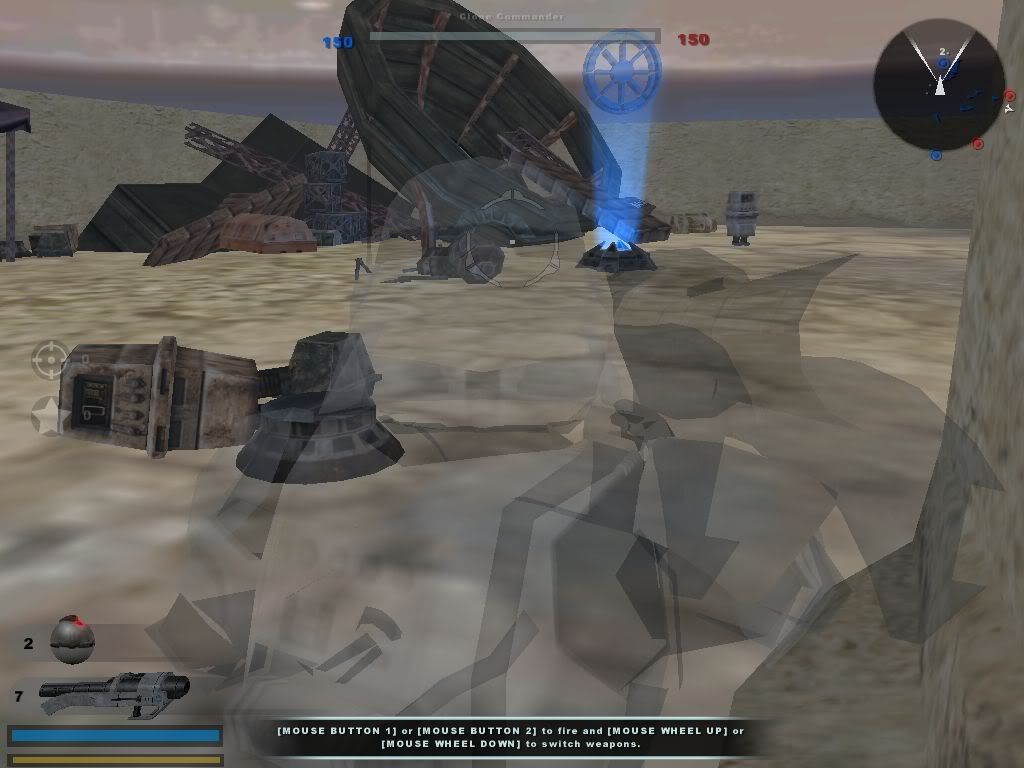
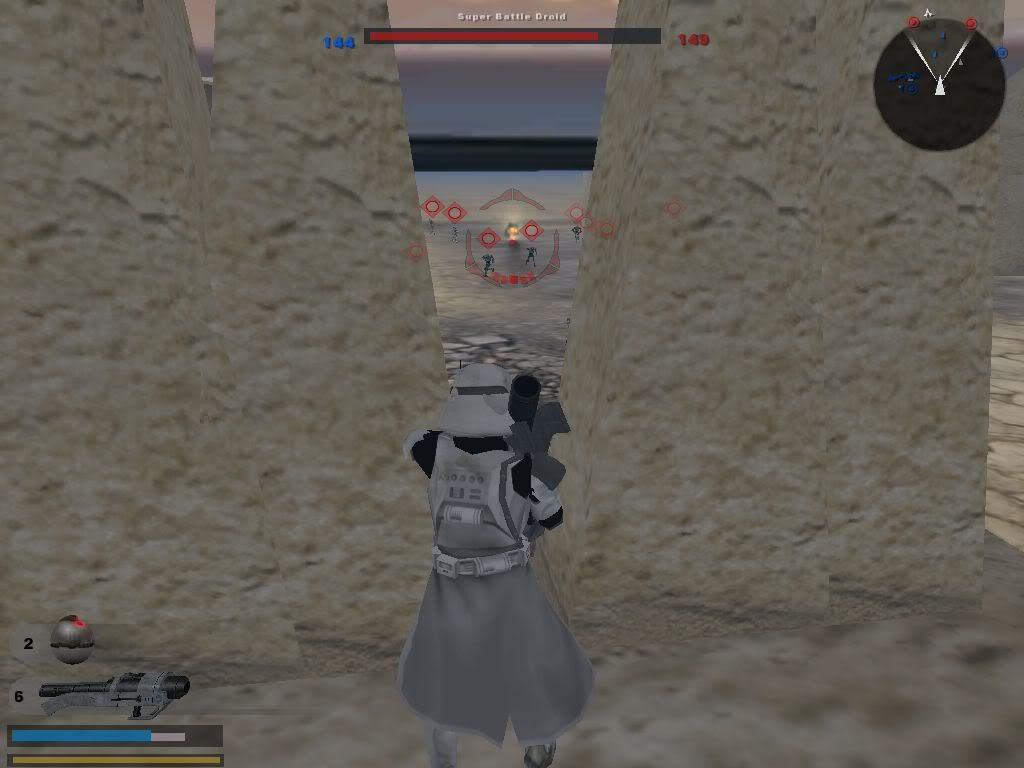
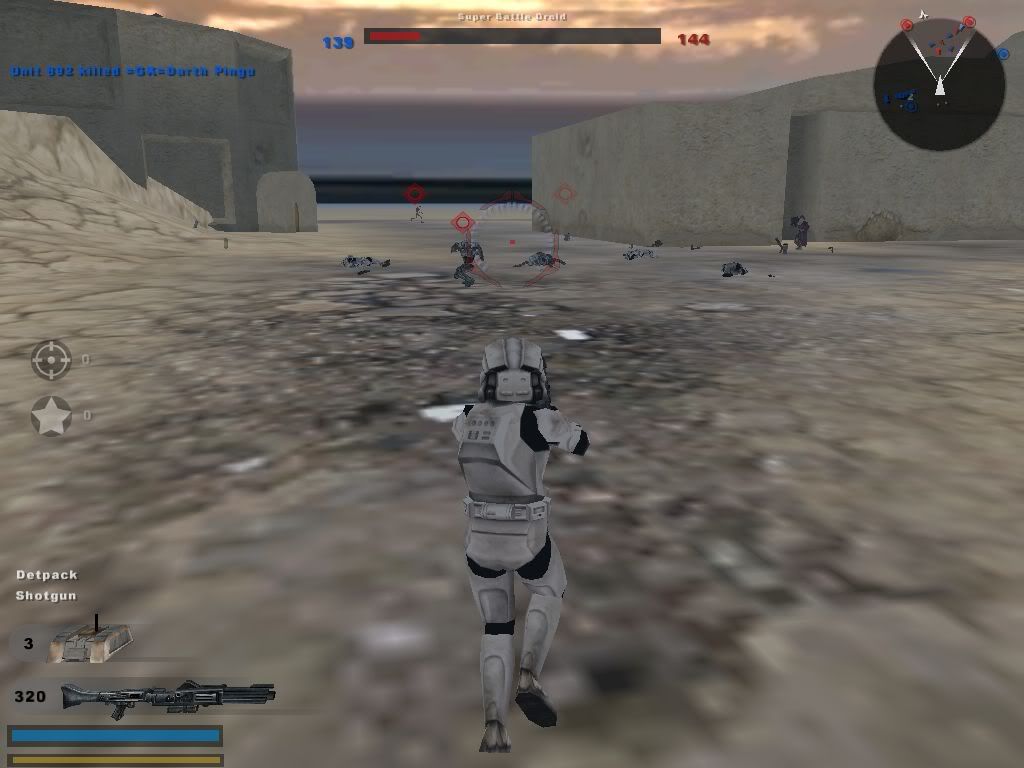
nice shoot. (When u kill droids a s jet trooper in the video). Looks like its coming along well.
Posted: Sat May 20, 2006 12:21 pm
by JawaMan
Posted: Sat May 20, 2006 1:57 pm
by sawyerdk9
well to change the texture make sure you have the one you want in your world folder. Then go into zeroeditor and choose the texture mode at the top. You will see to the right that there are four textures (default). Those are the Yavin textures. Click on the first one. Then look to the bottom left corner. There it will say like yav1_main_01.tga or something. That is the name of the texture it is calling. Under that it should say BROWSE. Click on browse and it will open up the same screen as when your choosing objects but instead of looking for and odf(object) it is looking for a .tga
From that window go into your world folder where you put the textures. You will see it and all you need to do is double click it. This will replace the yavin grass texture wherever it has been placed to the new texture you have just laid down.
Posted: Sat May 20, 2006 5:10 pm
by ARC_Trooper
Add a V-Wing bomber...Please (Pilotable)
Heh Heh Heh...
ARC Lambda 00
Posted: Sun May 21, 2006 7:56 am
by darthpingu
I figured the texture. It's Tatooine texture now:).
I removed the labyrinth, it's a junkyard there now.
How do I make locals?
And team 3 is locals right?
How do I choose wether they are neutral or what?
ARC_Trooper, I might add vehicles but a bomber would be as on the geonosis map by stager00: 3 bombs=100 kills:D
Posted: Sun May 21, 2006 8:00 am
by darthpingu
Posted: Sun May 21, 2006 8:52 am
by darthpingu
I found 3 mshes called skiff_chunk1 skiff_chunk2 and skiff_chunk3, could someone make odfs for them please? They are located in I:\BF2_ModTools\assets\worlds\TAT\msh
Posted: Sun May 21, 2006 9:45 am
by Gogie
you are able to make the .odf file yourself, you do know that right? just create a new word document, and change the end from .txt or .doc to .odf. open that file and write in :
[GameObjectClass]
ClassLabel = "prop"
GeometryName = "skiff_chunk1.msh"
[Properties]
GeometryName = "skiff_chunk1"
do the same for skiff_chunk2 and skiff_chunk3, if you are still having problems with it i'll sned you the odfs
Posted: Sun May 21, 2006 9:48 am
by darthpingu
Thanks gogie!
And another question: how do i convert to .snd sound???
Posted: Sun May 21, 2006 10:02 am
by darthpingu
And another one lol, what about the sandcrawler? check the tat\msh folder, u can see about 4 things with crawler in its name, and in the PC folder its 4 aswell i think. how can i make that one?
Posted: Sun May 21, 2006 12:36 pm
by Gogie
darthpingu wrote:And another one lol, what about the sandcrawler? check the tat\msh folder, u can see about 4 things with crawler in its name, and in the PC folder its 4 aswell i think. how can i make that one?
the same format just replace the skiff_chunk with what ever the crawlers name is.
for the snd you need a programm that is able to convert or export .snd files, importin also helps.
also edit your messages to avoid double posting k?