Bump mapping terrain? [Solved]
Posted: Sat Jun 26, 2010 12:15 pm
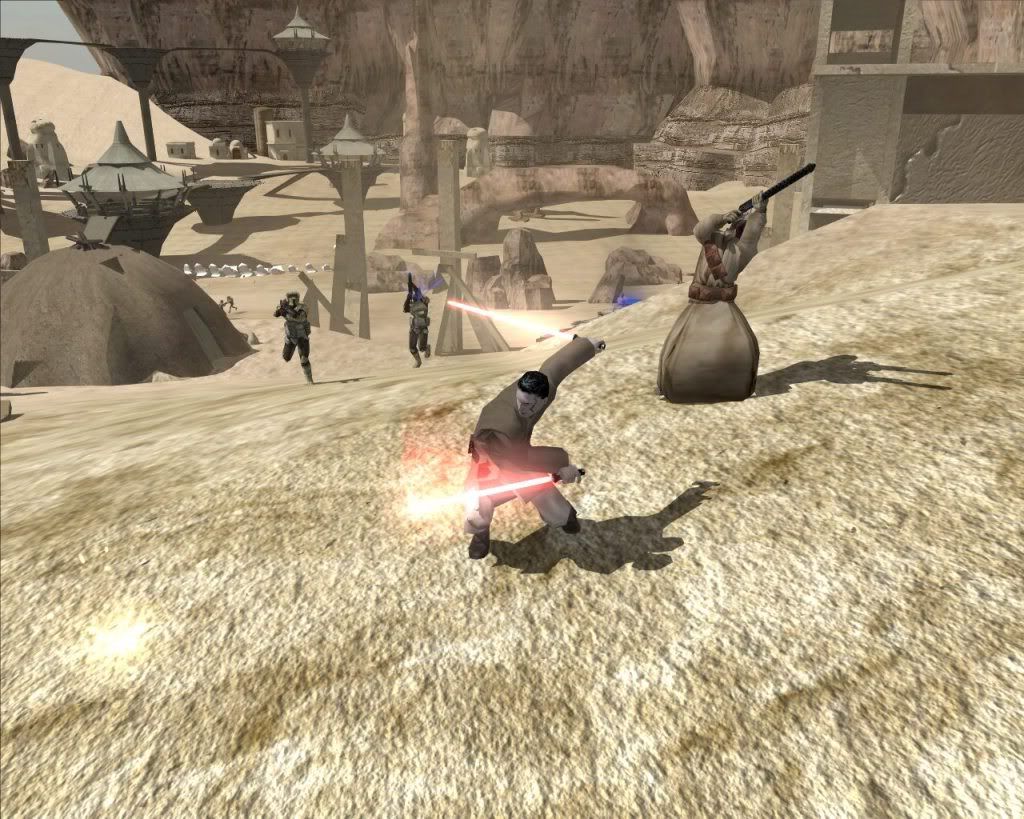
Is it possible to bumpmap terrain in swbbf2. Like if i was trying to get the sand ripples to pop out how would i do that?
Get more from your games!
http://www.gametoast.com/
A nitpick: that's not a bump map, it's a detail map. You can't apply a bump map to terrain.Aman/Pinguin wrote:Sure, I used it once for my whole sand:
Hidden/Spoiler:
No, it doesn't and it isn't - a bump map creates a raised look to a model and interacts with light. It is representative of the base texture in a 1:1 ratio. A detail map has none of those properties - it's a texture "overlay" that is repeated more often than the base texture, depending on settings (by default the ratio is 16:1::detail:base).Aman/Pinguin wrote:Still, it works like a bumpmap and basically is one.
Like I said above, I don't think you can apply a bumpmap to terrain. I've seen the munge parameter "-terrainbump," but I assume that it's an unused or unimplemented part of terrain (like terrain decals). I've never seen an example of terrain in a Battlefront game that has a bump map proper.DarthD.U.C.K. wrote:@mav: how do you apply a bumpmap then?
with a "-terrainbump" in the textures tga.option?
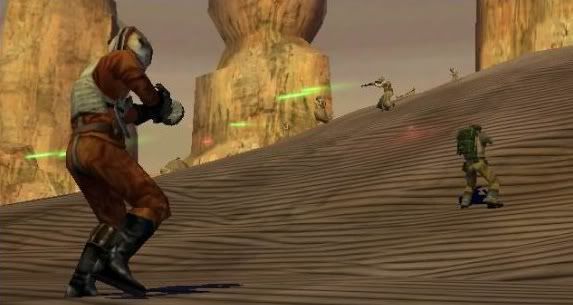
Fiodis wrote:I thought stock Naboo had bumpmapped terrain? At any rate there's a tga.option for its terrain with bump parameters and it does make the terrain look raised or lowered when light shines on it.
I see the bump texture, but the terrain file itself has no reference to the texture. If there's any application of a bump map it's through the parameter (TerrainBumpTexture) in the .sky file. I don't know if it has any effect since I've never noticed a difference. It may just be a distance view modifier, I don't know.myers73 wrote:Naboo terrain is bumpmapped
Code: Select all
PC()
	{
		TerrainBumpTexture("VRM_main_1_bump", 1.0); // <<== this part yo

		DomeModel()
		{
			Geometry("vrc_sky_dome");
		}
		DomeModel()
		{
			Geometry("vrc_sky_clouds");
			Offset(160.0);
			MovementScale(0.992);
			rotationspeed(0.001, 0,1.0,0);
		}
	}