How to create models in XSI and other 3D applications and make them work in Battlefront 1 & 2. Post models, tips for application usage and share anything XSI, 3DMax, SketchUp, etc.
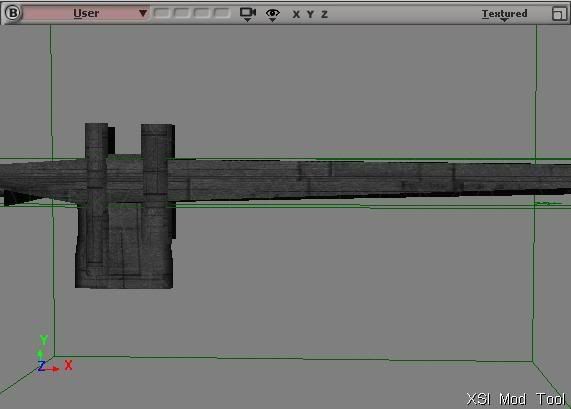
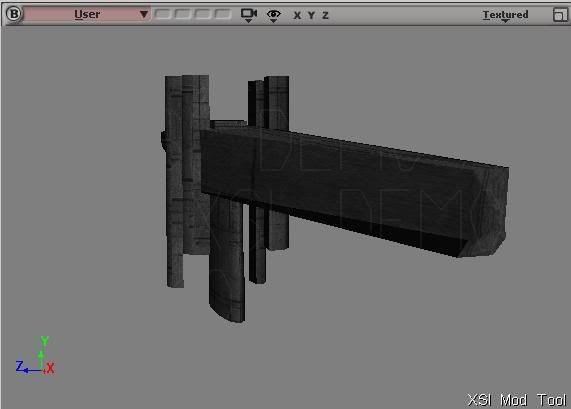
Well. I got it as close as I could to an ARC Hammer in a picture I had. I added my own characteristics to it though... as there were tons of different variations of pictures of it everywhere. lol
I'm working with texturing it at the moment, but without further adue. A picture of the hopefully soon to be in game for modders, the ARC Hammer:
Last edited by RevanSithLord on Fri Sep 26, 2008 7:40 am, edited 1 time in total.
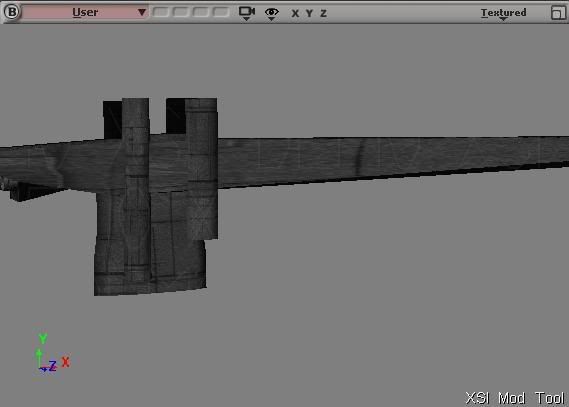
Yeah. Texturing is proving to be a nuisance though. I'm even following the tutorial on how to do it too... I just want a decent hull plating look on it all.
I went as far as adding engines to the aft of the ship.
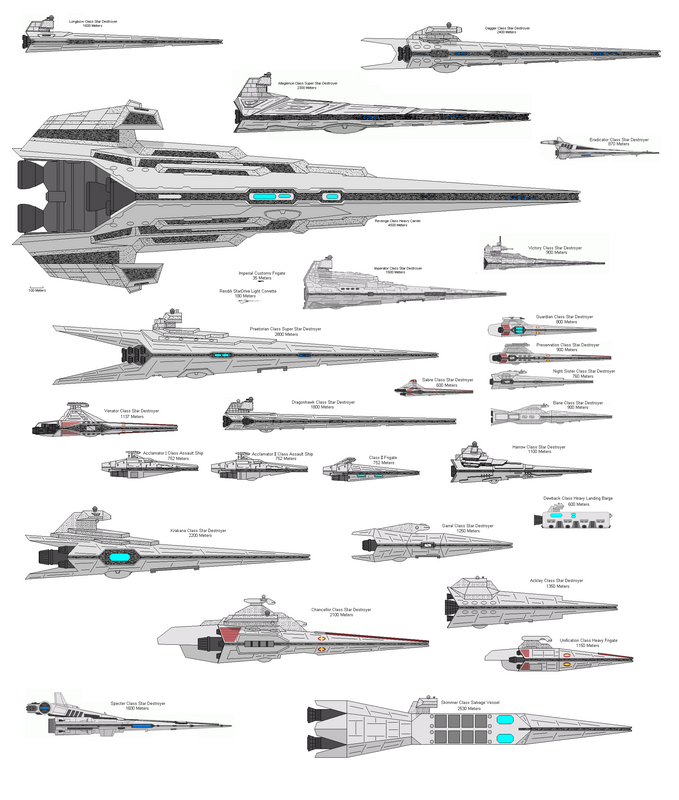
Also. The list of ships I am doing said a few not known by many.
Here is side-view of the ships I said. Gonna be all the Republic ones on there, excluding the ones already known (such as the Acclamator and Venator)-
RevanSithLord wrote:Yeah. Texturing is proving to be a nuisance though. I'm even following the tutorial on how to do it too... I just want a decent hull plating look on it all.
I went as far as adding engines to the aft of the ship.
I would think the Intridictor Cruisers would be awsome
That would be my #1 choice of made ship (that or dreadnought)
I wonder though if the spheres on it would be easy . . .
@ Train. I didn't use that picture for the ARC Hammer reference, nor the Eclipse. But for the others, I really have no choice as that is the only view of those rest of ships I have.
I have tons of Doomgiver-II (Doomgiver without pods, but more turrets) pictures and Eclipse-I and II pictures already. As well as Dreadnoughts.
However the other ships only present the side view.
And yes, I can do the Imperial Immobilizer Interdictor Cruisers. That's pretty easy for me.
Just to give you some perspective: If this were a map WIP, it'd only be about 2-3%, and locked. It's not, and I have no problem with the topic, but just FYI, making a model (especially such a large one - and eight of them, no less) is the easy part. You'll probably want to touch up the model[s] (increase detail). Likewise, you've got a boatload of texturing to do. I know firsthand that it's really easy to look at a "finished" model and say "Gee whiz, I'm just about done!"
You're really only beginning. Not trying to be harsh - on the contrary, I applaud any effort to mix up the capital ships we have, but you need to keep a fresh perspective on how much work you've got to do.
Yeah. I wouldn't have put something as small as this in map/mod wip thread, because technically they're only models so far, and quite a pain as a matter of fact. And I don't go as far as disobeying the rules by posting in there with 2% or less in where it specifically says 50% and over should be completed.
RevanSithLord wrote:Yeah. I wouldn't have put something as small as this in map/mod wip thread...
Yeah. I've actually done that before. I thought I was going to make a map (with a campaign element, no less! ) of Peragus Station from KotOR 2. I started a WIP topic with the sides mostly created and a couple untextured models. I'm pretty sure that I actually thought I was more than 50% done. Well, it turned out that I was not done at all (it would have required almost entirely new interior models, and although I had done one of the largest interior models I was still far from done. I never textured those models and I never ended up finishing that map. Lesson learned.
Oh, and of course I had no idea how I would make a campaign.
good, good.
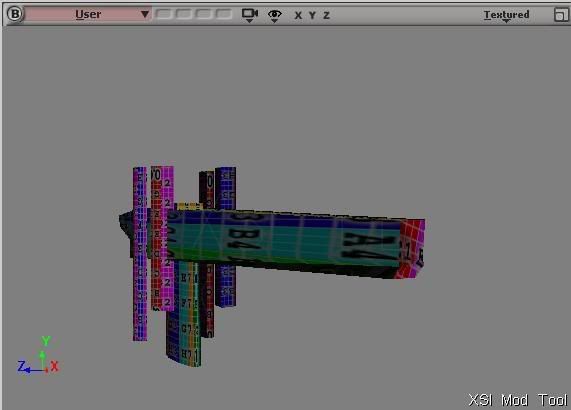
The cylinders look good, but the main body's texture is stretched, and a little warped.
To remedy this, you could select that portion of the mesh, open the UV editor, and straighten it's UV's, they probably look like trapezoids.
If you select their vertices's, and move them to make the shapes box or rectangle like, it will greatly improve the look.
Or you could also select that portion, and give it a "Cubic" texture projection, that might be a faster way.
Yea, its a texture control, you can select it, and scale it, etc. and it will affect the skin of the mesh it controls.
You can hide it from view if you click the little eye button, and un-check the "texture controls" line.







 ) of Peragus Station from KotOR 2. I started a WIP topic with the sides mostly created and a couple untextured models. I'm pretty sure that I actually thought I was more than 50% done. Well, it turned out that I was not done at all (it would have required almost entirely new interior models, and although I had done one of the largest interior models I was still far from done. I never textured those models and I never ended up finishing that map. Lesson learned.