Page 1 of 6
The Cantina Club!
Posted: Sun Jul 15, 2007 10:43 pm
by Darth_Z13
For more information on the club itself, please visit
this thread.

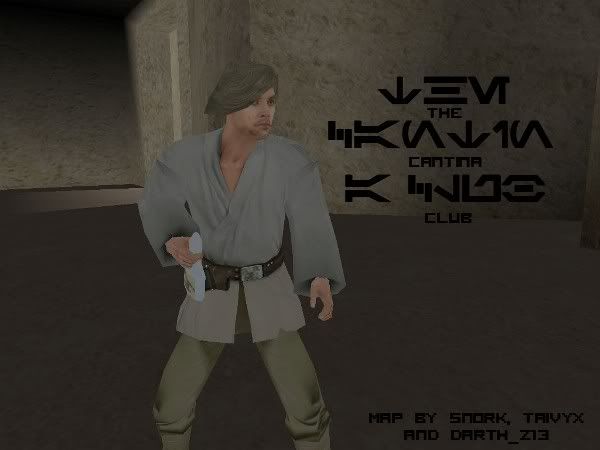
Featuring...
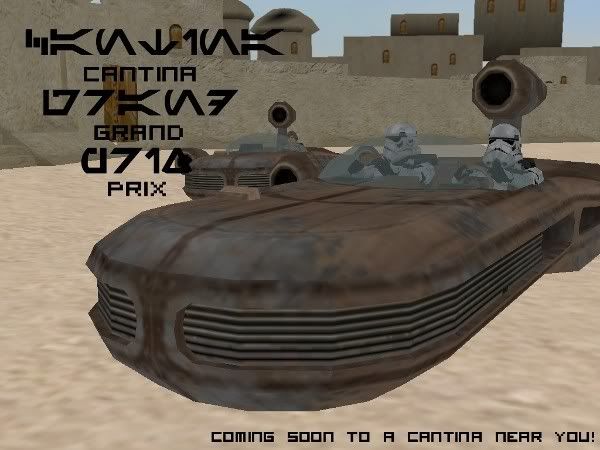 -Unit Setup-
'Customers' Side
Human Customer
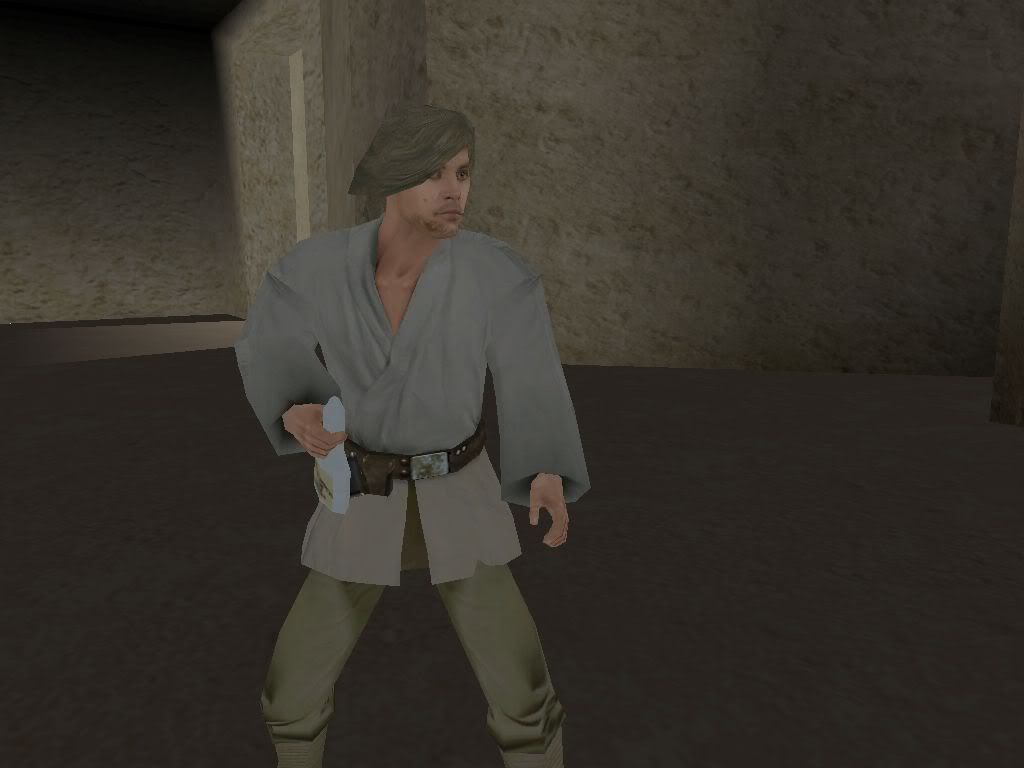
Human Customer
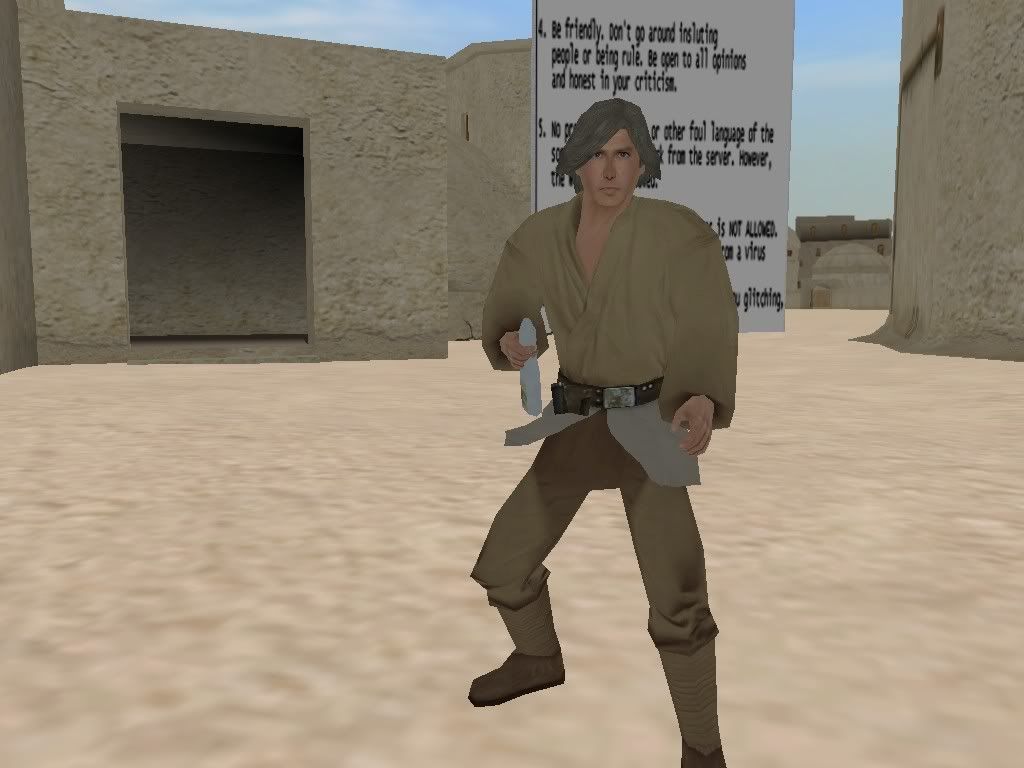
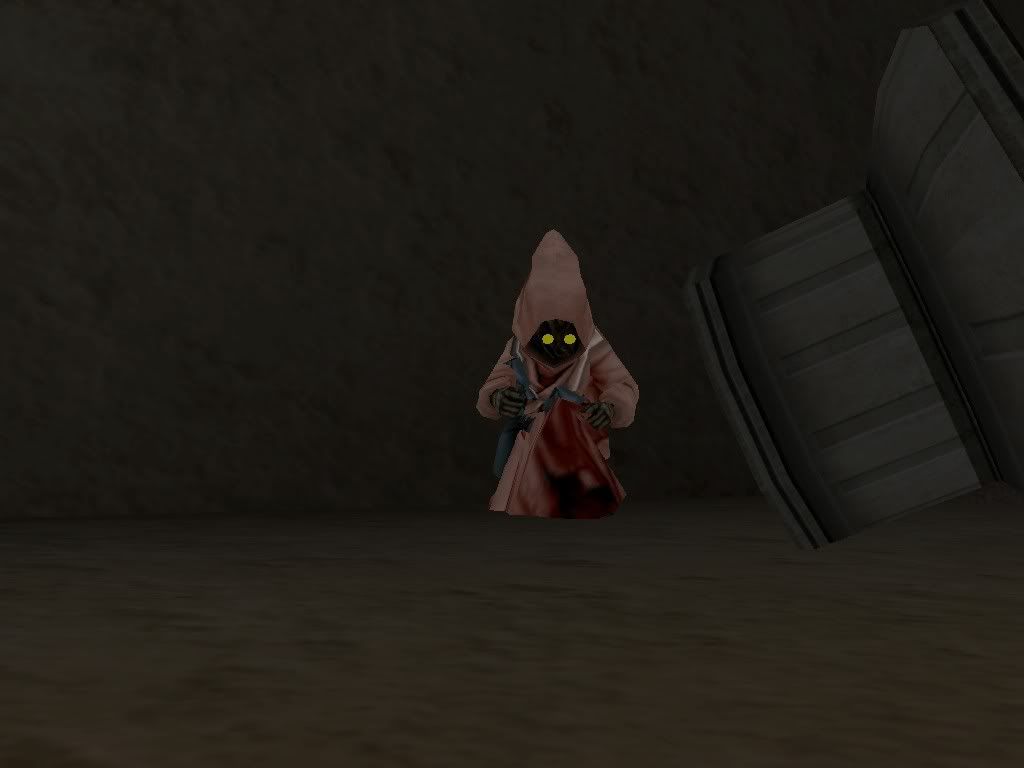
Jawa Customer
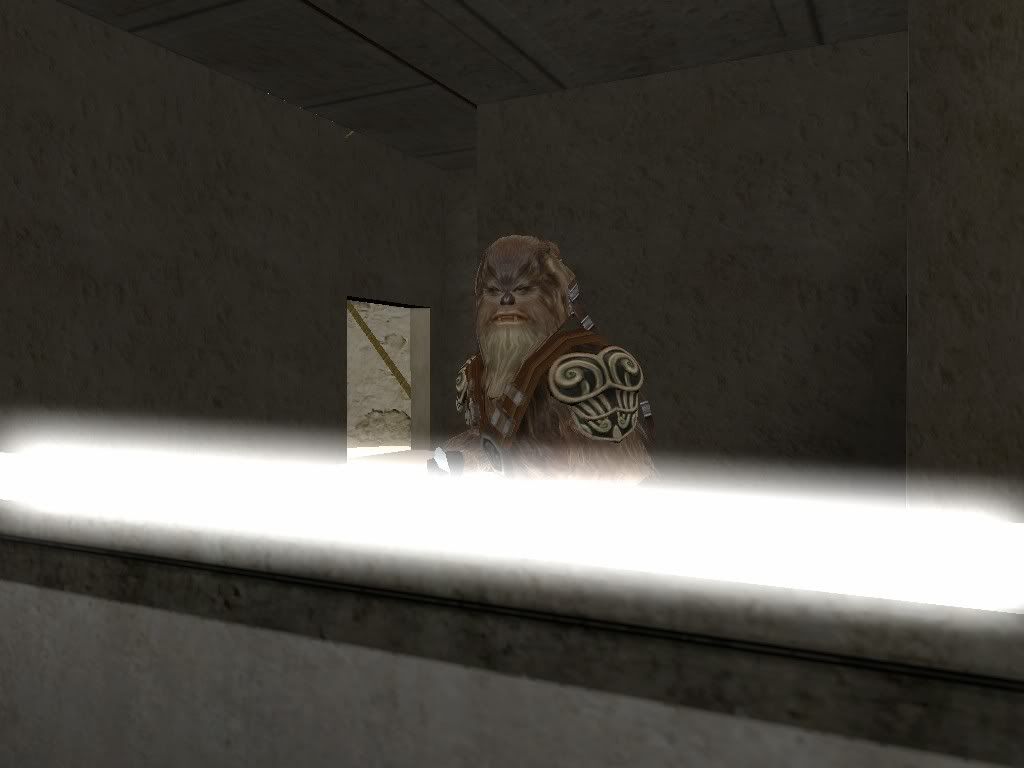
Wookiee Customer
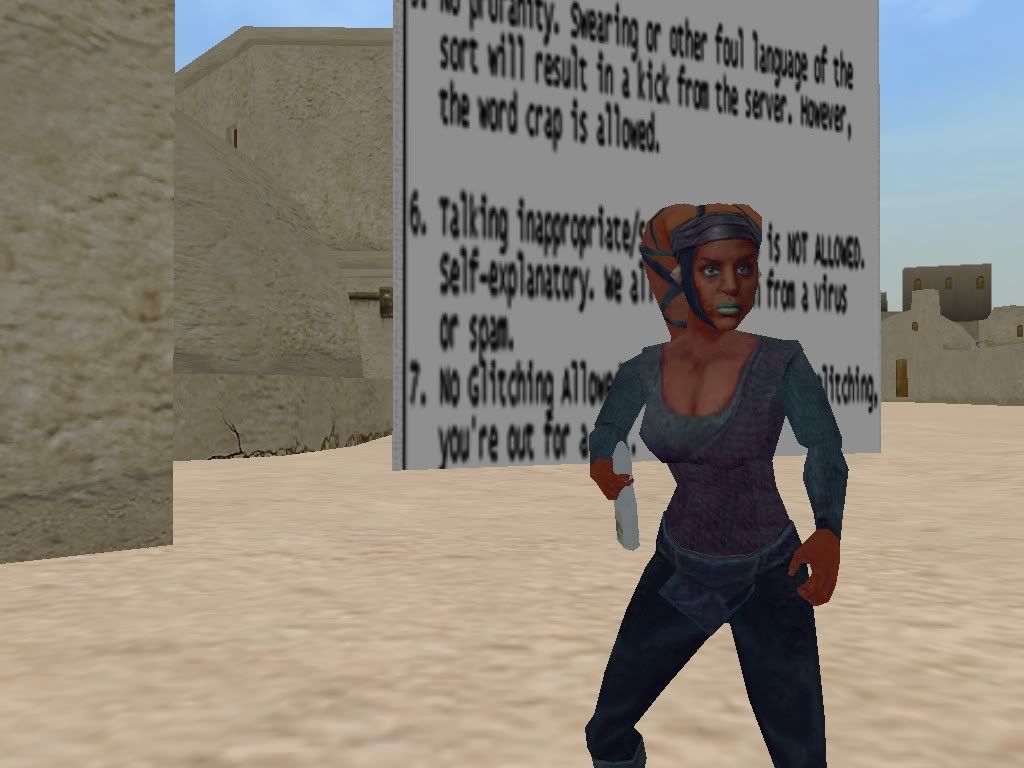
Twi'Lek Customer
Skin by Droideka88 and Myself
'Mercenaries' Side
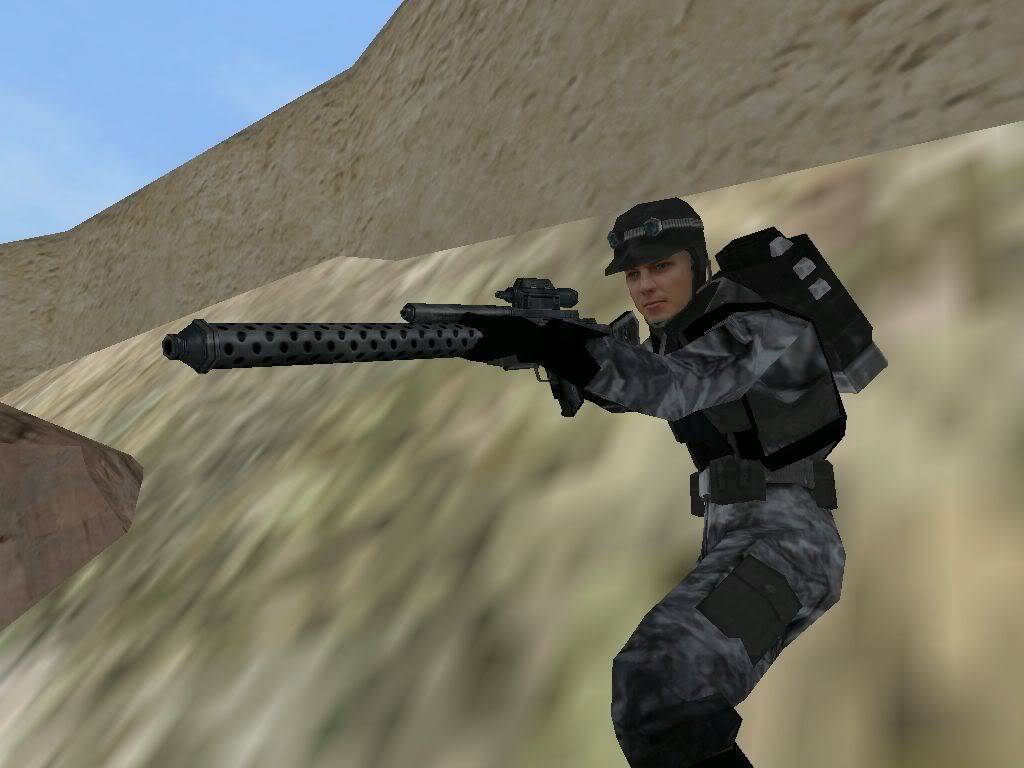
Human Mercenary
Skin by Syth
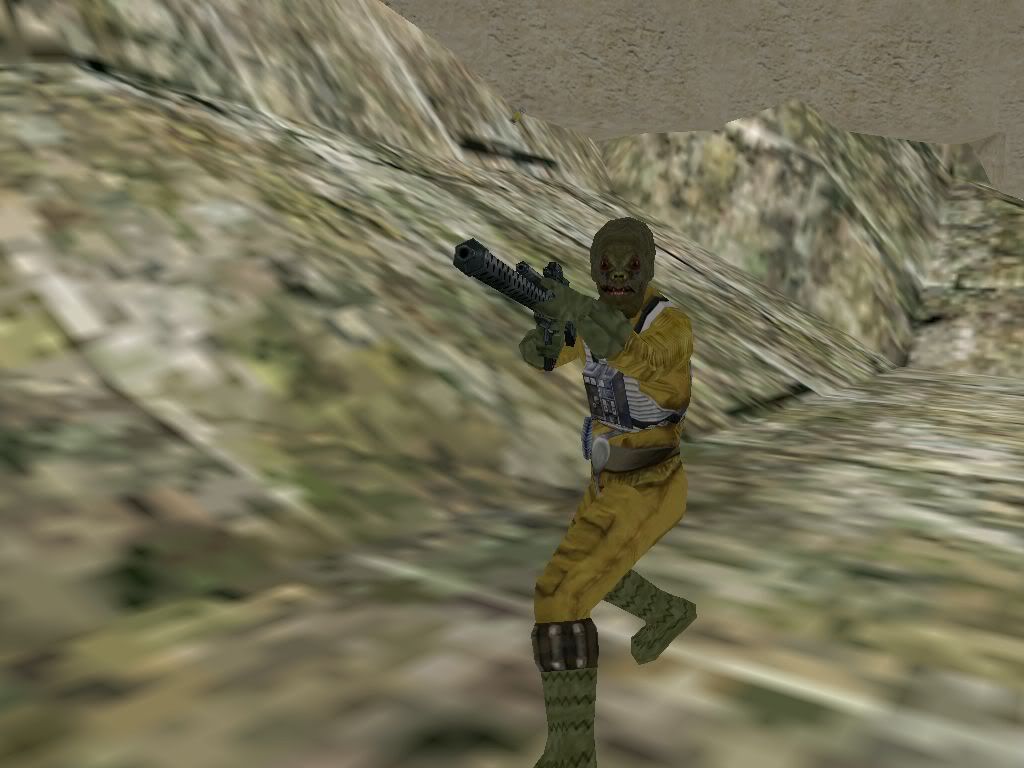
Weequay Mercenary
Skin by The_Emperor
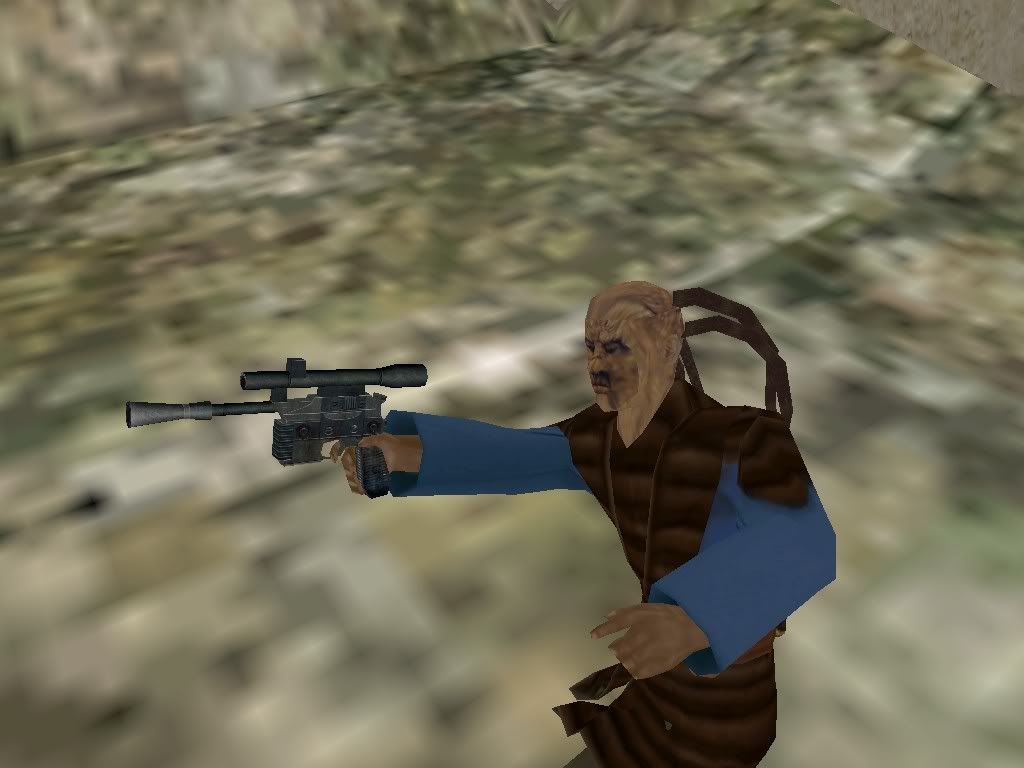
Trandoshan Mercenary
Skin by Syth
'The Creatures'
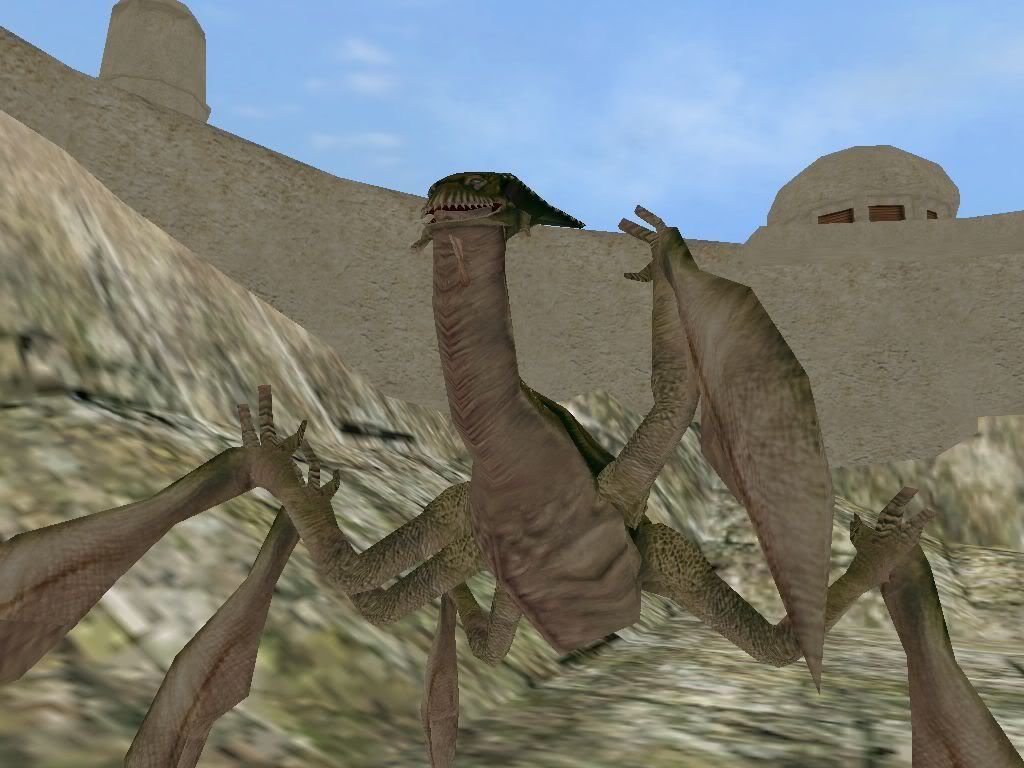
Acklay
 -The Map-
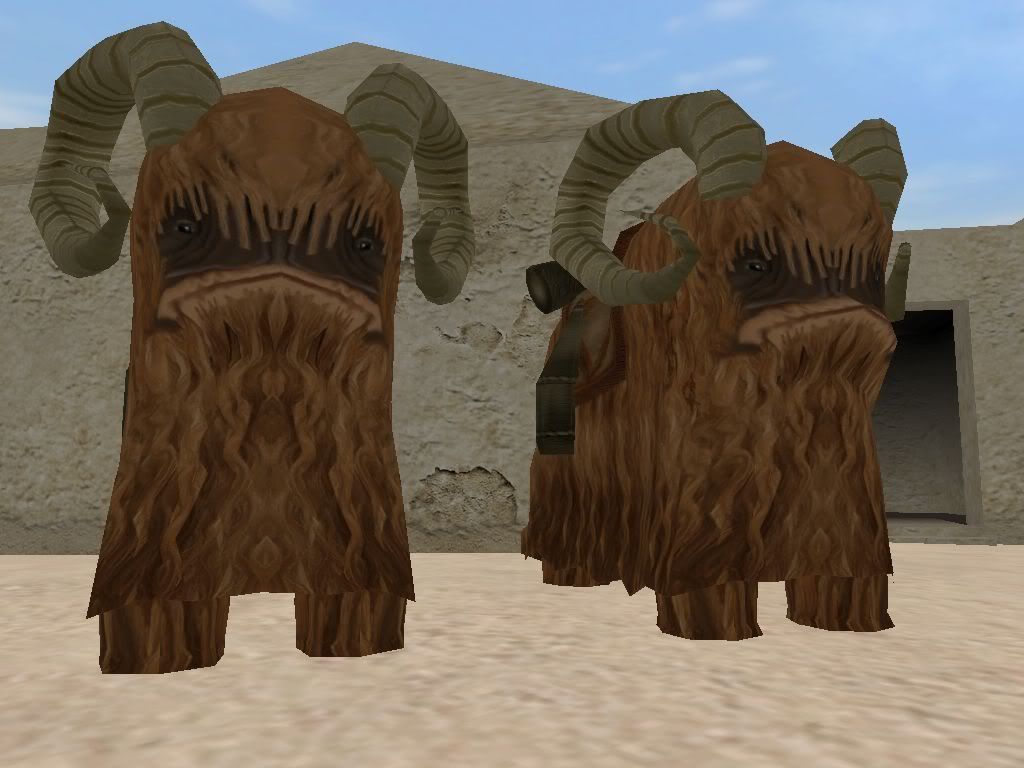
Bantha standing near the entrance to the Cantina
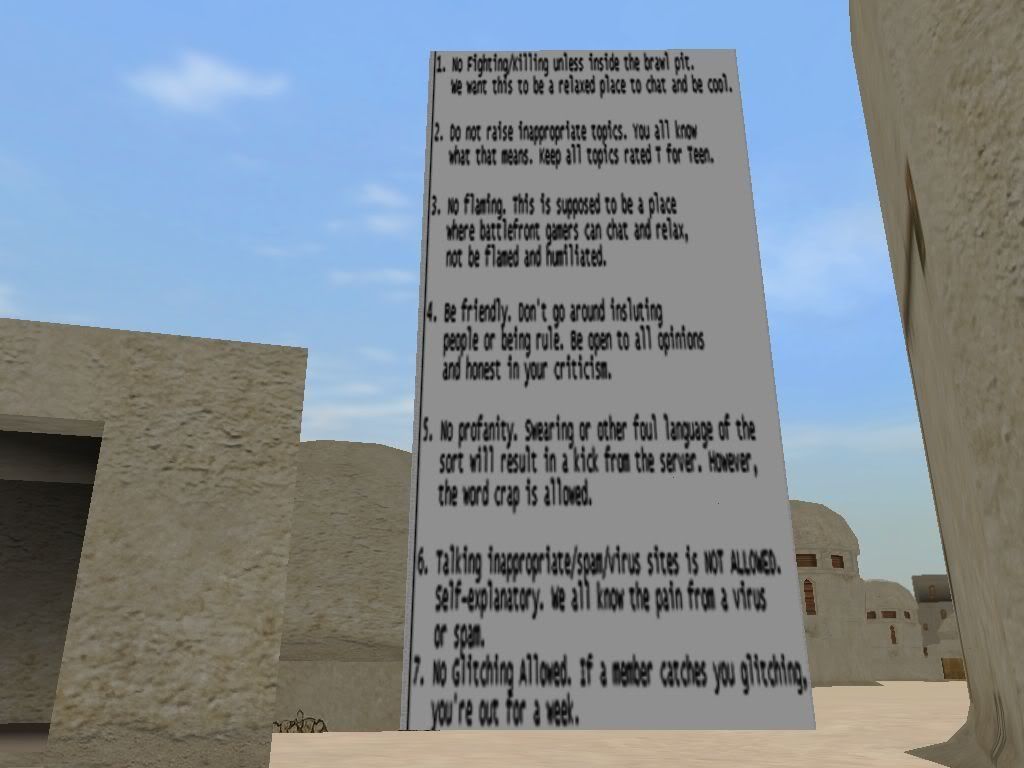
The Floating Rules List
Of DOOM!!!
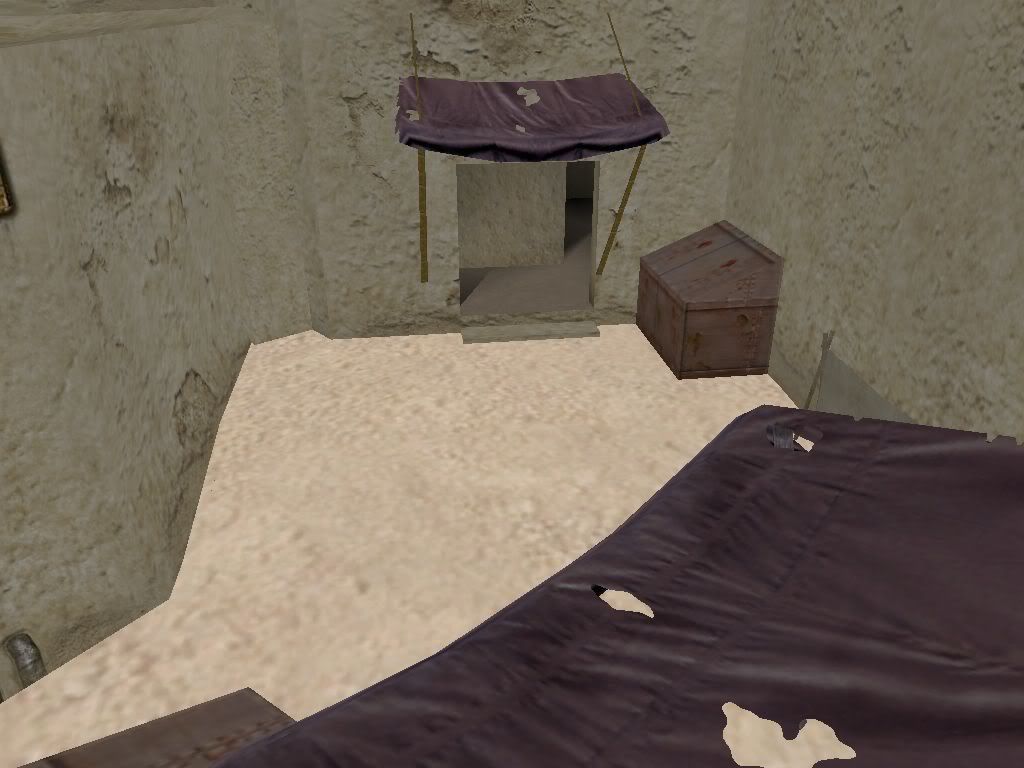
Back Alley
Wanna buy some death sticks?
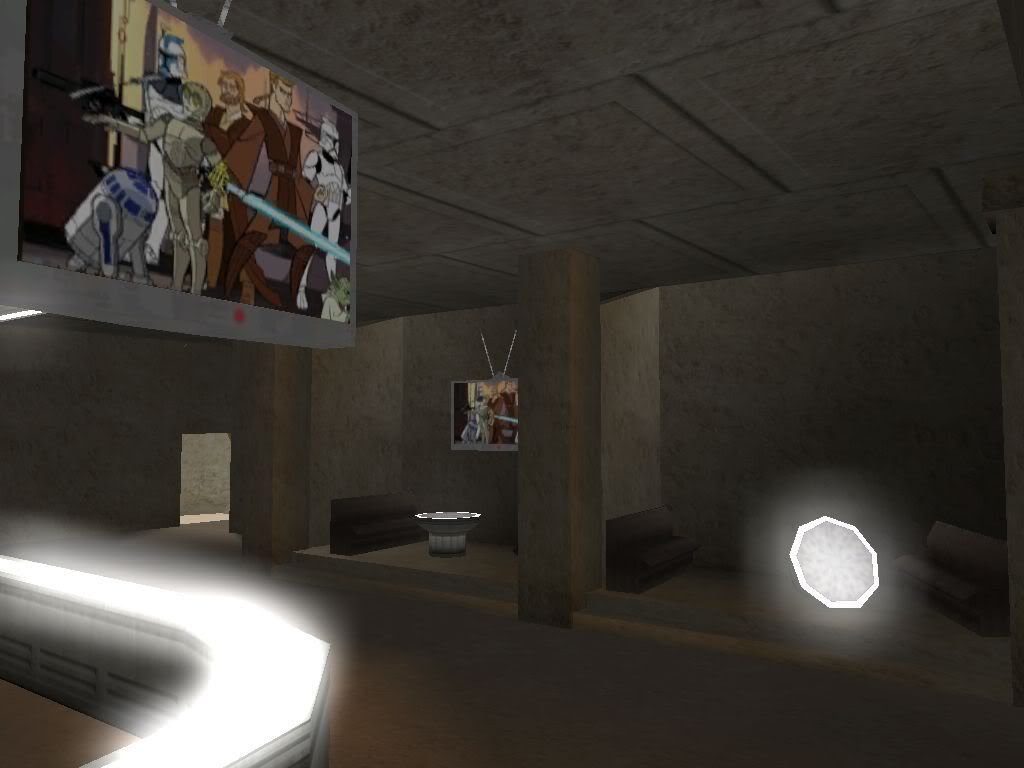
Cantina Interior
TV image subject to change
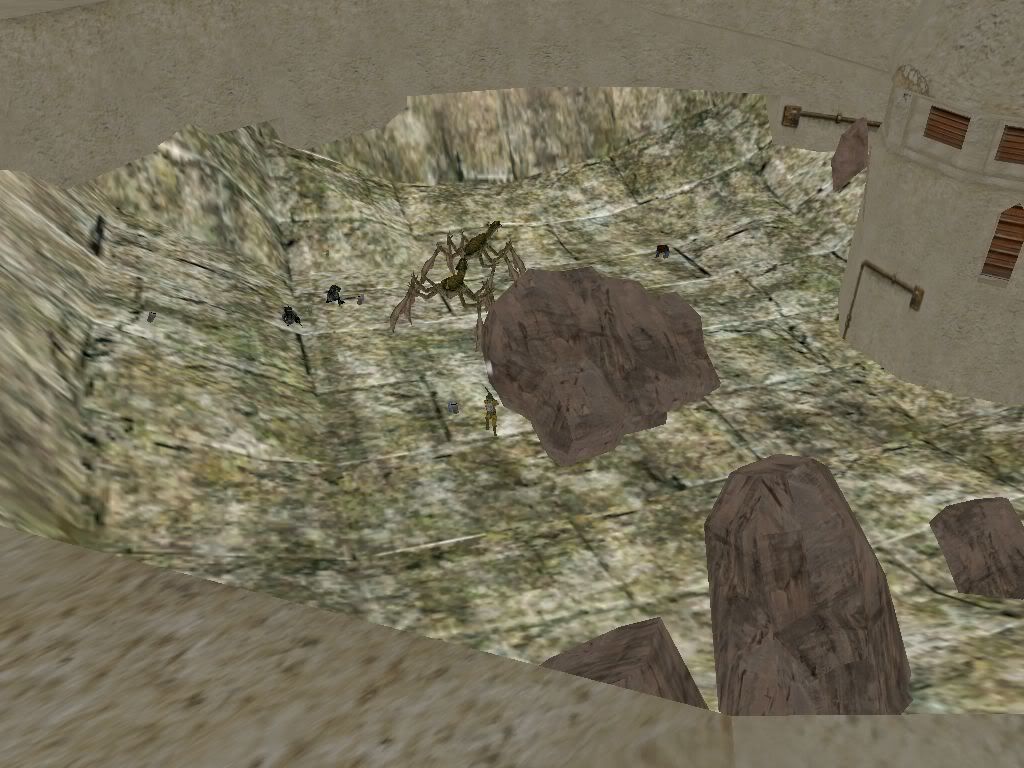
The Battle Pit
 -Thanks To-
Syth- Weapons, Skins
Snork- Starting the Map
Taivyx- Working on the Map
Caleb1117- A Bunch of his models
[unnamed .MSH exporter]- Exporting Models
NeoMarz- Bantha Model
AceMastermind, Maveritchell, FOOLIS, Alpha- Landspeeder Stuff
MasterSaitek009- Various Tutorials
Droideka88- Twi'Lek Skin Base
EGG_GUTS- Dreadlocks Tutorial
Suggestions and comments are welcome!

Posted: Sun Jul 15, 2007 10:51 pm
by Maveritchell
Lol, using ZE anims, you could make it so that the TV tells a story.
Posted: Sun Jul 15, 2007 10:57 pm
by Darth_Z13
You could actually animate a short clip but it would take a heck of a long time.

Posted: Sun Jul 15, 2007 11:11 pm
by MasterSaitek009
Get a hold of Rends and ask him how he animated the signs in Coruscant: Streets.
Anyways looks fun.

Do you want a Chiss or any other skin?
Too bad I don't play on-line

Posted: Sun Jul 15, 2007 11:32 pm
by Darth_Z13
Maybe you could make me a cool wookiee skin, if you can think of something.
Posted: Sun Jul 15, 2007 11:50 pm
by FragMe!
So without going back and reading the entire other thread, looks good.
One thought though, how about another area without monsters or AI but
rather just a big cage where two men enter and one man leaves or waits
for the next challenger. Could have one or two health droids to health up
between matches. Others could stand outside and watch the battle. Would
have to have team damage on depending on which side they were playing,
assuming of course they can be jedi types.
Yes it is Thunderdome!
Posted: Sun Jul 15, 2007 11:51 pm
by DarthMan
Cool, I wanted to join this but never checked back in on the thread. This will be cool.
Posted: Mon Jul 16, 2007 5:54 am
by The_Emperor

my Weequay is bald!

You should give him some scaled down wookiee tentacles, that looks muchos better
Posted: Mon Jul 16, 2007 10:57 am
by {501st}Commander_Appo
Wow ,now this the cantina bar I always wanted for SWBFII good luck with ur progress shtr
-CC-1119/Commander Appo
Posted: Mon Jul 16, 2007 11:04 am
by EGG_GUTS
You should put Jabba somewhere in the map. Looking good so far.
Posted: Mon Jul 16, 2007 12:07 pm
by Darth_Z13
The_Emperor wrote: my Weequay is bald!
You should give him some scaled down wookiee tentacles, that looks muchos better
How do I do that?
EGG_GUTS wrote:You should put Jabba somewhere in the map.
I was thinking about it but, I don't think he should be there. What does everyone else think about having Jabba in the map?
Posted: Mon Jul 16, 2007 12:31 pm
by EGG_GUTS
Darth_Z13 wrote:The_Emperor wrote: my Weequay is bald!
You should give him some scaled down wookiee tentacles, that looks muchos better
How do I do that?
You just move all the odfs and msh of the tentacles from the all folder to the folder with the Weequany
Then skin them if you want (all_inf_wookie.tga)
Open up the Wookie dreads ODFs
[GameObjectClass]
ClassLabel = "cloth"
[Properties]
attachedmesh = "all_inf_wookie"
CrossConstraint = 0
ParticleMass = 2.0
Then Just replace the all_inf_wookie with your weequany odf name.
Next you have to make a all_inf_wookiedreads.msh.option with Notepad.
( I just opened the all_inf_wookie.msh.option and copyed everything from it and pasted it in the the one your making.) Then Add -scale0.65 so it looks like this
-nocollision -keepmaterial override_texture -scale 0.65
Then open your weequany Odf and add this (this is Obi-wan's odf but anyways)
[GameObjectClass]
ClassParent = "com_jedi_default"
GeometryName = "rep_inf_ep3obiwan.msh"
[Properties]
AISizeType = "HOVER"
GeometryName = "rep_inf_ep3obiwan"
GeometryLowRes = "rep_inf_ep3obiwan_low1"
AnimationName = "obiwan"
ClothODF = "rep_inf_ep3obiwan_skirt"
//ClothODF = "all_inf_wookie_dreads1"
//ClothODF = "all_inf_wookie_dreads2"
//ClothODF = "all_inf_wookie_dreads3"
//ClothODF = "all_inf_wookie_dreads4"
// the cool bit - Mike Z
AnimatedAddon = "DREADS"
GeometryAddon = "all_inf_wookiedreads"
AddonAttachJoint = "bone_head"
NumTentacles = "4"
BonesPerTentacle = "5"
TentacleCollType = "1"
JetJump = "10.0" //The initial jump-push given when enabling the jet
JetPush = "0.0" //The constant push given while the jet is enabled (20 is gravity)
JetAcceleration = "10.0" // for characters with jet jump, use this acceleration for in air control
JetEffect = ""
JetFuelRechargeRate = "0.0" //Additional fuel per second (fuel is 0 to 1)
JetFuelCost = "0.0" //Cost per second when hovering (only used for jet-hovers)(fuel is 0 to 1)
JetFuelInitialCost = "0.0" //4initial cost when jet jumping(fuel is 0 to 1)
JetFuelMinBorder = "0.0" //minimum fuel to perform a jet jump(fuel is 0 to 1)
JetShowHud = 0
JetEnergyDrain = 40.0
CollisionScale = "0.0 0.0 0.0" // don't take damage from collisions
WEAPONSECTION = 1
WeaponName1 = "rep_weap_lightsaber_obiwan"
WeaponAmmo1 = 0
WEAPONSECTION = 2
WeaponName2 = "com_weap_inf_sabre_throw"
WeaponAmmo2 = 0
WeaponChannel2 = 1
WEAPONSECTION = 3
WeaponName3 = "com_weap_inf_force_push"
WeaponAmmo3 = 0
WeaponChannel3 = 1
//SOUND
SndHeroSelectable = ""
SndHeroSpawned = "hero_obiWan_spawn"
SndHeroDefeated = "hero_obiWan_exhausted"
SndHeroKiller = "hero_obiWan_exhausted"
VOSound = "rep_off_response_hero_command SC_Follow"
VOSound = "rep_off_response_hero_command SC_StopFollow"
VOSound = "rep_off_response_hero_command SC_VehicleWaitUp"
VOSound = "rep_off_response_hero_command SC_GetIn"
VOSound = "rep_off_response_hero_command SC_GetOut"
VOSound = "hero_obiWan_AcquiredTarget AcquiredTarget"
VOSound = "hero_obiWan_KillingSpree4 KillingSpree4"
VOUnitType = 190
SoldierMusic = "rep_hero_ObiWan_lp"
HurtSound = ""
DeathSound = ""
AcquiredTargetSound = ""
HidingSound = ""
//ApproachingTargetSound = ""
FleeSound = ""
PreparingForDamageSound = ""
HeardEnemySound = ""
ShockFadeOutTime = ""
ShockFadeInTime = ""
ShockFadeOutGain = ""
ShockSound = ""
ClothingRustleSound = ""
//LowHealthSound = "com_inf_saber_ambient"
LowHealthThreshold = "1.1"
FoleyFXClass = "rep_inf_soldier"
Munge and your done.
Posted: Mon Jul 16, 2007 12:32 pm
by Xavious
Only if he's destroyable.
Posted: Mon Jul 16, 2007 12:34 pm
by EGG_GUTS
Ya and make all the chunks red and green
Posted: Mon Jul 16, 2007 1:38 pm
by phazon_elite
The problem with your tutorial is that the red highlighted lines you specified, EGG_GUTS, are commented out. Just take out those two slash thingies and it'll work.
- EP-782
Posted: Mon Jul 16, 2007 1:44 pm
by EGG_GUTS
Actually I think the 2 \s are spose to be there. They are in the wookie ODF. They might not make a difference.
Posted: Mon Jul 16, 2007 3:21 pm
by The_Emperor
\\ means the munge doesn't read it, so you can make notes.
Posted: Mon Jul 16, 2007 3:28 pm
by king
If this is the wrong place to post this sorry but can I join the Cantina Club?
Posted: Mon Jul 16, 2007 5:06 pm
by Dohnutt
hey lol col map duda i liek it a lol LOLOLOLOLOLOLOLOLO!!!!!1!!11!!!111!11
Sorry
But seriously. I dunno why, but I like these sorta things. Just a hangout.
Posted: Mon Jul 16, 2007 5:29 pm
by Caleb1117
Cool, my wee beer bottle worked.
I'm so proud.
I can't wait for this, it looks nice.
I'm not sure, But I think its possable to get a weapon to heal its user, is that possable with the bottle?
I think Jabba in the map would be cool, along with a few animated prop goons. (like Snork posted a tut about.)
Also, When you get a chance, could you send me the beer bottle weapon? I'll put it in my pack.