Page 1 of 1
Metalic effect for skinning
Posted: Sat Oct 10, 2009 6:03 pm
by Recon Trooper
How do you make a metalic effect for any colour in GIMP?
Re: Metalic effect for skinning
Posted: Sat Oct 10, 2009 6:20 pm
by Fiodis
Please elaborate on "metallic effect".
Re: Metalic effect for skinning
Posted: Sat Oct 10, 2009 6:25 pm
by Recon Trooper
When I mean metallic effect...
I mean making a colour shine
Re: Metalic effect for skinning
Posted: Sat Oct 10, 2009 6:33 pm
by mswf
Shining ingame? Then you'd have to create an envmap and apply it to a model using MshEx. (search around for both tearms. MshEx is a tool that's created by RepSharpshooter)
Re: Metalic effect for skinning
Posted: Sat Oct 10, 2009 6:39 pm
by eliminator
i think i don't mean something like shining effects...
i can't explain what he mean, may i can fix it with an example:
Re: Metalic effect for skinning
Posted: Sat Oct 10, 2009 8:12 pm
by Fiodis
Umm....you want to take a base color and give it metallic details?
Re: Metalic effect for skinning
Posted: Sat Oct 10, 2009 8:31 pm
by RogueKnight
Fiodis wrote:Umm....you want to take a base color and give it metallic details?
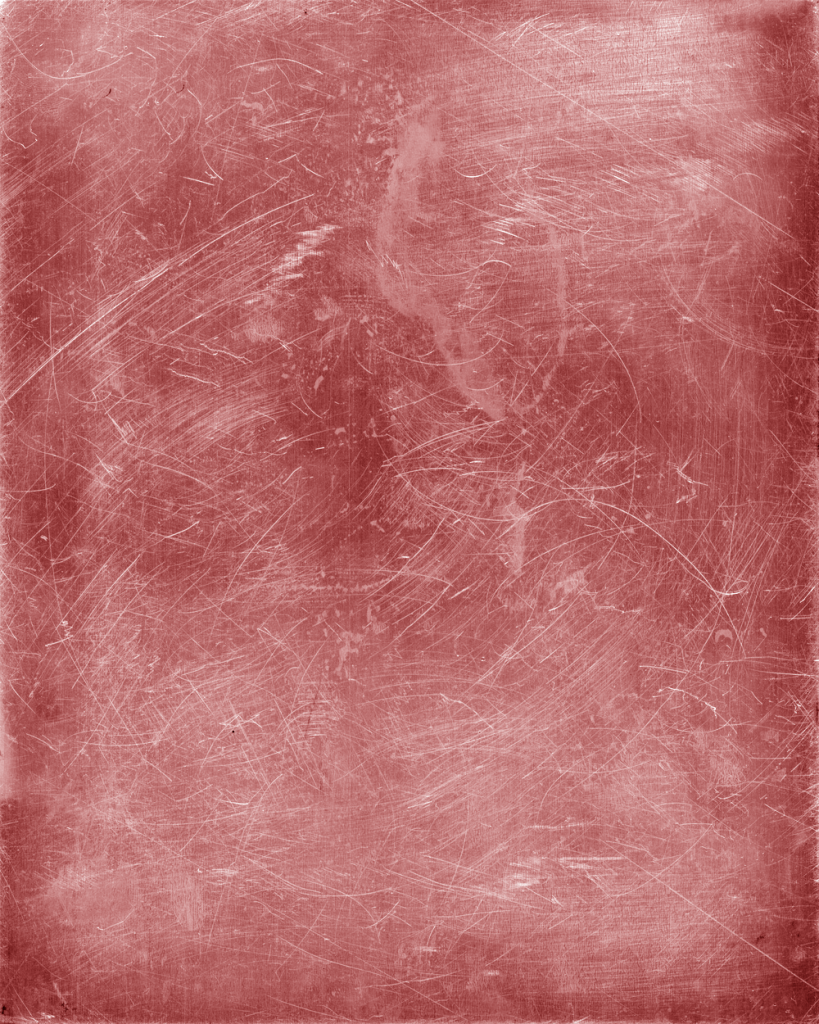
I believe he means something similar to this;
Re: Metalic effect for skinning
Posted: Sun Oct 11, 2009 12:06 am
by Recon Trooper
DarthRogueKnight wrote:Fiodis wrote:Umm....you want to take a base color and give it metallic details?
I believe he means something similar to this;
Yes...
Re: Metalic effect for skinning
Posted: Sun Oct 11, 2009 12:14 am
by RogueKnight
Recon Trooper wrote:DarthRogueKnight wrote:Fiodis wrote:Umm....you want to take a base color and give it metallic details?
I believe he means something similar to this;
Yes...
Well, I can't help you much, sorry, I do all my texturing via any good texture I can find on google images.
That lovely texture was provided by ?Wolor? and colored by me using colorize.
Re: Metalic effect for skinning
Posted: Sun Oct 11, 2009 10:20 am
by Master_Ben
Well, if you're editing an existing skin, which I assume you are, create a new, transparent layer and paint over it with white at an opacity, or copy and paste part of the skin into a new layer, edit brightness/contrast, and soften the edges.