How To's, Questions, and Solutions for problems. This covers anything from computer hardware problems to software recommendations to tutorials for various software programs.
Note: Neither Gametoast nor any of its members/visitors are responsible for any damage to your computer as a result from advice given in this forum. Follow advice at your own risk and be sure to back up any important files.
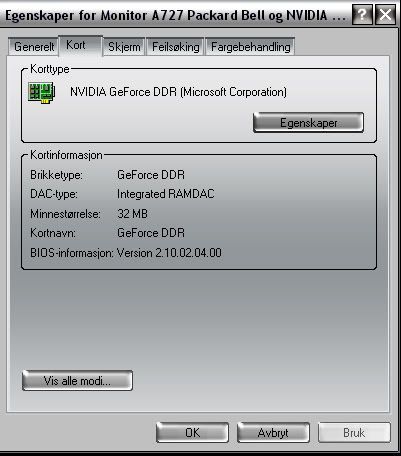
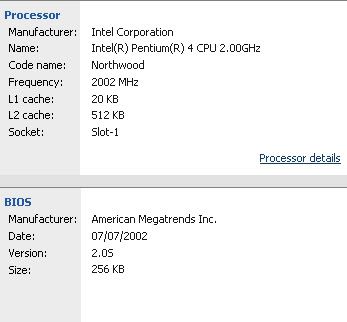
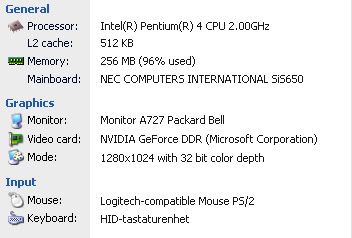
I really need OpenGL for two things... The irst is Star Wars edi Knight: Jedi Acadamy and the other is Softimage XSI. i have allready searched a bit on google, but found to many unnecesarry stuff. I know Bandu had this problem a while ago, and he uppdated his Graphics card,and it worked, but mine is up to date... So here is some information about my system:
click on Eganskaper (properties) and select GeForce DDR tab. Tell me what is in the Display Adapter Information says. If the GeForce DDR tab is not there, Tell me which ones are.
theguarder, as far as I know, downloading and updating your currentOpenGL version can only be done through the installation of the latest drivers intended to your nVidia Video Card, as stated in this Microsoft Article...