Page 4 of 8
Posted: Thu May 18, 2006 5:57 pm
by jangoisbaddest
Dude! I tried re - scaling that very object, and the collision geometry is wacked - how did you change that? (For starters, there was collision geometry right as you got out of the hangar - bad news for flyers lol). Because I'd really like to know!
Posted: Thu May 18, 2006 6:05 pm
by 11of3
just re scaled it,pop it in the map and it worked!
Posted: Fri May 19, 2006 1:48 pm
by Lord-Bandu
11of3 , I have to say, you make use of the shipped assets better than any1 iv seen.
I thought youd modelled that hangar

All id suggest ,in general, is to work on the lighting of your maps a little more ... use a directional light with shadows enabled and stick shadowregions in the interiors of the ships and deathstar tunnel.
Your previous map was let down by the lack of lighting ...if i remember correctly.
Posted: Fri May 19, 2006 2:25 pm
by 11of3
not figured out how to use lights yet!any tips?I would love to add some colours to the tuunels.I put one light object in the map but nothing happened.Thanks for the feedback on my use of shipped worlds assets,thats one of the reasons my maps take so long to make,finding the right object,reskining and getting them to work in a space map.
Posted: Fri May 19, 2006 4:55 pm
by Lord-Bandu
I did a tutorial for adding global light /shadows here
http://www.gametoast.com/index.php?name ... pic&t=3580
Posted: Sat May 20, 2006 6:51 pm
by jangoisbaddest
Okay, you are the key to ending my suffering 11of3. In two different maps, I need to scale things at least 2 or 3 times bigger than they are. They scale just fine, but they keep disappearing when you're looking at them in different angles. Also, the second object in question (the very one you are working with right now) has a really screwed - up mesh when I scale it. It doesn't even have the ramps on either side (the collision geometry for it is there, but not the texture), and it lookes stretched - but only on the inside! What the heck? So I guess I'm asking this - how do you scale an object up properly, because obviously just putting in the command line -scale 3 in the msh.option file doesn't cut it. How'd u do it?
Posted: Sun May 21, 2006 5:48 am
by 11of3
are you using the GeometryScale command in the ODF file?Also for ground objects to work in space maps,I copy all the maxhealth.respawn time and zoom details from space objects.This seems to do the trick for me with objects not always appearing in game.Hope this helps.
Posted: Sun May 21, 2006 3:14 pm
by jangoisbaddest
The GeometryScale command in the ODF only changes its size in ZeroEditor as far as I know. And no, I'm just using it on a ground map. It would make sense that it would affect it ingame as well, but it does not (at least for me). Where exactly do you put it, and do you add anything else? Sorry to be such a nag, but there's got to be a better way than scaling only the msh and having it dissappear at certain angles and such. Could I perhaps see your ODF file?
Posted: Sun May 21, 2006 5:14 pm
by 11of3
here`s what the ODF file looks like
[GameObjectClass]
ClassLabel = "armedbuilding"
GeometryName = "Pol_bldg_Hanger_dockingbay.msh"
GeometryScale = 4
[Properties]
GeometryName = "Pol_bldg_Hanger_dockingbay"
MaxHealth = "999999.0"
AddHealth = "50000.0"
RespawnTime = "999999"
FoleyFXGroup = "stone_foley"
hope this helps.
Posted: Mon May 22, 2006 7:15 pm
by Gunjak
by the way 11of3, if you want your AI flyers to follow paths, (ps flyers dont use hubs and connections) go to the paths tab, click new path and set the nodes on a trail like a rollercoaster, put them all over(you might wanna hit c-r under spline type, it gives a more curvy path), dont make them too sharp turns or else the flyer will turn at lightning speed(you see that with the speeders on hoth).
after you have done this, go to the bottom left of zeroedit and click on the add edit type bar and type "type" (without the quotes) then on the next bar (add/edit value) type "entitypath"(without the quotes.) after you have those typed in, hit set property underneath and those commands should now appear in the dark grey box above(this basically means it has been set.) repeat this with every path that you want your flyers to follow,
after a flyer has finished a path it will go onto the next and nearest path. This is an excellent way to make the AI go through tyour death star tunnels so it wont look so bare.
I really hope all this helped you mate

By tha way your map looks amazing keep up with the good work. I think we may have a map to stand up against xwingguys battle of endor map.
Posted: Tue May 23, 2006 3:56 pm
by 11of3
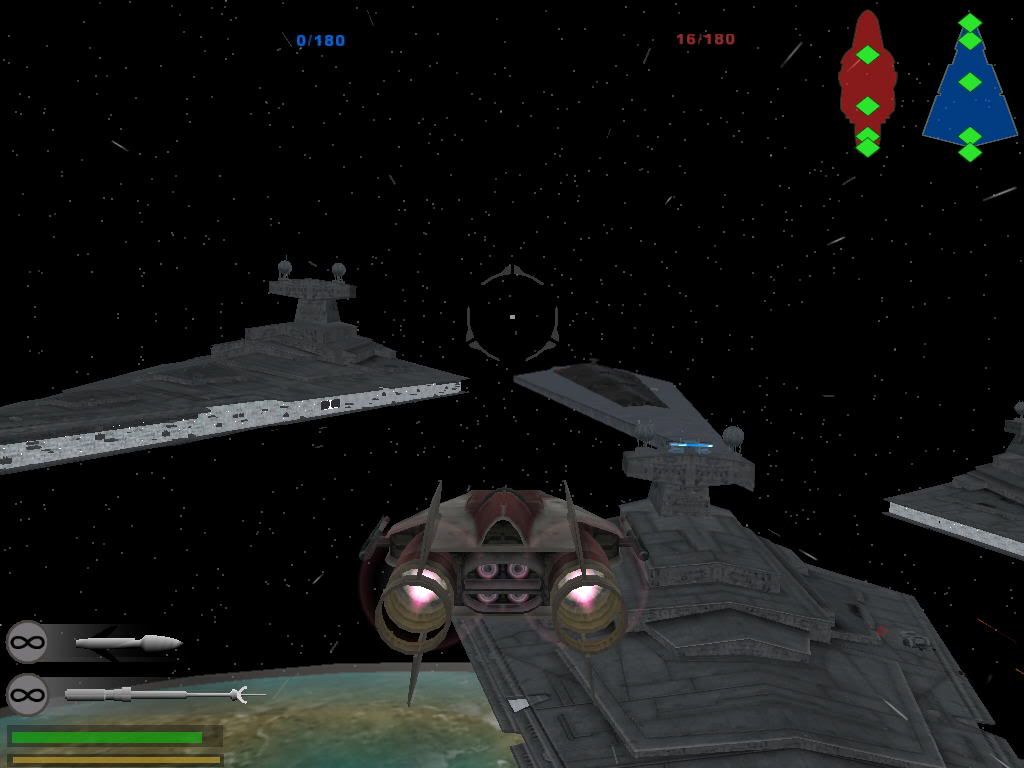
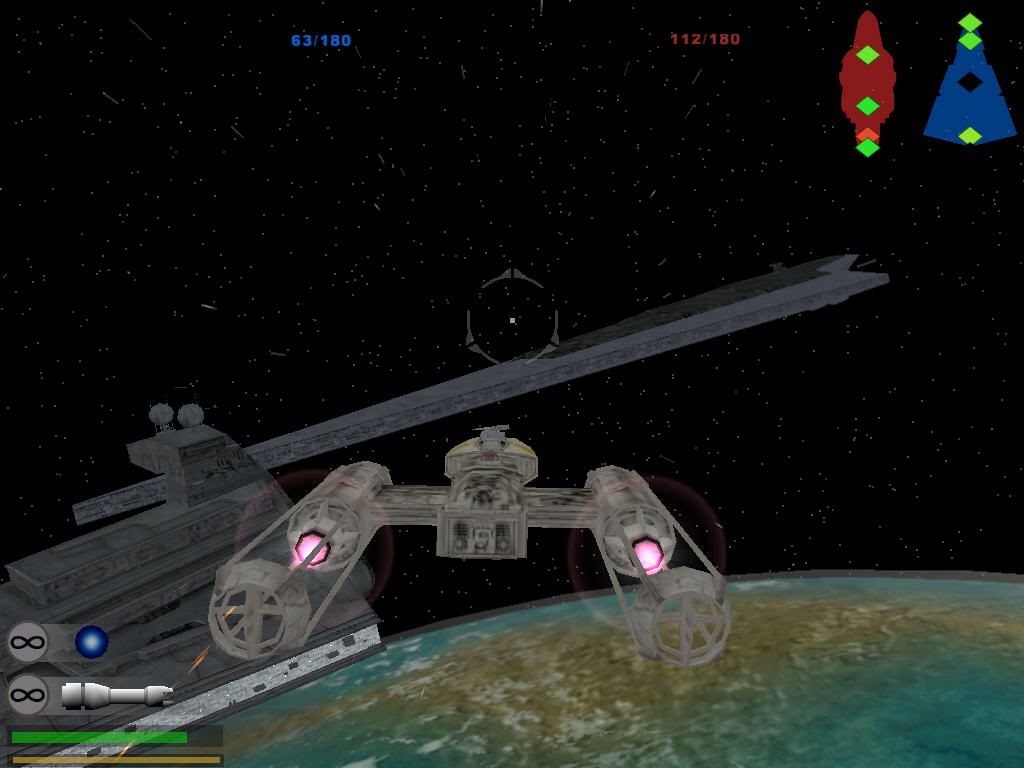
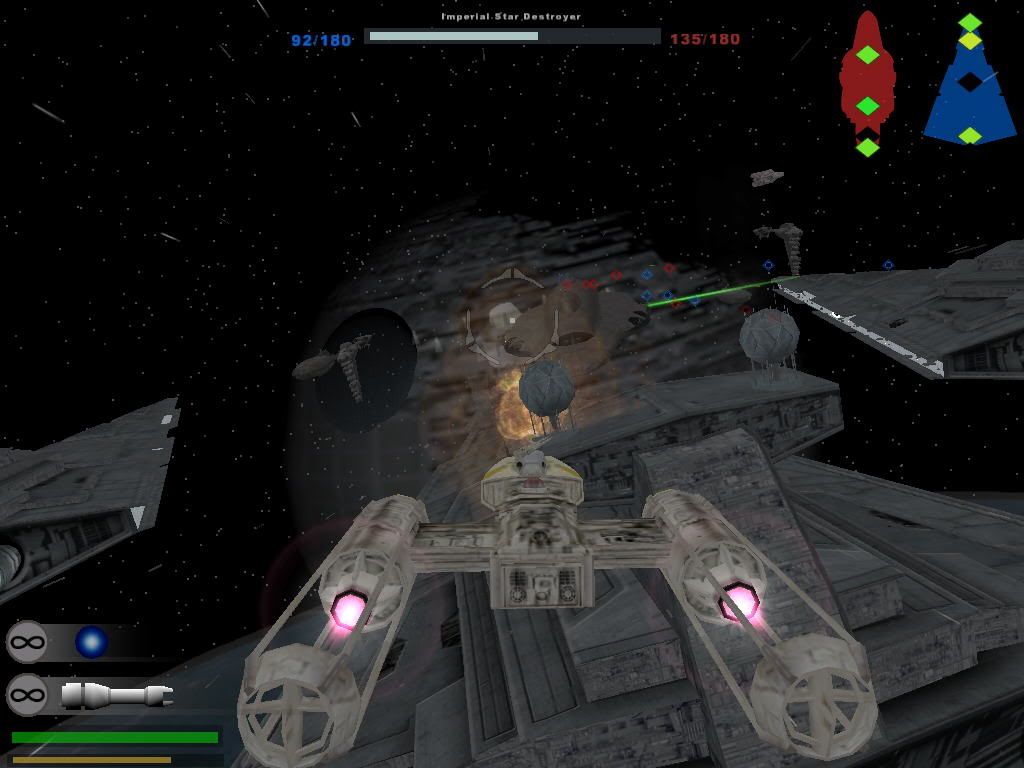
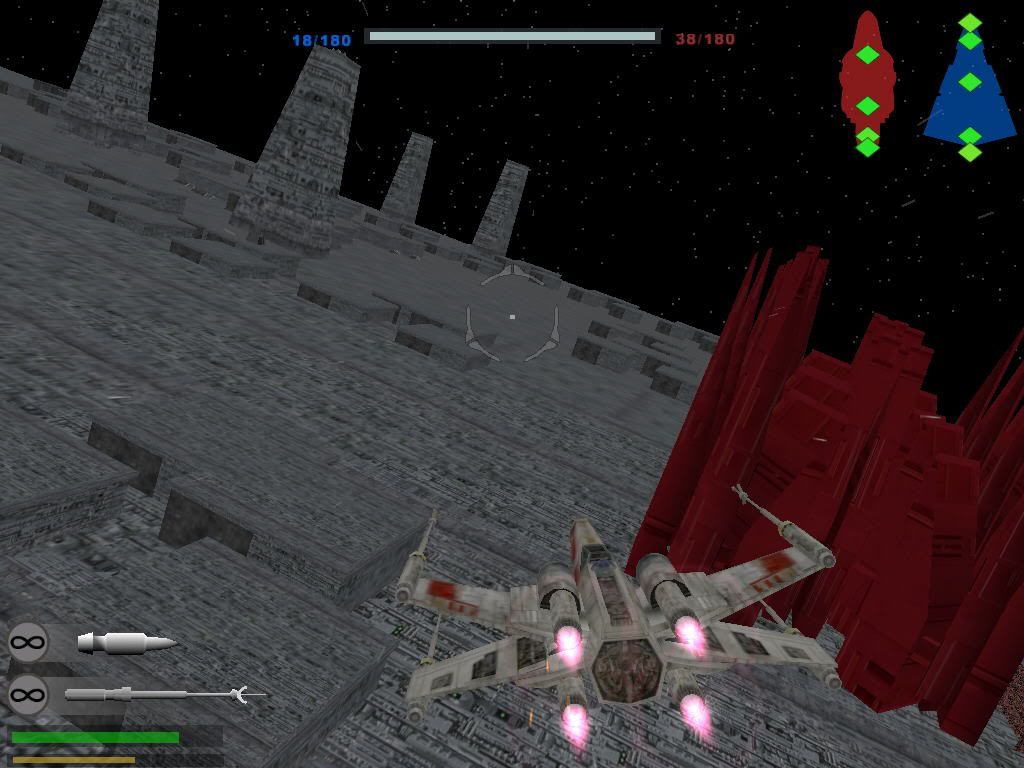
Thanks for the tips on AI flyers.This is one part of the map I have not touched yet and I was wondering how I was going to get the AI to fly into the tunnels.This will be a big help when I start that part and hopefully your advice will save me alot of time.xwinguys battle over endor map looks great and he has put alot of time into that map.That map looks like it will have lots of bording of ships and onboard combat aswell as dogfighting.My map is designed to be mainly dogfighting with a little bit of ship bording and as with my last map,not everyone will like the tricks I use to get my ideas to work.I guess that once both maps are released there maybe away to put the two together if the game engine and everyones pc`s can handle it!
Posted: Tue May 23, 2006 4:27 pm
by Wadi
Now that would be awesome.
Posted: Tue May 23, 2006 5:03 pm
by Gunjak
11of3 wrote:Thanks for the tips on AI flyers.This is one part of the map I have not touched yet and I was wondering how I was going to get the AI to fly into the tunnels.This will be a big help when I start that part and hopefully your advice will save me alot of time.xwinguys battle over endor map looks great and he has put alot of time into that map.That map looks like it will have lots of bording of ships and onboard combat aswell as dogfighting.My map is designed to be mainly dogfighting with a little bit of ship bording and as with my last map,not everyone will like the tricks I use to get my ideas to work.I guess that once both maps are released there maybe away to put the two together if the game engine and everyones pc`s can handle it!
Im glad you took my advise
yeah there will be different ways to play obth yours and xwingguys maps, putting them both together will be a huge challenge but im sure as soon as there both release we'll find out whats gonna happen, best of luck
Posted: Wed May 24, 2006 7:27 am
by Wadi
say, maybe you could use that AI flyers tip so that (after this map is done) you could make the trench run more realistic on your Death Star 1 map!
Posted: Wed May 24, 2006 11:30 am
by 11of3
good call!anything more that I learn on this map could be put into the Death Star I map.
Posted: Wed May 24, 2006 7:04 pm
by Gunjak
Scratch that, dont put entitypathflyer instead only put in entitypath
Posted: Wed May 24, 2006 7:41 pm
by PvtParts
All of you guys should read the flyersplines doc in the documentation, it helps a lot. You might have to read it over (definatly dont skim over it the first time) but it makes splines a lot clearer and easier to understand.
Posted: Wed May 24, 2006 8:02 pm
by Gunjak
QFE it helped me tonnes
Posted: Thu May 25, 2006 5:33 pm
by 11of3
Posted: Thu May 25, 2006 5:49 pm
by jangoisbaddest
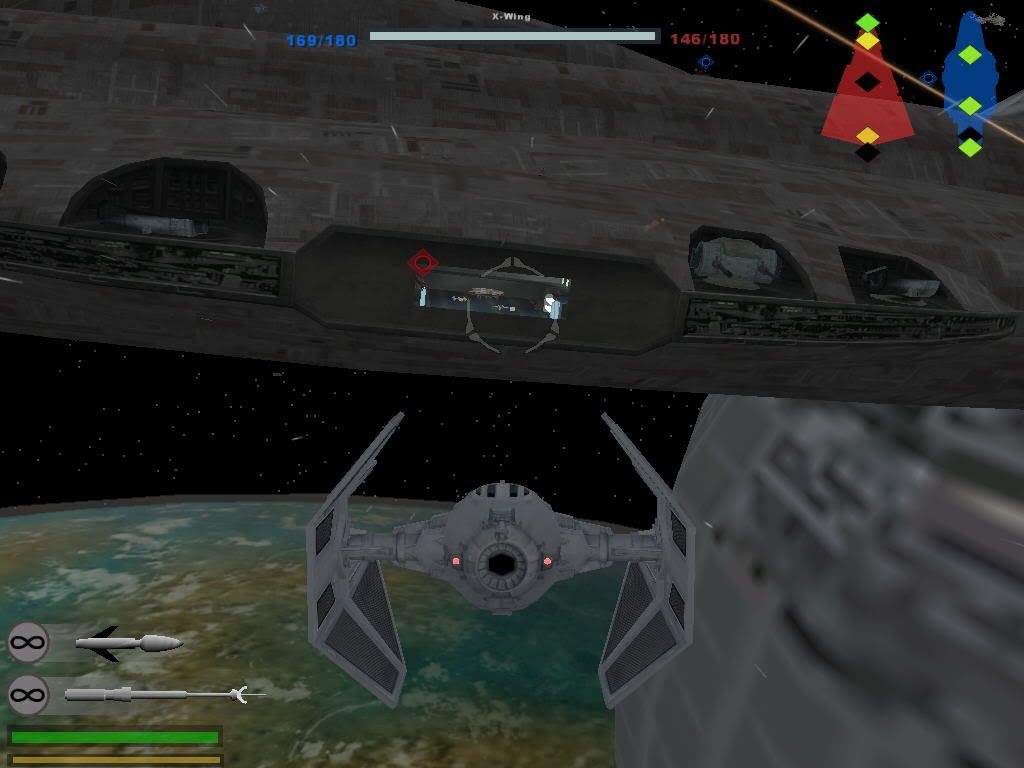
Stunning. I don't even care if the AI is screwy. This will be worth it just for the views.