Page 1 of 25
The DMI Showcase Thread
Posted: Thu Jun 26, 2008 9:27 am
by RepSharpshooter
Working on a model? Show it here!
Re: The Showcase Thead
Posted: Thu Jun 26, 2008 10:07 am
by Fluffy_the_ic
Skies are .msh files, right? For the sky, couldn't you have someone with the full exporter apply render scroll to it, for realism, or does mshex work with Edit Flags?
Re: The Showcase Thead
Posted: Thu Jun 26, 2008 10:36 am
by RepSharpshooter
No I haven't done anything with flags, I'm not even sure they go with the crosswalk either. But it's easy enough to hex a render scroll.
Wouldn't the whole sky just spin aronund then anyways

If we want it more realistic, then we need some sort of cloud effect that moves in the sky.
Re: The Showcase Thead
Posted: Thu Jun 26, 2008 10:47 am
by Fluffy_the_ic
You can choose the height of Skydome models, right? 'Cuz then you can just make a few different cloud models, raise them, and animate them in ZE. Also, in ZE, is it possible to make barriers that dissappear after a set amount of time, and come back after the same amount of time? I have a model of a crosswalk sign, so it might be useful.
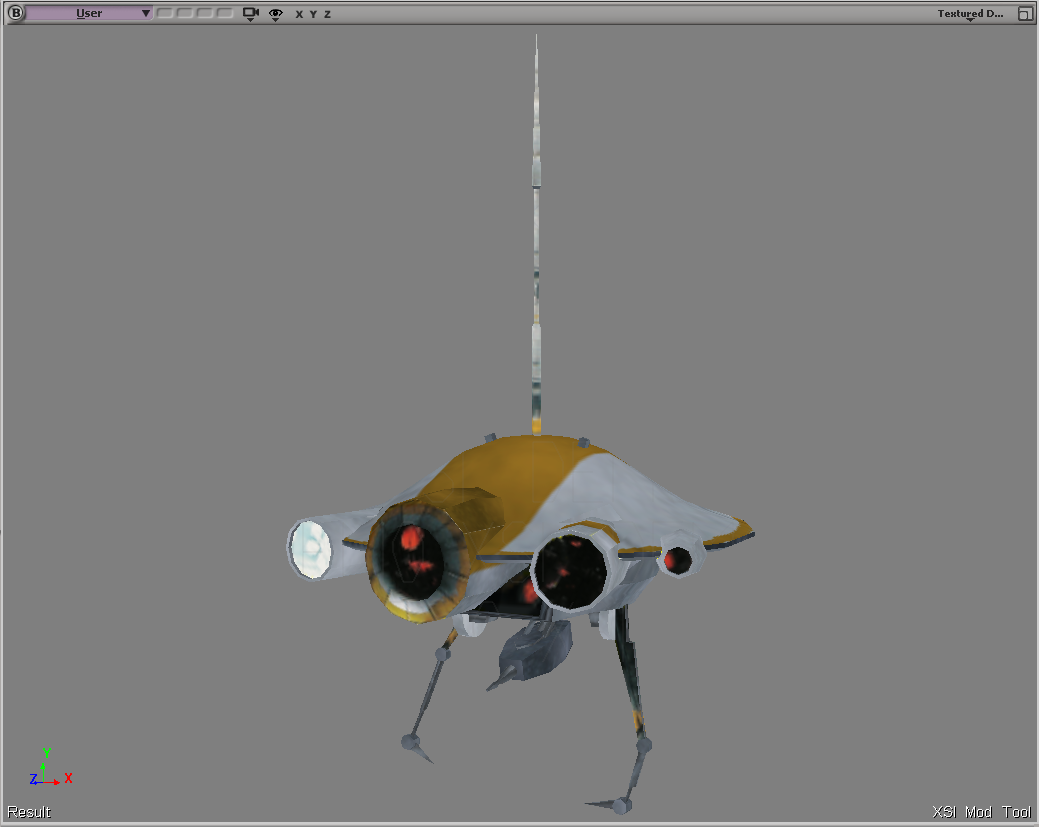
Here it is: frames of model's animations 1-499:

frames 500-1000:

Please tell me it doesn't only need 24 frames.
Re: The Showcase Thead
Posted: Thu Jun 26, 2008 1:03 pm
by FragMe!
Okay then how about a scrolling texture and no animation. Not sure how you made the holes for the walk/don't walk things.
But you could put a small grid mesh behind them and then the texture behind them could be as simple as stripes of:
Green Black
Black Red
Speed of scroll would determine how long the light was one. You could also duplicate the model and just invert the texture so you can have
the opposite light going the other way at an intersection.
There would be a transition time when they would both be on or scrolling past. But that is just a suggestion
Looks cool though.
Re: The Showcase Thead
Posted: Thu Jun 26, 2008 5:39 pm
by Fluffy_the_ic
The "holes" are really just some sphere's that sink back after oh-so-many frames.
Re: The Showcase Thead
Posted: Thu Jun 26, 2008 7:39 pm
by trainmaster611
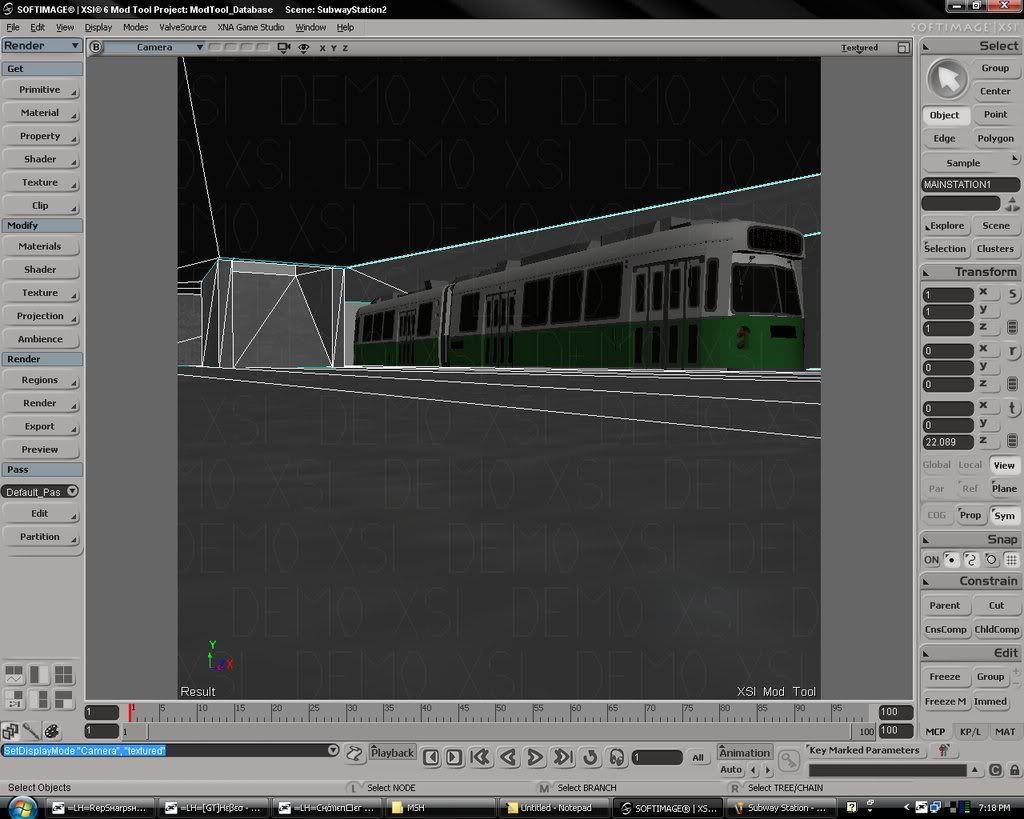
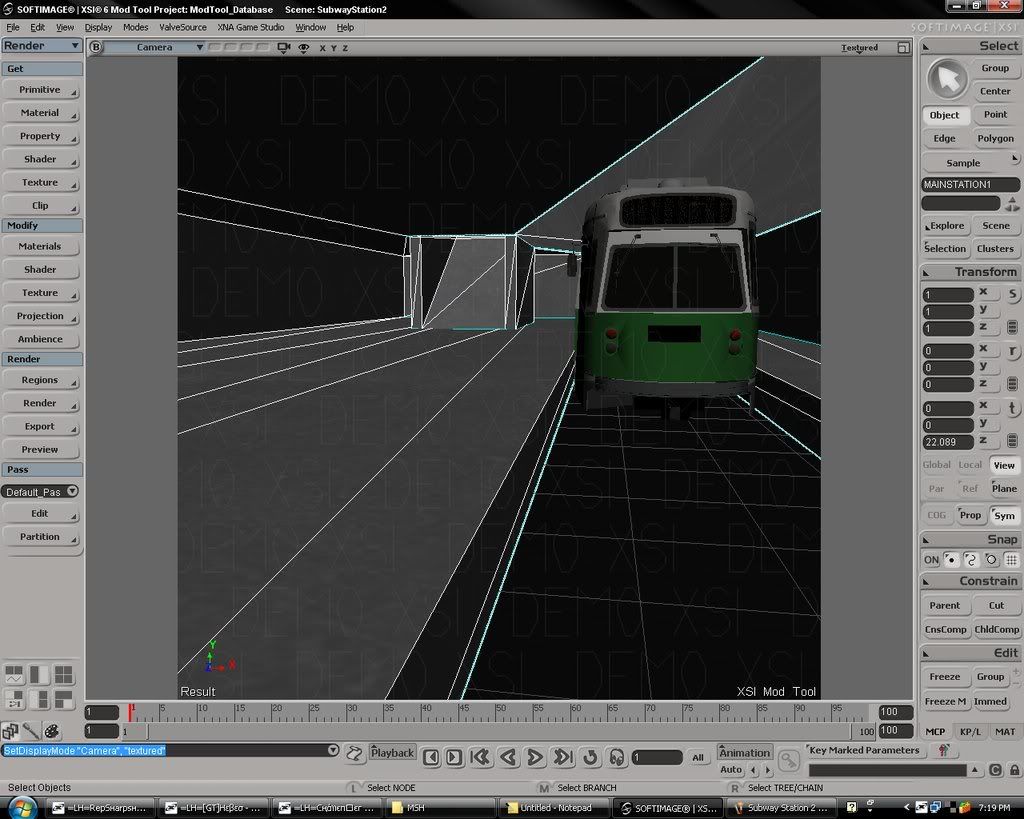
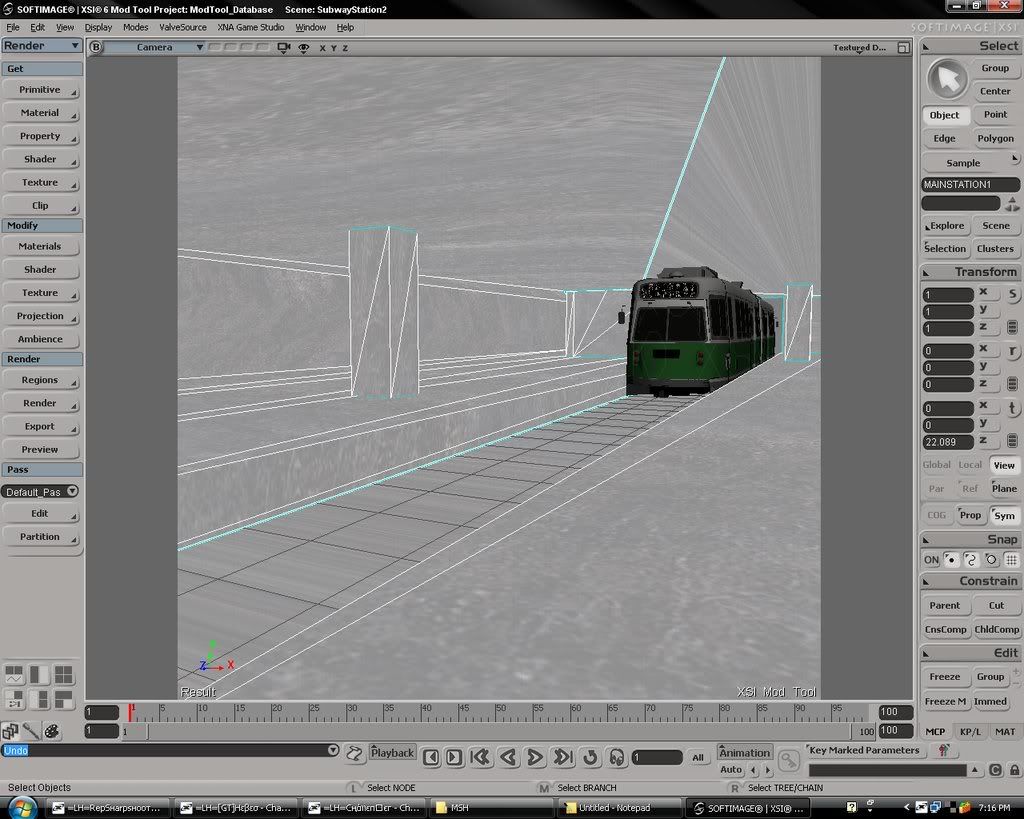
This is the subway station. I found a really big train station (that was quite a mess) that I used as a template. I've almost completely redone everything. I'd say the model is like 85% mine. So yes, you could say I'm very proud

Obviously, the texturing needs to be varied up a bit. Is there a way to assign textures per poly (or selected polies)?

I still need to apply a terrain cutter also.
And I want the lip of the ramp to be
exactly on the terrain. Does anyone know how the 'ground object' feature knows where exactly to place the object?
Re: The Showcase Thead
Posted: Thu Jun 26, 2008 8:15 pm
by FragMe!
Looks good train.
As for how does it ground, by the dummyroot, so if you wanted the lip of the ramp at ground level you would shift everything down in XSI until the lip was at the dummyroot
Re: The Showcase Thead
Posted: Thu Jun 26, 2008 10:54 pm
by trainmaster611
It just needs the same y axis value though right?
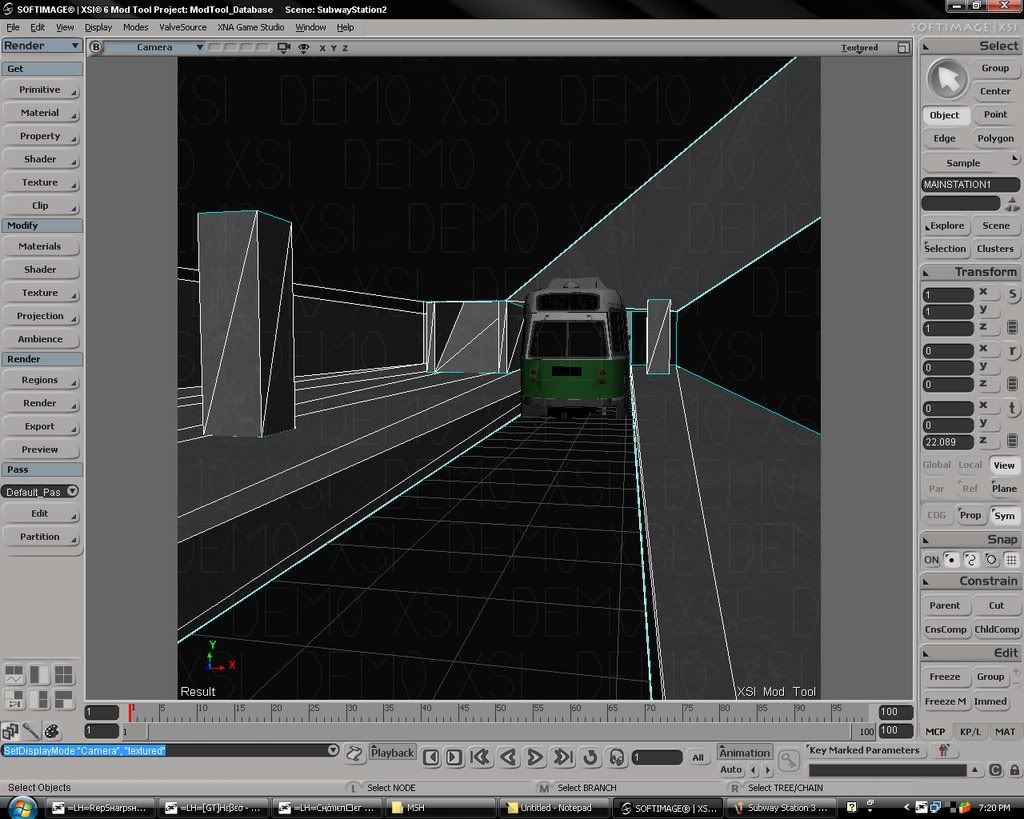
Here's the new pic. I'm applying the textures but some of the polys make it look stretchy and I'm struggling with them. Also, do the textures make it look a little cluttered?

I've looked at funnyfarm.tv and turboquid, but I'm looking for some good generic metalish and concretish futuristic looking textures. Any suggestions.
Re: The Showcase Thead
Posted: Fri Jun 27, 2008 1:15 am
by Syth

the blue transparent, the top is an arena where turrets will fire remote Jedi for enclosed battle
Re: The Showcase Thead
Posted: Fri Jun 27, 2008 1:34 am
by Challenger33
I posted this in the Model Showcase thread as well, but:
Like I said, it's up to you as to what to use it for, Rep.
Re: The Showcase Thead
Posted: Fri Jun 27, 2008 8:25 am
by PsYcH0_]-[aMsT3r
OK heres my model un textured. Its not that detailed or anything yet but im pretty please with it so far
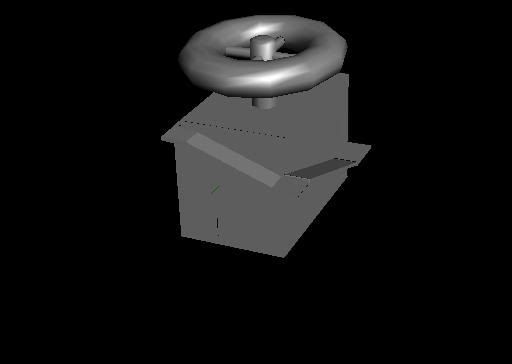
Its got a inside with some stair and stuff btw.
EDIT:
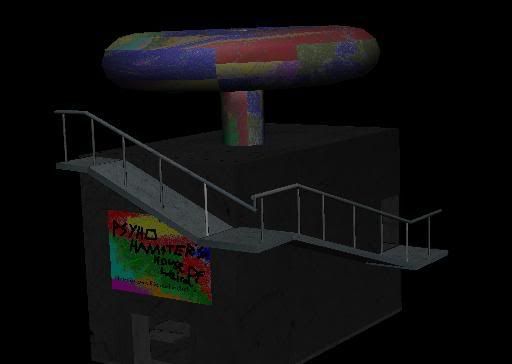
There models done.
Its pretty basic but should look good.
Re: The Showcase Thead
Posted: Fri Jun 27, 2008 10:55 am
by Fluffy_the_ic
Why not, in the middle of the city, put a giant Jawa statue? I has it, right here (outdatt...minute'd):

Now it's completed, has an interior that's just an empty room so far, I'll change that soon in an update of it (Small gift shop, little jawa toys, yay!) I use Edit Flags so his eyes will glow very intensely ingame, stairs to the top on the back.
Re: The Showcase Thead
Posted: Fri Jun 27, 2008 12:51 pm
by Caleb1117
trainmaster611 wrote:It just needs the same y axis value though right?
Here's the new pic. I'm applying the textures but some of the polys make it look stretchy and I'm struggling with them. Also, do the textures make it look a little cluttered?
I've looked at funnyfarm.tv and turboquid, but I'm looking for some good generic metalish and concretish futuristic looking textures. Any suggestions.
No, not at all, it looks better that way.
If you talk to me on Xfire, I can get you a bunch of suitable textures.
Syth wrote:
the blue transparent, the top is an arena where turrets will fire remote Jedi for enclosed battle
Woah, looks really cool, is that your first building model?
Re: The Showcase Thead
Posted: Fri Jun 27, 2008 1:39 pm
by PsYcH0_]-[aMsT3r
LOL fluffy! Looks brilliant and for a massive 'map' (If you can still call it that) I think it be great to have that! Lol scale it up loads and put in centre of city and itd rock.
Re: The Showcase Thead
Posted: Fri Jun 27, 2008 1:42 pm
by Dohnutt
Honestly guys, this looks AMAZING.
I would try to help out but I'm a failure with SWBF2 modding.
I definitely don't have the patience for it.
I'm so jacked for this you guys have no idea.
I mean, I've said in the past that I'll prolly reinstall SWBF2 for a certain mod or something, but this, wow.
This is a definite reinstall.
Re: The Showcase Thead
Posted: Fri Jun 27, 2008 2:37 pm
by trainmaster611
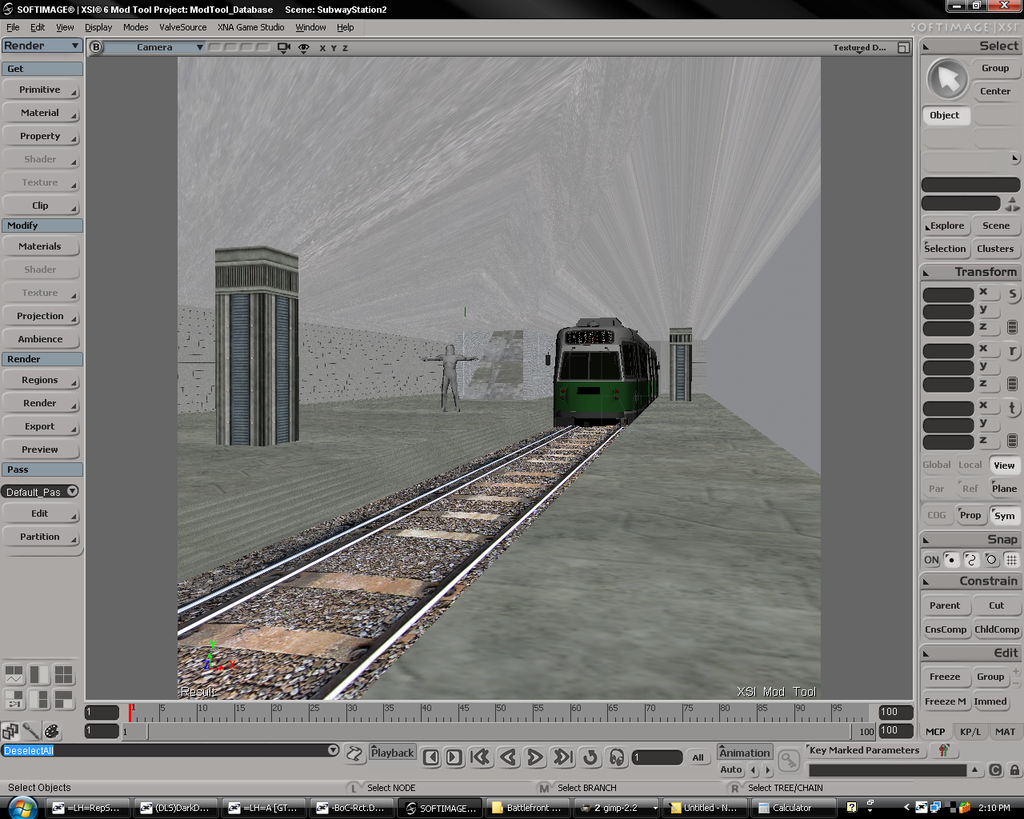
Now in other news, I've finished applying textures to the model. The only problem is that the texture map is such a hell of a mess (since different clusters share edges and points). If you fix one thing, it messes another thing up. So everything looks all stretchy. Could someone help me out?

Re: The Showcase Thead
Posted: Fri Jun 27, 2008 3:32 pm
by MandeRek
OMG! Train, that's too awesome!! Wow man! You can be proud of yourself!
Re: The Showcase Thead
Posted: Fri Jun 27, 2008 3:52 pm
by Fluffy_the_ic
Dang, my model crashes my test map. And, there's no model whatsoevur.
Re: The Showcase Thead
Posted: Fri Jun 27, 2008 6:43 pm
by trainmaster611
MandeRek wrote:OMG! Train, that's too awesome!! Wow man! You can be proud of yourself!
Thanks man!
@fluffy: if you're using reps meshex, make sure you follow his exporting rules. How big is your msh file?
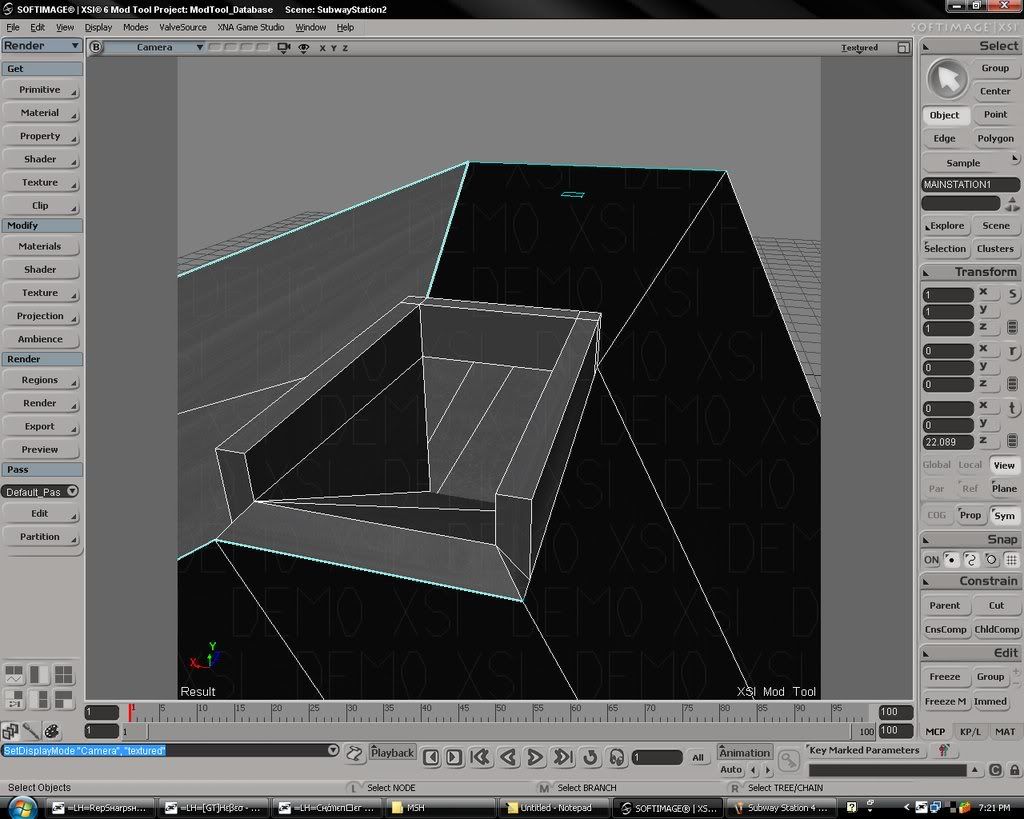
Also, I made a tunnel based off of the dimensions of the station
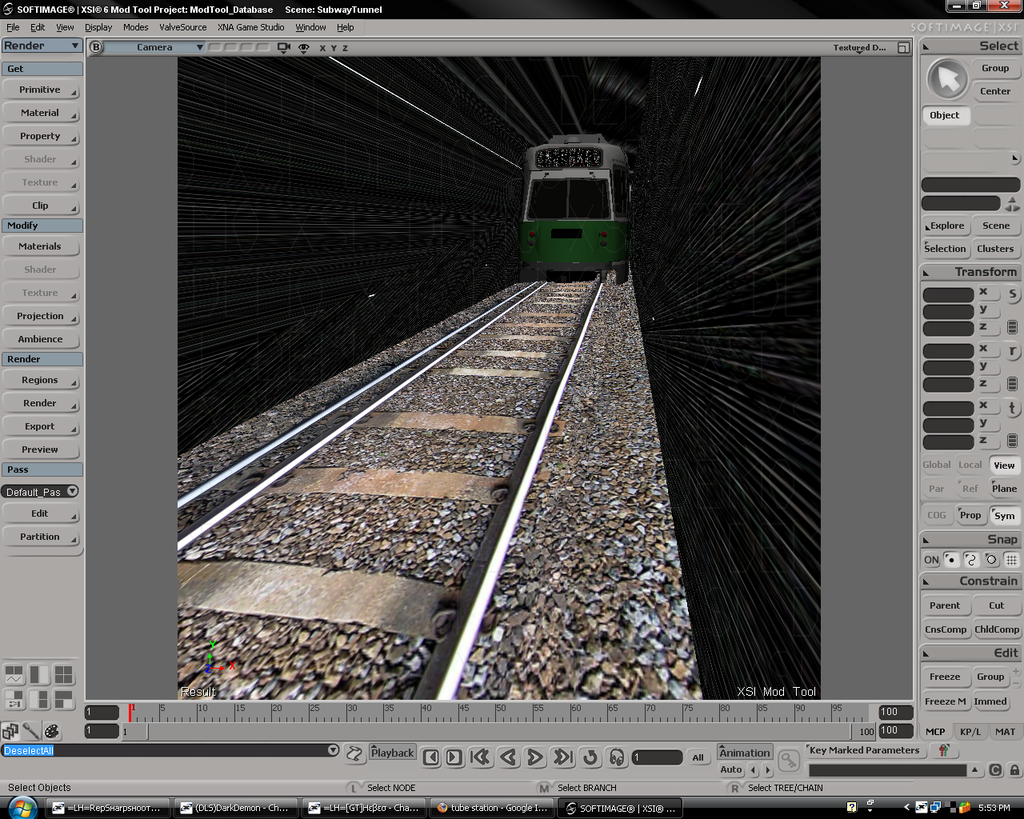
Again, I'm having trouble with the texture map making it looks stretchy. Also, how do I turn the model inside out so the building faces inwards.