GUI for editing sky files
Posted: Fri May 24, 2013 2:08 pm
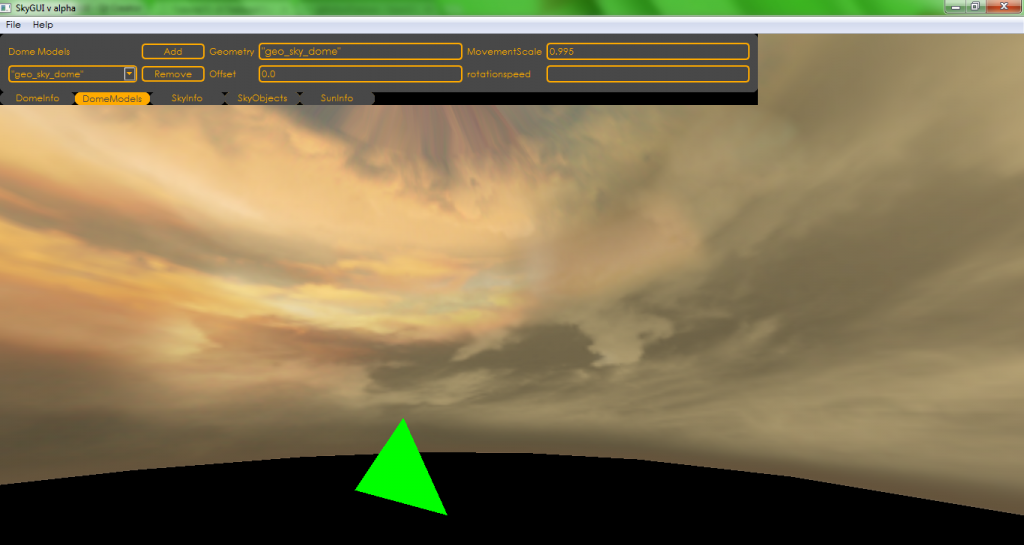
A few years ago I was working on a GUI for editing sky files. That died when I stumbled on a problem in the OpenGL wrapper which I didn't have the coding expertise to fix. Later, for the ZE terrain tools (which are still being worked on, by the way), I moved on to C++, so there's no OpenGL wrapper needed. I recently got access to the old PC I was coding on two years ago and managed to recover the old sky gui code. It's in C# rather than C++, but I could still get some useful snippets from it.
The old GUI:
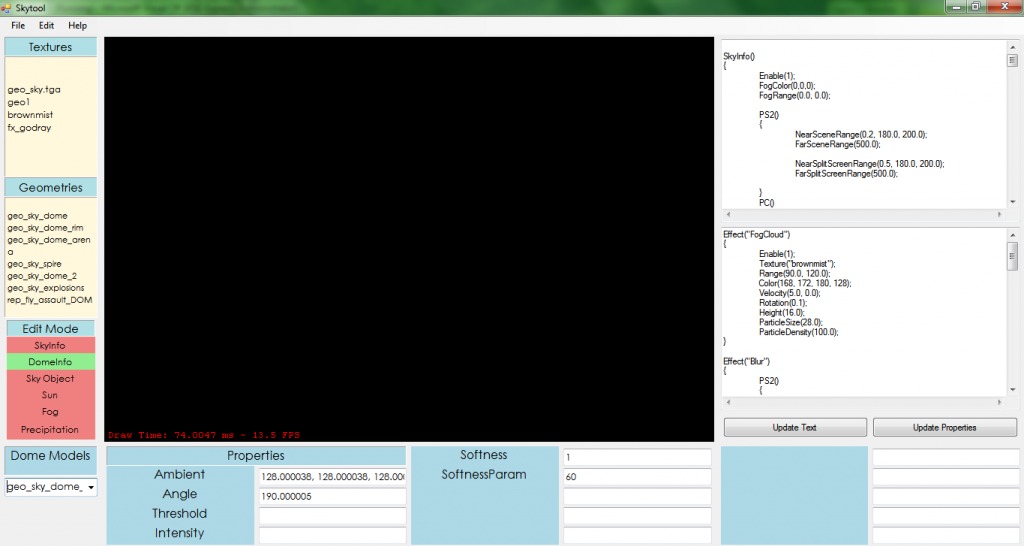
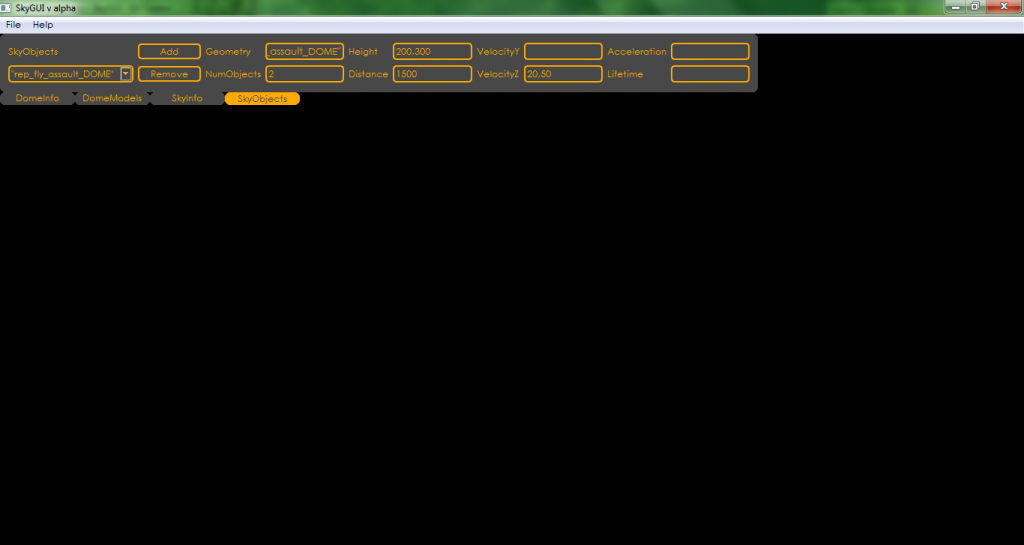
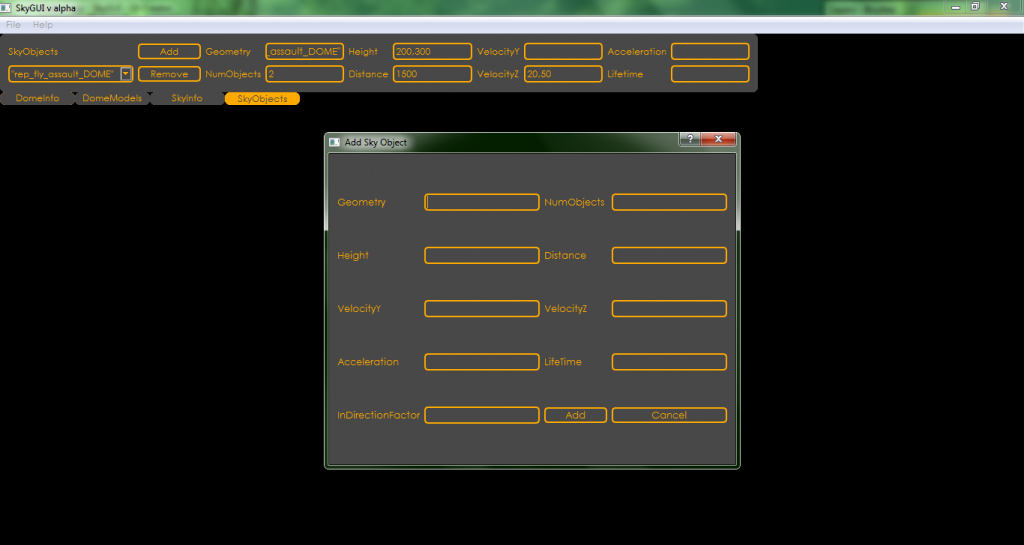
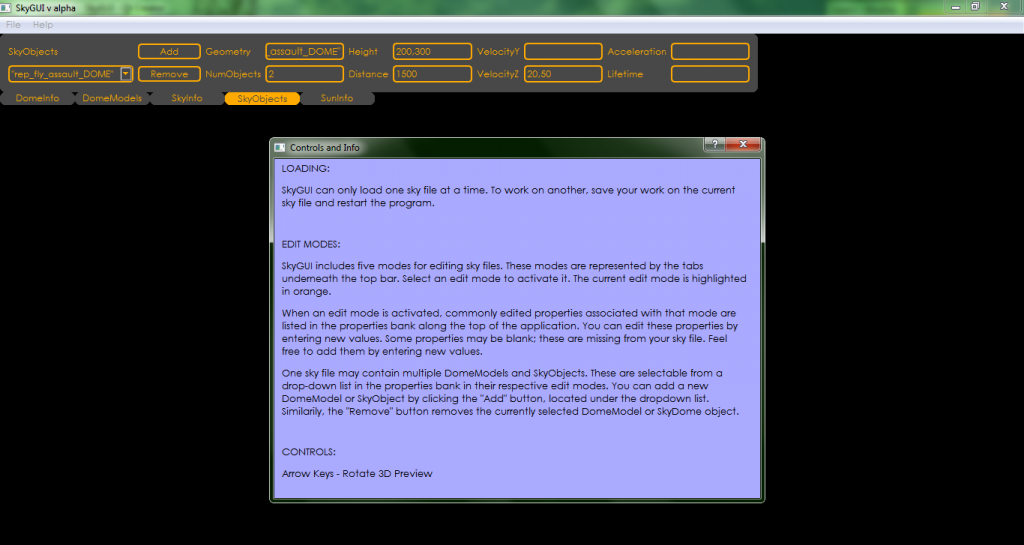
Now that final exams are over and summer started with, I've decided to spend twenty days or so cleaning up the old code, slapping together some new stuff, and releasing it. The original idea was that it was annoying making changes to a sky file and have to munge the world and start up BF2 to see what they looked like. The plan was to create some kind of GUI to visualize a sky file and make changes to it on the fly. To that end, I've spent a couple hours a day since Monday making the different recovered code snippets play nice with each other, and writing a few new ones. The result:
Sky file loading, saving, and all the editing features work. All that's left is the 3D preview.
Not sure how useful it'll be, but I didn't want semi-useful code to go to waste. Once the ZE terrain tool progresses a bit more, I'll probably merge this tool's functionality with that one's, so that you can easily make directional lighting match up with sun position and stuff like that.
The old GUI:
Hidden/Spoiler:
Hidden/Spoiler:
Hidden/Spoiler:
Hidden/Spoiler:
Not sure how useful it'll be, but I didn't want semi-useful code to go to waste. Once the ZE terrain tool progresses a bit more, I'll probably merge this tool's functionality with that one's, so that you can easily make directional lighting match up with sun position and stuff like that.


 I'd make the text boxes black and the text box text color white, though, or alternatively the text boxes black, the text box text name color white, and keep the text box text color yellow.