Page 31 of 76
Posted: Fri Jun 30, 2006 10:47 pm
by DeathRow
Nice skins Revan!
Posted: Sat Jul 01, 2006 6:34 am
by Jawa_Killer
the SBD looks very fine!
Posted: Sat Jul 01, 2006 10:21 am
by Squirrel7Hunter
wow, that SBD looks like it should be on the darkside with a lightsaber! nice skin!
Posted: Sat Jul 01, 2006 4:33 pm
by busterkinkade
Excuse me, but I would like to post some of the skins I have made for the CRM, the problem is, when I use save file and other image hosting programs and such, it seems to make them very small, could anyone who can use these image hosting sites effectively write a quick 'tutorial' on how to get your images on there, of a reasonable size and quality, if it is not too much to ask

Posted: Sat Jul 01, 2006 5:50 pm
by Rekubot
Okay, busterkinkade, here is how you get a picture onto an image-hosting website without them getting shrunk.
First off, go to
ImageShack (that's the image-hosting site I use) and select 'browse'. Choose the image you want to upload, press 'open' and then press 'host it!'.
Make sure that you do not select any of the check boxes above 'host it!'! You will see a bunch of different web-links appear. Select the very bottom one (the direct link to the image), copy it, and then use the URL or IMG tags in the forum you want to post them in to put them into your post.
Sorry if you didn't understand that, but it's the best I can do at this time of night. <yawns> Hope that helps!
Posted: Sat Jul 01, 2006 6:01 pm
by jedikiller32
Here are some other skins I made:
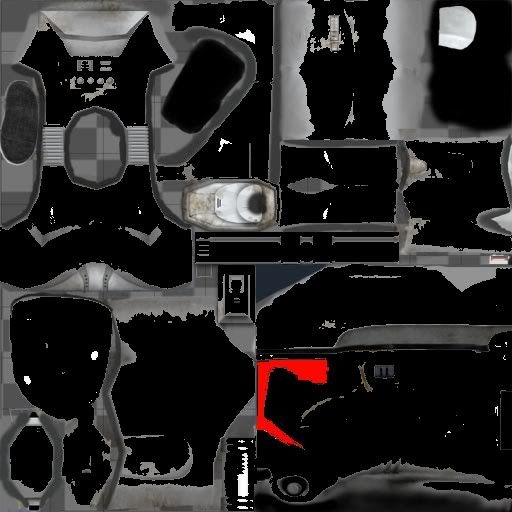
The trooper commando. Not as good as a real commando, but better than a normal trooper.
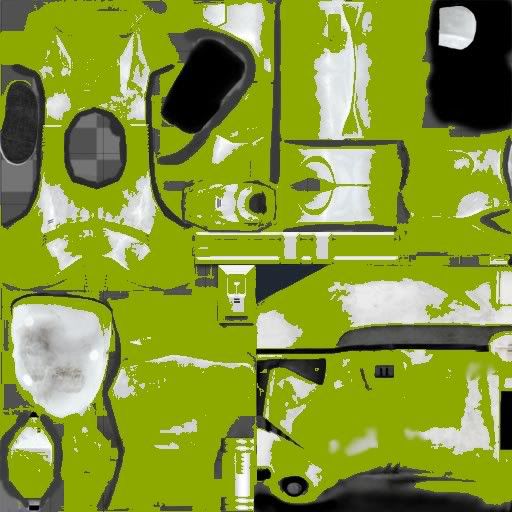
This guy fell in toxic waste. Or Jabba's toilet, whichever you prefer.
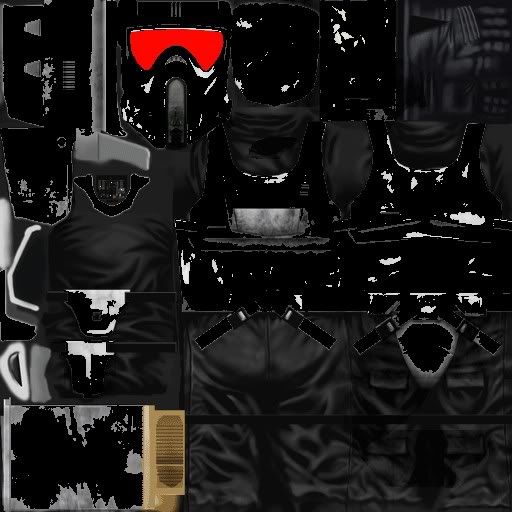
My Storm Commando. I made it to look like the storm commando in one of MajinRevan's maps.
Hope you like them!
gerrrr!
Posted: Sun Jul 02, 2006 12:42 am
by DaCheat
Off topic : Becuase i cant get an awnser any where else how do i change the units to a different side like the rebel vanguard to the CIS or change the ep3 clone into the ep2 clone any help would be appreciated. if you think u can help just im me thanx.
Ontopic : Nice Red and Black Troopers Revan
RE: gerrrr!
Posted: Sun Jul 02, 2006 1:02 am
by JabbaLovesLava
Jedikiller.. you should put more detail in your skins. Or else they dont look very realistic.
RE: gerrrr!
Posted: Sun Jul 02, 2006 1:21 am
by jedikiller32
Well, I have a Mac, so I can't get some good skinning tools.... I'd get Photoshop, but I don't have 600 dollars. All I found that works and is free was the Paint for Mac, so that's about the best I can do. Also the fact I don't have BFII plays a large part in that...

I'm just getting it to work...
Posted: Sun Jul 02, 2006 4:09 am
by busterkinkade
I'm just getting it to work... yeah I have got a postive reply, I should have it uploaded soon, I might put up my blue magnaguard...
http://img210.imageshack.us/my.php?imag ... 1426wk.jpg
eh terrible quality, but meh, I might use my freewebs site again.
P.S: Click on the image, you get a better zoom of it that way.
RE: I
Posted: Sun Jul 02, 2006 5:51 am
by DeathRow
Looks nice. It just needs a staff and Grevious in middle.
RE: I
Posted: Sun Jul 02, 2006 6:10 am
by Penguin
should make white and black magna guards
then we would have the whole set, grey, black, blue, white
Yeah
Posted: Sun Jul 02, 2006 7:33 am
by busterkinkade
Yeah, that image is of a poor quality, just imagine it sharper and a little darker blue, the black magna guard never appeared in the movie so I decided not to make one, however, I have done a white magna guard, but there isn't much point showing that.
I have also done many more skins, most of them have to be kept a secret for the CRM mod, however, I will put up my shock trooper soon. Also I need help with getting the alpha channels back on textures like the rebel trooper, and the magna guard, the reskinned rebel trooper in the SWBF I conversion pack had its alpha placed back on its skin, or had been skinned around the alpha, so if anyone would (including the cloud city modders) has any info or has successfully done this before, I wouldn't mind abit of help in this subject.
RE: Yeah
Posted: Mon Jul 03, 2006 7:18 am
by =AOX=Durge
The Skinning tool I have is printshop photoshop.
Posted: Mon Jul 03, 2006 9:08 am
by Talibanman
The Skinning tool I have is printshop photoshop.
umm... so.. yeah? what's the point?

Posted: Mon Jul 03, 2006 10:13 am
by MasterSkywalker
This is a just simple skin, I just sharpened the standard Emperor skin and made him white. If you like it, feel free to use it

Posted: Tue Jul 04, 2006 10:13 am
by Aksel3
Looks a bit like the old emperor we saw in the first version of Return of the Jedi.
Posted: Tue Jul 04, 2006 12:59 pm
by Linus
MasterSkywalker...
That skin is great!
Posted: Tue Jul 04, 2006 10:06 pm
by DeathRow
Nice skin MasterSkywalker
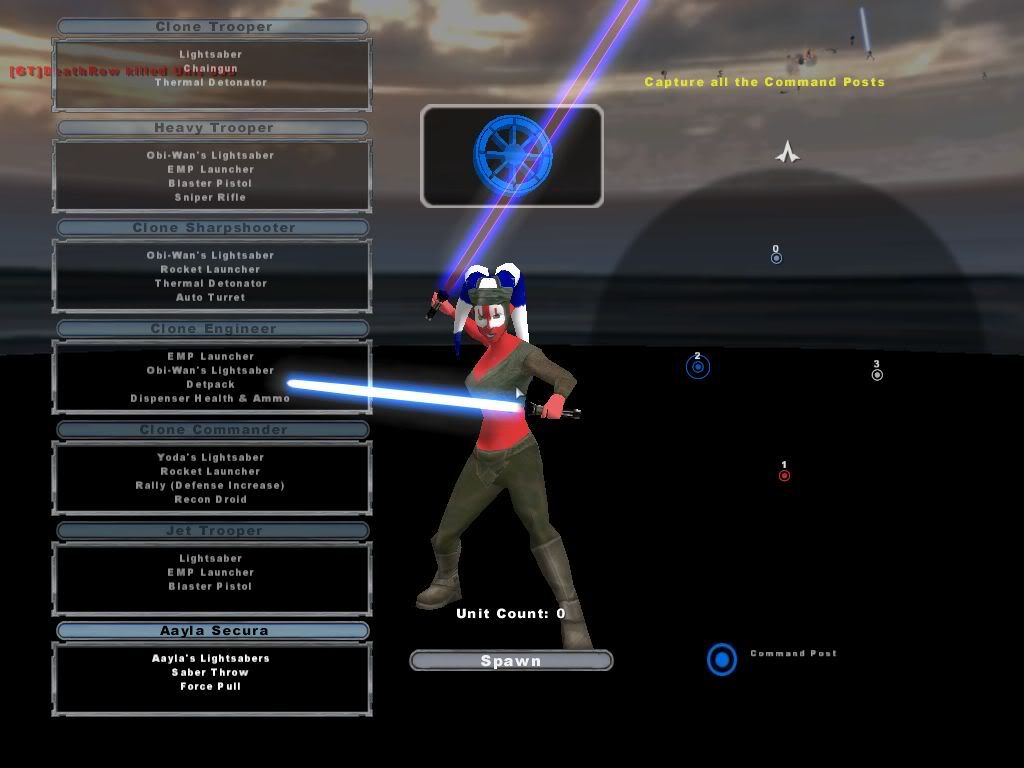
Shaak Ti:
Posted: Wed Jul 05, 2006 3:36 am
by MasterSkywalker
Thanks guys
Your Shaak Ti skin looks great DarthDeathRow, just give here some robes and it is Shaak Ti. Btw. whats with the long saber lol, it looks pretty funny

EDIT: Oops just rememberd you use such long sabers in your Wierd Side Mod.
