Page 1 of 6
WIP Kashyyyk: Shadowlands
Posted: Tue Feb 06, 2007 7:39 pm
by Clonedude55
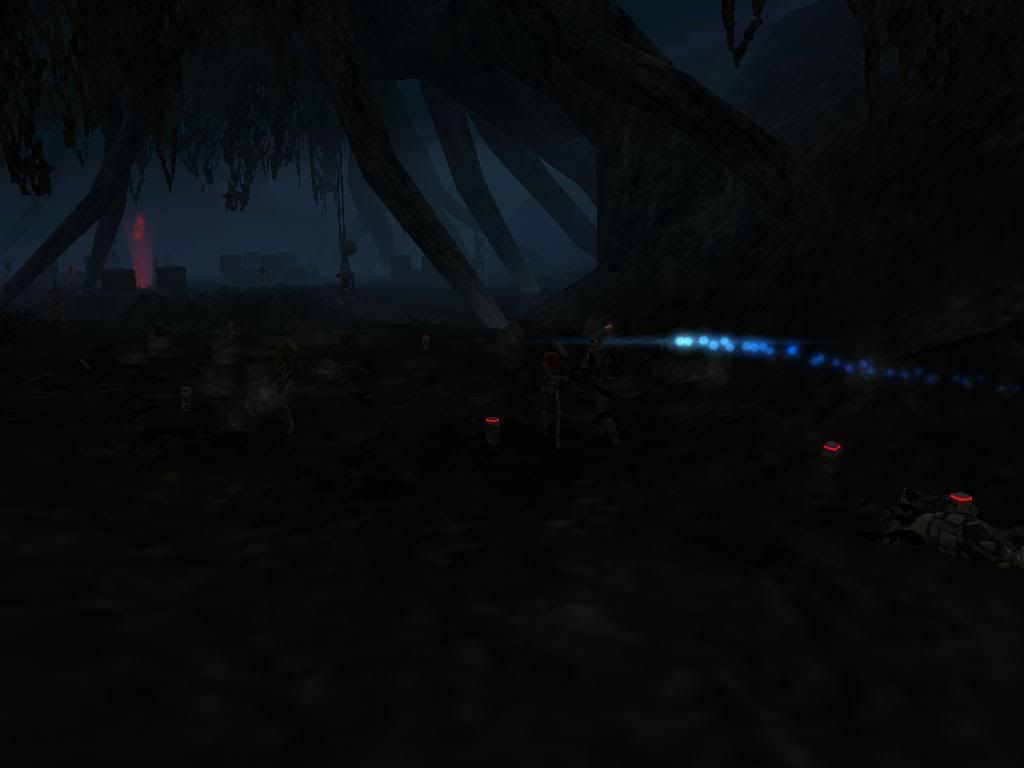
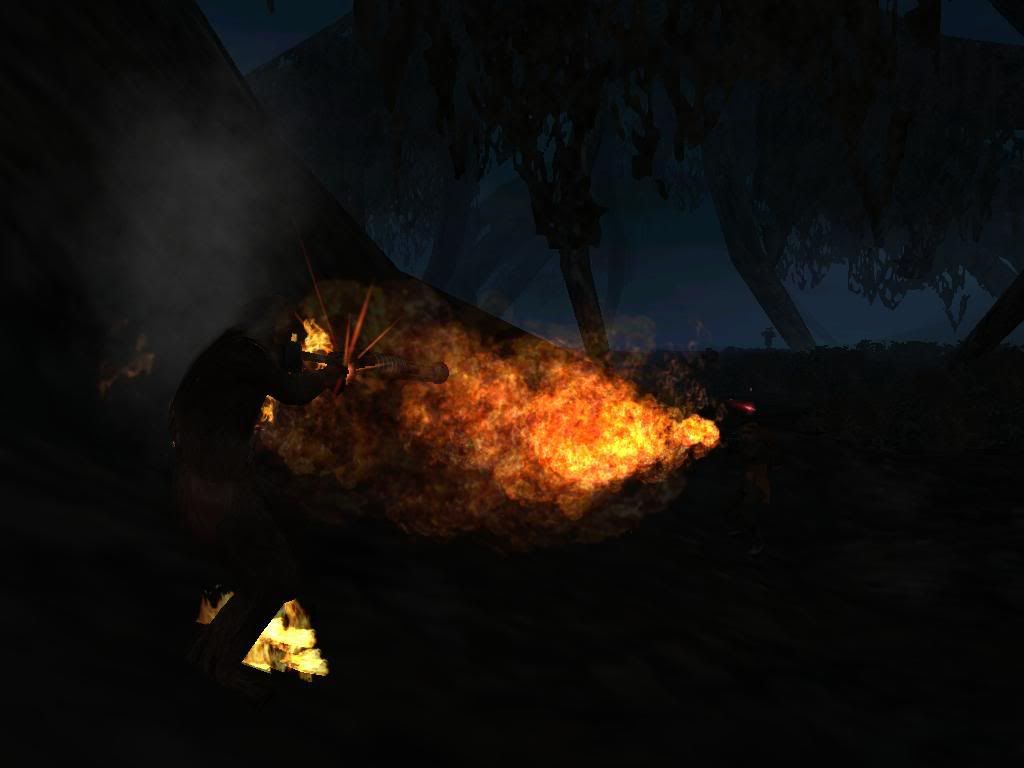
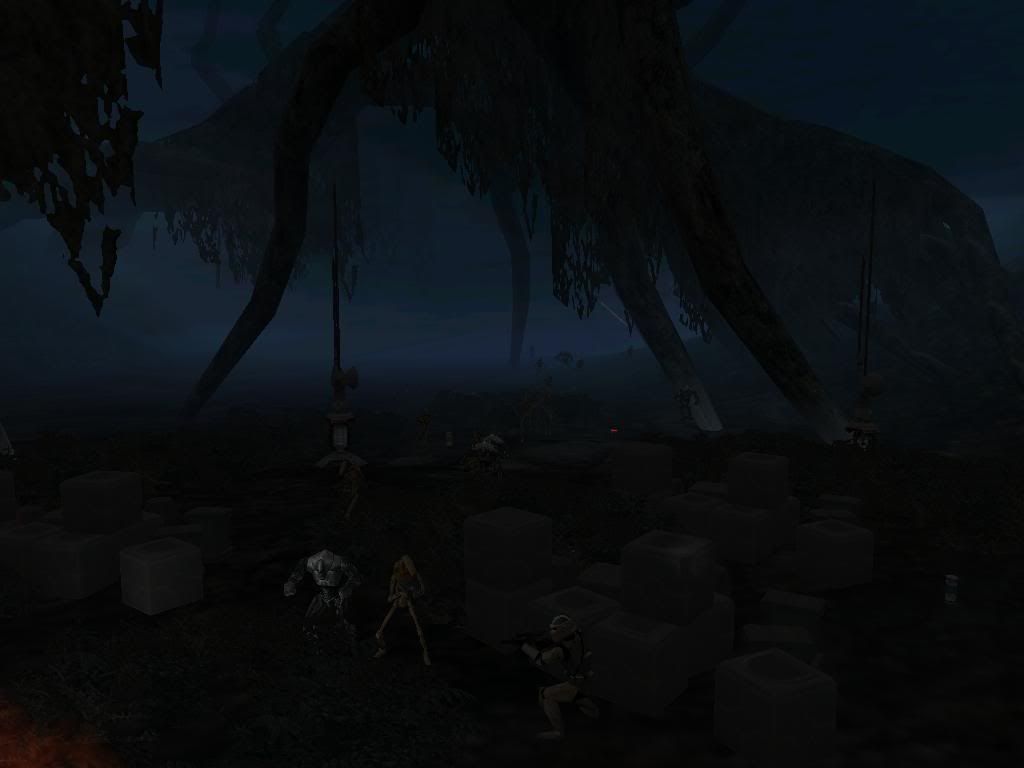
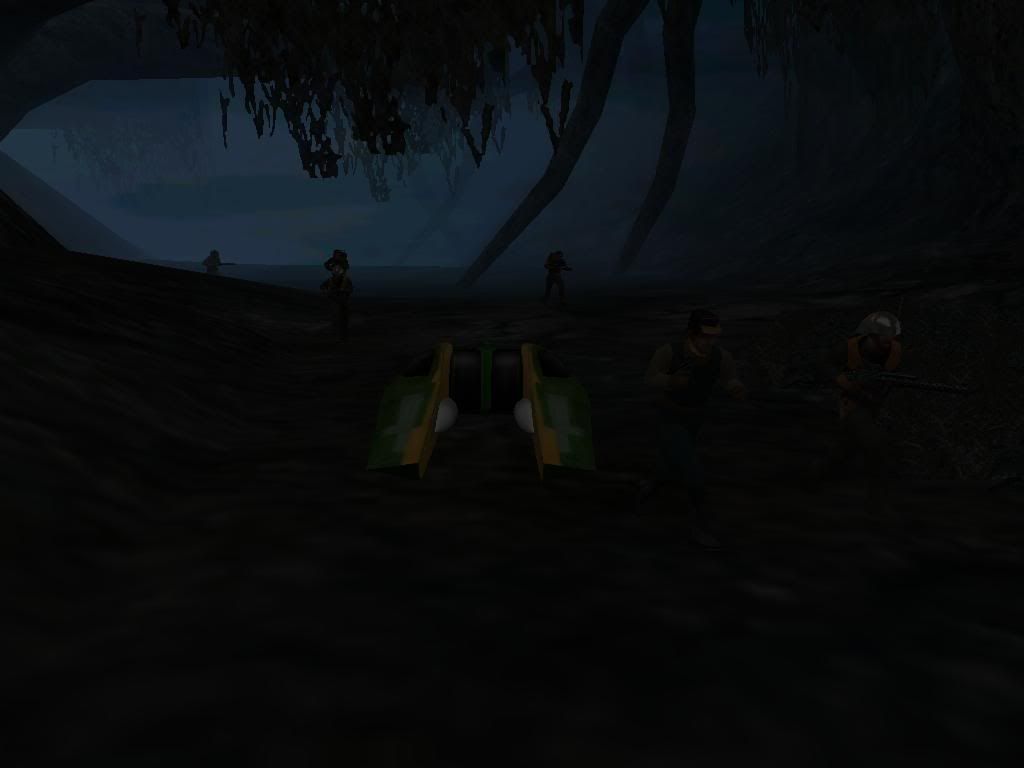
This is from KOTOR Kashyyyk: Shadowlands
Screenies:
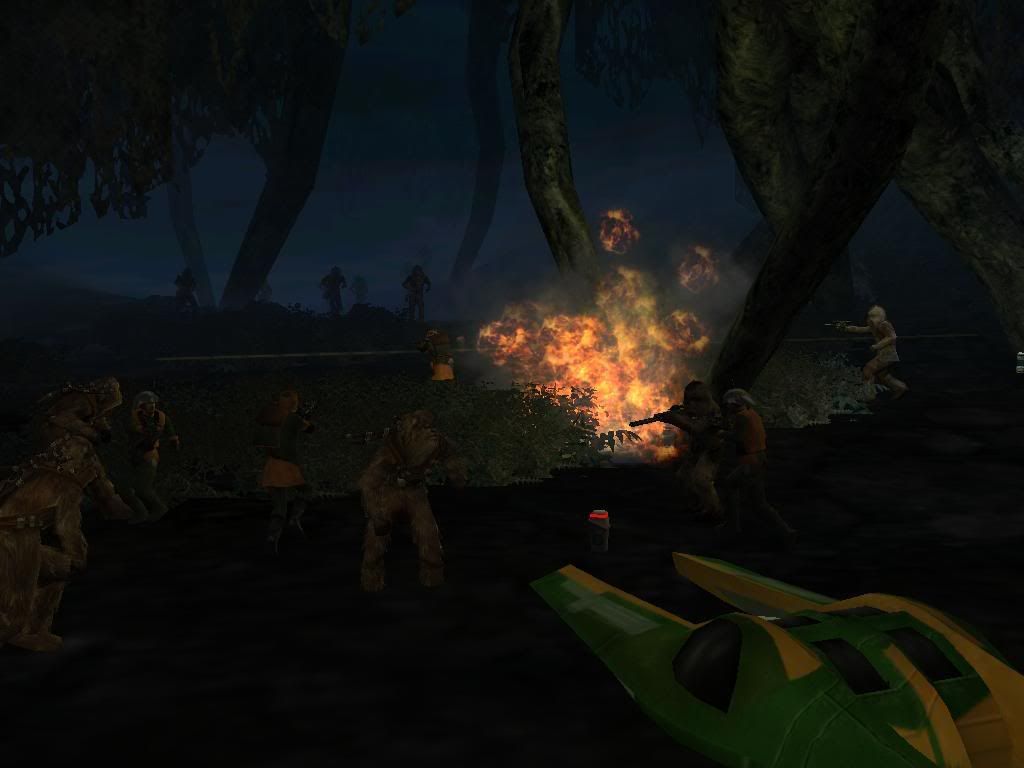
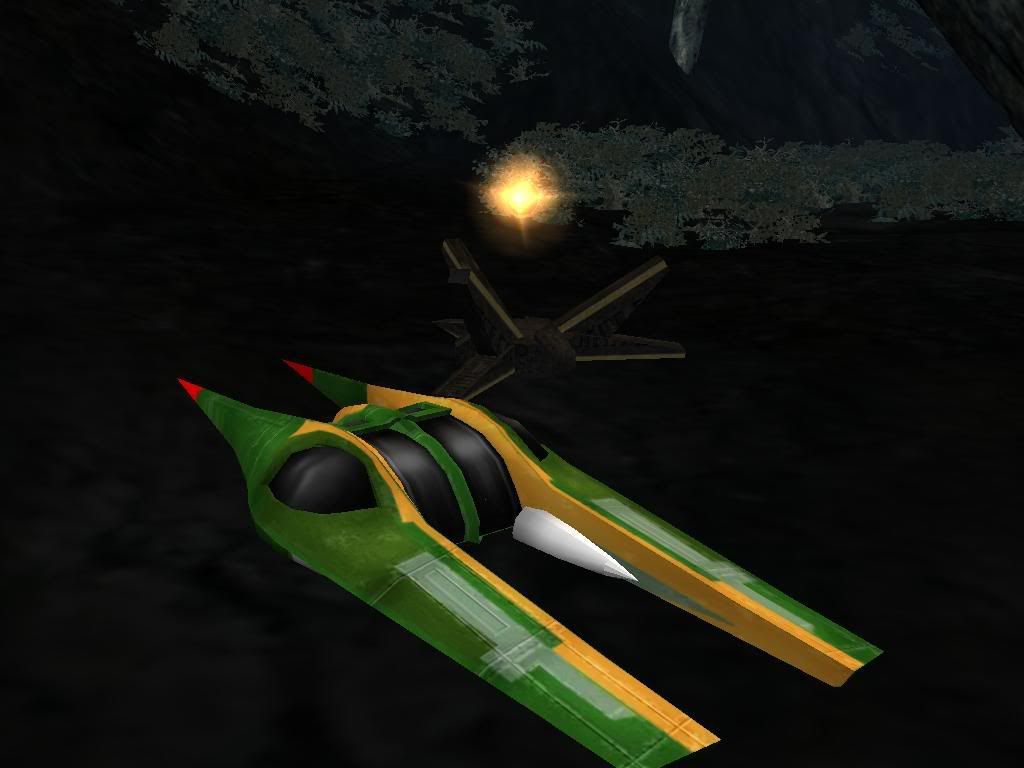
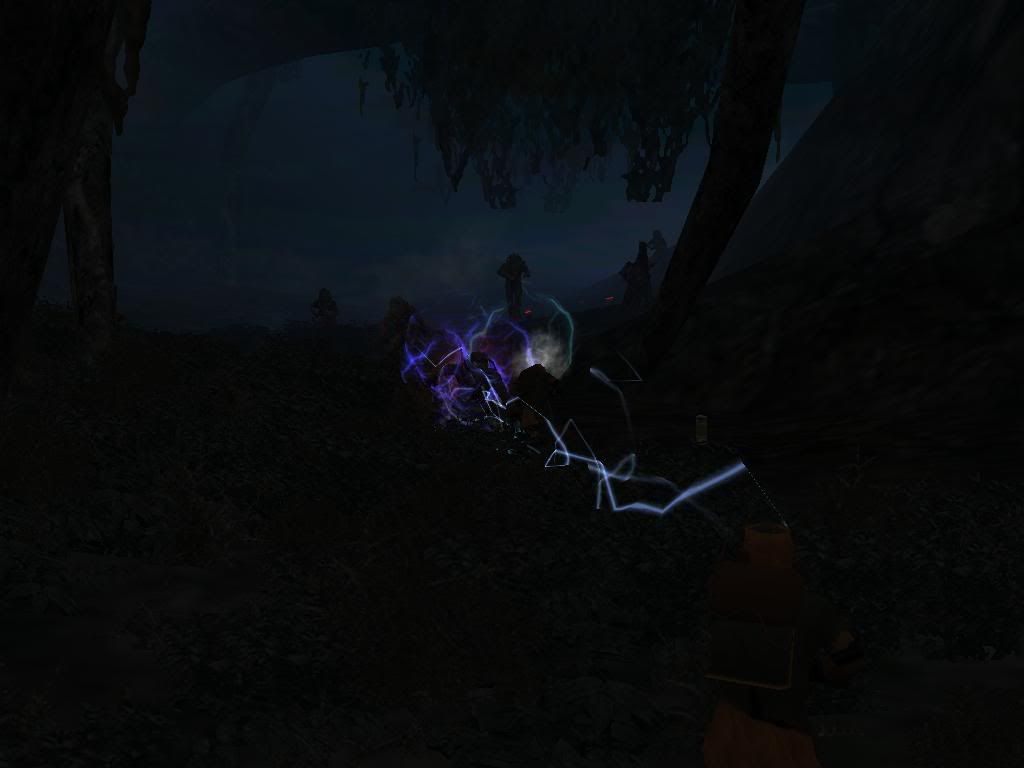
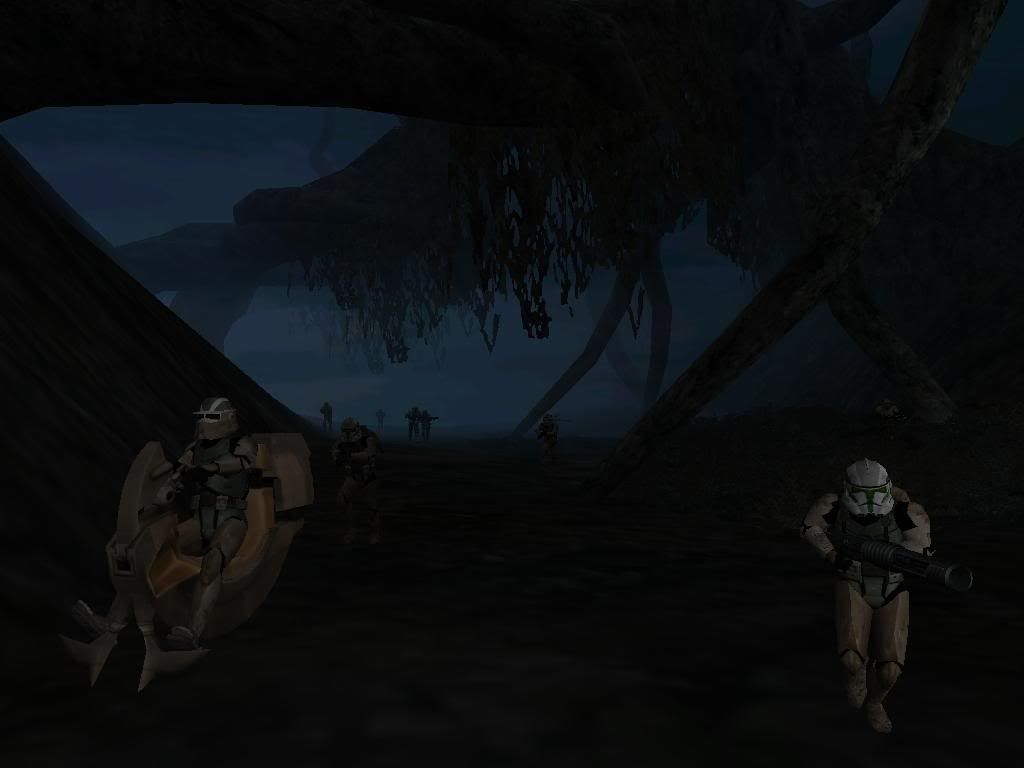
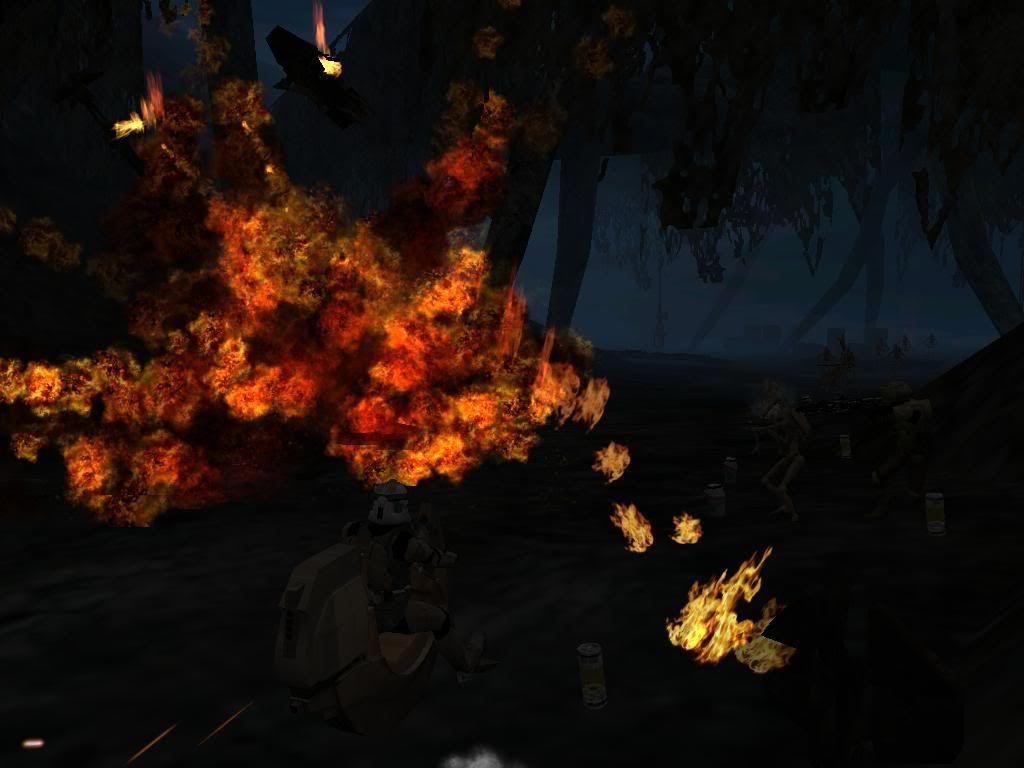
EDIT OF PS: I did make the Star map a CP!
I will not need alot more baeta testers probaly 2-3 more so hurry up
Need no more beta testers so here are my 6 testers
Gogie
Darth_Maul
Caleb1117
FOOLIS
XxDepredationxX
Alex_Secura
RE: WIP Kashyyyk: Shadowlands
Posted: Tue Feb 06, 2007 7:57 pm
by Fusion
You have 3 days to supply screenshots of a 50% complete map, if not, this topic will be locked.
RE: WIP Kashyyyk: Shadowlands
Posted: Tue Feb 06, 2007 7:58 pm
by RevanSithLord
But anyway, yes, this map should be cool.
Edit- Nevermind. Cmdr Fusion already said it.
Re: RE: WIP Kashyyyk: Shadowlands
Posted: Tue Feb 06, 2007 8:00 pm
by Clonedude55
commander_fusion wrote:You have 3 days to supply screenshots of a 50% complete map, if not, this topic will be locked.
OK I will get it ASAP This will be a really newbie question but how do I get screenies
Re: RE: WIP Kashyyyk: Shadowlands
Posted: Tue Feb 06, 2007 8:05 pm
by EGG_GUTS
Clonedude55 wrote:commander_fusion wrote:You have 3 days to supply screenshots of a 50% complete map, if not, this topic will be locked.
OK I will get it ASAP This will be a really newbie question but how do I get screenies
Press "Print Screen" then go to paint and paste it

I haven't played Kotor but since it's Shadow lands I could give you a shadow trooper if you want PM me if you want it
RE: Re: RE: WIP Kashyyyk: Shadowlands
Posted: Tue Feb 06, 2007 8:08 pm
by Fusion
You can use the "Print Screen/SysReq" button ingame to take the picture, paste it into MS Paint, and upload to Photobucket, Imageshack, etc. Post it/them here using tags.
Posted: Tue Feb 06, 2007 8:08 pm
by Clonedude55
OK Thank you egg guts now how about get them on the forum
Posted: Tue Feb 06, 2007 8:11 pm
by RevanSithLord
Just do what Cmdr Fusion said.

Posted: Tue Feb 06, 2007 8:11 pm
by Food_Eater
Here's answers to your questions:
1: Take screenshots with print screen (Prt Scr). You can take a lot and they will show up in your screenshots folder in Program Files/Lucsarts/Star Wars Battlefront II, but you need something like Photoshop or GIMP to view/convert them to a picture format that internet browsers can use (like .png or .jpg). The other option is to open up Paint after pressing print screen once and simply pasting the picture into paint. Then you need a way to get pictures online, I'd recommend googling photobucket.com and registering for an account there.
2: You can make Endor trees bigger (not necessarily taller) by putting "GeometryScale = 1.3" under the properties line in the odf, and "-scale 1.3" in the msh.option of the model you are using (you may have to create one).
3: You need to edit the .tga of the tree in order to make it greyish. You need Photoshop or GIMP to open the .tga. (GIMP is free, download it somewhere).
EDIT: looks like EGG_GUTS and 'fusion beat me to the first question. Oh well.
Posted: Tue Feb 06, 2007 8:28 pm
by Xavious
If I remember correctly, there was another
Kashyyyk: Shadowlands map, but hopefully you can make this one much more realistic to KOTOR.
Posted: Tue Feb 06, 2007 9:01 pm
by Clonedude55
Yes Darth Maul that is were I thought to make this one
Posted: Tue Feb 06, 2007 9:39 pm
by Razgriz
Ittl be intresting to see how this map turns out
Posted: Tue Feb 06, 2007 10:31 pm
by Clonedude55
Well this was a 2X post then edited out this paragraph now I got to type again
Summary:
I added Dagaboh sky some trees munged then played BF2 but right before loads 100% freezes and go tto crtl alt delete it out someone please help me
Posted: Wed Feb 07, 2007 12:32 am
by Epena
How did you add the Dagobah sky?
Posted: Wed Feb 07, 2007 5:51 pm
by Darth_Z13
By adding the required .sky file and the .msh and .tga file I would think. They're all there in the assets.
Posted: Wed Feb 07, 2007 6:08 pm
by Maveritchell
Darth_Z13 wrote:By adding the required .sky file and the .msh and .tga file I would think. They're all there in the assets.
Lol, Epena wasn't asking how
to do it. You can probably be sure he knows. He was asking how he
did it, you know, so he can troubleshoot.
Posted: Wed Feb 07, 2007 6:40 pm
by Clonedude55
Well I copied the DAG1 Sky file put it in KSL world 1 deleted KSL sky lvl then renamed DAG1 sky LVL/ KSL LVL Sky
EDIT: I tried everything to get my map to work again but nothing happened so I am dropping this map until I learn to make units and buiding were I will start from scratch.
ugh
Posted: Mon Feb 12, 2007 10:11 pm
by darthtrogsasea
well were in same boat i wish i knew how to fix it if i did i could get felucia dark forest working agian also FDF took some charistics from shadowed lands (turok evolution,chapter 6:shadowed lands-great game) if you ask king or droideka 88 FDF it was a forest and it was dark but use 75,75,75 for the world map lighting and use a texture from felucia or dagobah and put it in hevely forested areas and color the groud darker (color tab)
and on another note im not demanding any thing just suggjesting also i know about forest maps il list a few ive made felucia dark forest,endor bunker assalut,kothlis island raid,untold battles 3 : kalee sacred grouds,and,baccta war 1: landing platforms
Posted: Mon Feb 12, 2007 10:58 pm
by Darth_Z13
Maveritchell wrote:Darth_Z13 wrote:By adding the required .sky file and the .msh and .tga file I would think. They're all there in the assets.
Lol, Epena wasn't asking how
to do it. You can probably be sure he knows. He was asking how he
did it, you know, so he can troubleshoot.
xD Right. Ooops. And if you want a screen posting tutorial there's one
here because there still hasn't been any posted and it sounds interesting. It doesn't even have to be in-game, it can be in Zeroedit.
Posted: Mon Feb 12, 2007 11:24 pm
by Fusion
I've given almost a week to provide sceenshots, no shots, topic locked.
I -think- you wanted this unlocked, right clonedude? if so, here you go.