Page 34 of 96
Re: SWBF Series Model Showcase Thread 5th Edition
Posted: Tue Aug 16, 2011 8:50 pm
by Fluffy_the_ic
How many tris is that?
Re: SWBF Series Model Showcase Thread 5th Edition
Posted: Tue Aug 16, 2011 8:56 pm
by THEWULFMAN
Fluffy_the_ic wrote:How many tris is that?
Yeah, I'm going to go with that. It looks awesome, but I'm worried how much these high-poly props are going to eat up your total map poly count.
Re: SWBF Series Model Showcase Thread 5th Edition
Posted: Tue Aug 16, 2011 10:37 pm
by The Nasal Abyss
It's 2587 tris. That much detail will only show up whenever it is very close to the player though. I'm using an LOD level that makes this mesh pop up whenever it is ~60 feet from the player. The same goes for my other rockwall mesh.
I like to think of my meshes in terms of "stormtroopers" though. This mesh is roughly the same as looking at 4 stormtroopers. I'm positive Zero can handle these kind of meshes, and I'm trying to get every scrap of detail out of it this time.
EDIT; Also, all of the meshes in the map aren't going to be this detailed. The two things I've shown so far are focal points of the map. Everything else won't be quite as high-definition.
Re: SWBF Series Model Showcase Thread 5th Edition
Posted: Tue Aug 16, 2011 11:43 pm
by Fluffy_the_ic
I actually think that, considering the sheer size of these models and that they're focal points of your map, a little more detail wouldn't hurt too much, because when you're up on some rocks that are about 4 times the size of the player as they appear, they might look quite low-poly. If I remember correctly, BF2's triangle limit isn't as bad as a lot of people make it out to be, and you don't actually need to worry about it until it's getting disgustingly large, like 7000 tris is too much. I'm not saying to go back and completely redo your models, because you've obviously put a lot of effort into them, this might just be good for future reference. Also, you migt be able to subdivide parts of your models.
EDIT: Aha, can't believe I remembered this. VF had his Fallout Brotherhood of Steel player model running around on the map, and he had a lot of them on the map at a time, and if I remember correctly he said it was around 5000 tris. Didn't seem to be a lot of problems.
Click!
Re: SWBF Series Model Showcase Thread 5th Edition
Posted: Wed Aug 17, 2011 12:36 am
by SpartanA259
Heres my Sniper Rifle for Blood Gulch.
Re: SWBF Series Model Showcase Thread 5th Edition
Posted: Wed Aug 17, 2011 2:12 am
by Wonderboy
SpartanA259 wrote:Heres my Sniper Rifle for Blood Gulch.
Nice start. Looks like it's coming along pretty well. Keep it up.
Re: SWBF Series Model Showcase Thread 5th Edition
Posted: Wed Aug 17, 2011 6:40 am
by ANDEWEGET
@TNA: do you model this in XSI only? I find that quickly sculpting the rough shape in zBrush, then retopoing and then bringing it into XSI is way faster. I used it on the unit I created for RAS Prosecutor, 30 min for the rough sculpt, then another 30 min for the retopo and some 10min cleaning it up in XSI(minus the head and some smaller details though.
Re: SWBF Series Model Showcase Thread 5th Edition
Posted: Wed Aug 17, 2011 12:03 pm
by The Nasal Abyss
What I did is pretty similar. I sculpted around 9 unique rock prefabs in Zbrush using mainly the move brush and trim dynamic brush. I then decimated each boulder to around 2500 tris and brought them into Maya, where I created the formations like the rock wall and waterfall with them. Basically all I did was duplicate, rotate, scale, and mix and match them to get a unique look, and after every boulder was in place I Boolean unified all of them together and then triangulated to make it one mesh. I then brought this mesh into MeshLab and decimated to get the final tri count.
I was thinking about making a tutorial detailing the whole process, which I would probably do after I finish the map.
Re: SWBF Series Model Showcase Thread 5th Edition
Posted: Wed Aug 17, 2011 9:42 pm
by VF501
The Nasal Abyss wrote:What I did is pretty similar. I sculpted around 9 unique rock prefabs in Zbrush using mainly the move brush and trim dynamic brush. I then decimated each boulder to around 2500 tris and brought them into Maya, where I created the formations like the rock wall and waterfall with them. Basically all I did was duplicate, rotate, scale, and mix and match them to get a unique look, and after every boulder was in place I Boolean unified all of them together and then triangulated to make it one mesh. I then brought this mesh into MeshLab and decimated to get the final tri count.
I was thinking about making a tutorial detailing the whole process, which I would probably do after I finish the map.
Actually you can get even more visual fidelity from this method with a few extra steps. After the Boolean Union Operation, Clean the mesh up so it is all Quads, and Bring it back into Zbrush. Do a few detail passes to sculpt in rock detail.
See here for details/techniques:
http://wiki.polycount.com/EnvironmentSculpting
Go back in XSI, triangulate your model, decimate it in MeshLab. Then bring it back into XSI/Roadkill (XSI has a roadkill integration plugin) for the UVW unwrap.
Then use Xnormal, to bake down a Normal map and Occlusion map from the sculpted mesh down onto the UV'd decimated one. You can also just import the sculpted mesh into XSI to do the same but it might choke your computer a bit. Alternatively, maps can also be baked down in Zbrush too, but not as well as XNormal or in XSI.
Diffuse/Color map can be made from the Normal and Occlusion in photoshop/GIMP. Open up the Normal Map in GIMP and save it as a new file, then bring the Occlusion map in as a new layer and set to multiply. Then do a base color pass and then further detail passes to add in grime and color variation.
A specular map can either be made in Xnormal or hand made from your diffuse map work. Xnormal is easier but handmade is a better learning experience and gives more flexibility.
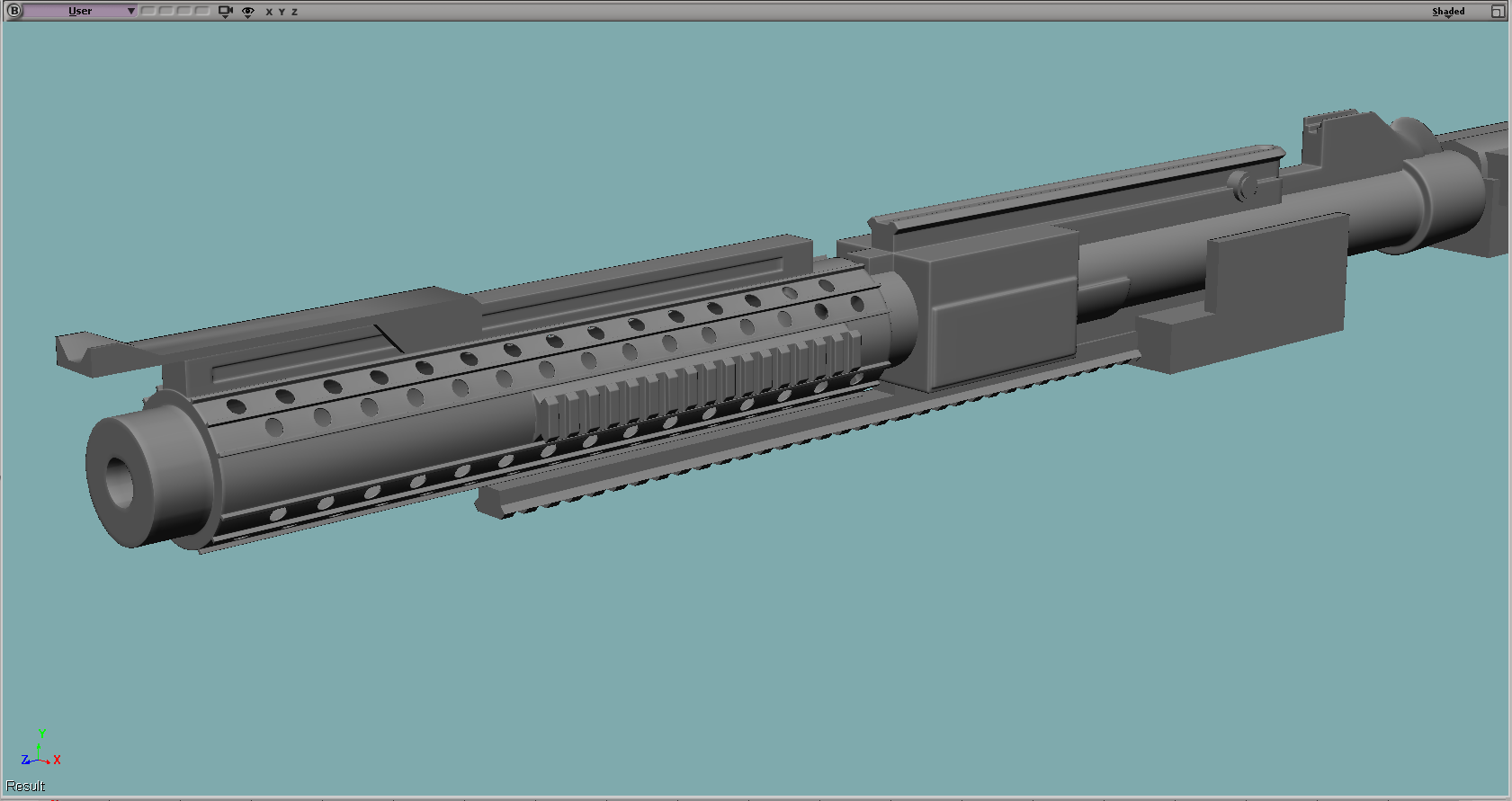
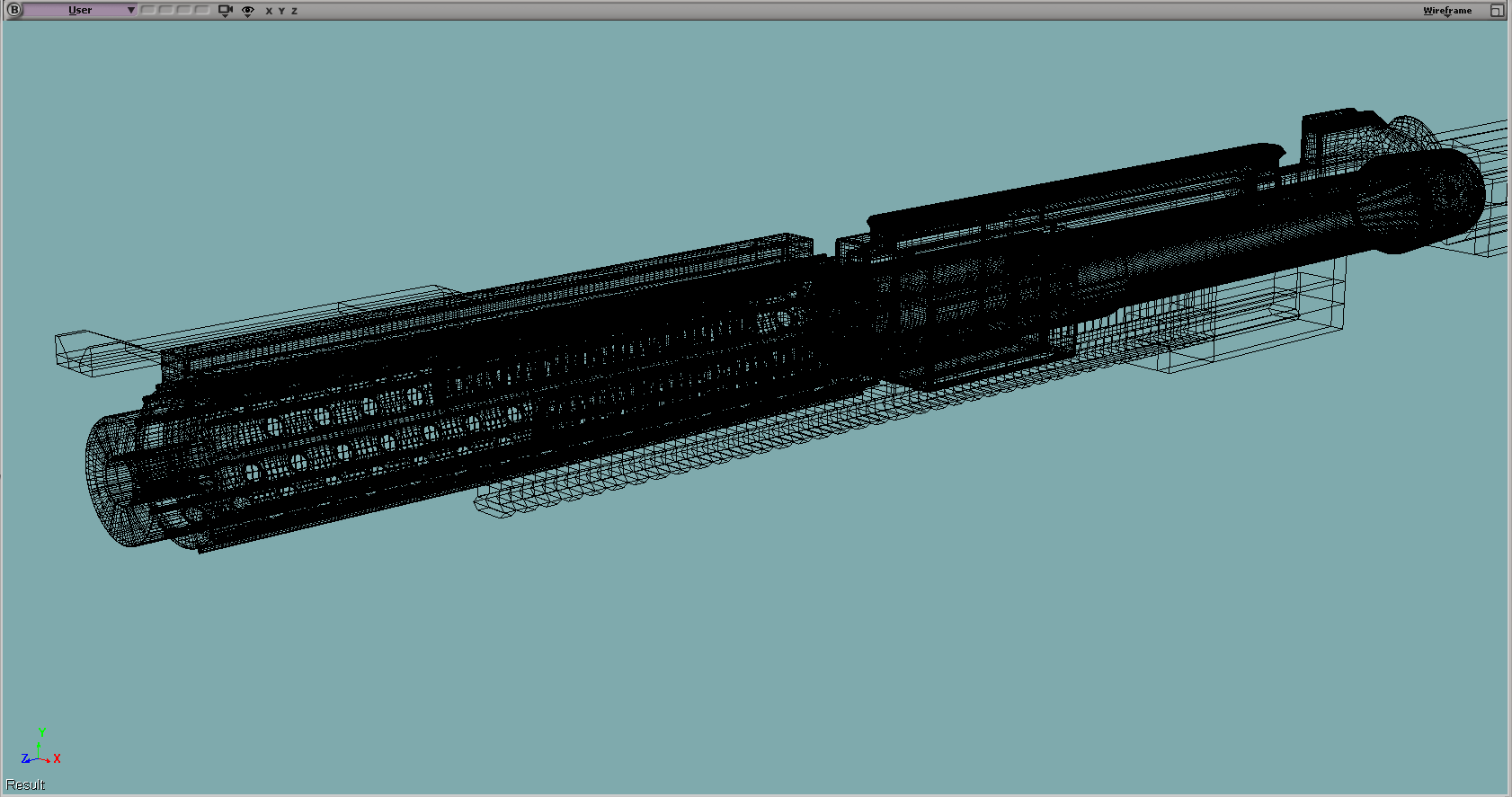
EDIT: Some pimpage of a DC-15A Redesign I'm in progress with. Still working through details and its overall direction. I have horrible workflow when I have no clear concept made

.
Re: SWBF Series Model Showcase Thread 5th Edition
Posted: Wed Aug 17, 2011 10:08 pm
by The Nasal Abyss
That workflow would be great for rock meshes that have unique UV's and the like, but what I'm doing here is just slapping a tiling texture onto it all and then baking the ambient occlusion into the vertexes.
I reiterate, great workflow for unique rocks, but it doesn't really fit with what I'm trying to accomplish with these meshes.

EDIT: One improvement to your workflow; Instead of cleaning up in Maya or XSI after the boolean, just bring it into Zbrush. Once it's in Zbrush, Just remesh all with smoothing at a very low number.
Also, the rifle looks great. The rails make it feel a little too realistic for my tastes though. (As it is a Star Wars rifle and all)
Re: SWBF Series Model Showcase Thread 5th Edition
Posted: Wed Aug 17, 2011 10:15 pm
by VF501
True, True, especially if you want to get good quality out at a good pace.
Yeah, never knew about the remesh tool in Zbrush. Don't use Zbrush all that much really. Too busy trying to get a handle on Hard-Surface Sub-D and a good workflow for it right now in XSI.
I swear to god, Hard-Surface modeling can be a major pain the rear to get right.
Well I redid the top rails abit to feel more Sci-fi, might do a few more passes til it's at a point I like. I'm mostly doing this as a natural progression of Star Wars weapons. Mostly because they are based off actual WW2 weapons, and because some of the designs are just not practical and have things no real weapon designer would consider at all. It is a real challenge to give them a practical update with realistic leanings while keeping the original feel and overall look of the weapon so it is recognizable.
Re: SWBF Series Model Showcase Thread 5th Edition
Posted: Wed Aug 17, 2011 10:17 pm
by The Nasal Abyss
VF501 wrote:
I swear to god, Hard-Surface modeling can be a major pain the rear to get right.
Yep, which is why I haven't even tried tackling that beast yet.
Re: SWBF Series Model Showcase Thread 5th Edition
Posted: Wed Aug 17, 2011 10:21 pm
by VF501
The Nasal Abyss wrote:VF501 wrote:
I swear to god, Hard-Surface modeling can be a major pain the rear to get right.
Yep, which is why I haven't even tried tackling that beast yet.
Yeah. I still have most of an M4A1 carbine body I'm sitting ontop of at the moment. i should really go back and finish that off too. Unfortunately Deus Ex:HR on 8/23/11 and BF3 Beta in September plus release in October
and Skyrim in November. Oh yeah and Classes, Calc II, EE 150, Geo, and MicroBio. I will not have much time at all
.
Re: SWBF Series Model Showcase Thread 5th Edition
Posted: Fri Aug 19, 2011 12:31 pm
by kinetosimpetus
Now UV'ed and textured. Possibly the mesh is improved, too.
Re: SWBF Series Model Showcase Thread 5th Edition
Posted: Fri Aug 19, 2011 12:39 pm
by RogueKnight
kinetosimpetus wrote:
Now UV'ed and textured. Possibly the mesh is improved, too.
Looks great!
Re: SWBF Series Model Showcase Thread 5th Edition
Posted: Fri Aug 19, 2011 3:05 pm
by naru1305
yep, i agree, looks really cool, great work

Re: SWBF Series Model Showcase Thread 5th Edition
Posted: Fri Aug 19, 2011 3:17 pm
by kinetosimpetus
thanks
Re: SWBF Series Model Showcase Thread 5th Edition
Posted: Sat Aug 20, 2011 12:35 am
by Sky_216
Some simple egyptian style props.
Re: SWBF Series Model Showcase Thread 5th Edition
Posted: Sat Aug 20, 2011 5:14 am
by Lephenix
Very nice

.
Re: SWBF Series Model Showcase Thread 5th Edition
Posted: Sat Aug 20, 2011 7:11 am
by Fiodis
Very nice and solid. Glad to see you're still with us, Sky. Will those be in a map?