Page 1 of 1
Graphics problem + Side/Model Q's
Posted: Tue Oct 20, 2009 4:06 am
by Acklay of Chaos
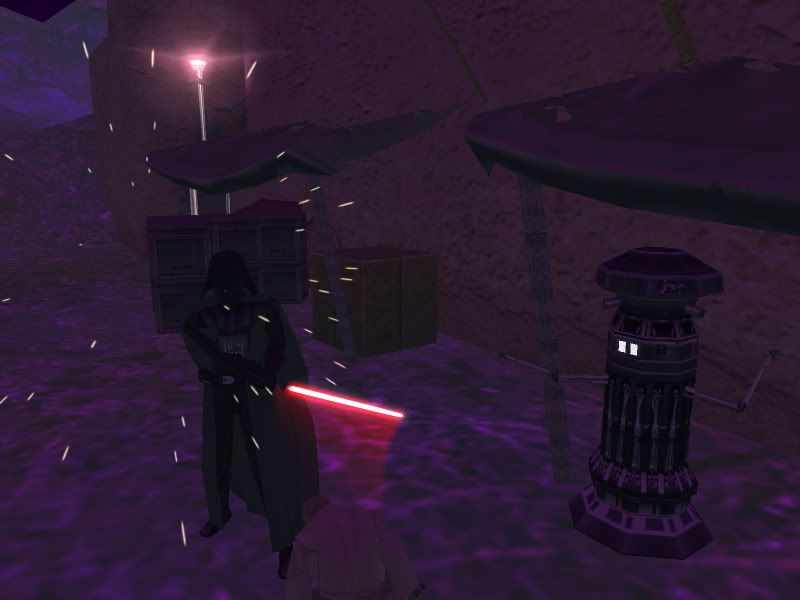
First, bear with me. For some reason, the grand majority of the textures on my map show up muted.
This was like this BEFORE I added the purple and dark lighting.(If I recall correctly) What's up with this?
Second, I've looked through the FAQ thread and have found nothing saying how to rename units. How is this done? I'm sure it's obvious, but I'm new to most of this, so what can I say?
Third, what's the general policy about using someone's assets, but modifying the texture? Simply credit the original creator in the readme?
Fourth, how does one go about adding a glow to an object, say one of Caleb1117's Crystals?(Great model by the way)
Fifth(Yeah, fifth, I need help XD) How do you fix models that are missing some/all of their textures? Like when I try to use the spiral of the fungal tree from Felucia, half of it's blank. Same with the Yavin waterfall+trail.
Thanks you all in advance.
Re: Graphics problem + Side/Model Q's
Posted: Tue Oct 20, 2009 1:24 pm
by Frisbeetarian
2.) The process is called localizing. Look under the Localize subheading
3.) If they have given blanket permission, that's fine.
4.) RepSharpshooter's
Meshtool
5.) Some models use more than one texture, make sure you have them all.
Re: Graphics problem + Side/Model Q's
Posted: Wed Oct 21, 2009 9:08 pm
by Acklay of Chaos
Ah, thank you! I now have "The Acklay of Chaos" as a hero =D
When I try to use the meshtool to add a glow, this comes up while munging:
I can't find a .req for the crystal anywhere, am I to make one?
Also, I think I have every file need for the Yavin IV waterfall, it still comes up as mostly invisible in ZE and textureless in-game. What else do I need?
Thanks again.
EDIT
I solved the waterfall problem myself, yay.
Sorry for this double post, but I just encountered a game crashing bug.
I don't beleive I touched the acklay stuff since my last munge, but I replaced all the files just incase and it still says it's missing his geometry.
Re: Graphics problem + Side/Model Q's
Posted: Wed Oct 21, 2009 9:22 pm
by 501st_commander
clean - remunge
Re: Graphics problem + Side/Model Q's
Posted: Thu Oct 22, 2009 12:35 pm
by Acklay of Chaos
Thanks, errors gone now.
Now how do I get the Sarlacc's tentacles to animate correctly?
Re: Graphics problem + Side/Model Q's
Posted: Thu Oct 22, 2009 12:57 pm
by DarthD.U.C.K.
you habve to copy the animationfiles from tthe sarlacc ((in the munged folder) into your worlds munged folder
Re: Graphics problem + Side/Model Q's
Posted: Thu Oct 22, 2009 1:11 pm
by Acklay of Chaos
I have them in both in C:\BF2_ModTools\data_VRS\Worlds\VRS\munged and for good measure C:\BF2_ModTools\data_VRS\Common\munged.
Clean and remunge yet again?
Re: Graphics problem + Side/Model Q's
Posted: Thu Oct 22, 2009 2:34 pm
by FragMe!
All three files? The .anim .zafbin and zaabin?
Also hey only need to be in the worlds munge folder
Re: Graphics problem + Side/Model Q's
Posted: Thu Oct 22, 2009 3:07 pm
by Acklay of Chaos
I thought something was missing! There's no .anim file in the BF1 Tatooine assets set... Know where I could find it?
Re: Graphics problem + Side/Model Q's
Posted: Thu Oct 22, 2009 3:15 pm
by Xavious
Create it. The contents should be as follows:
Code: Select all
ucft
{
   ANIM
   {
      "grab"
      "grab1"
      "grab2"
      "idle"
   }
}
Re: Graphics problem + Side/Model Q's
Posted: Thu Oct 22, 2009 3:23 pm
by Acklay of Chaos
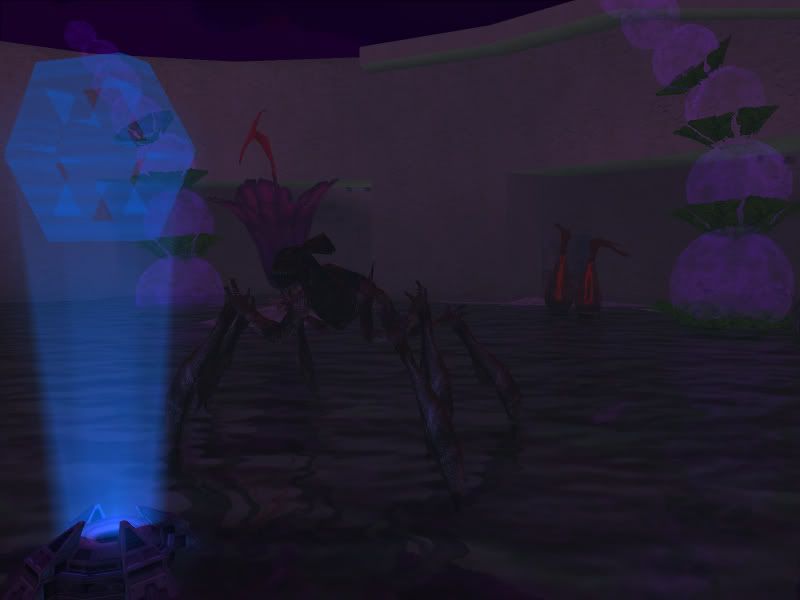
Thanks a ton! Now to make a lake montser... >=D
Thanks to everyone here my map is coming along nicely, I just need to work out the pathing, it's so large I'm going to have to really work on that...