Making Interiors (Tutorial)
Posted: Mon Dec 29, 2014 5:45 pm
Hello Gametoast,
I am going to explain you how to create interoir rooms and walkways in xsi. This is my first tutorial and I hope it's the first about it.
Anyway. I didn't know how to do that either. But I found a simple trick. You won't need any more tools than XSI.
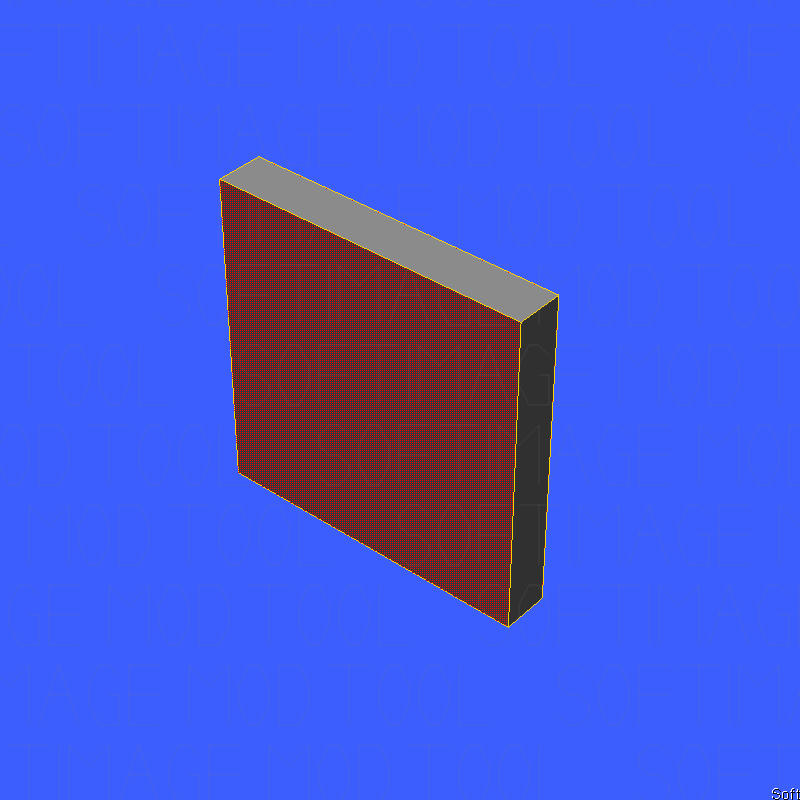
1. Create your interoir. I am going to make a walkway.
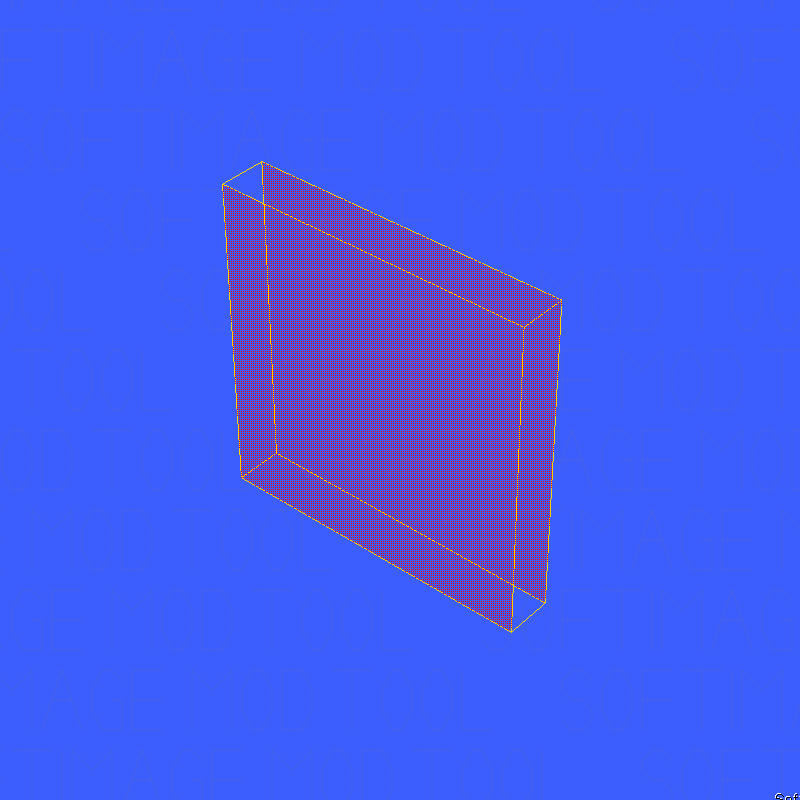
I made a cube and deleted the front and back polygons. After that I textured it with one of the Yavin Wall Textures.
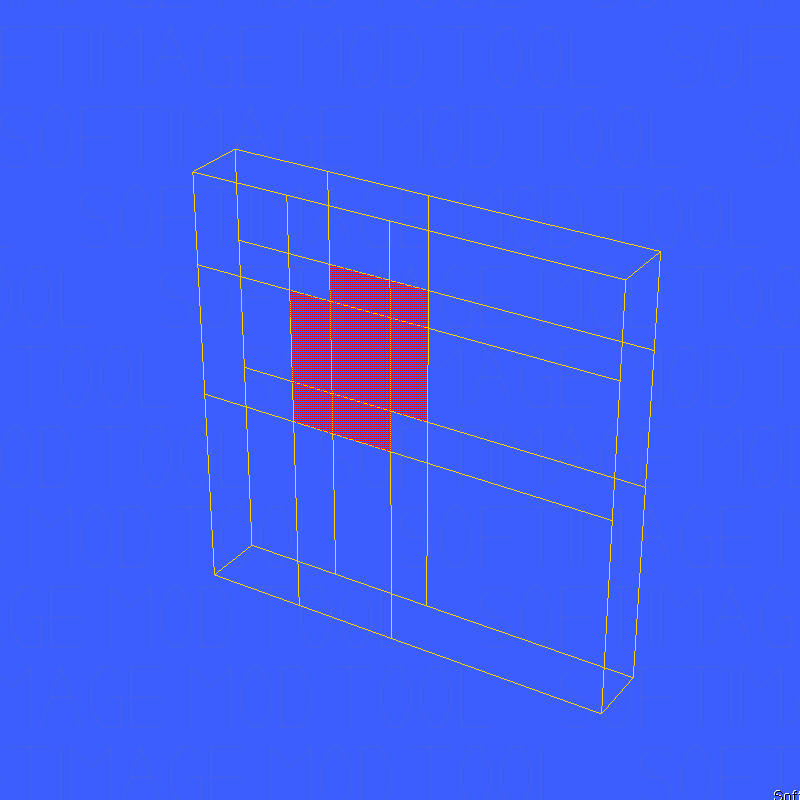
2. Select the object and change the following Scaling values from..:
to:
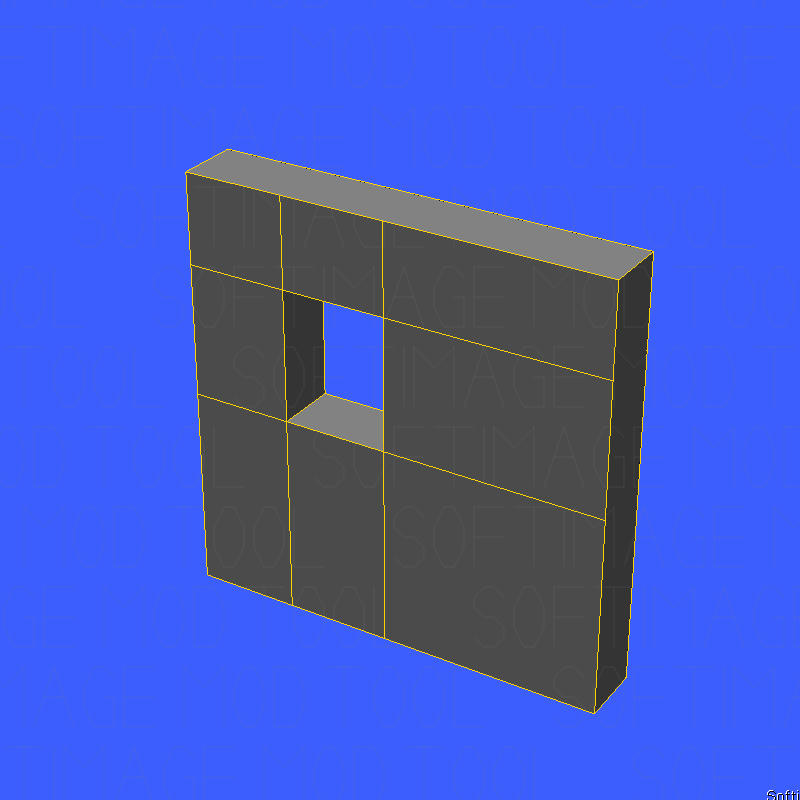
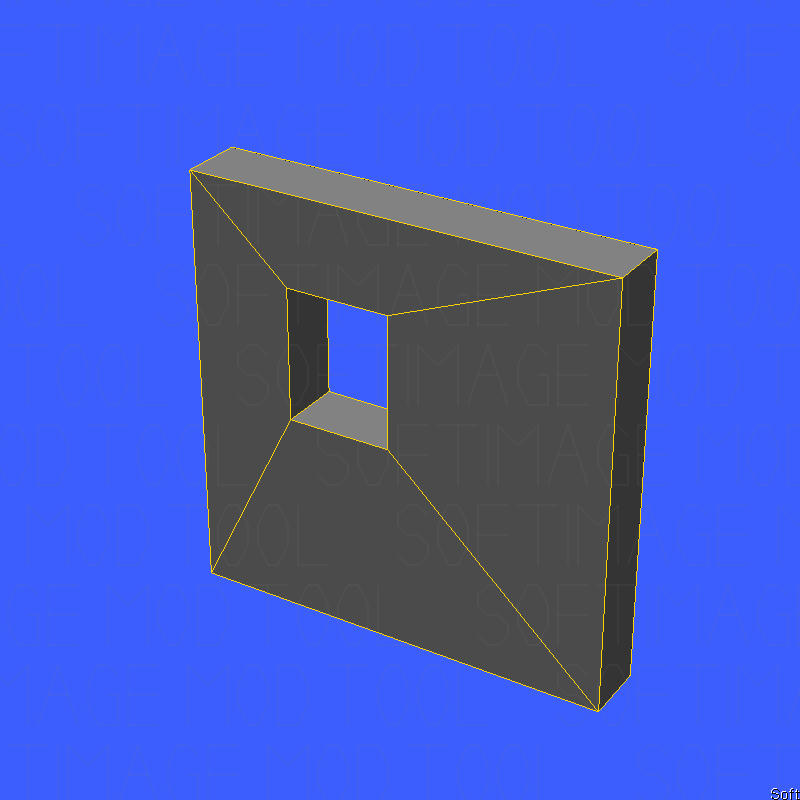
3. Now your object should look like in this picture:
4. Now rotate the blue Z-Axis to 180 degress.
5. You know what will be the next step  No? Well then....Now export your model as a .msh file and test it in ZeroEditor and in game.
Note: You can only use this trick for floors, walls and roofs. If you want to add pillars, columns or other items then you must export them seperately without using my trick in this tutorial.
This trick works absolutely fine for me. And it's the only way I know.
But I guess using the hex editor is the other solution.
Thanks for reading.
I am going to explain you how to create interoir rooms and walkways in xsi. This is my first tutorial and I hope it's the first about it.
Anyway. I didn't know how to do that either. But I found a simple trick. You won't need any more tools than XSI.
1. Create your interoir. I am going to make a walkway.
Hidden/Spoiler:

2. Select the object and change the following Scaling values from..:
Hidden/Spoiler:

Hidden/Spoiler:

Hidden/Spoiler:

Hidden/Spoiler:
 No? Well then....Now export your model as a .msh file and test it in ZeroEditor and in game.
Note: You can only use this trick for floors, walls and roofs. If you want to add pillars, columns or other items then you must export them seperately without using my trick in this tutorial.
This trick works absolutely fine for me. And it's the only way I know.
But I guess using the hex editor is the other solution.
Thanks for reading.
 That's actually all? I never knew that. I always did something else.