Re: Model showcase thread Part II
Posted: Wed Oct 29, 2008 7:43 pm
That's a really nice texture 
Is that just a couple filters in GIMP?
Is that just a couple filters in GIMP?
Get more from your games!
http://www.gametoast.com/
ya how doya make all those insane textures YJJ?RepSharpshooter wrote:That's a really nice texture
Is that just a couple filters in GIMP?

Click on the button saying Stats which is around the top middle of the mod tool thing.fai222 wrote:Really nice texture YJJ!
Off topic: Sorry but this is a really noob question, how do i view how many polys i have?
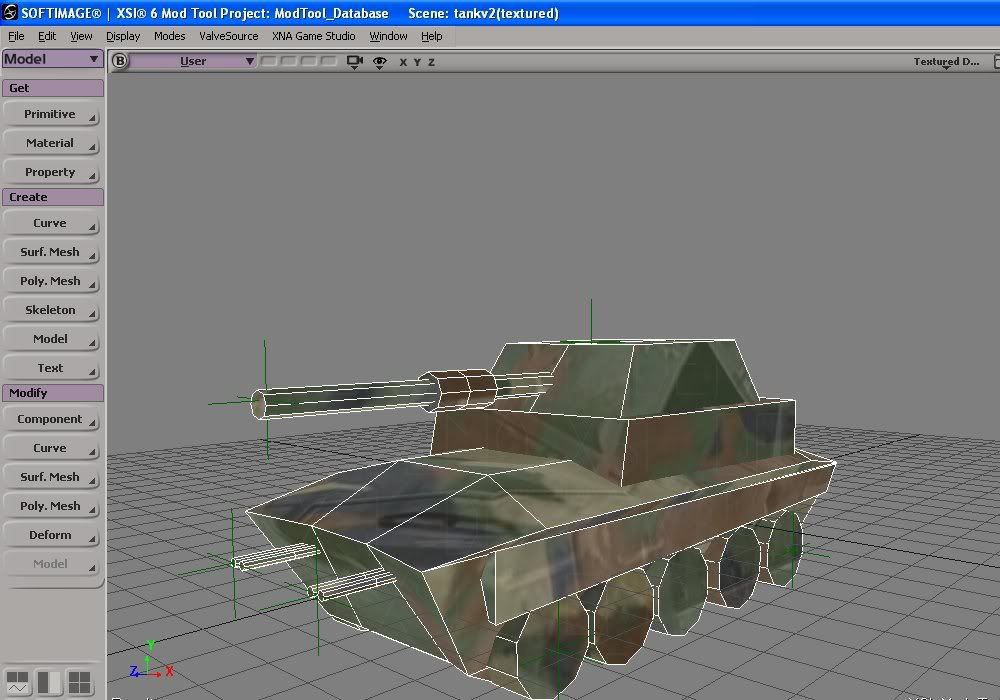
1) You did reduce the polies on the wheels by a lot, which is all I was talking about, and that is better. There are still a couple places you could reduce them more (there's still an extra division on that cylinder in the middle of the gun barrel, for example), but it's basically fine. One thing that'll help you is, usually, whenever you create a cylinder, go ahead and set "U" and "V" divisions to 1 instead of the default 2, and then delete the extra divisions on the cylinder caps. It's a good habit to get into.elfie wrote:@Obiboba3po - Thanks for the help! Is this fixed now? (1)
For some reason it keeps sinking through the terrain. Do I need hardpoints on all the wheels for it not to do that? (2)
Also, if I scale the mesh through a msh.option file to make it smaller, will the nulls be out of place? (3)
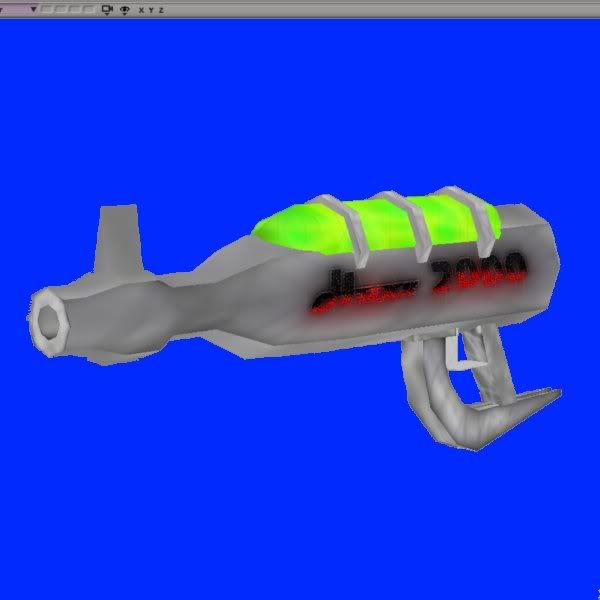
flat color, shades, highlights, filter? By jove, it's just like Bob Ross. No kidding.YouJediJunkie wrote:Hint!
Hidden/Spoiler:
I know. YJJ is that good. And he's making a severed head at the moment!RepSharpshooter wrote:flat color, shades, highlights, filter? By jove, it's just like Bob Ross. No kidding.YouJediJunkie wrote:Hint!
Hidden/Spoiler:
Thanks mav, those tips help a lot!Maveritchell wrote:1) You did reduce the polies on the wheels by a lot, which is all I was talking about, and that is better. There are still a couple places you could reduce them more (there's still an extra division on that cylinder in the middle of the gun barrel, for example), but it's basically fine. One thing that'll help you is, usually, whenever you create a cylinder, go ahead and set "U" and "V" divisions to 1 instead of the default 2, and then delete the extra divisions on the cylinder caps. It's a good habit to get into.elfie wrote:@Obiboba3po - Thanks for the help! Is this fixed now? (1)
For some reason it keeps sinking through the terrain. Do I need hardpoints on all the wheels for it not to do that? (2)
Also, if I scale the mesh through a msh.option file to make it smaller, will the nulls be out of place? (3)
But it still doesn't look like it's really UV'd. Of course, I have no idea what you want it to look like, so I could easily be wrong, but the lines on it (the texture) are very odd in how they show up on the model, and, for example, the wheels have the same texture as everything else. I would take a little more time and gain some experience in applying texture/s.
2) It's sinking through the terrain probably because you have the dummyroot at 0,0,0 and the model is sunk below that in XSI. Wherever the dummyroot is (and it should always be at 0,0,0) is where the "bottom" of the model is going to be ingame. The collision might move it up if the vehicle spawn is high enough, but if the vehicle spawn is on the ground like it should be, your vehicle will just fall through, I would imagine.
3) No.


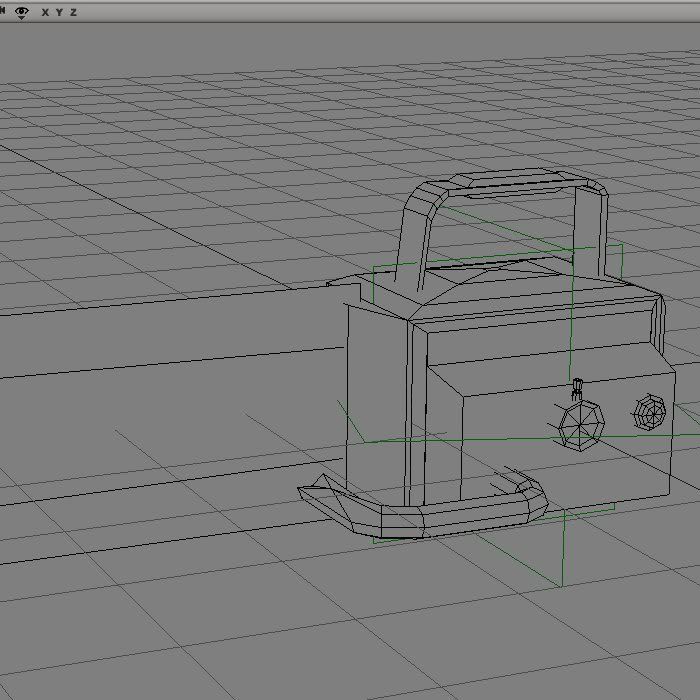
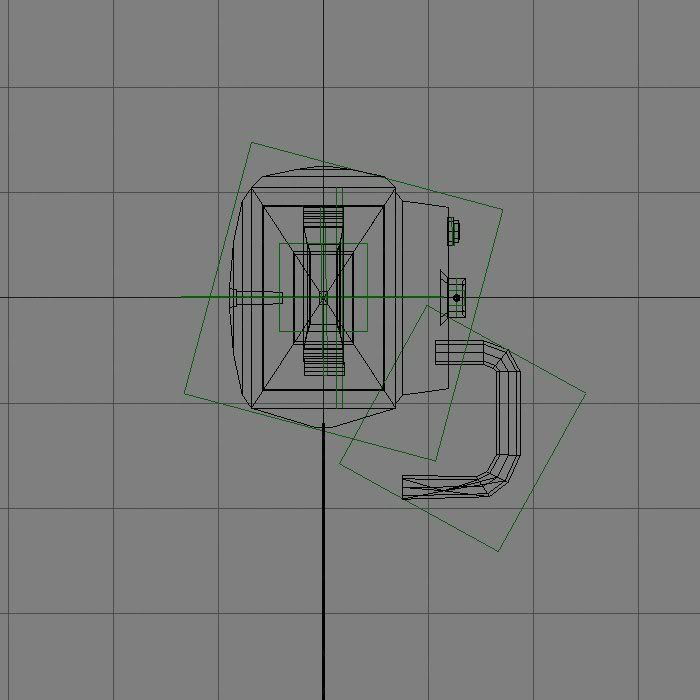
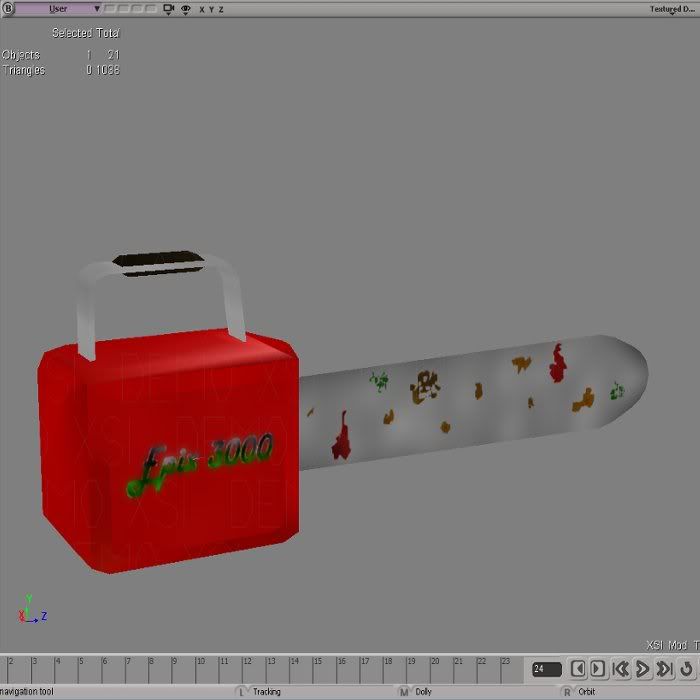
Thats nice! Today, we were trick or treating (never too old for free candy) and this kid jumps out at us with a chainsaw and a mask, 2 of my friends scream and I stand there, and then by the smell, I realize its a real chainsaw. Luckily it had no chain.PsYcH0_]-[aMsT3r wrote:Chainsaw.Hidden/Spoiler:
EDIT:
Done some of a texture:
Hidden/Spoiler:
Well, i saw the progress.. This is otana7, i saw all other 5 to (missed 1). GREAT work, he looks amazing.. Nice landinggear, fits the model really wellFragMe! wrote:Here is my latest, it is the Otana (also know as a YT-2000 freigher)
The main parts of the ship were made using just 3 cylinders. The Landing gear are a shipped asset imported into XSI, (I liked them and didn't feel like remaking them
The whole thing is 2032 tris the main ship body is only 452
Oh and to answer the inevitable question, currently it is only a prop I don't know if I will turn it into a flyer yet with takeoff animation etc.Hidden/Spoiler: